A work order filled out in a truck, a photo added after a service call, hours approved on Friday, and an invoice ready on Monday: this is when the decision between a SaaS solution or custom development becomes concrete. The debate is not technical. It concerns your ability to circulate information between the field, the office, and accounting without asking your teams to re-enter everything.
For an SME, the wrong choice rarely costs just the price of a license or a project. It costs time spent on follow-up calls, missing information at the time of invoicing, processing delays, and work habits that no one wants to abandon. The right question is therefore not "which tool is the most comprehensive?" but "which tool allows our work document to follow our real way of delivering service?"
SaaS solution or custom development: the useful difference
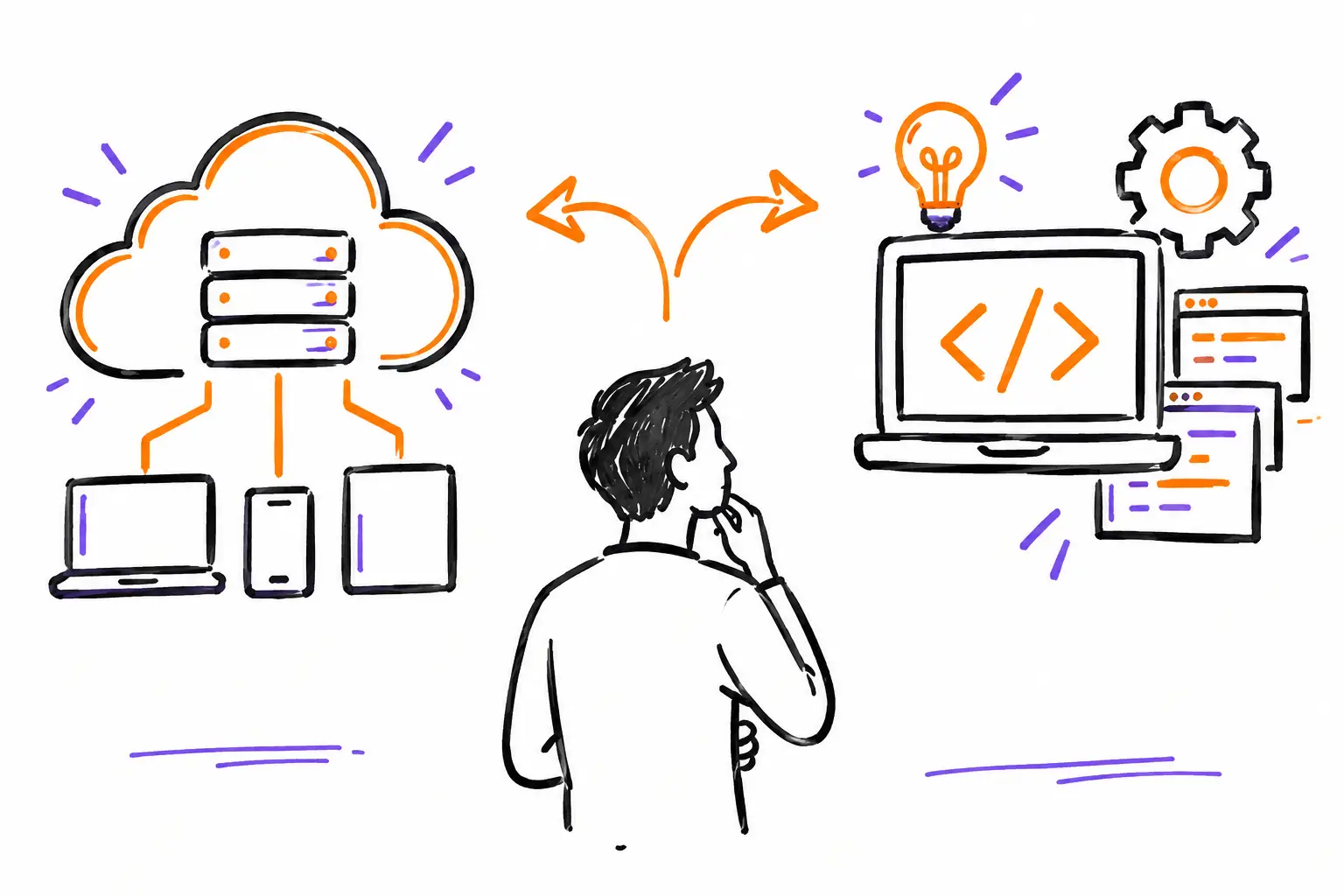
A SaaS solution is software accessible online, usually by subscription. The publisher hosts, maintains, evolves, and manages updates. Your company configures the tool, trains its teams, and uses it in its daily operations.
Custom development consists of creating an application or specific functions to meet a particular need. You can start from scratch, adapt an existing platform, or have an integration developed between several software programs. This path offers more latitude, but it also requires clear decisions, time, a budget, and ongoing responsibility for maintenance.
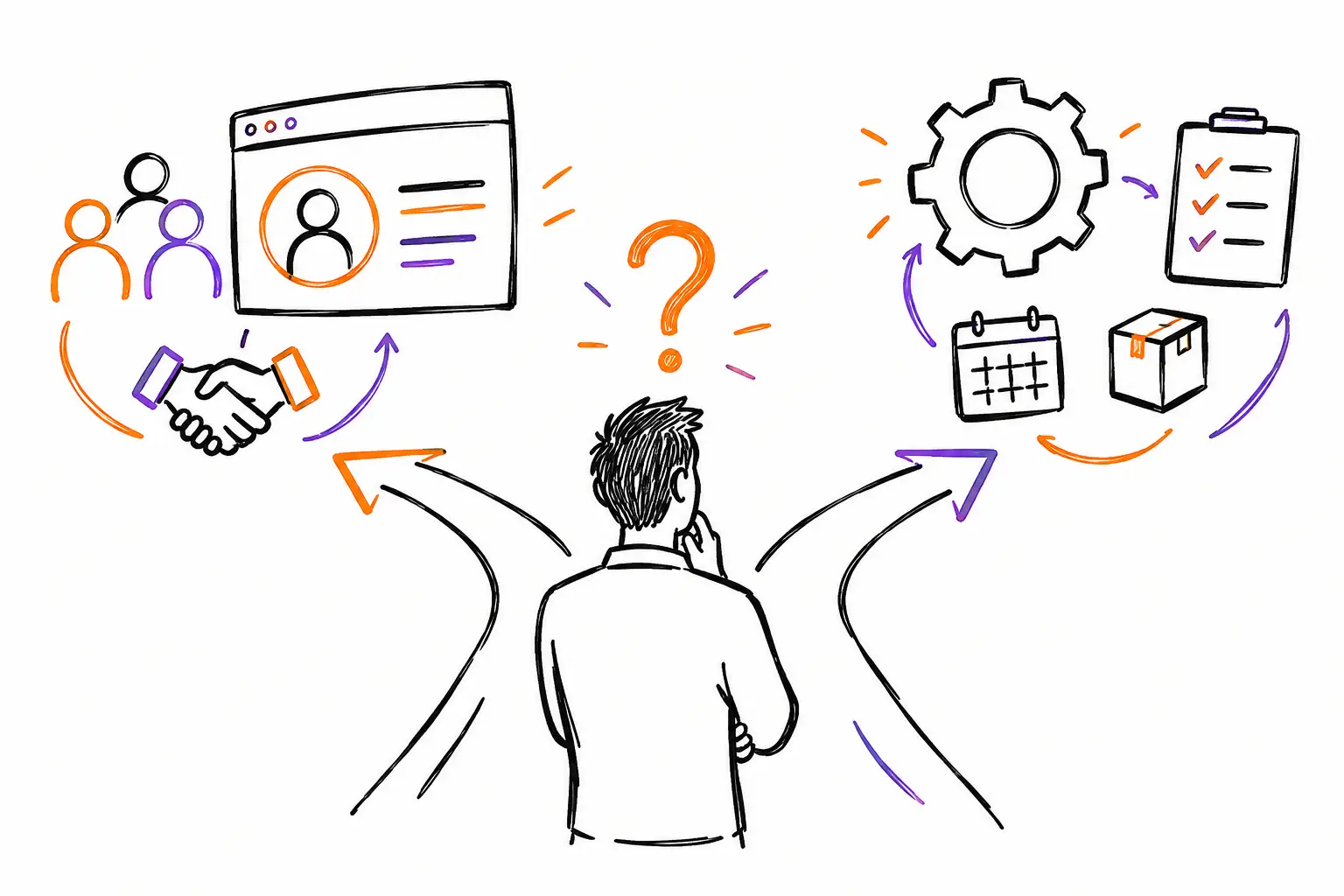
In reality, the choice is rarely so clear-cut. An excavation company might use SaaS for its work orders, photos, time tracking, and invoicing, then add an integration with its accounting software. A production agency might manage its projects in a configurable platform while having a screen or report developed to meet a specific client requirement. The best scenario is often a well-chosen SaaS, configured according to the business, with development only where it creates real value.
Start with the work that is actually being done
Before comparing features, follow a real file from start to finish. Take a typical intervention, project, or client mandate. Who receives the request? Who prepares the quote? Who creates the work order? How does the field team see the instructions? Where do they add their photos, notes, parts, and time? Who validates the work? At what point can the office invoice?
This exercise highlights fragile links. A company might think it has an invoicing problem when the real problem is a forgotten timesheet. Another might want a client portal when its technicians don't have a clear procedure for closing a ticket. Developing around a vague process does not make it better. It freezes it, often at great cost.
Also, look for what is truly unique about your method. The vocabulary of your trade, the fields required for an inspection, the approvals required before leaving the job site, or the way inventory is distributed can justify advanced configuration. Conversely, sending a notification, attaching documents, assigning a task, or producing an invoice based on entered hours are common needs. They do not necessarily require a custom-built application.
The work document must remain the central point
When information is separated between texts, emails, Excel files, and specialized applications, everyone keeps their own version of the facts. A good system instead gathers the mandate, ticket, work order, or project into a single file. Tasks, procedures, photos, expenses, signatures, communications, and billing documents remain linked there.
This approach gives the manager a clear view of the actual state of the work. It also helps the field team: rather than searching for instructions in a message received the day before, they find what they need to do in the document assigned to them. Once the work is completed and validated, the data is used to invoice without starting from scratch.
When a SaaS solution is the most logical choice
SaaS is particularly suitable for SMEs that want to quickly standardize their operations without building a development team. It is often relevant if your priority is to deploy a common method, reduce double entry, and see activity in real-time.
Imagine a technical services company. The coordinator creates a work order from a client request, assigns a technician, and adds the procedure to follow. On-site, the technician records their time, takes photos, notes the parts used, and has the client sign. The office verifies the file, applies rates, and invoices. Each step leaves a trace, without the technician having to copy their report into another system in the evening.
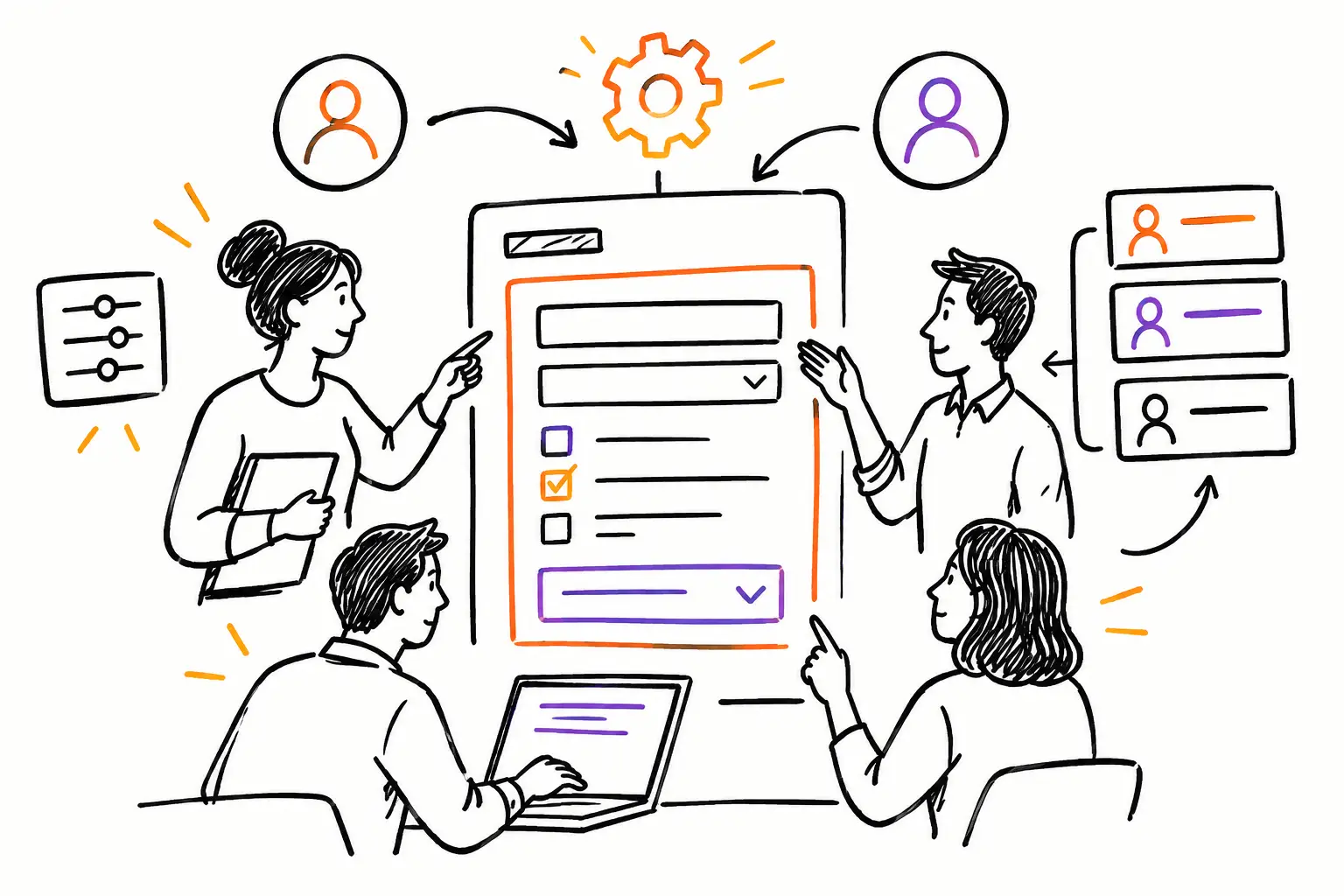
A good SaaS should not impose a generic flow that does not resemble your company. It should allow you to configure your statuses, forms, fields, roles, and documents. This difference is essential: configuring does not mean bypassing the tool with parallel files. It means adapting the software to your rules while keeping the advantages of a maintained and scalable product.
The subscription model also makes costs more predictable. You avoid a large initial investment and benefit from improvements made to the product. However, you must check the limits from the start: number of users, mobile access, permission management, data export, integrations, and available support. A low monthly price loses its value if your teams still have to perform three manual manipulations around the software.
When custom development is justified
Development becomes relevant when your need truly distinguishes you and cannot be handled by an existing configuration or integration. This is sometimes the case for a complex calculation rule, a portal intended for large project owners, a connected device, a specific compliance obligation, or a business process that is part of your competitive advantage.
Take a specialized workshop that must produce a compliance file specific to each repaired part. The steps, measurements, photos, and signatures must follow a strict sequence, then feed into a report that meets a precise standard. If no configurable tool can produce this result reliably, targeted development can be profitable.
But you must count the full cost, not just the first delivery. Who fixes a problem after a browser update? Who adds a feature when your methods change? Who documents the code if your provider is no longer available? Who protects access and data? A custom project requires an internal owner capable of prioritizing requests, testing versions, and saying no to additions that only serve an isolated case.
Custom development often fails when it tries to reproduce every historical exception. If two employees do the same work in two different ways, the software should not necessarily support both. It may be more profitable to choose a common method, explain it clearly, and measure its adoption.
The most profitable path: configure, integrate, then develop as needed
For many SMEs, the order of decisions matters more than the decision itself. Start with a platform that covers the operational core: work documents, tasks, time, communications, validations, expenses, inventory, and invoicing. Then configure the elements that reflect your business. Finally, connect the systems that need to exchange information, such as accounting or a payroll tool.
After a few weeks of real use, you will see the gaps that remain. Some will be training issues. Others will require better configuration. Only a few will justify development. This sequence avoids financing a feature before even confirming that it will be used in the field.
At Sequentia, this logic starts from the company's work document rather than a rigid model. A mandate, ticket, or work order can become the central file where execution, client follow-up, and invoicing meet. The goal is simple: that the hours and information entered during the work are used directly to advance the file, and then to invoice.
Questions to ask before signing
Ask to see a complete scenario with your own examples, not just a general demonstration. The provider should be able to show the path: quote → work document → time and expenses → validation → invoice. If the flow stops before the invoice, you risk keeping the re-entry that is already slowing you down.
Also check what happens when a file changes. Can you modify an intervention, reassign an employee, keep the history, notify the client, and keep the photos in the same place? Ask how the field team works on mobile, even with a limited connection. Finally, look at the quality of support. For a Quebec SME, being able to talk to a real person who understands the context of an operation is often worth more than a long list of features.
Choose a solution that helps your teams finish the work correctly, while the work is being done. When the field, the office, and the billing start from the same file, the software ceases to be just another administrative layer: it becomes a concrete way to deliver better service and get paid faster.