Stock and price management
Track quantities, locations, and prices to keep inventory reliable and usable in operations and billing.
Manage stock and prices, link suppliers and catalogs, track multiple inventories, receive purchases, count by scan, and generate labels from one platform.
Sequentia inventory covers quantity and price management, supplier catalogs, receptions, scan-based counts, and labeling. The screenshots walk through each step, from stocked items to receipt and identification.
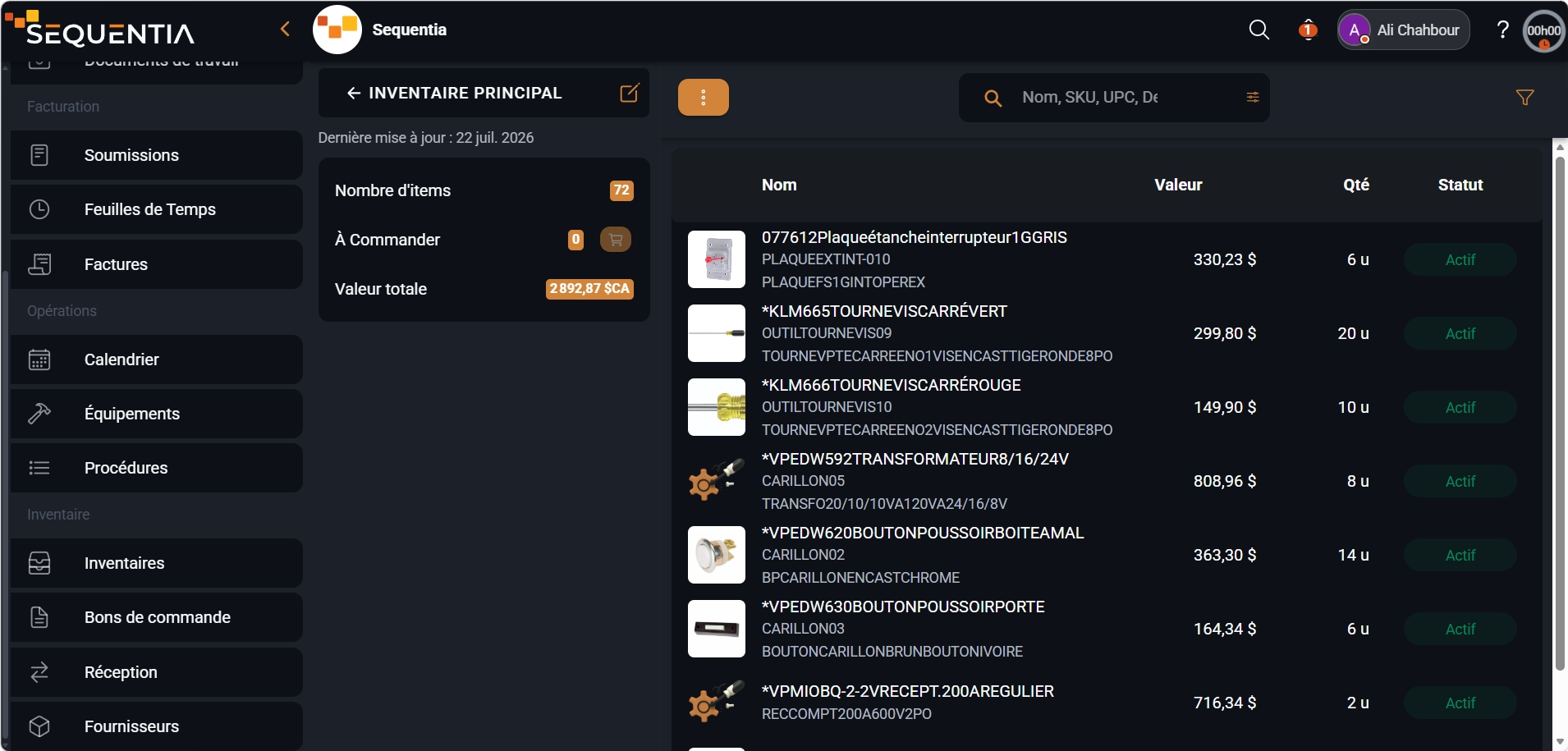
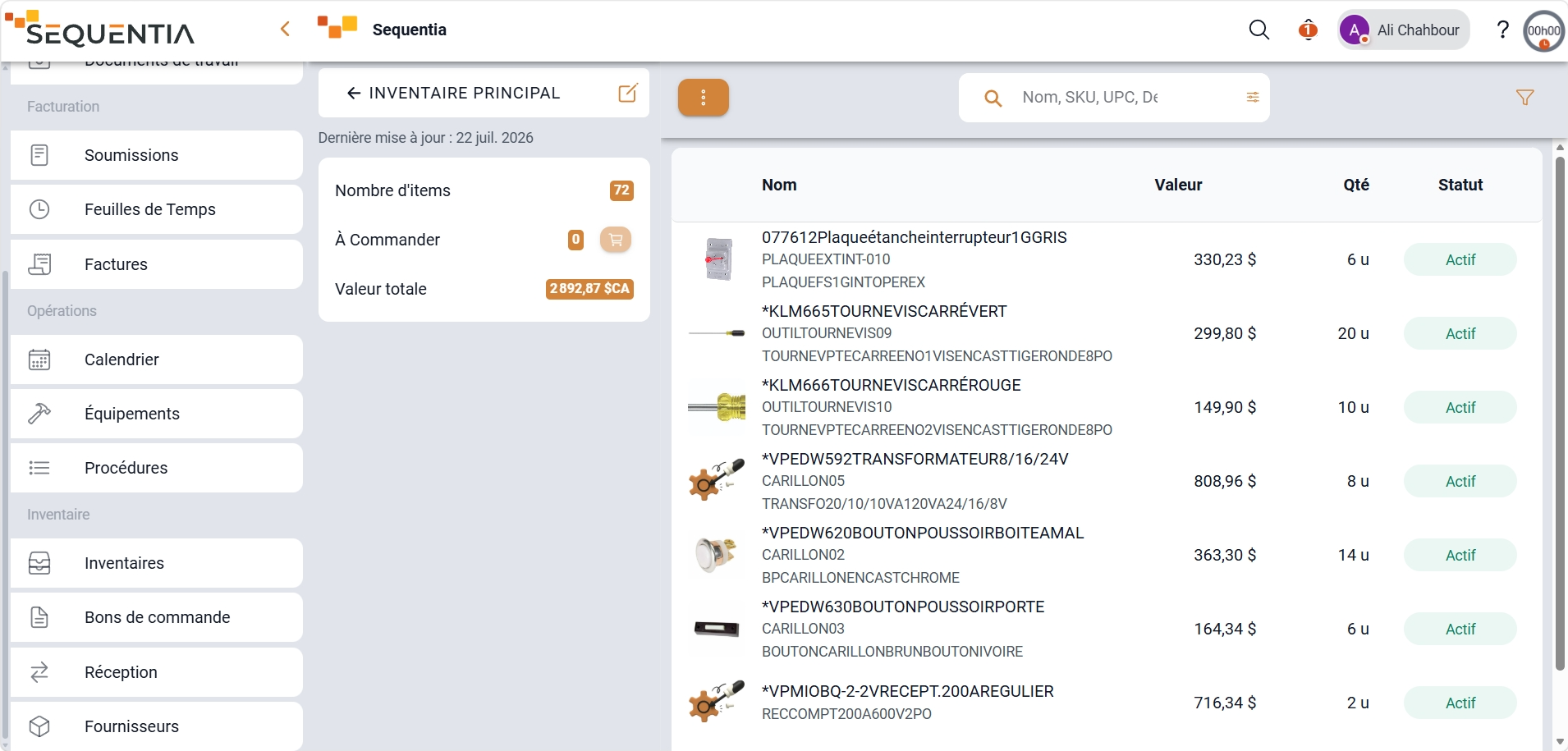
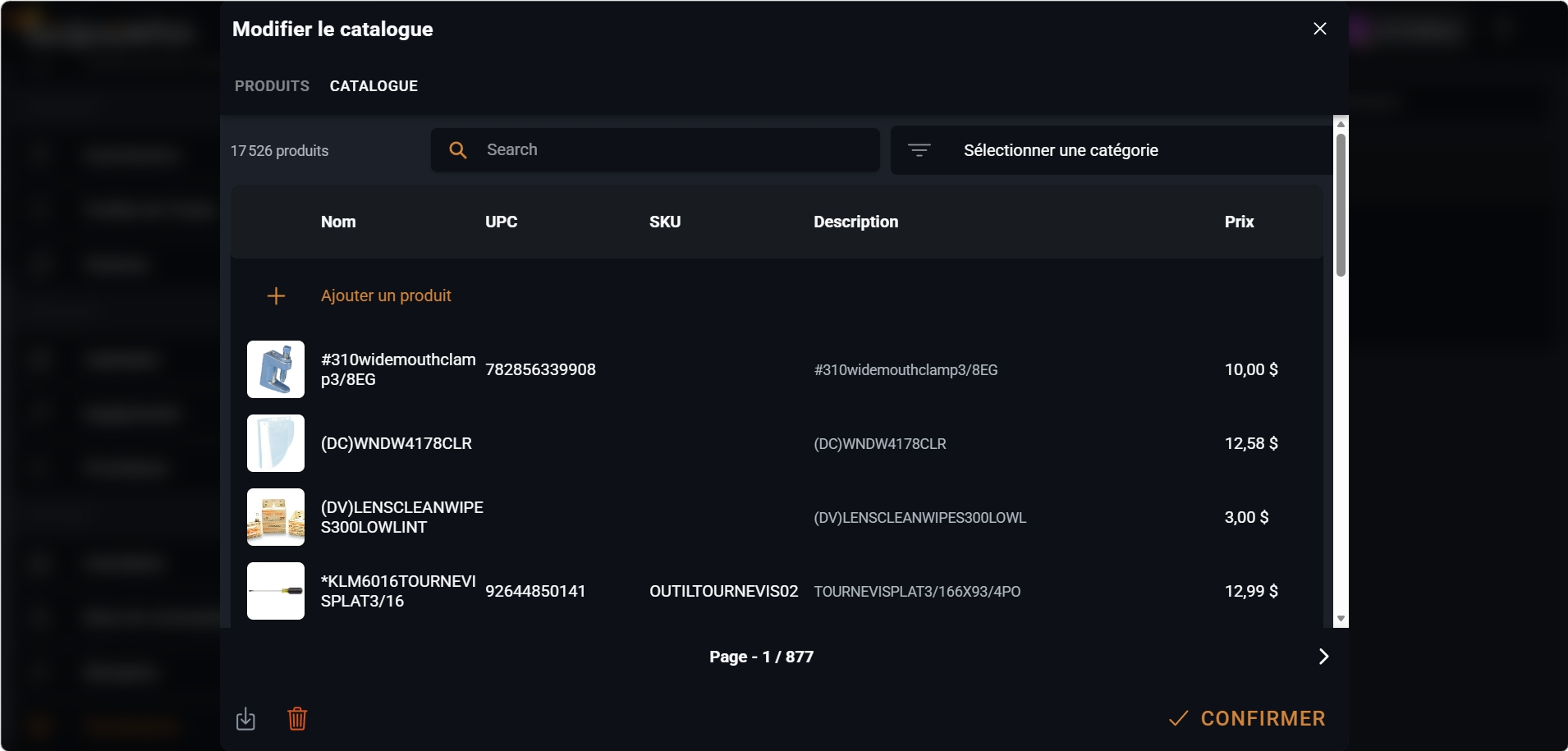
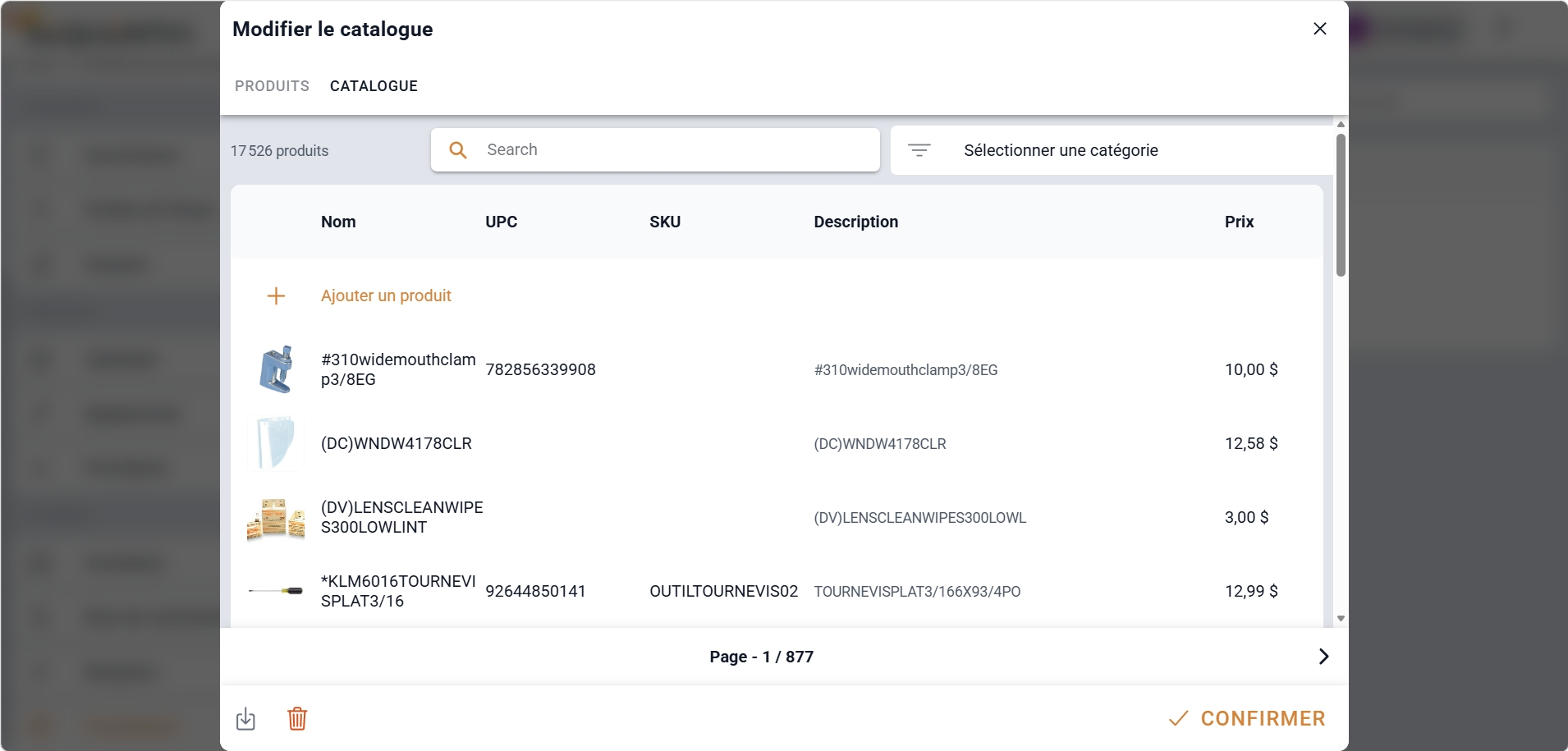


In Sequentia, inventory is much more than an item list. It connects stock and price management, suppliers and catalogs, multiple inventories, receptions, scan-based counts, and labeling so back office and field teams work from the same references.
Track quantities, locations, and prices to keep inventory reliable and usable in operations and billing.
Add suppliers with product catalogs to speed up counts and purchase order creation.
Manage separate inventories for warehouses, service vehicles, or distinct storage locations.
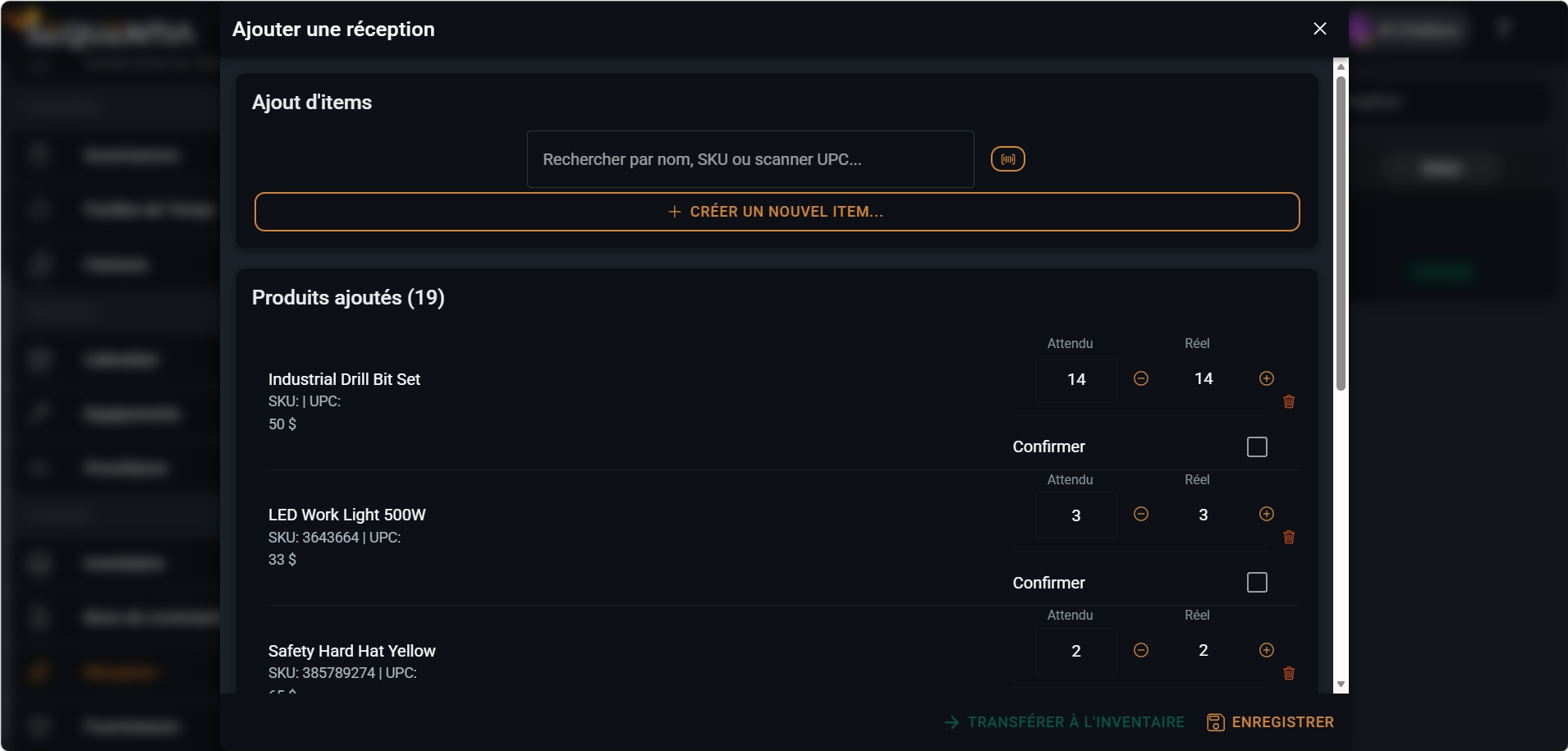
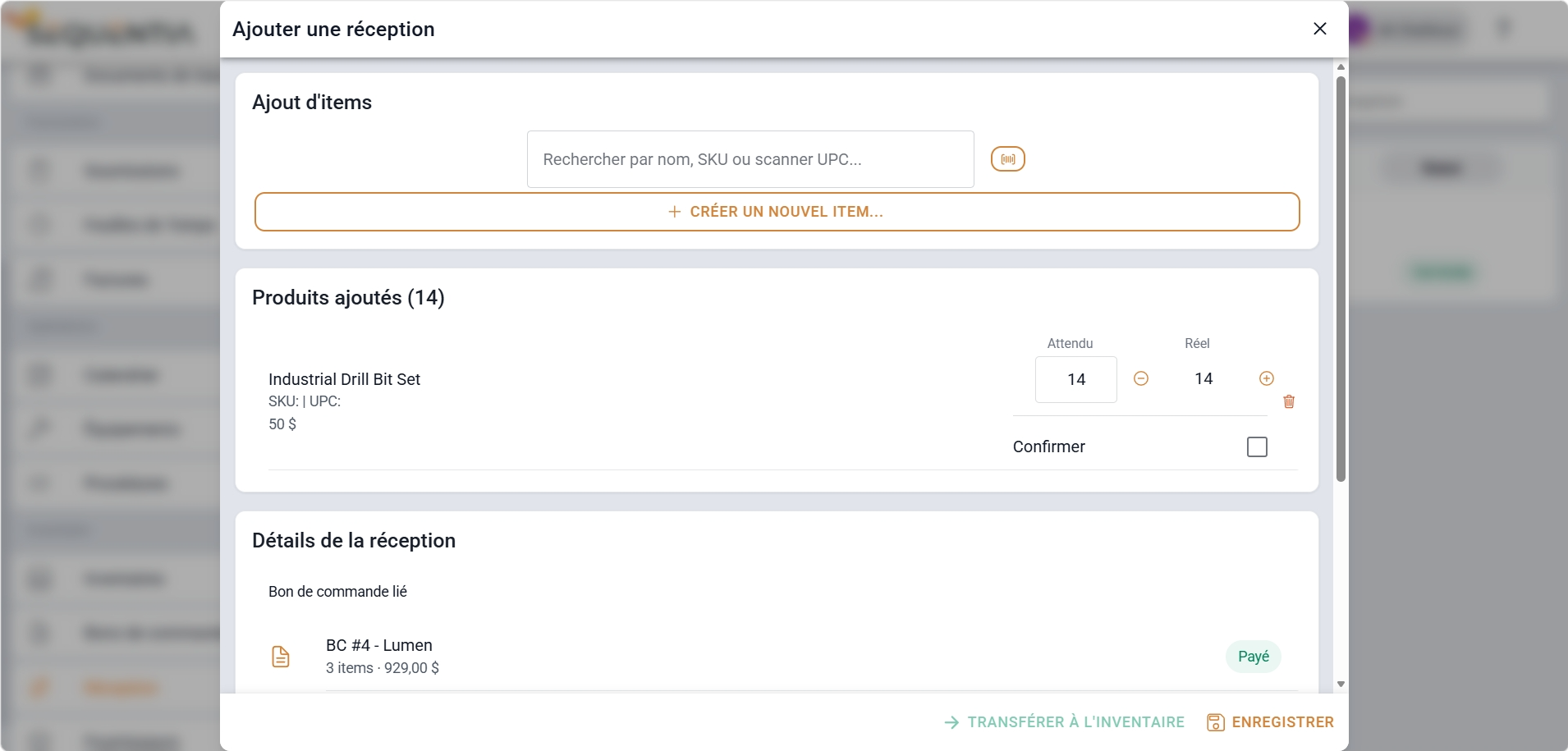
Confirm receipt of supplier items to update stock and support inventory counting.
Run physical counts faster with scanning, resumable sessions, and traceable adjustments.
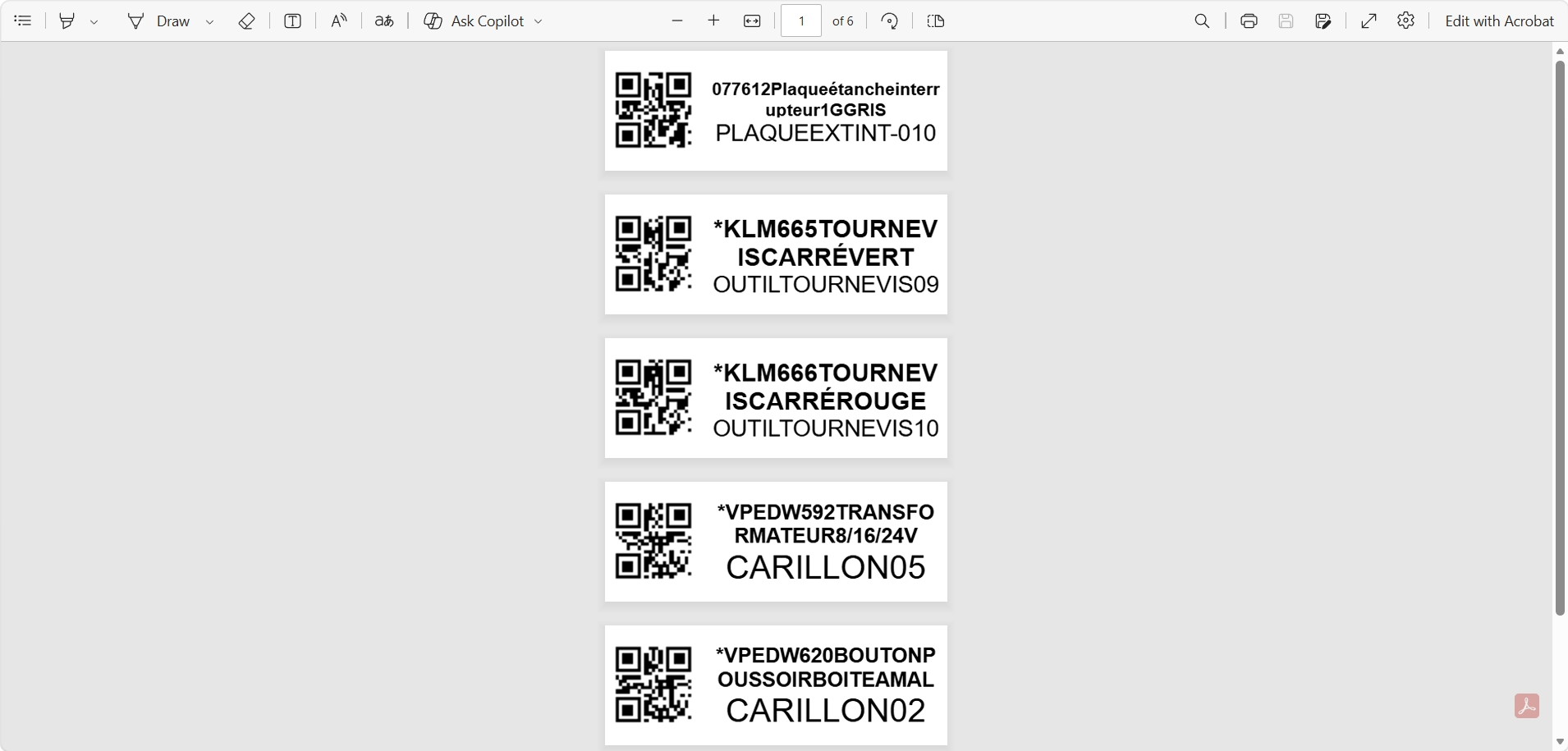
Generate your own labels to identify items and speed up warehouse and field operations.
The same module covers the warehouse, service vehicles, purchasing, and physical counting operations.
Maintain multiple inventories with stock, prices, and traceable movements between locations.
Track parts and consumables in trucks or mobile workshops with the same references as the office.
Confirm order receipt, update quantities, and prepare the next inventory count.
Count faster by scan, correct discrepancies, and identify items with labels generated in Sequentia.
Significant gains come from linking stock, suppliers, and operations: less re-entry, fewer discrepancies, and more confidence in quantities.
Quantities and prices stay visible in one module instead of being scattered across files and tools.
Supplier catalogs speed up purchase orders and counts based on the same references.
Each warehouse, truck, or location can have its own inventory without losing global consistency.
Receptions and scan-based counts reduce gaps between theoretical and physical stock.
Answers to the most common questions about inventory in Sequentia.
Yes. You can maintain separate inventories, for example for a warehouse, service truck, or distinct storage locations.
They let you import or associate a supplier's products to speed up counts, receptions, and purchase order creation.
Receptions confirm receipt of supplier items and can be created from purchase orders. They update stock and make inventory tracking and counts easier.
Yes. The module supports scan-assisted counts and an option to generate your own labels to identify items faster.
We're here for you. Choose who to reach out to - a real person, not a form, not an AI.