Sequentia Sequentia
Solutions
Collaborate with your teams your clients your suppliers your colleagues your teams Track work in real time Manage projects with ease Invoice in one click Custom development Integration services
Features
Work document Ticket collaboration Equipment Clients Projects Procedures Inventory Purchasing Billing Time tracking
Resources
Case Studies Articles & Guides Free Tools Integration services
Pricing
About
About Roadmap Contact
FR EN
Request a Demo
Features

Clients

Directory, contacts, interactions, tickets, and finances: keep the client relationship in one record, from the first conversation to work delivery.

Clients

Client context stays connected to work

Find clients, contacts, conversations, and documents in one place. From the directory to the detailed record, every team keeps the information it needs within reach.

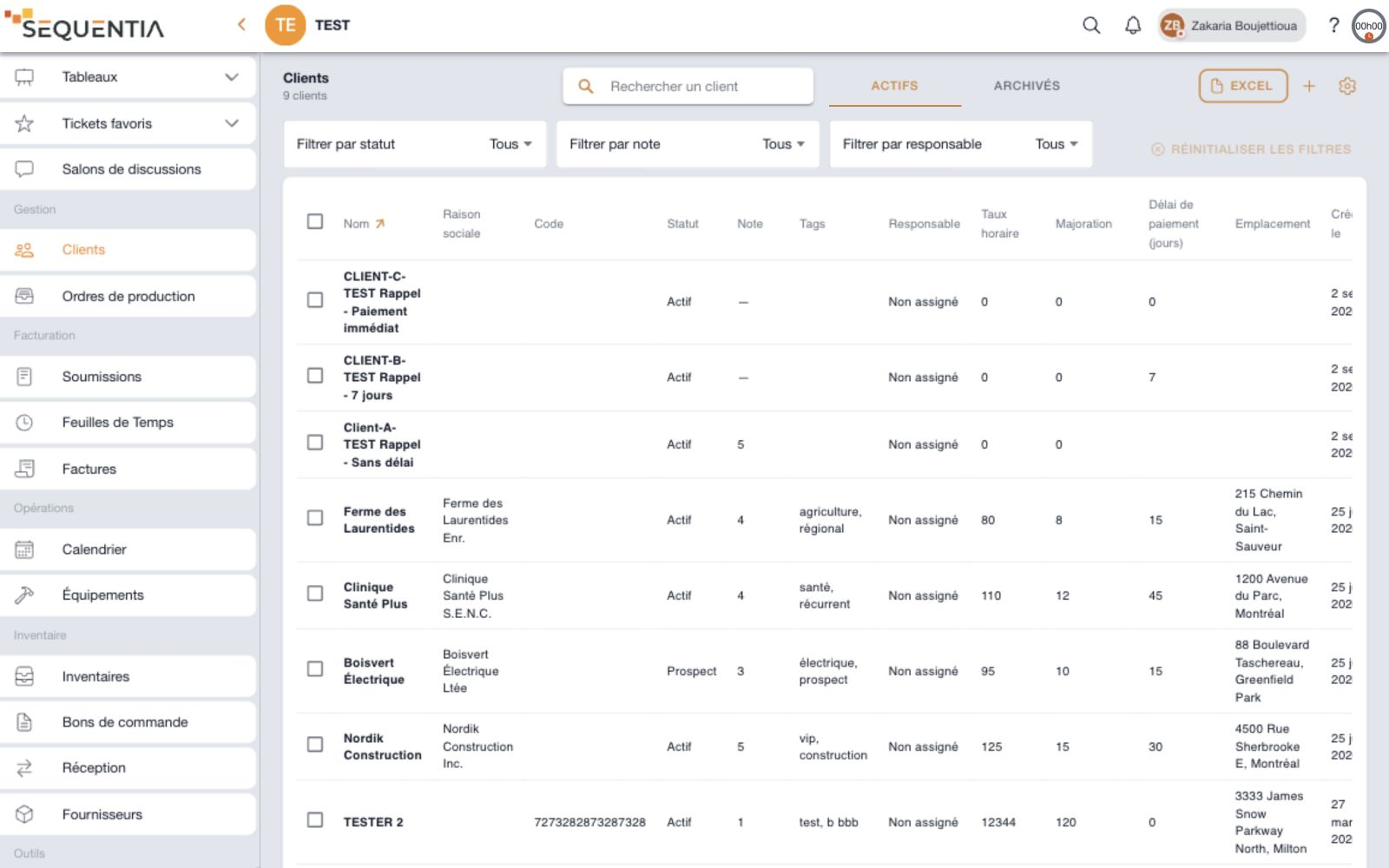
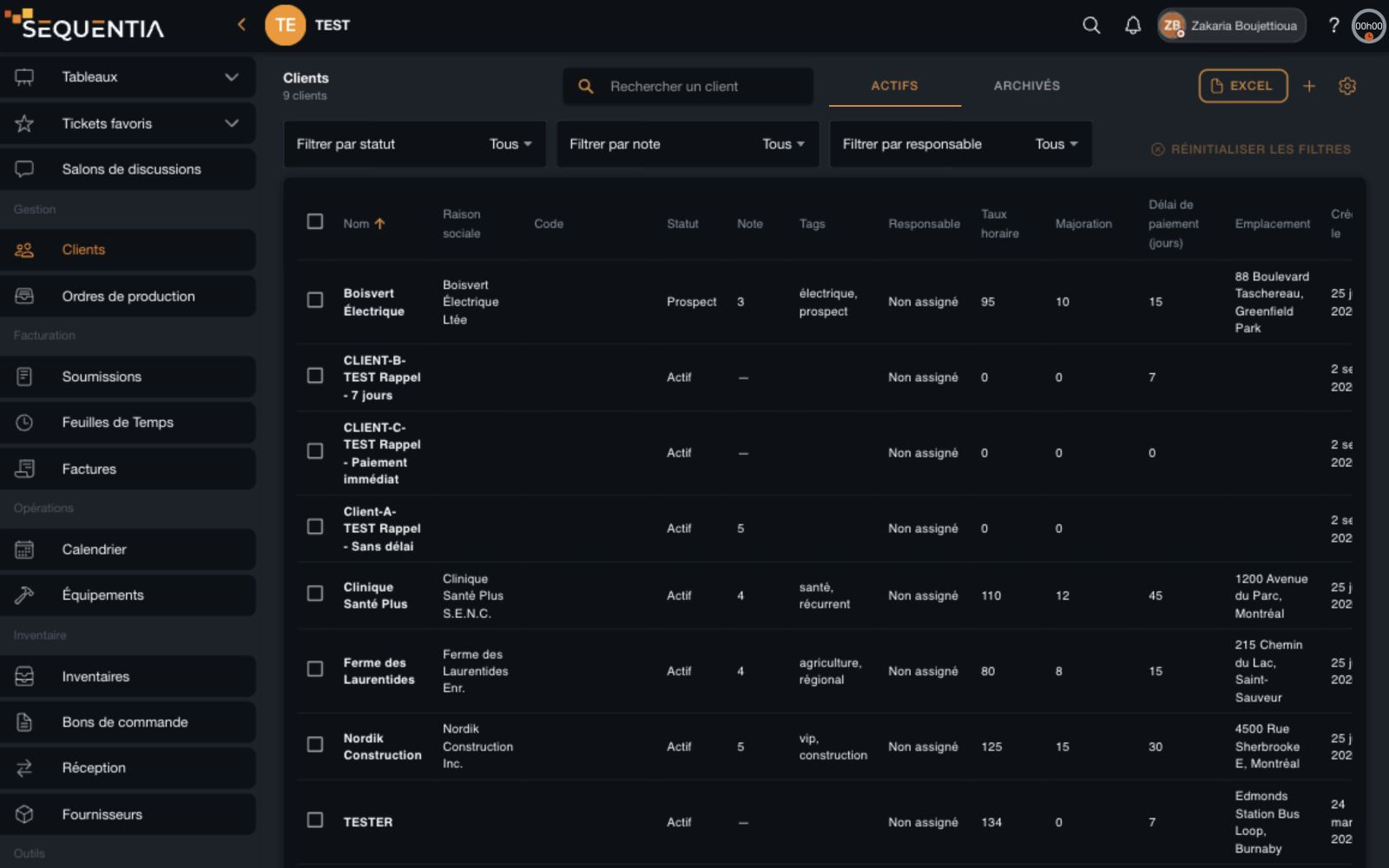
Sequentia desktop client directory with search, filters, active and archived views, table, and Excel tools. French interface. Sequentia desktop client directory with search, filters, active and archived views, table, and Excel tools. French interface.
The client directory, in Sequentia

Organize

Your portfolio, from the right angle.

Find a client, qualify a relationship, and adapt the table to your team. Active and archived clients have their own views.

Search, filter, and sort

Search for a client and combine status, rating, and account owner filters. Sort columns, browse pages, and reset filters at any time.
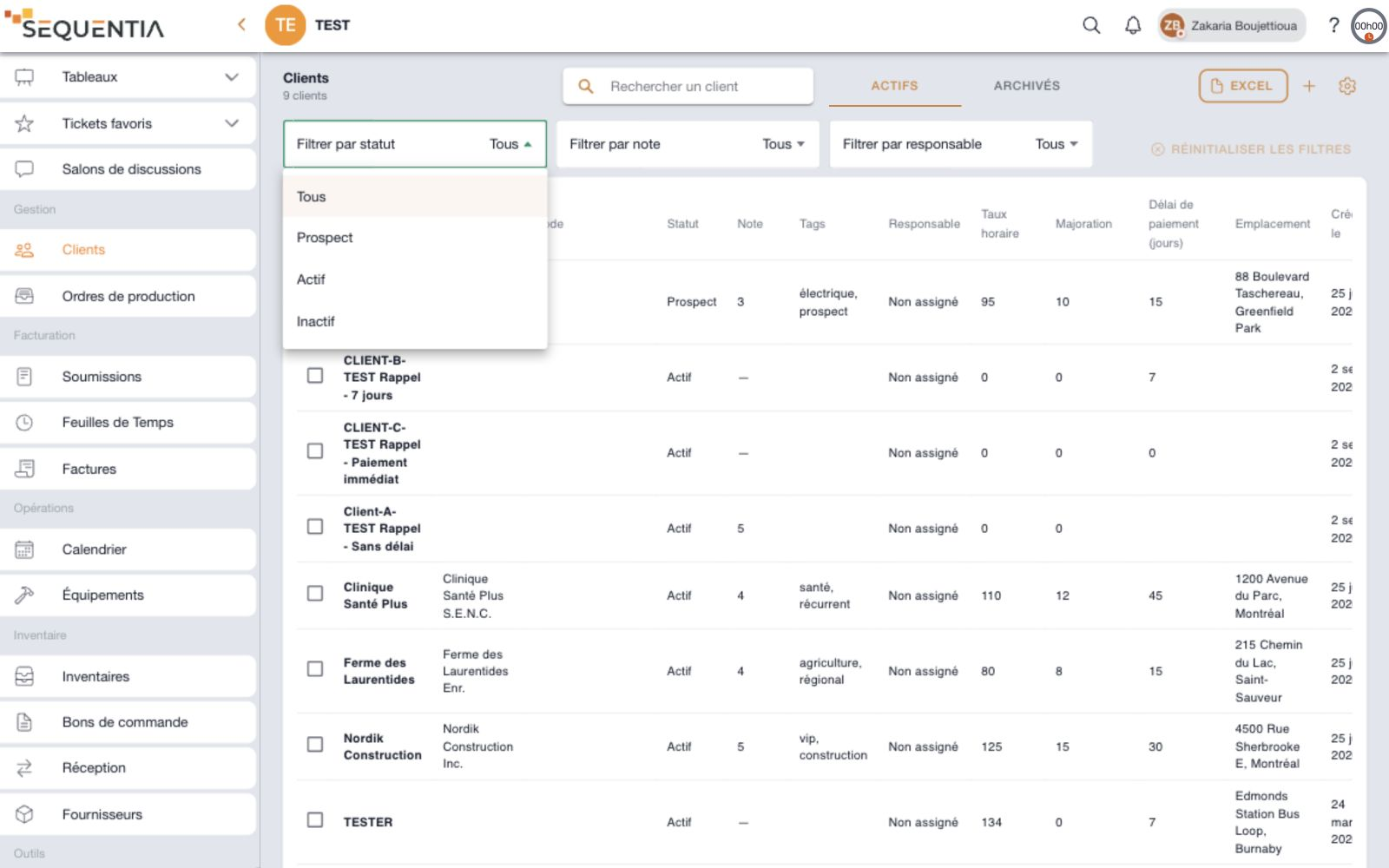
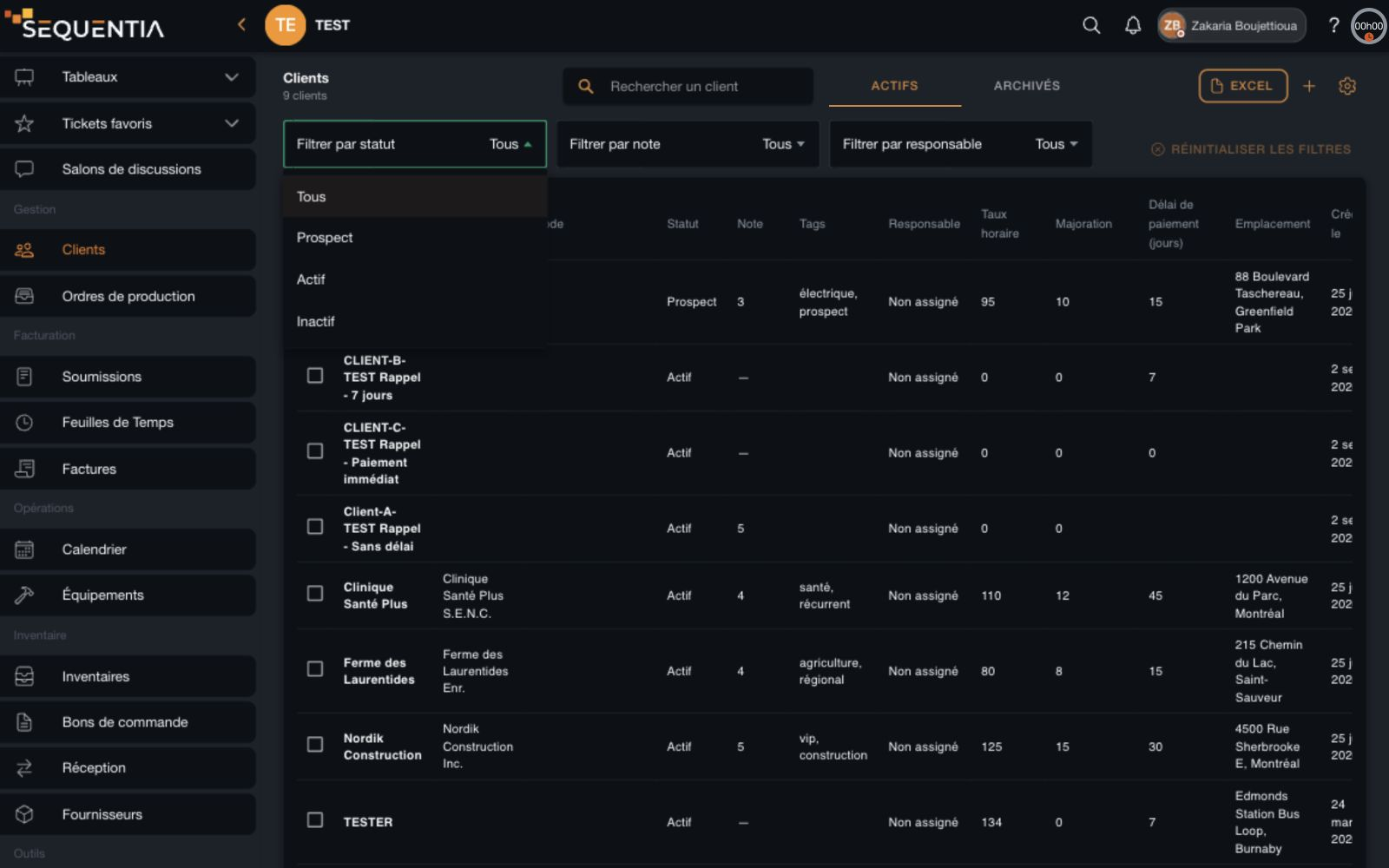
Client directory with status, rating, and account owner filters above the table. French interface. Client directory with status, rating, and account owner filters above the table. French interface.
Directory filters

Choose your columns

Show the information you need and reorder it by dragging: identity, legal name, code, status, rating, tags, owner, terms, location, and creation date. The configuration is shared across the workspace.
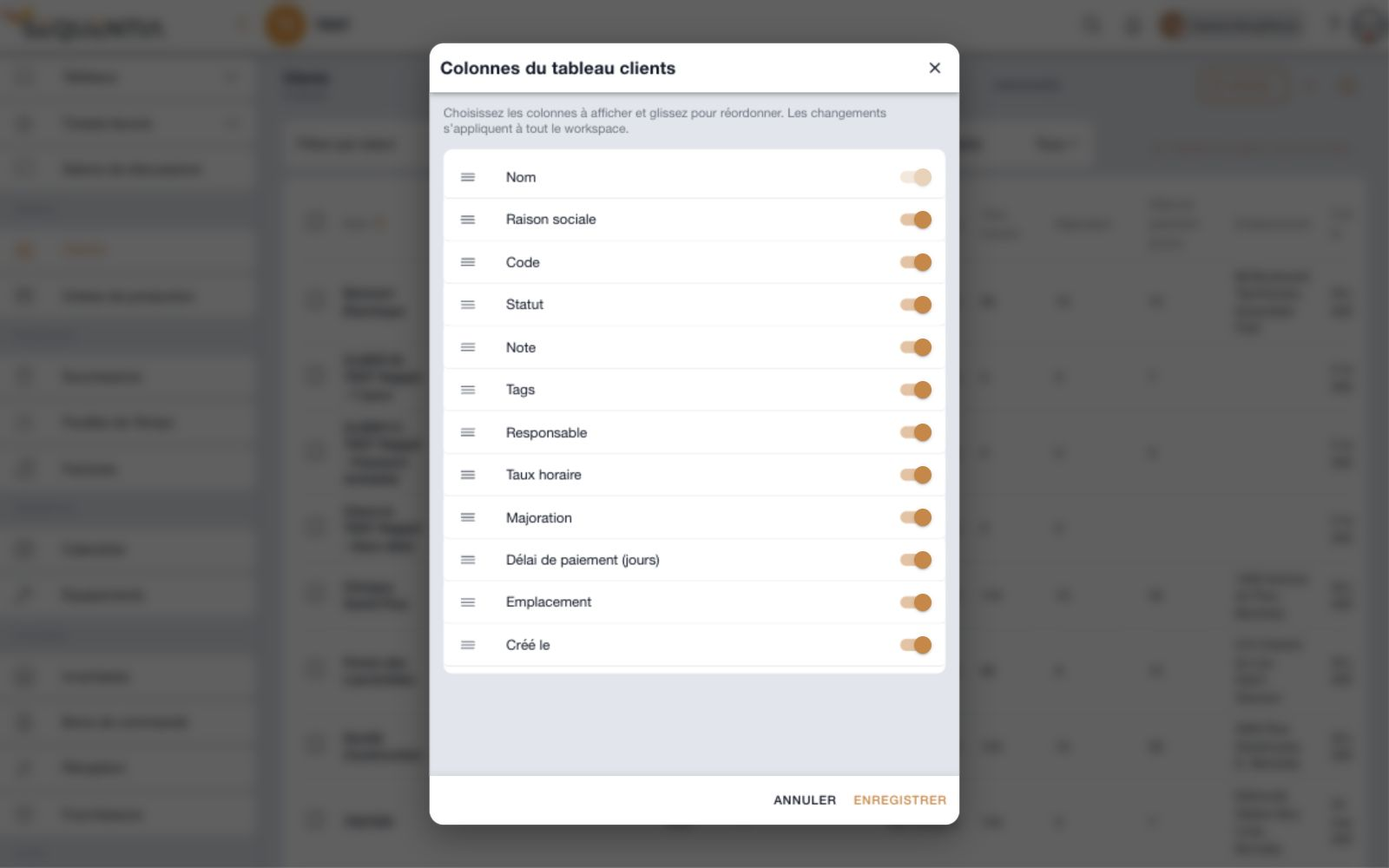
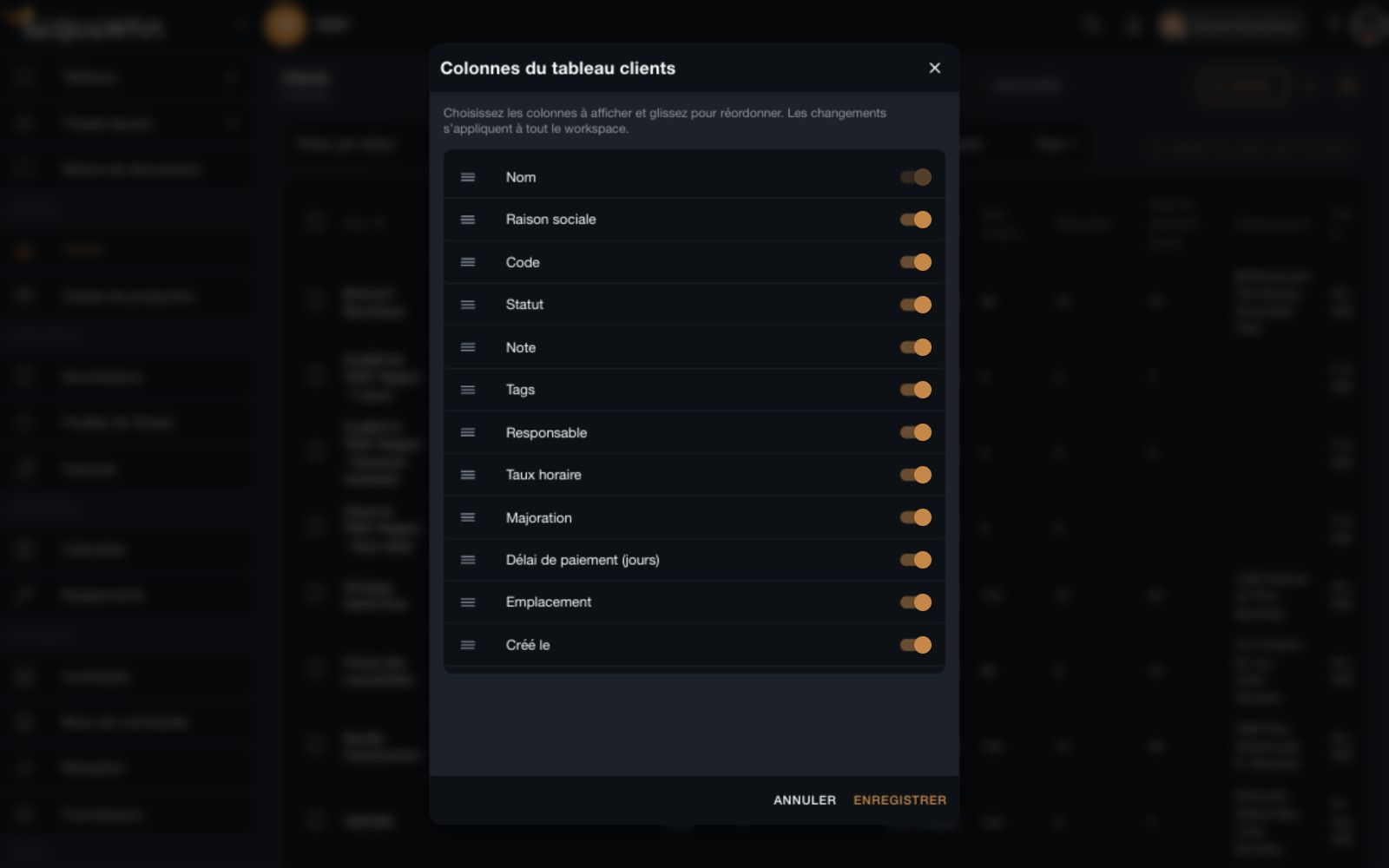
Client table column settings with visibility toggles and drag handles. French interface. Client table column settings with visibility toggles and drag handles. French interface.
Table customization

Update clients together

Select clients, then apply a shared status, rating, or account owner. Choose which fields to change and which to keep.
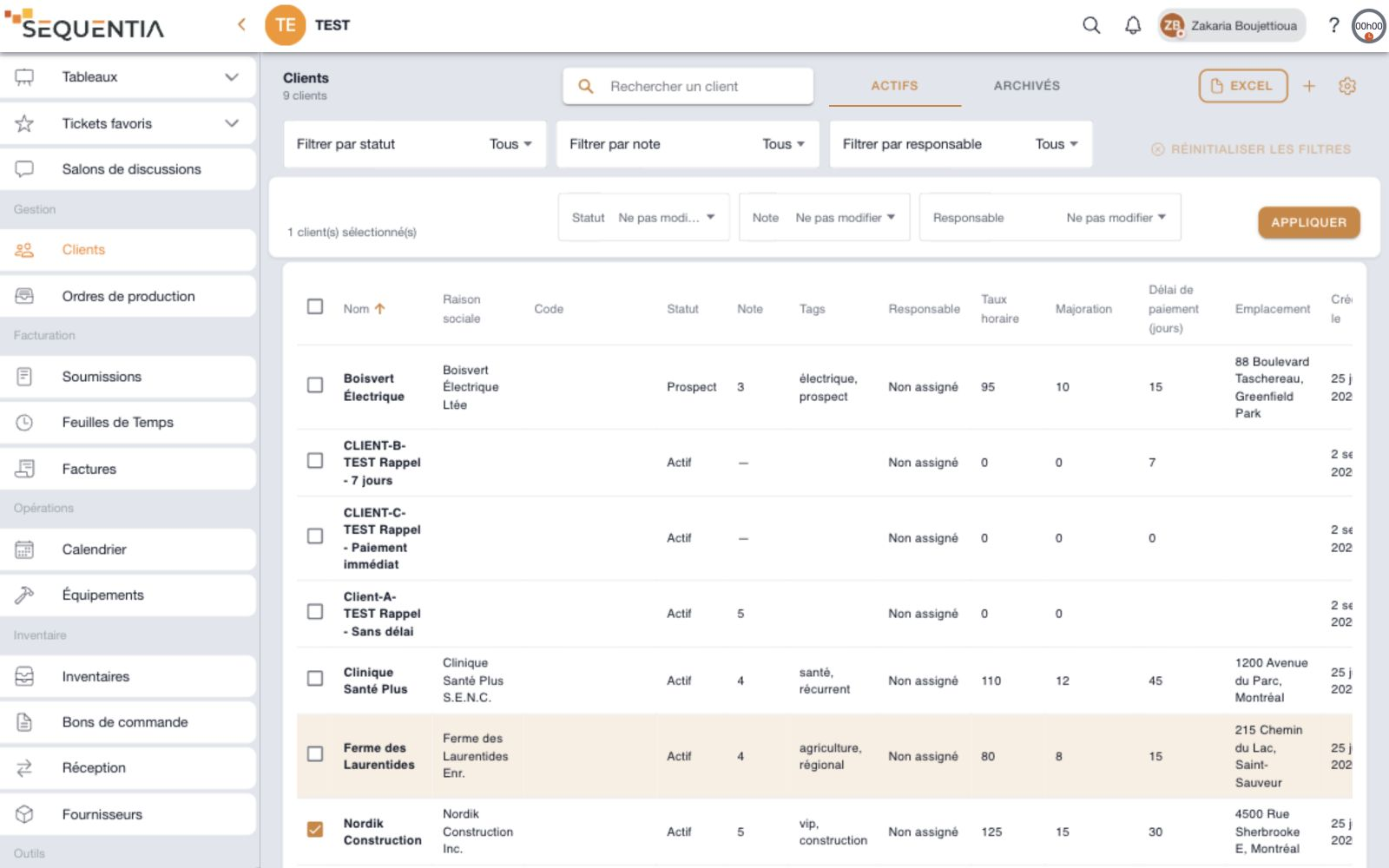
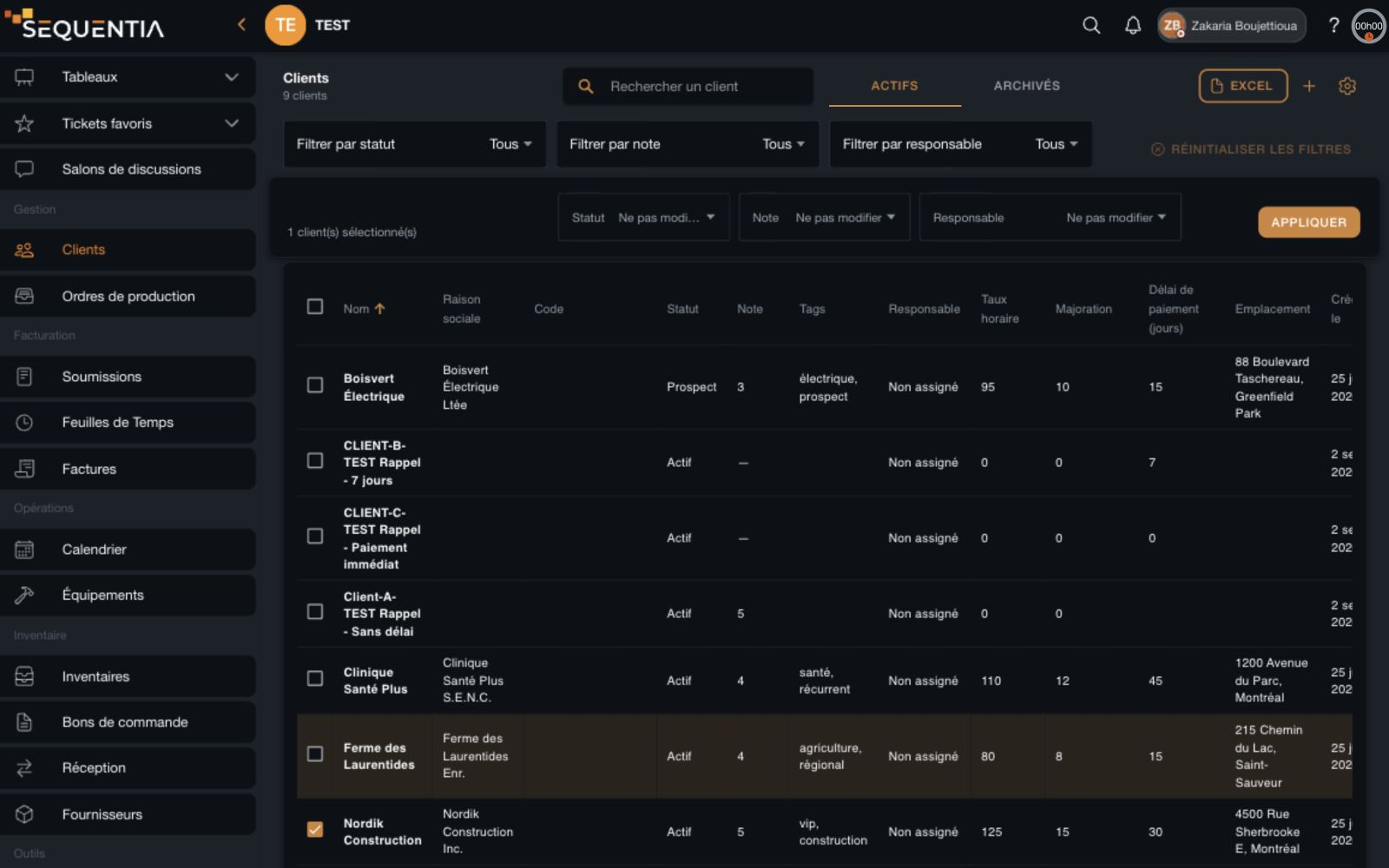
Selected client and bulk action bar for status, rating, and account owner. French interface. Selected client and bulk action bar for status, rating, and account owner. French interface.
Bulk actions

Centralize

A record that gives you the context.

Bring together the information your team needs before work starts. The client's identity stays visible as you move between tabs.
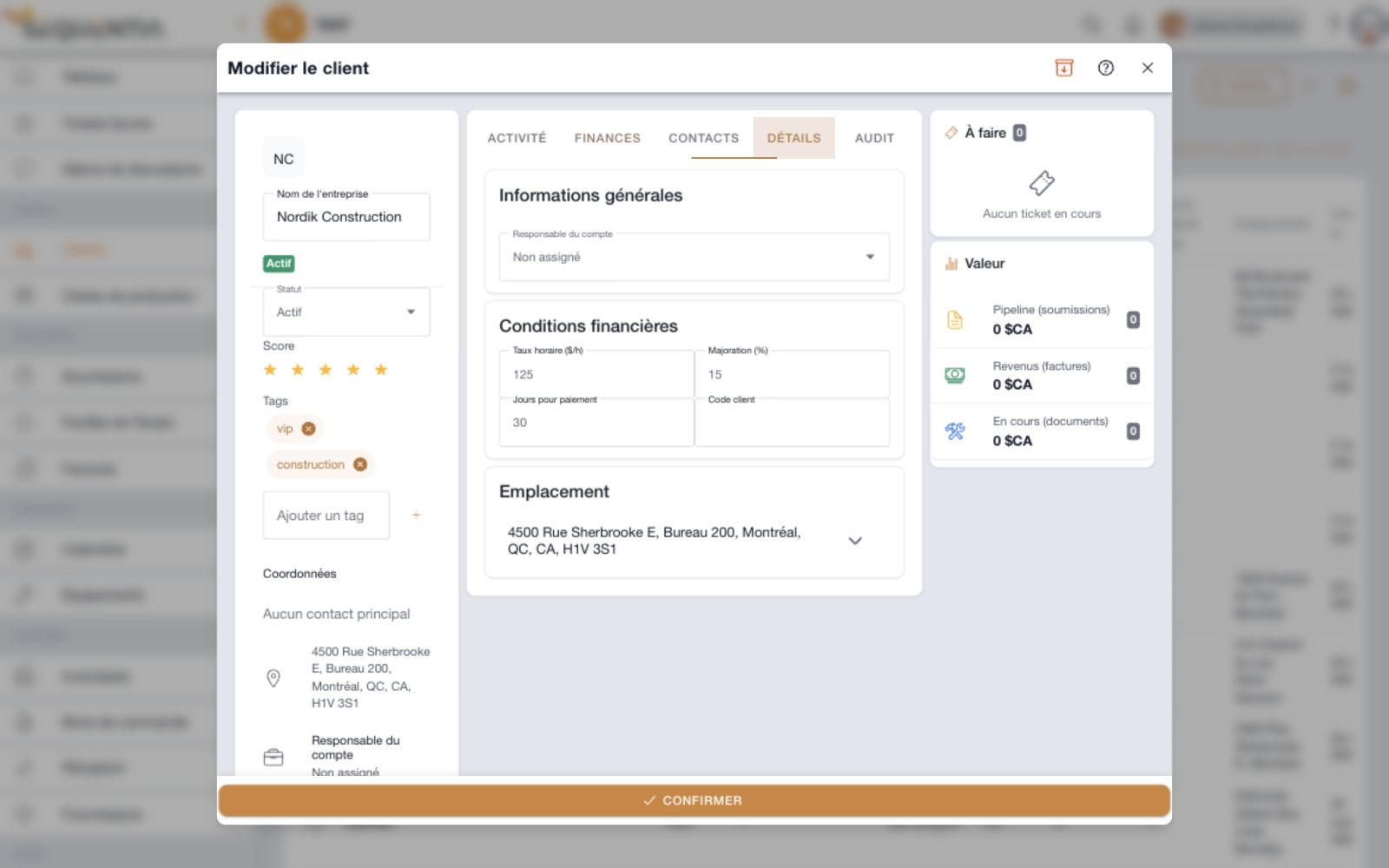
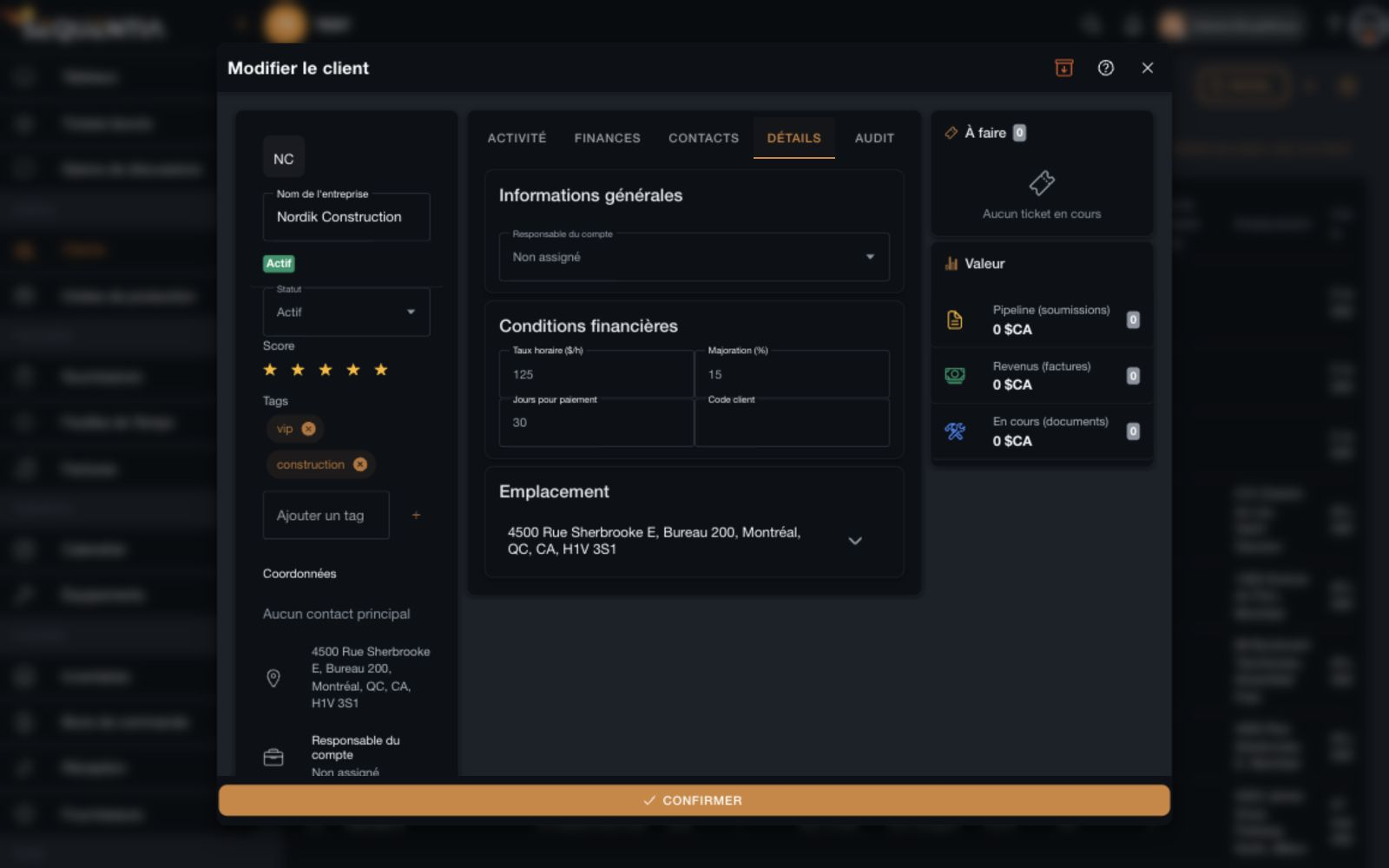
Desktop client record with status, rating, tags, owner, hourly rate, markup, payment terms, code, and location. French interface. Desktop client record with status, rating, tags, owner, hourly rate, markup, payment terms, code, and location. French interface.
Client identity and commercial terms
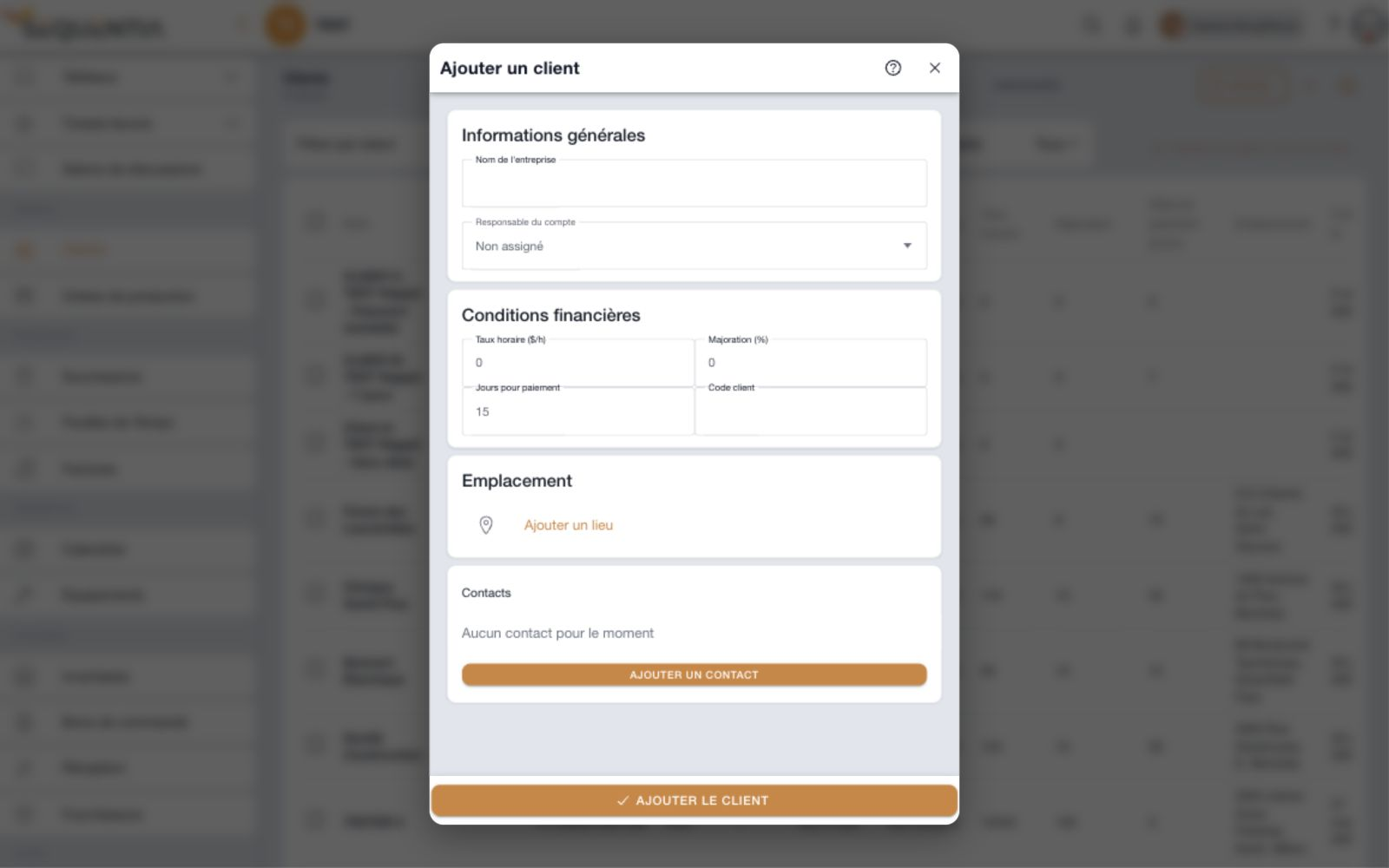
See the client creation form
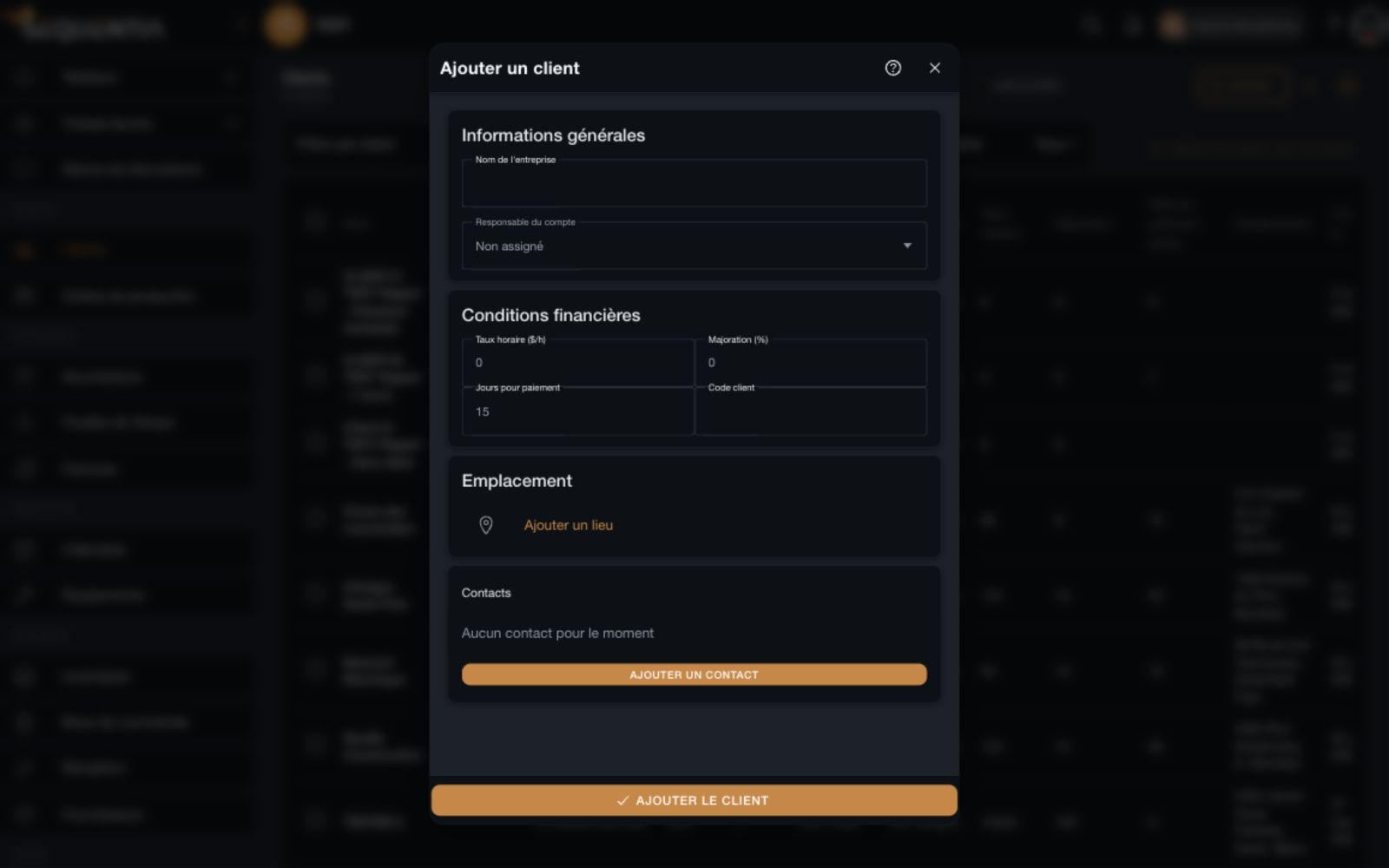
Client creation form with name, owner, financial terms, location, and contacts. French interface. Client creation form with name, owner, financial terms, location, and contacts. French interface.
Create a client record
01

Qualify the relationship

Company name, prospect, active or inactive status, a five-star rating, and tags help describe each client.

02

Define the terms

Hourly rate, markup, payment deadline, and client code are together in the Details tab.

03

Assign an account owner

Link the account to a team member and keep a complete address for the work ahead.

Follow the relationship

Every conversation moves the work forward.

Keep interactions in the client's timeline and turn next steps into tickets. Context stays available for whoever takes over.
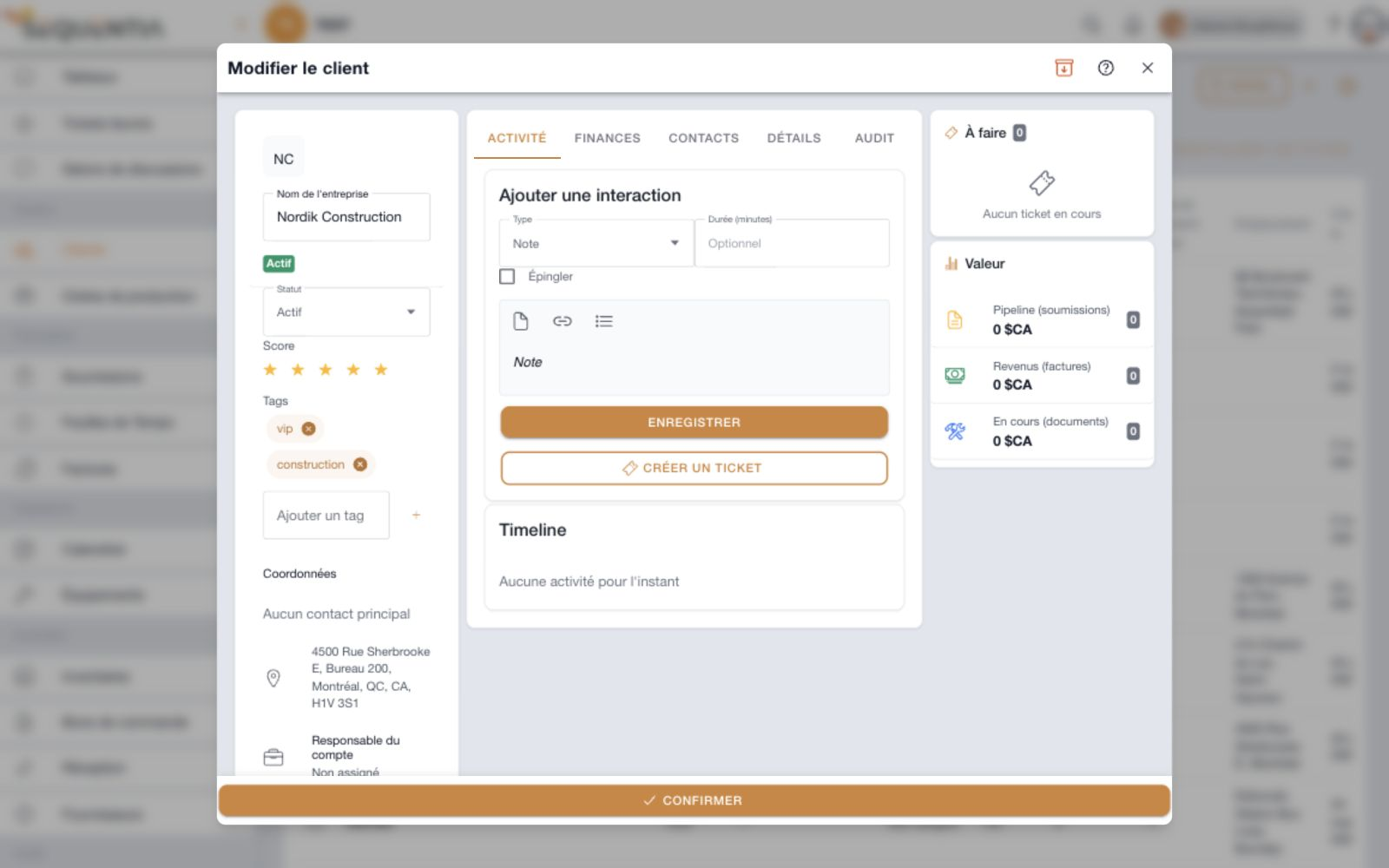
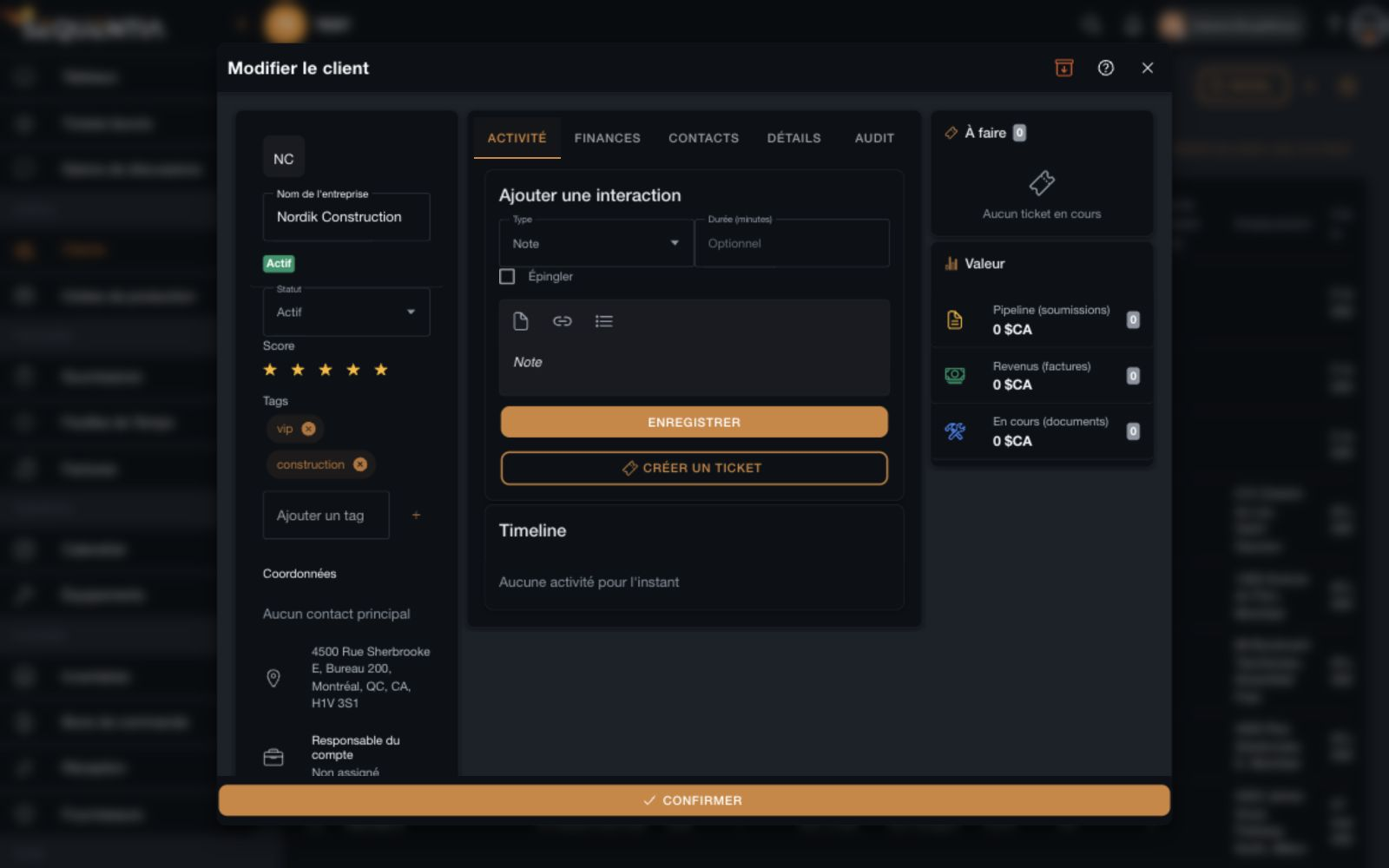
Activity tab with interaction entry, duration, pinning, note editor, timeline, and Create a ticket button. French interface. Activity tab with interaction entry, duration, pinning, note editor, timeline, and Create a ticket button. French interface.
Client activity, tickets, and value
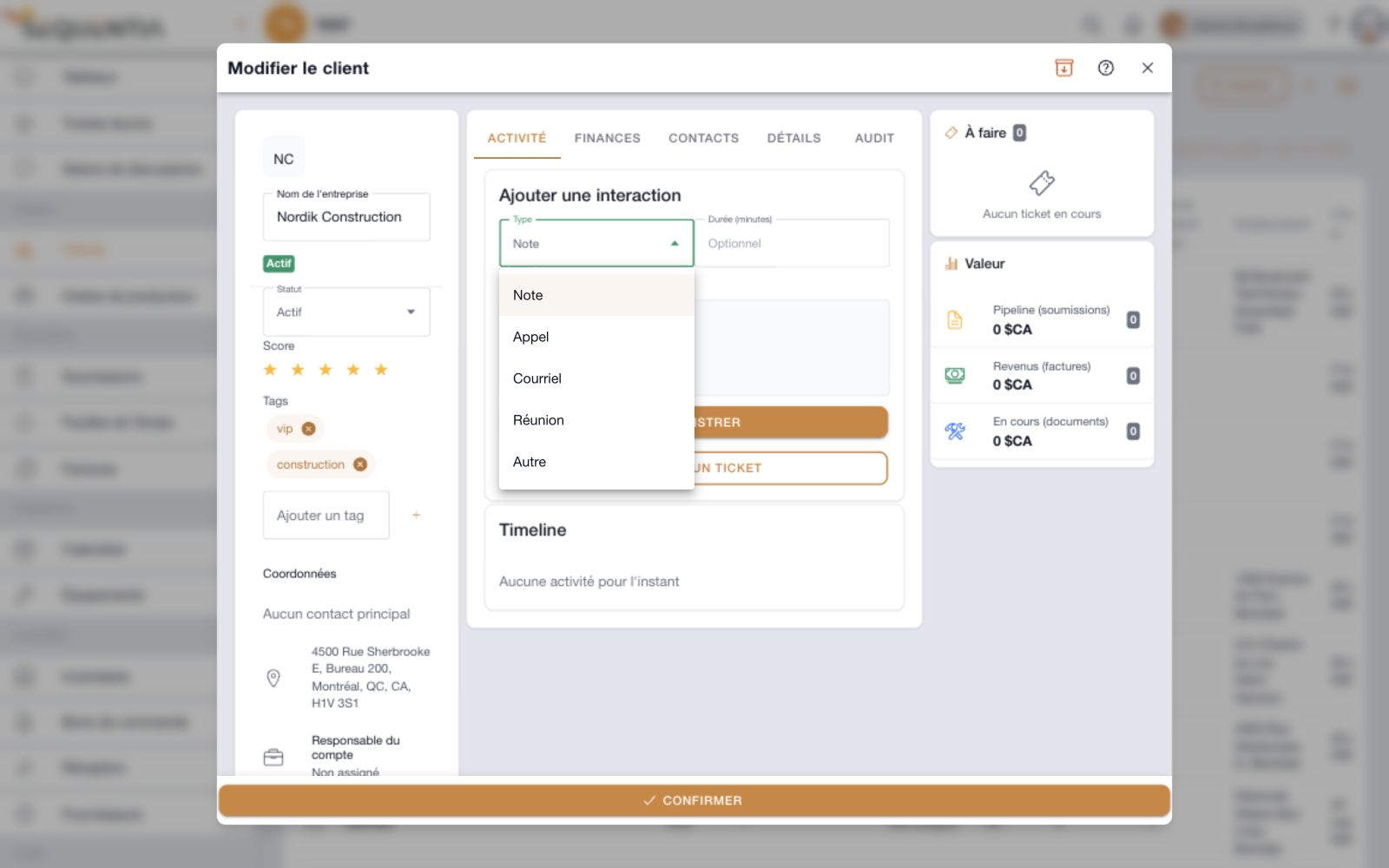
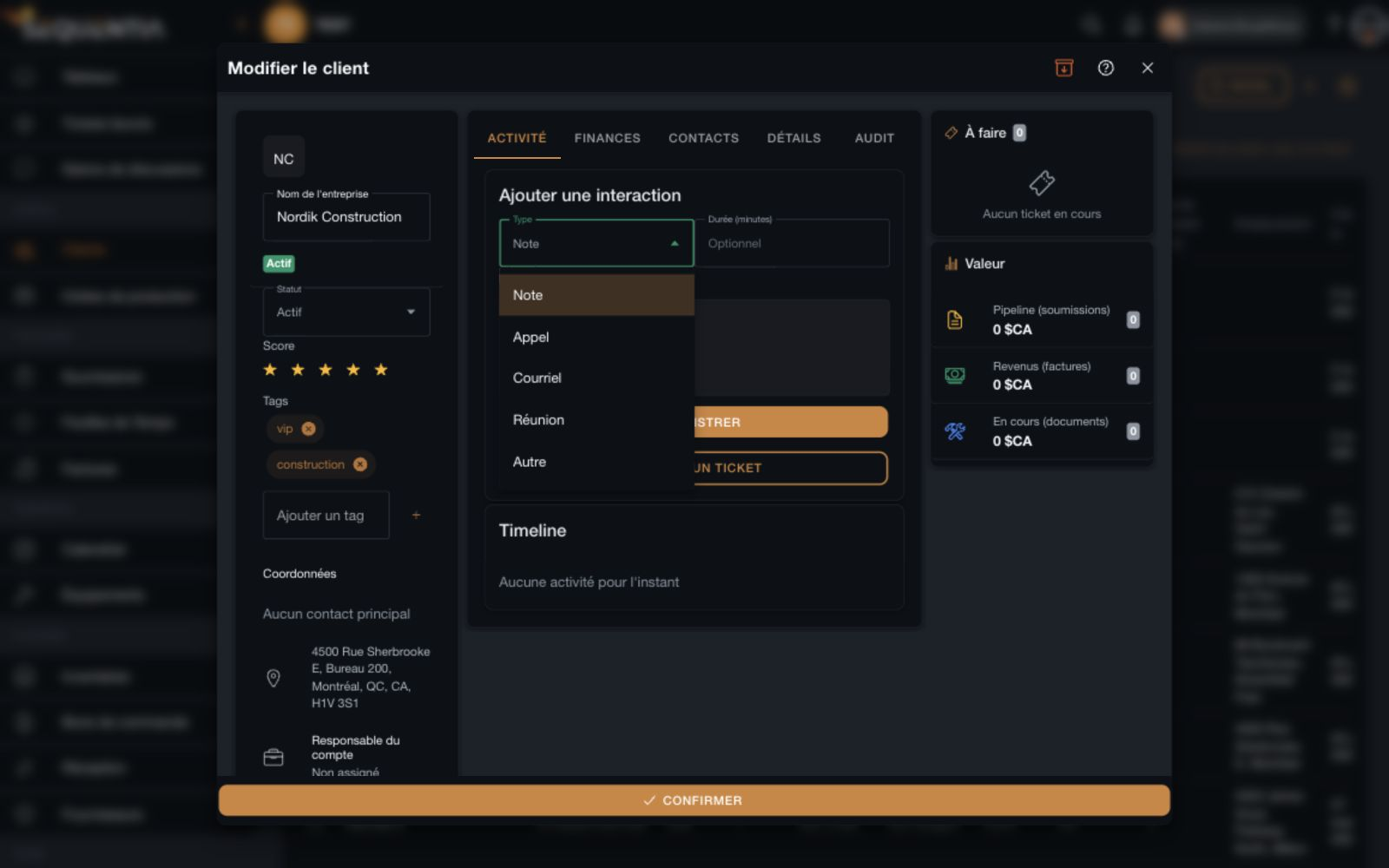
See the interaction types
Interaction type selector with note, call, email, meeting, and other options. French interface. Interaction type selector with note, call, email, meeting, and other options. French interface.
Notes, calls, emails, and meetings
01

Record the conversations

Note, call, email, meeting, or other interaction: choose the type, add an optional duration, and record the content.

02

Keep important reference points

Pin an interaction and find past conversations in the client's timeline.

03

Move to action

Create a ticket from the record and consult open tickets in the To do panel.

Connect work and revenue

Financial context, in the same record.

Consult the documents linked to a client and keep track of account value without losing the relationship context.
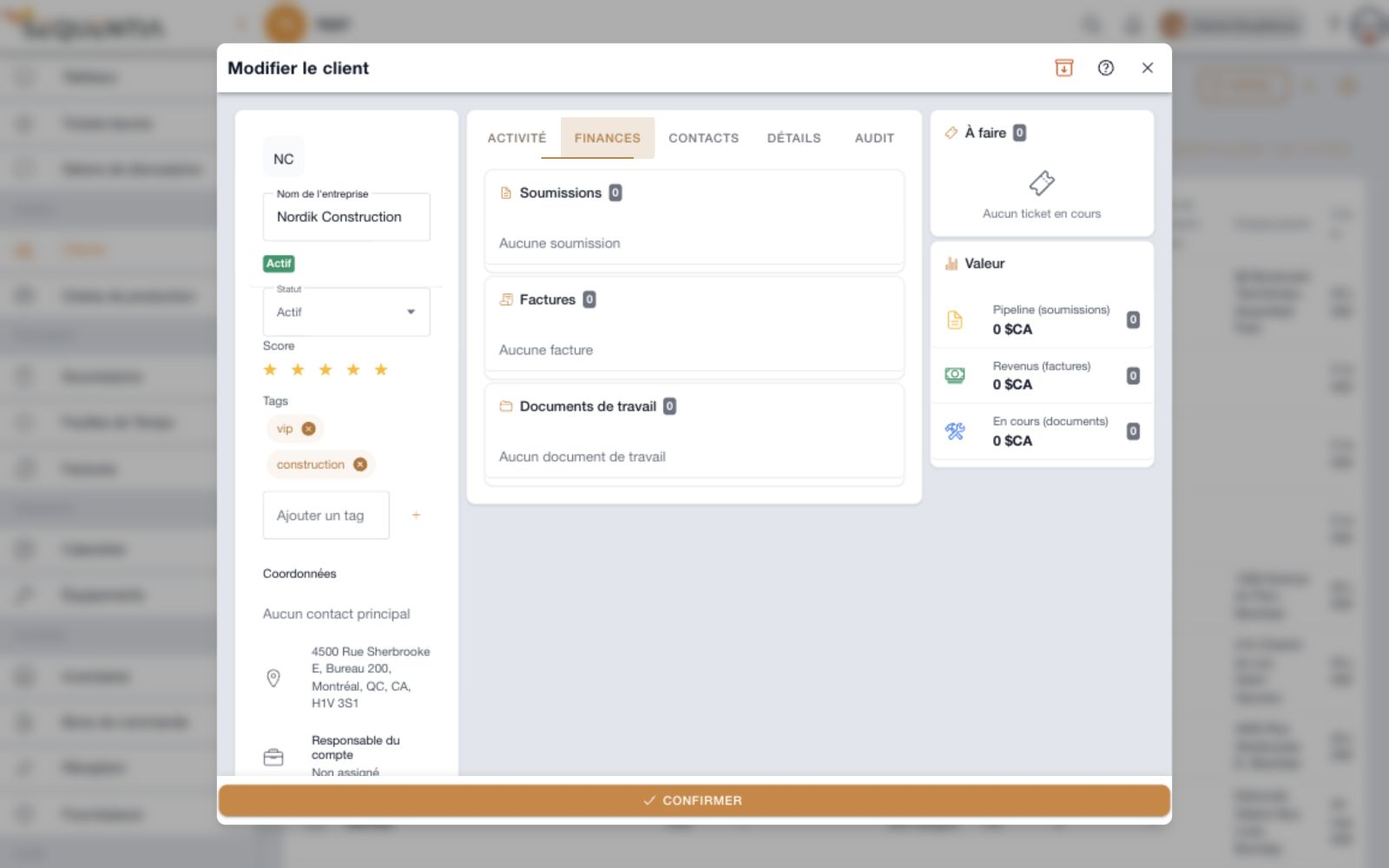
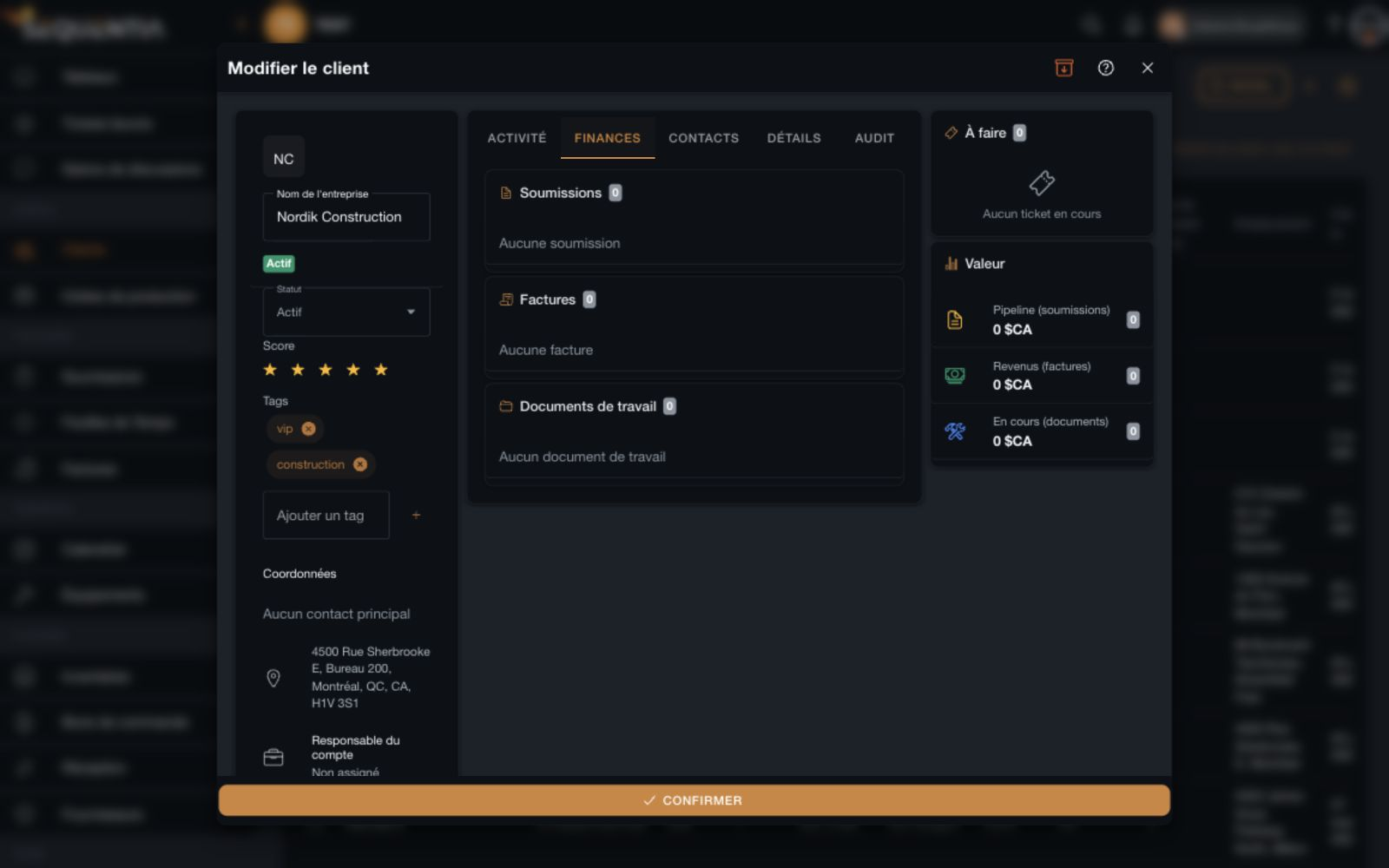
Finances tab grouping quotes, invoices, and work documents alongside the Value panel. French interface. Finances tab grouping quotes, invoices, and work documents alongside the Value panel. French interface.
Quotes, invoices, and work documents
01

Linked documents

Find the client's quotes, invoices, and work documents in three distinct lists.

02

Account value

The side panel shows quote pipeline, invoice revenue, and work in progress amounts, with their counts.

03

Context stays visible

Contact details, qualification, and next actions remain alongside the financial information.

Find the right people

The right people, in the right place.

A company can have several contacts. Keep their details in the client record to quickly find the person you need.
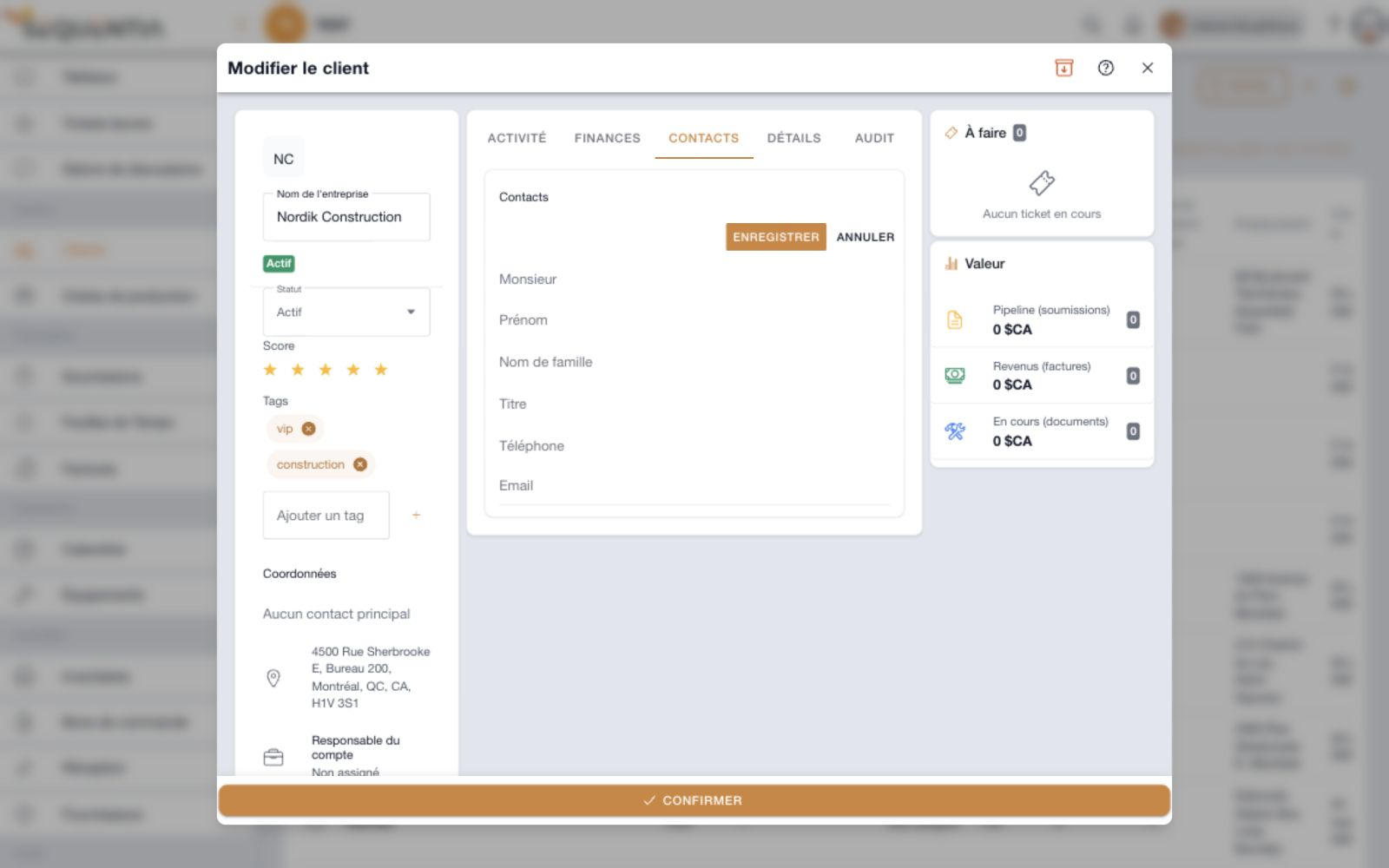
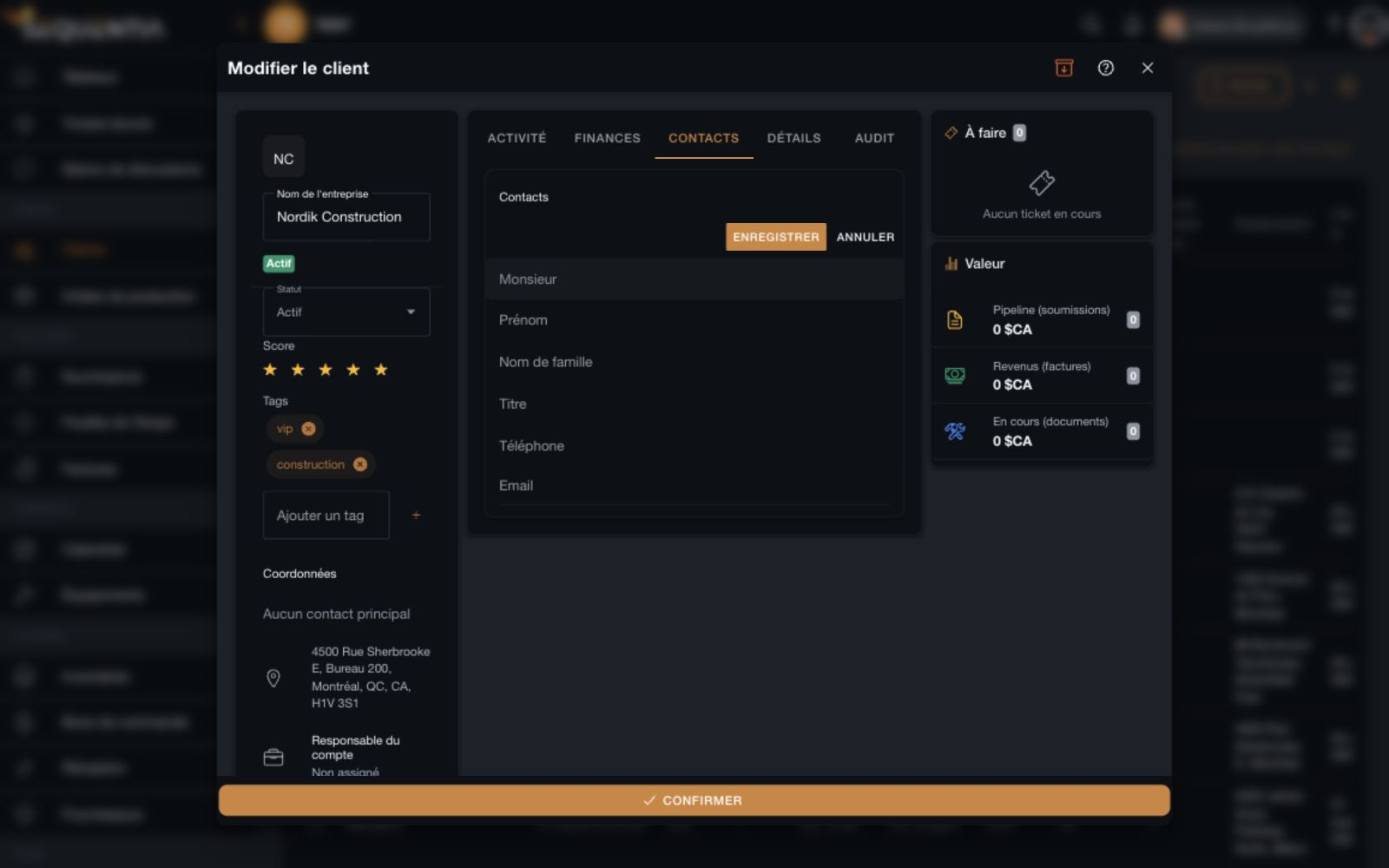
Contacts tab with title, first name, last name, role, phone, and email entry fields. French interface. Contacts tab with title, first name, last name, role, phone, and email entry fields. French interface.
Company contact management
01

Detailed contacts

Add each person's title, first and last name, role, phone number, and email address.

02

An easy list to maintain

Add and edit contacts from their dedicated tab instead of spreading them across separate files.

03

Contact details in context

The record summary shows the primary contact when provided, alongside the address and account owner.

Keep a trace

A relationship with a memory.

Conversations and changes serve different purposes. Activity keeps the relationship timeline; Audit lets you review the client's history.
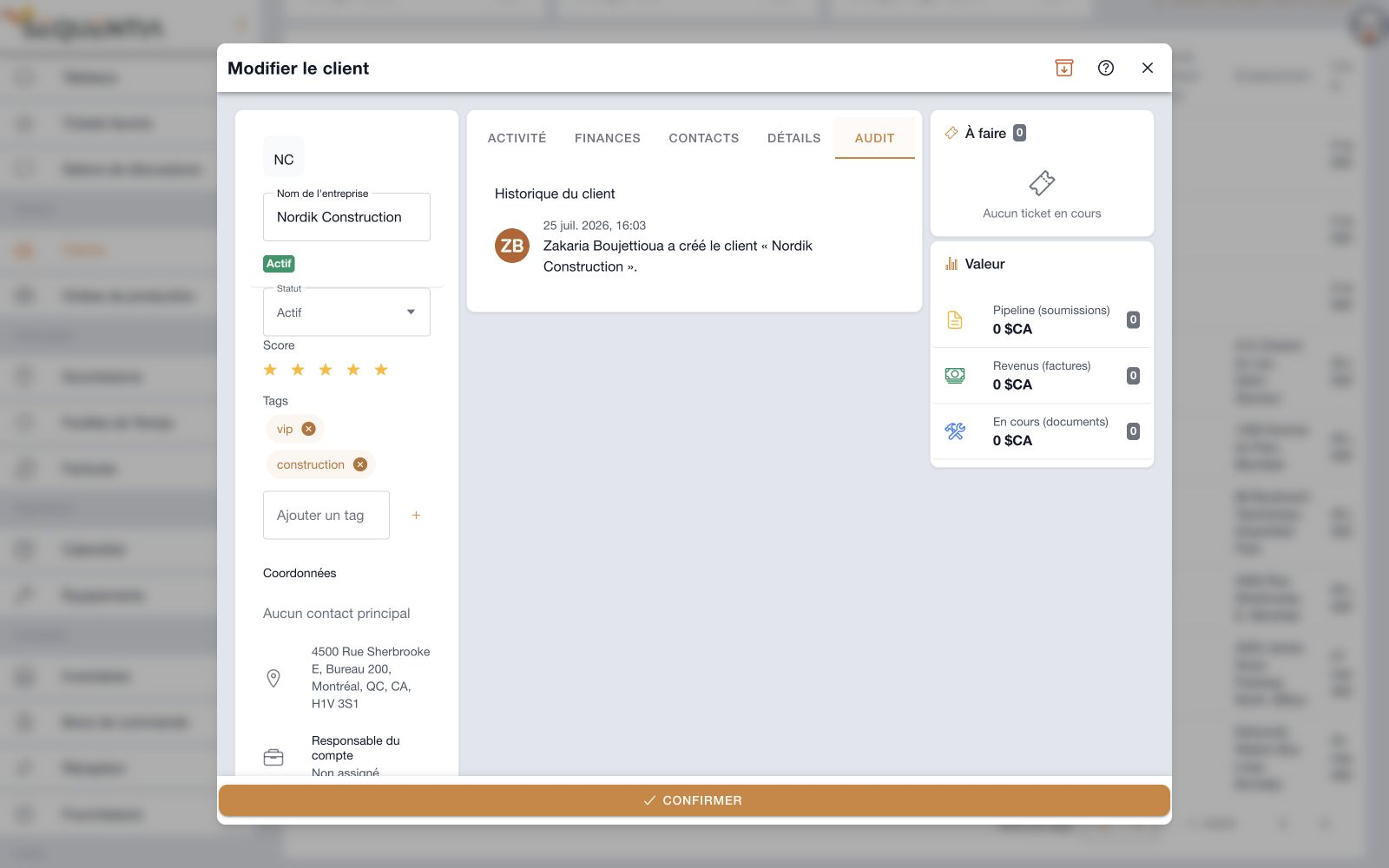
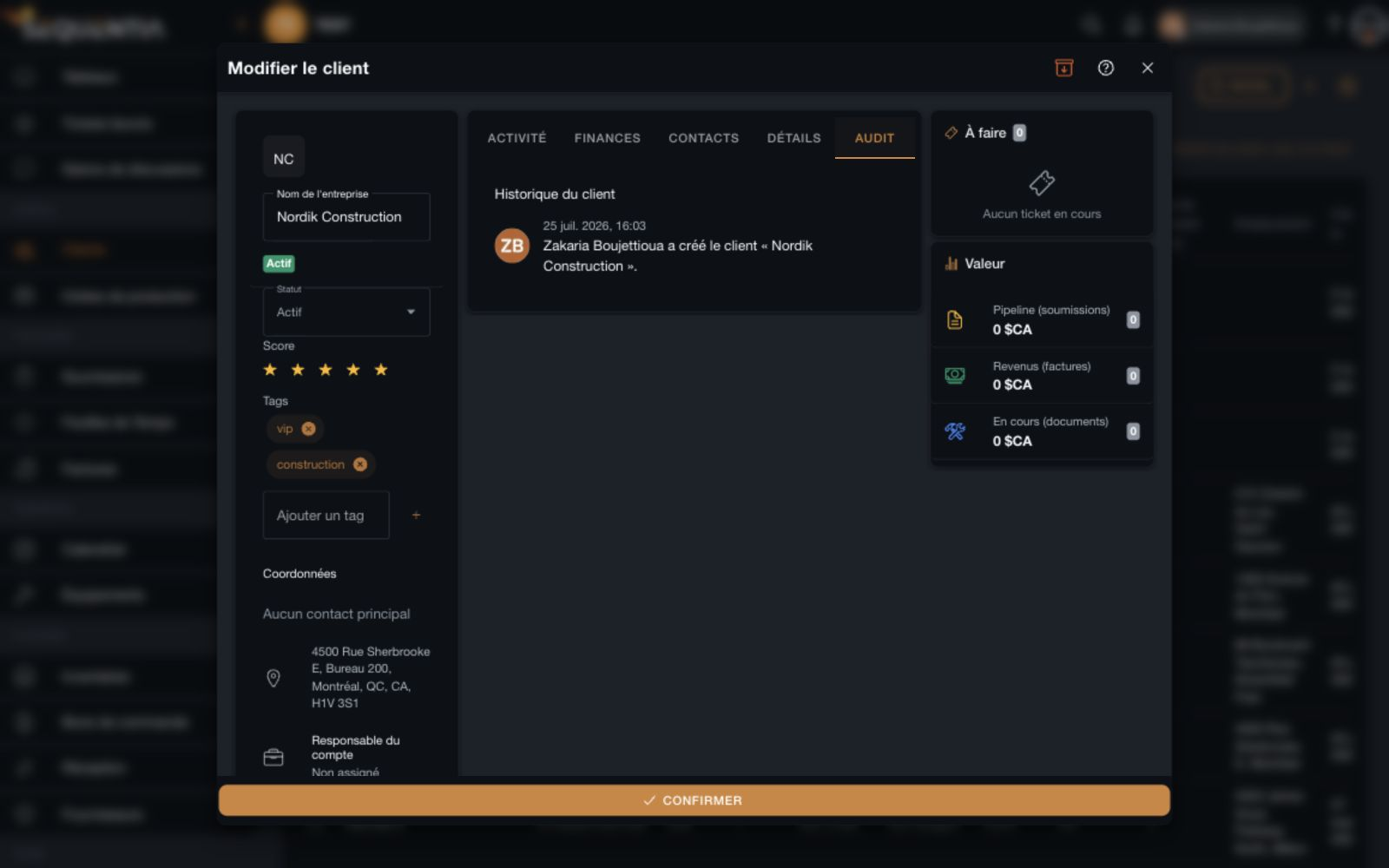
Audit tab showing a dated client creation event and its author. French interface. Audit tab showing a dated client creation event and its author. French interface.
Client history
01

Dated events

Consult the events recorded on the client, with dates and authors.

02

An organized directory

Archive a client from its record and find archived records in the directory's dedicated view.

03

Easier handovers

Recover account context, interactions, and history when another person takes over.

Import and export

Your data works with Excel, too.

Prepare your directory from an existing file or download clients to continue working in a spreadsheet.
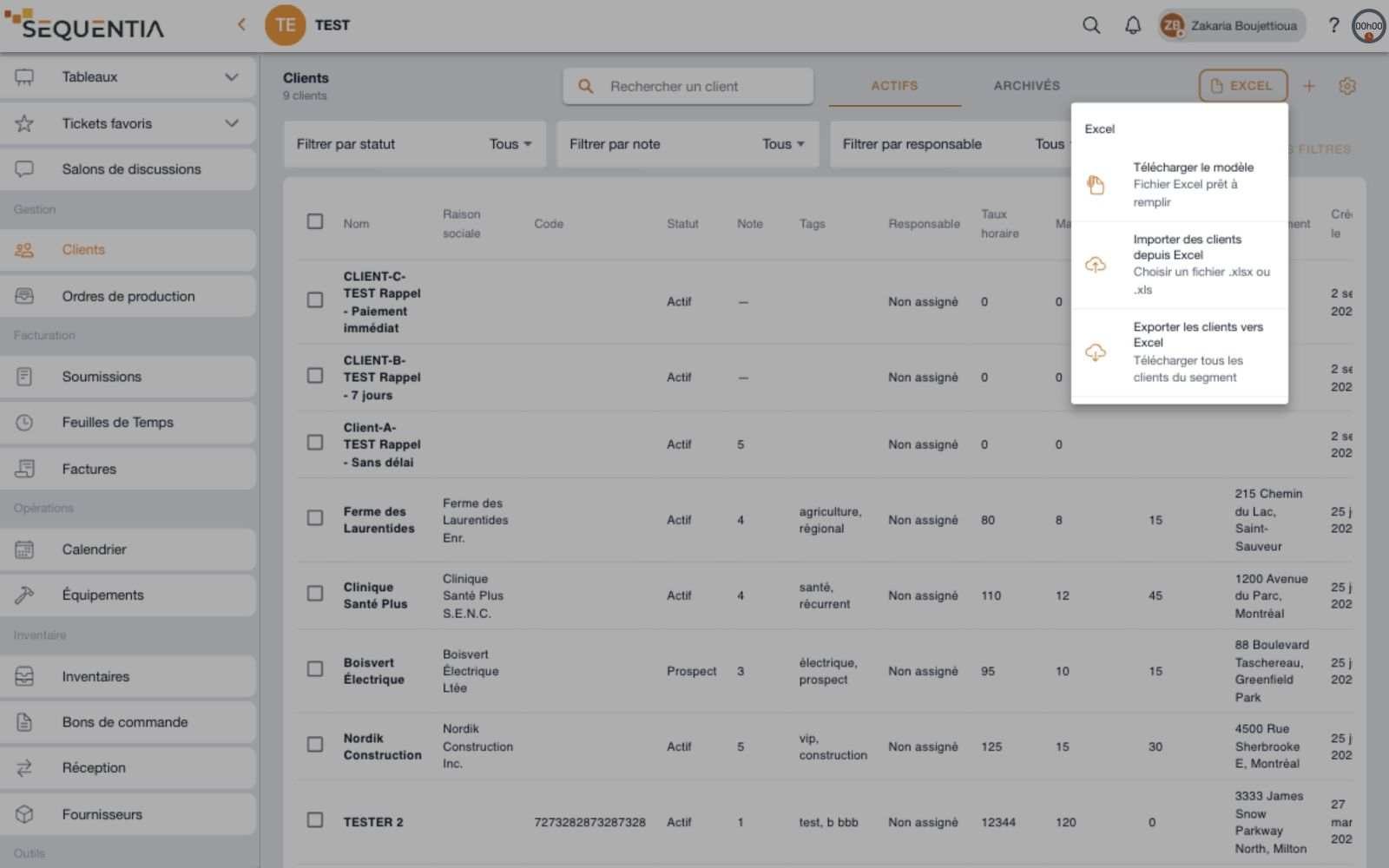
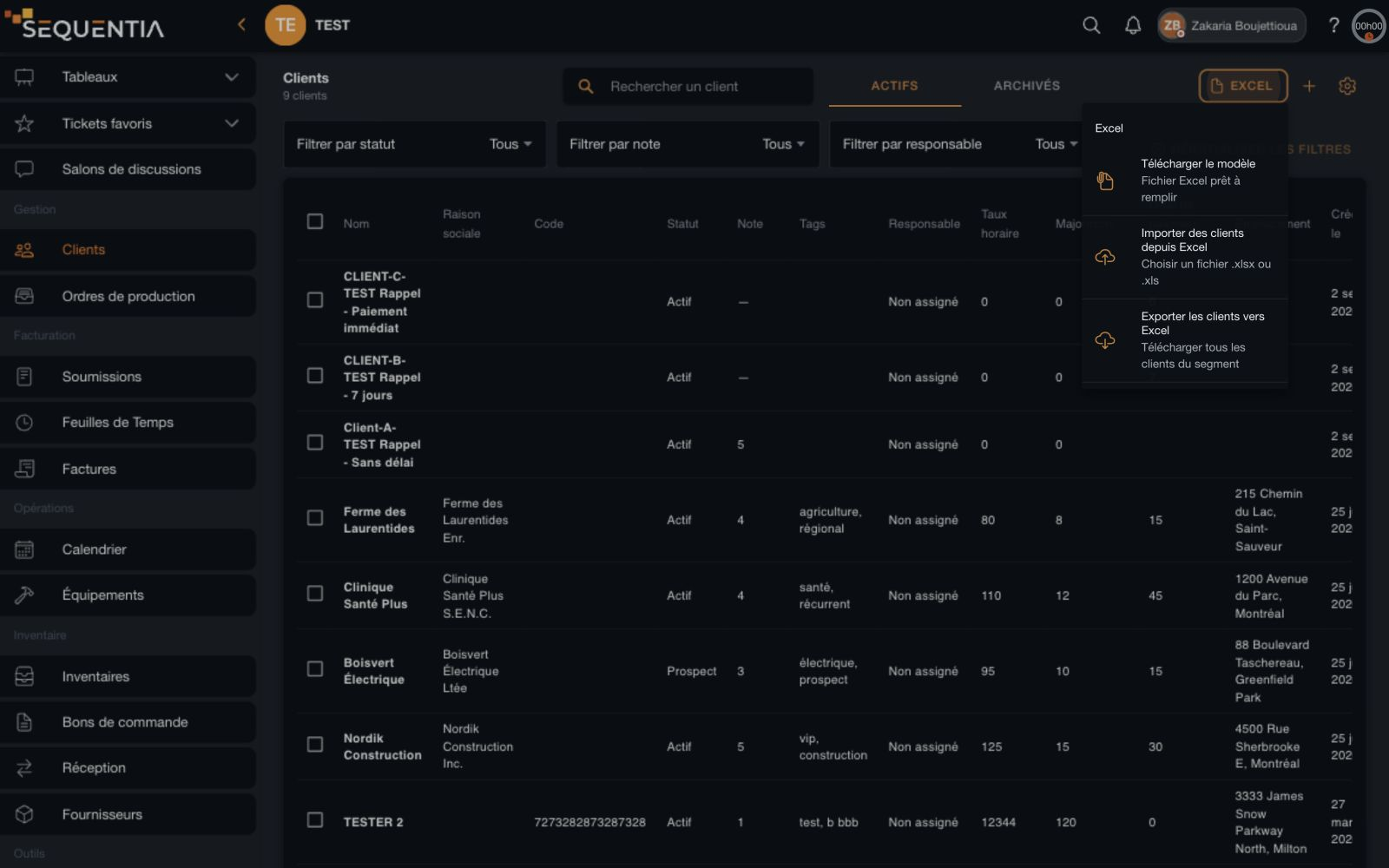
Excel menu offering a template, xlsx or xls import, and client segment export. French interface. Excel menu offering a template, xlsx or xls import, and client segment export. French interface.
Excel template, import, and export
01

A template to get started

Download a ready-to-fill Excel file to prepare your client information.

02

Import your directory

Import clients from an .xlsx or .xls file through the Excel menu.

03

Export a segment

Download all clients from the active or archived view in an Excel file.

Clients

Concrete benefits

Less searching. More continuity.

Shared context

The team finds the same client information.

Structured follow-up

Conversations and next steps stay attached to the account.

Financial visibility

Work and financial documents stay connected to the relationship.

Accessible history

The history helps people resume work and hand it over.

FAQ

Your questions, answered.

What does a client record contain?

It brings together identity, status, rating, tags, and account owner. Five tabs organize activity, finances, contacts, details, and audit. Side panels show open tickets and client value.

Can calls and meetings be tracked?

Yes. Record a note, call, email, meeting, or other interaction, add its duration, and pin it. This records the conversation in the client's file.

Can several clients be updated together?

Yes. Selecting clients in the table lets you apply a status, rating, or account owner to several clients in one operation.

Are column settings shared?

Yes. Visible columns and their order apply across the workspace.

Can clients be imported and exported?

The Excel menu offers a template, .xlsx or .xls import, and export of all clients in the active or archived segment.

The client is the starting point. Work continues here.

Projects Ticket collaboration Billing
← View all features

Let's talk about your needs.

We're here for you. Choose who to reach out to - a real person, not a form, not an AI.

Zack
Zack Quick response, no commitment

Your messages go straight to our team. Replies will show up here.

Ask your question, we usually reply within minutes during business hours.

Add your name and email the first time so we can reach you.

· Quick replies during business hours

Sequentia Sequentia
Solutions Features About Contact Case Studies Resources Privacy Policy Terms of Service Sitemap

© 2026 Sequentia Technologies Inc. Made in Quebec with