

Quotes and invoices automatically generated from your work documents, time, and inventory without re-entry between the field and back office.
The billing module turns data already captured in Sequentia into quotes and invoices ready to send, synchronized through the work document. The screenshots show invoices and how they are managed in Sequentia.
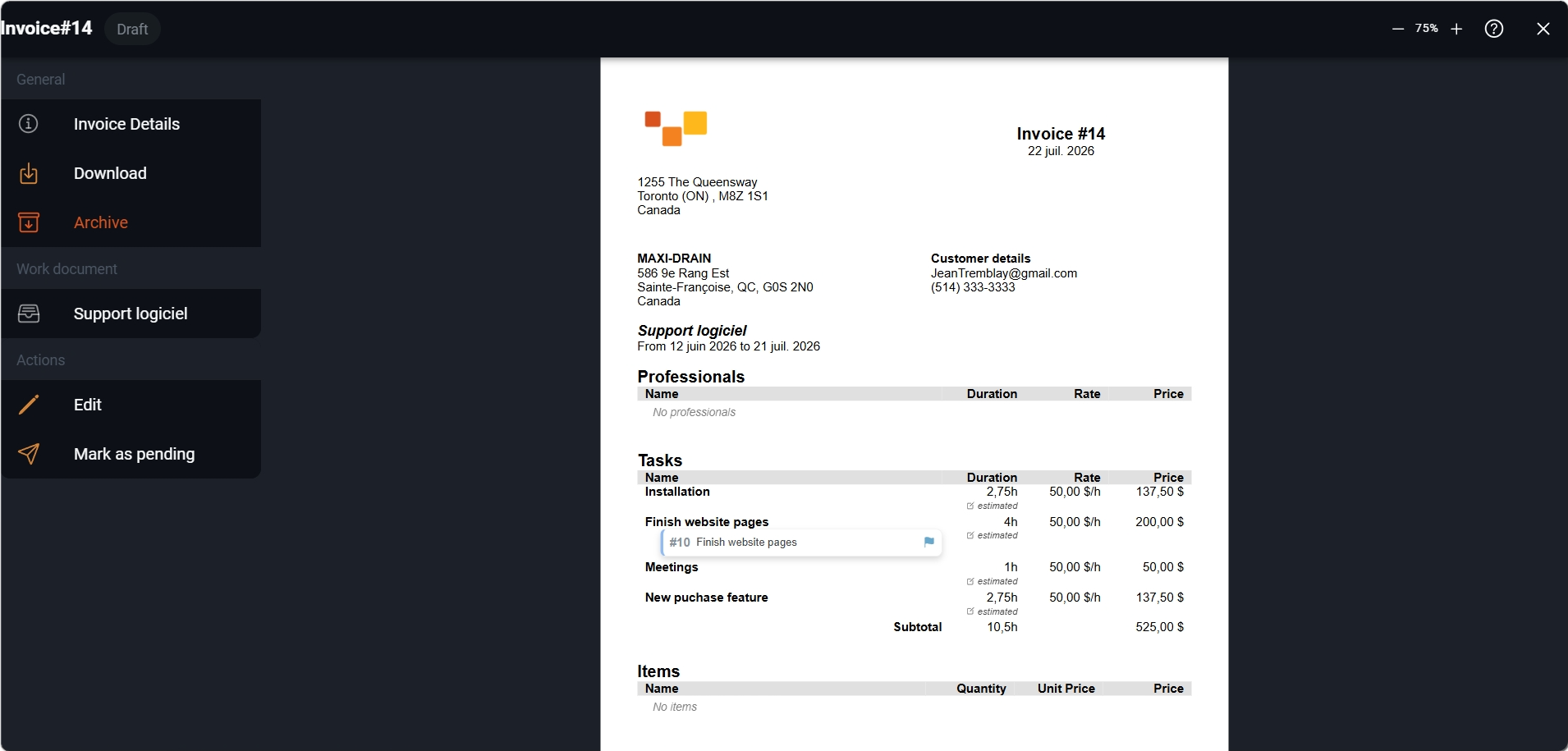
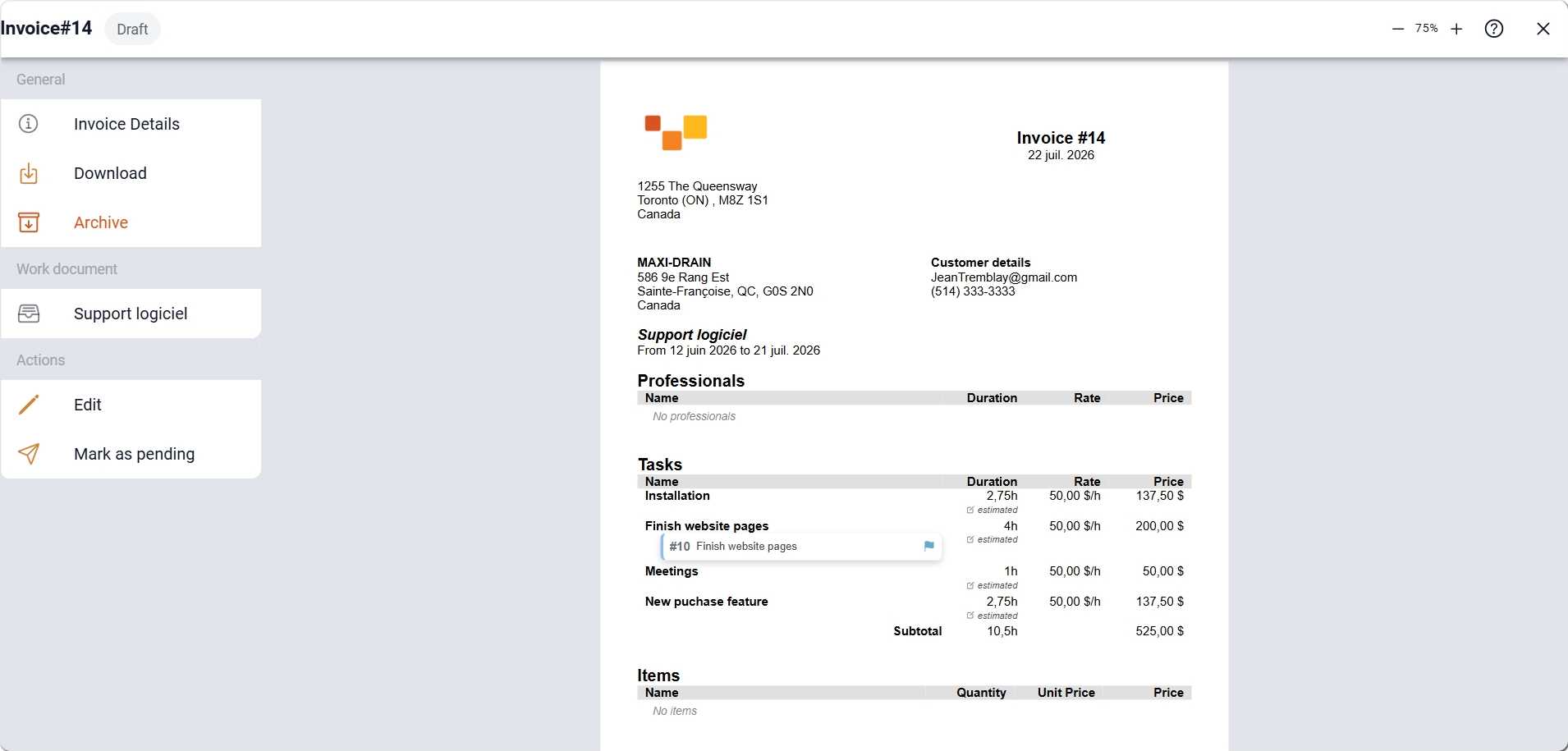
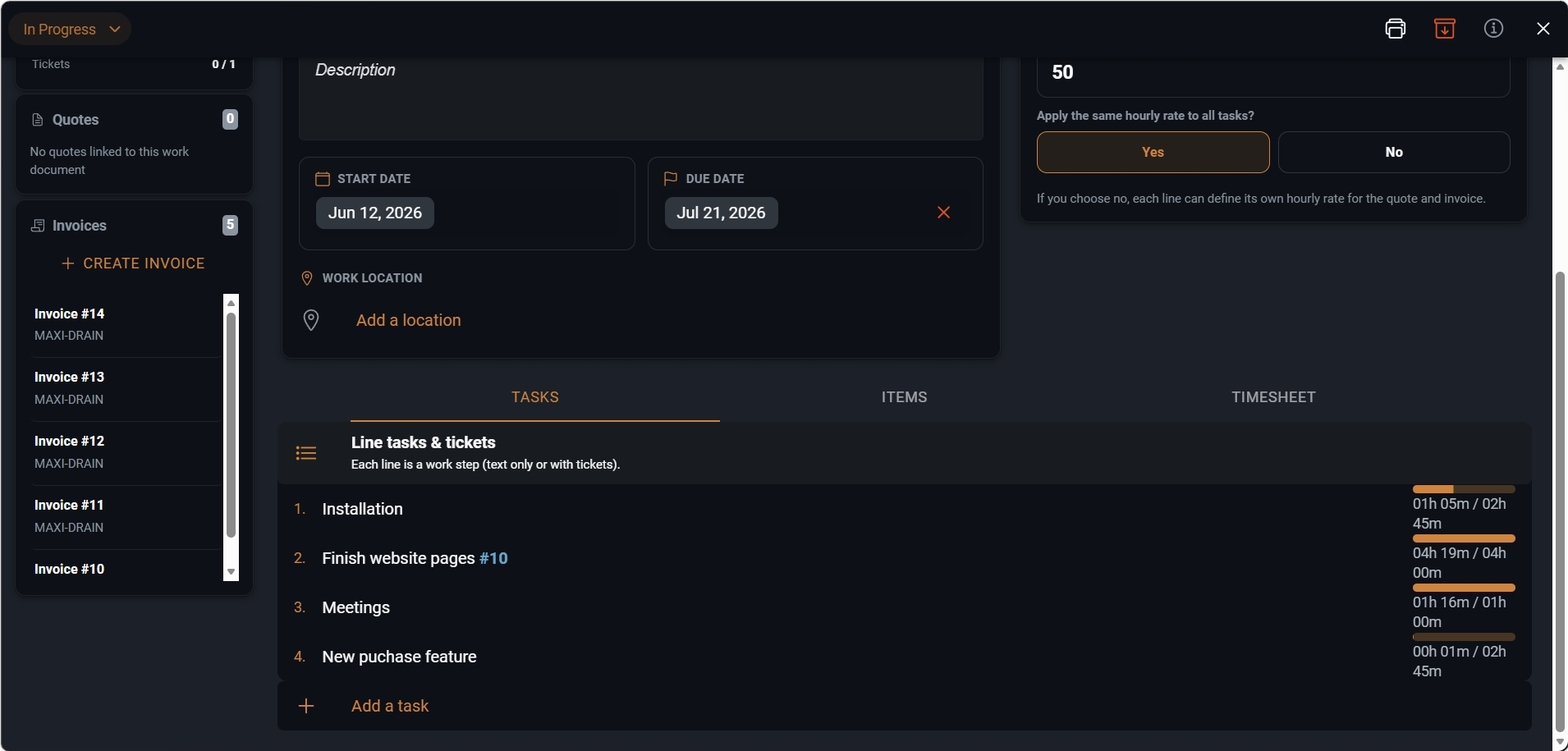
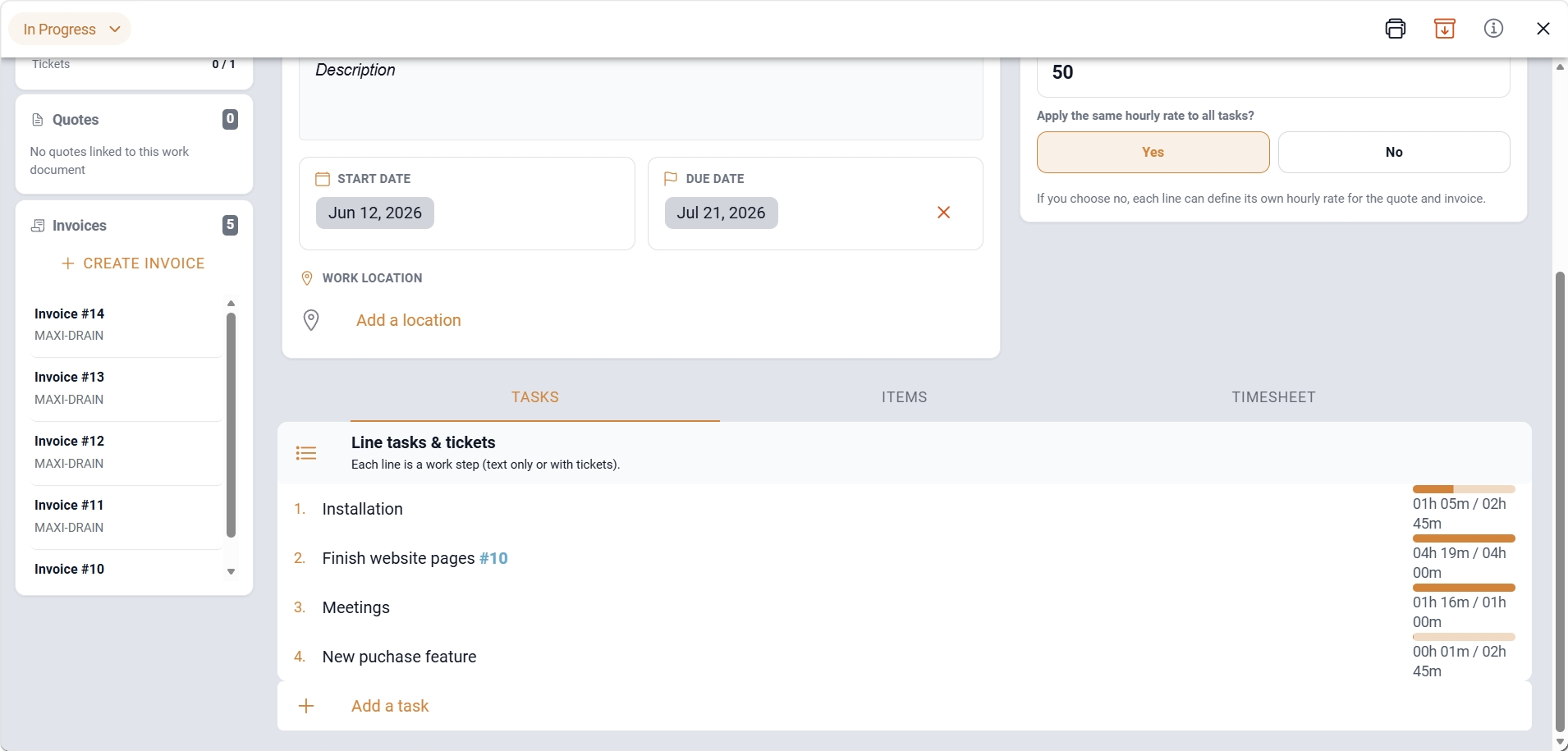
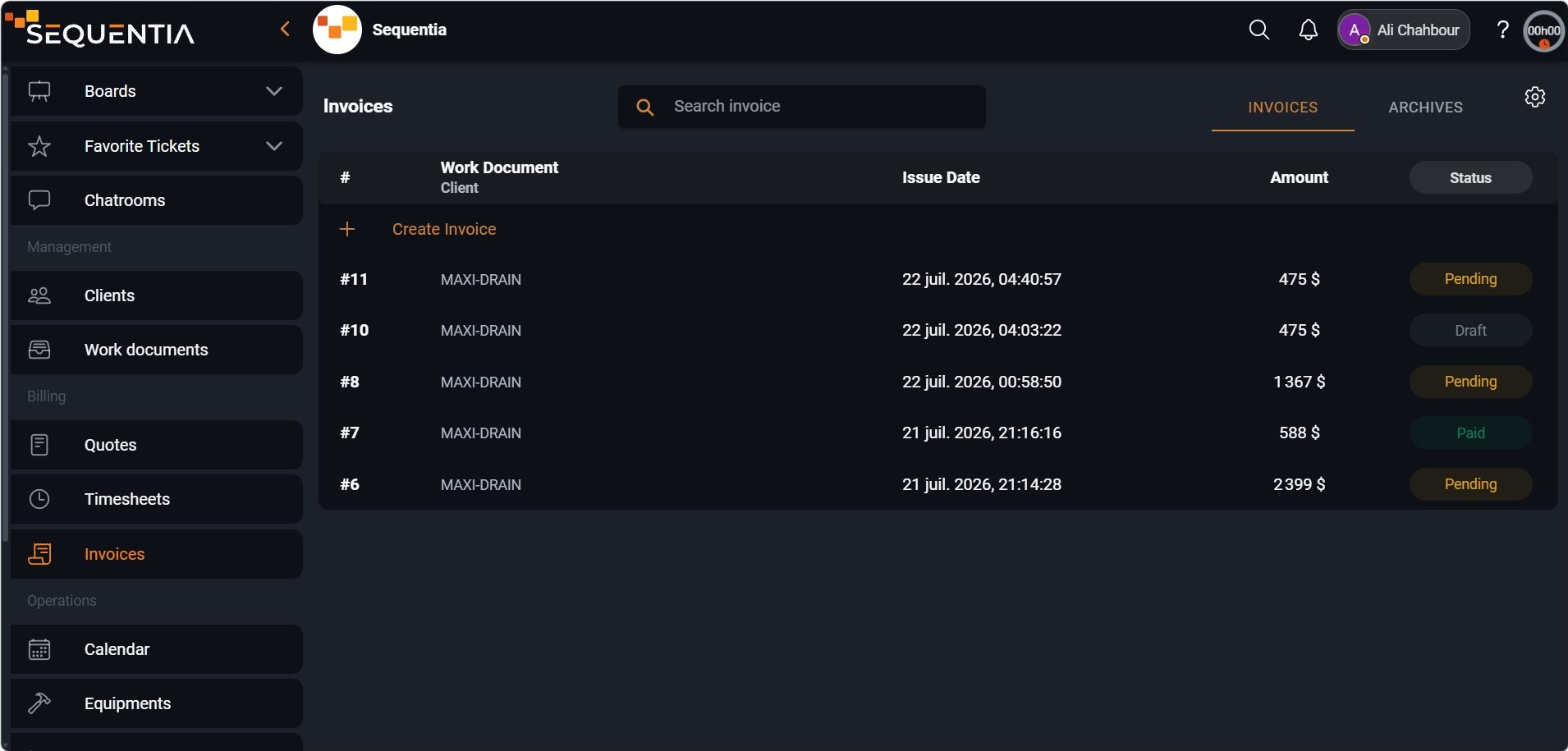
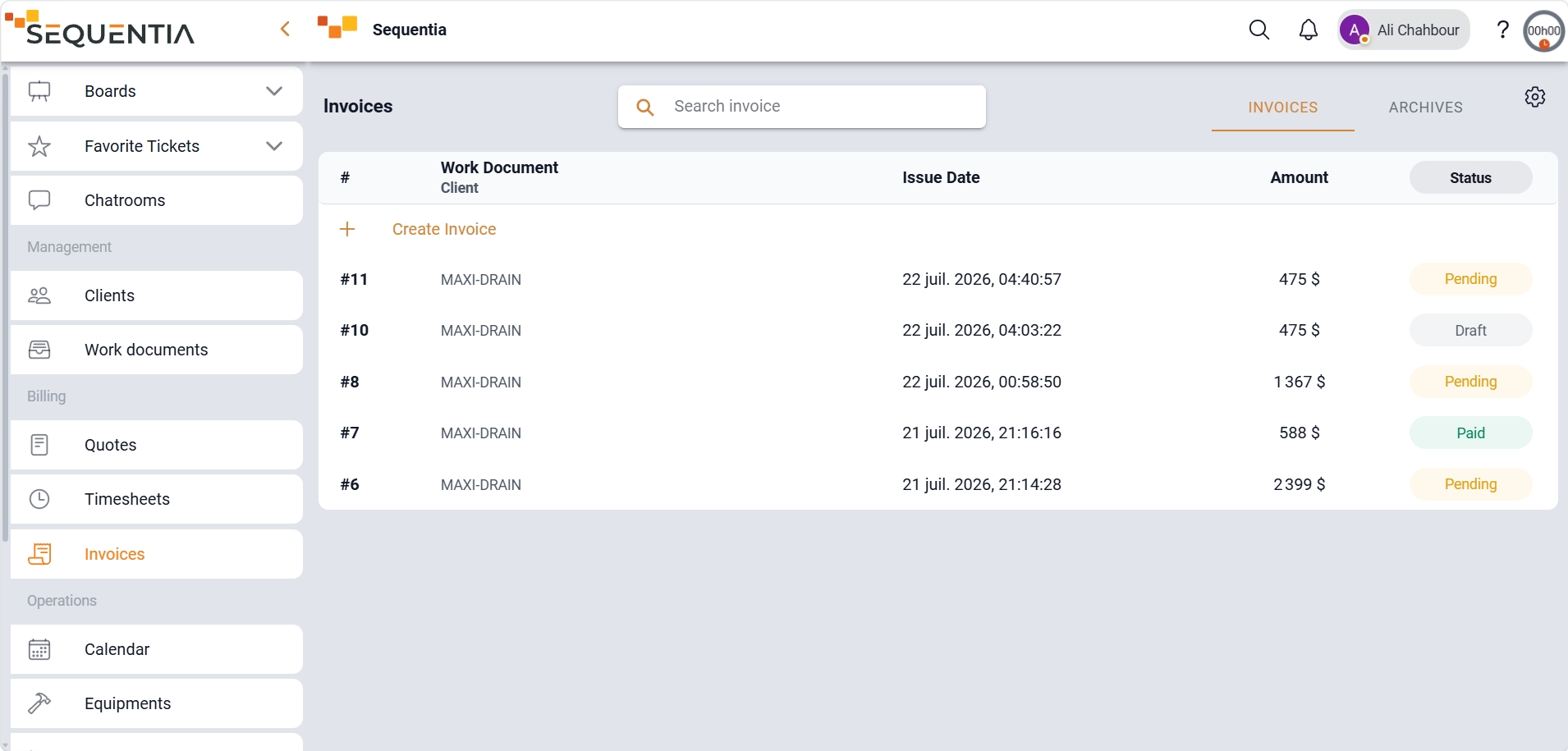
This walkthrough shows how to generate and send an invoice through the work document.
Turn field data into a client-ready invoice through three clear steps.
In Sequentia, billing builds on operational data already in the platform: time, tasks, items, work documents, and quotes. You prepare a quote, execute the job, then turn the result into an invoice without rebuilding every line a second time.
Create professional quotes with revisions, history, expiration dates, and one-click conversion to invoice.
Produce invoices from projects, time entries, completed tasks, and inventory items already recorded.
Send the invoice or quote with your logo, then track statuses through payment.
Support multiple tax rates and organize items into groups for clear, professional documents.
The same module covers service engagements, billable field work, recurring jobs, and back-office billing.
Present a quote, execute the job in a work document, then invoice based on actual time and items.
Turn a documented intervention, its hours, and parts into an invoice ready to send to the client.
Track draft, sent, paid, and overdue statuses to keep your finances under control.
Produce compliant documents with multiple taxes and sections grouped by service type.
Most gains come from continuity between execution and back office: what was captured during work becomes billable without re-entry.
Hours, tasks, and items already tied to the record feed the invoice instead of being hunted across tools.
The back office sees where each document stands before sending and after client receipt.
Revisions and changes stay traceable for internal approval.
Ready-to-send PDFs speed up the last step before payment.
Answers to the most common questions about billing in Sequentia.
Yes. Time entries, completed tasks, items, and work documents can feed an invoice without manually re-entering every line.
Yes. An accepted quote can be converted into an invoice while keeping the job context and structured elements intact.
The invoice or quote can be sent directly to the client with your logo. They can accept it online or download it.
Yes. Sequentia supports multiple tax rates and lets you organize items into groups for clearer invoices.
We're here for you. Choose who to reach out to - a real person, not a form, not an AI.