Precise recording
Capture start, end, breaks, and notes with minute-level precision from web or mobile.
Record activities accurately, consolidate timesheets, and tie every hour to tickets, projects, and work documents so you can bill from real time worked.
The time module lets you record an activity, adjust logged hours, monitor time in progress, and review a generated timesheet. The screenshots walk through the full flow, from capture to generation.
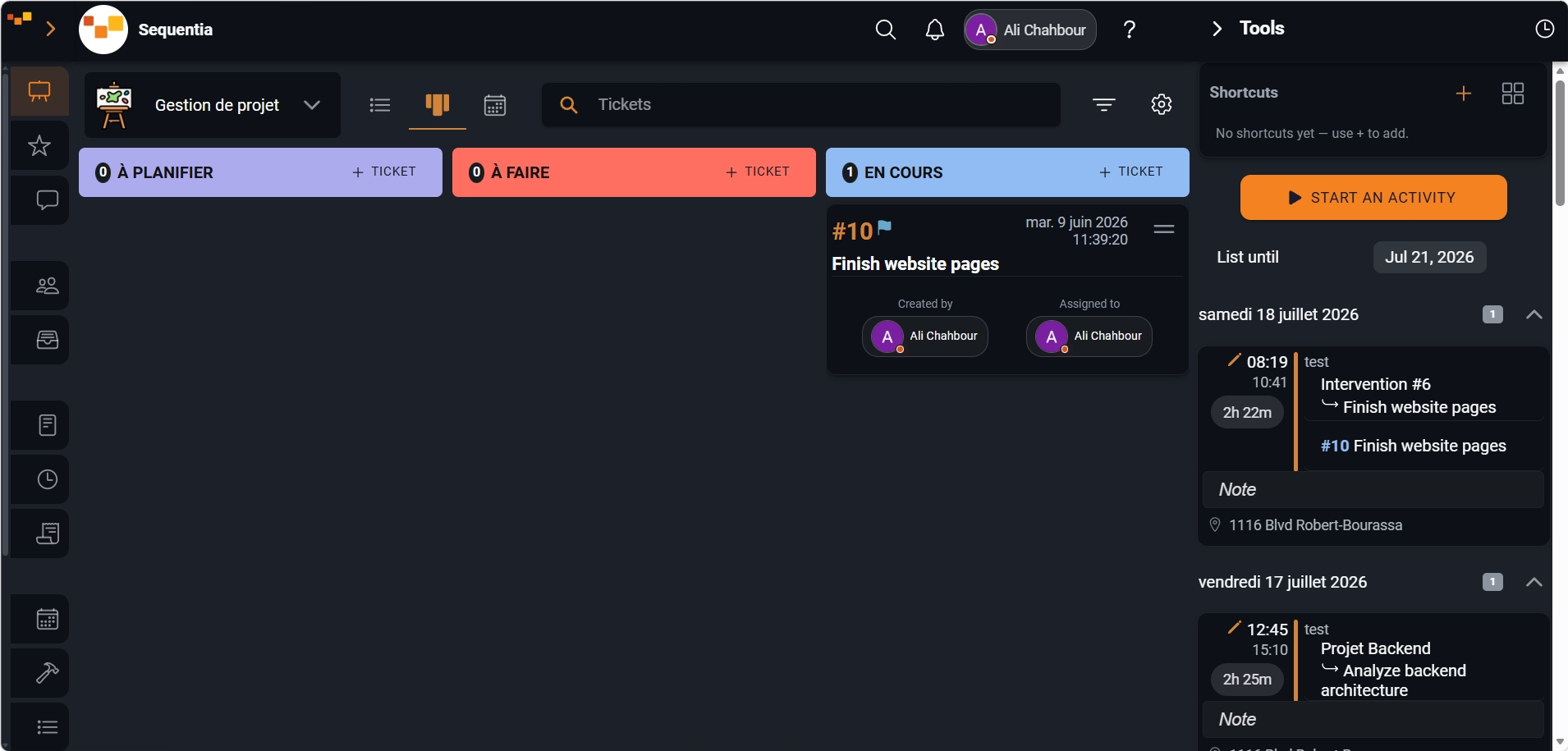
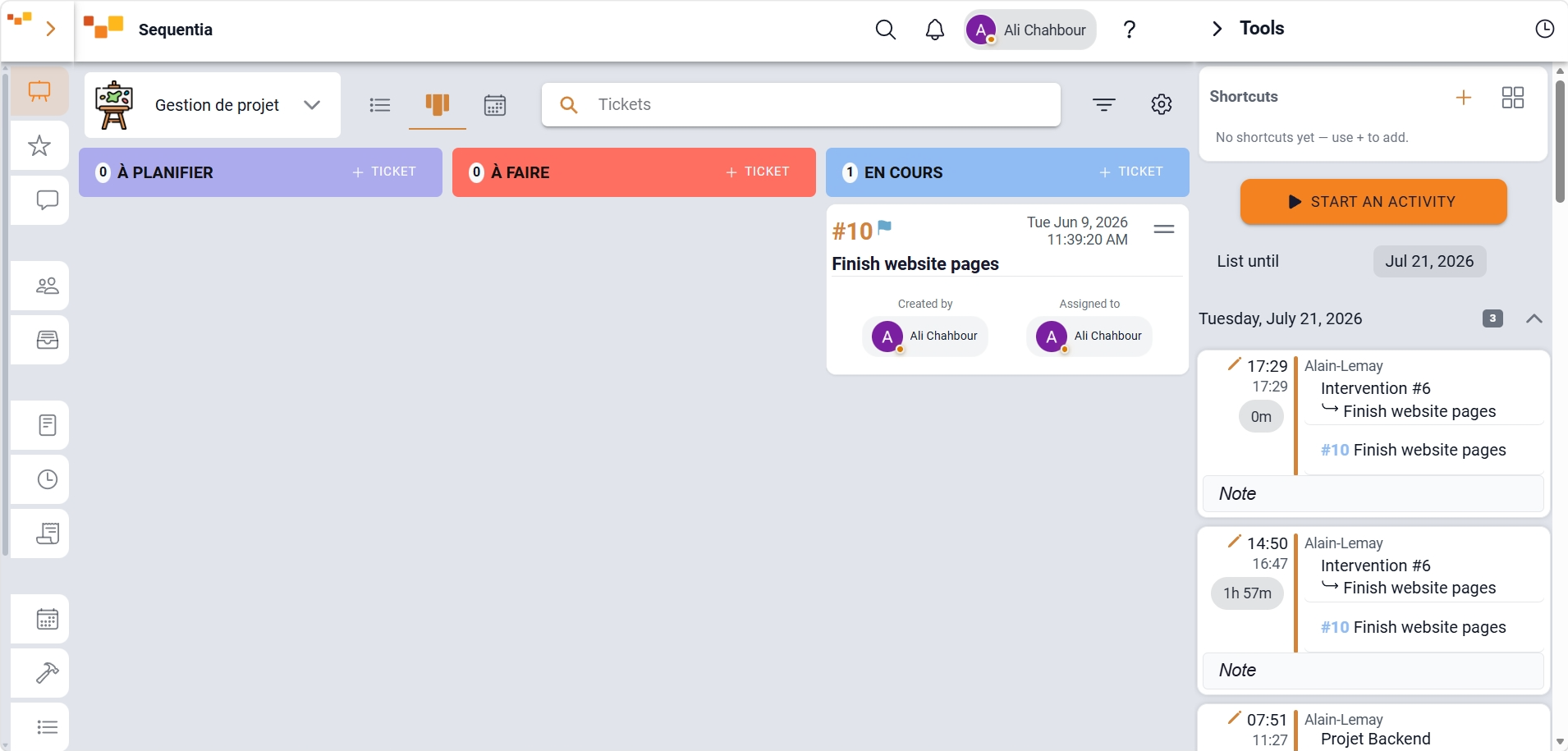
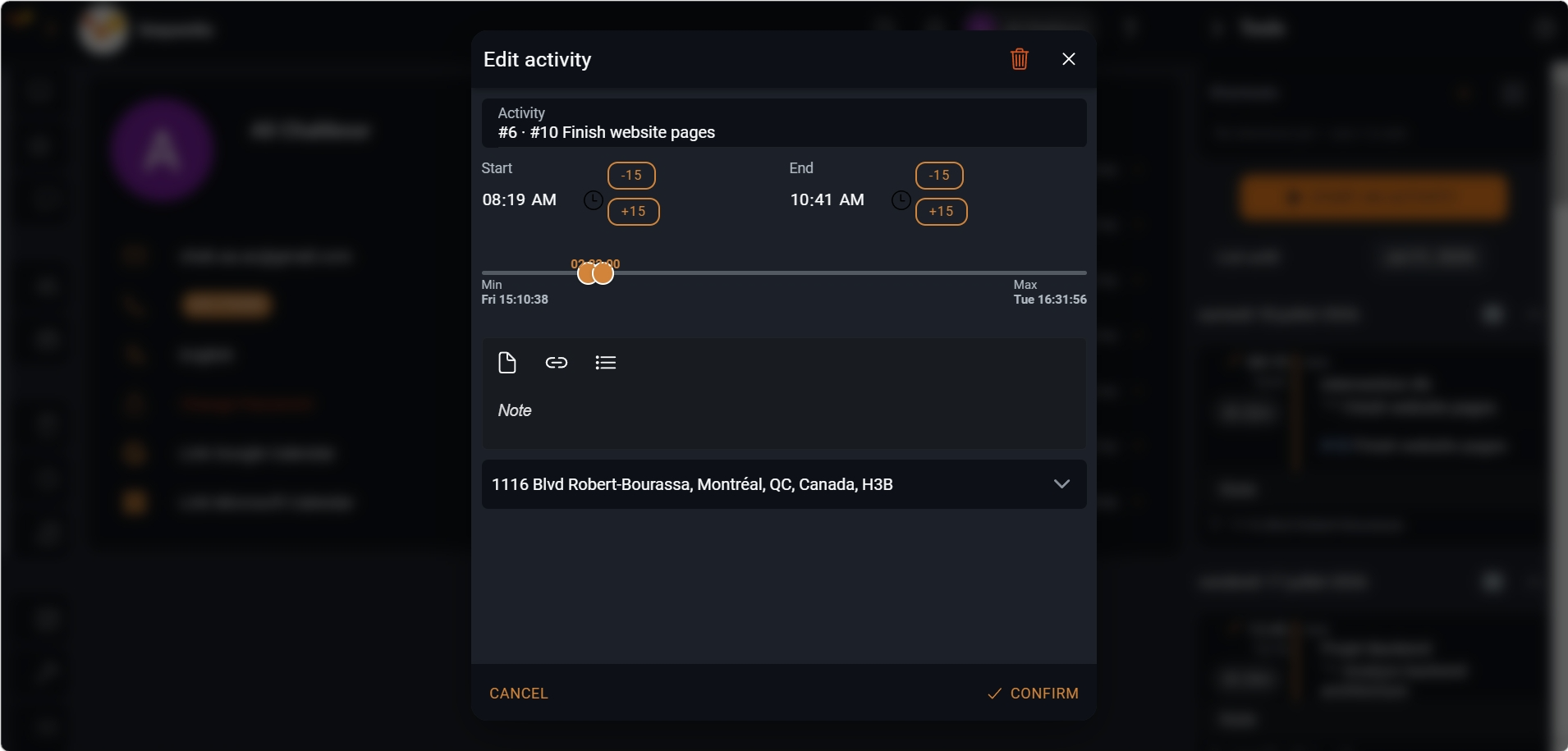
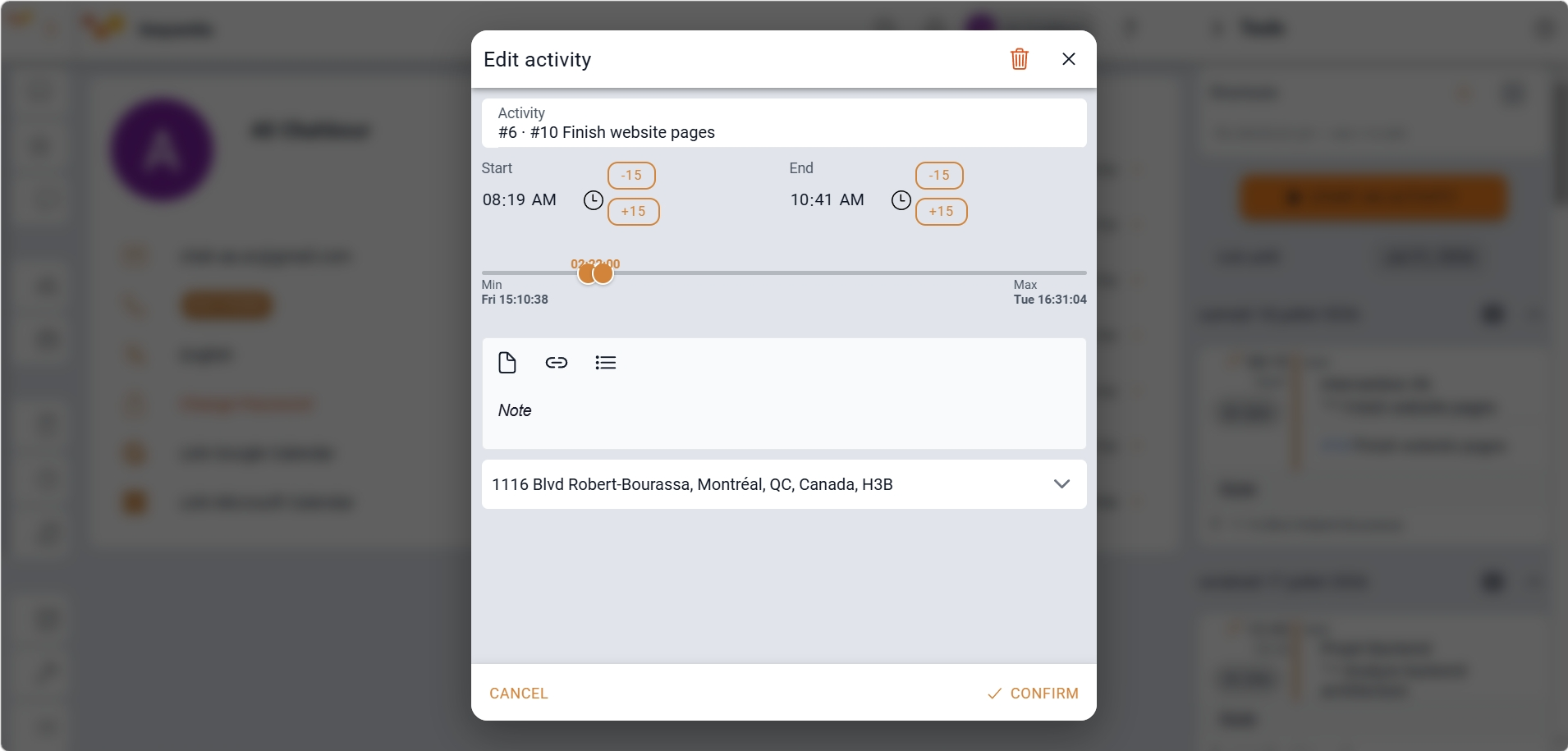
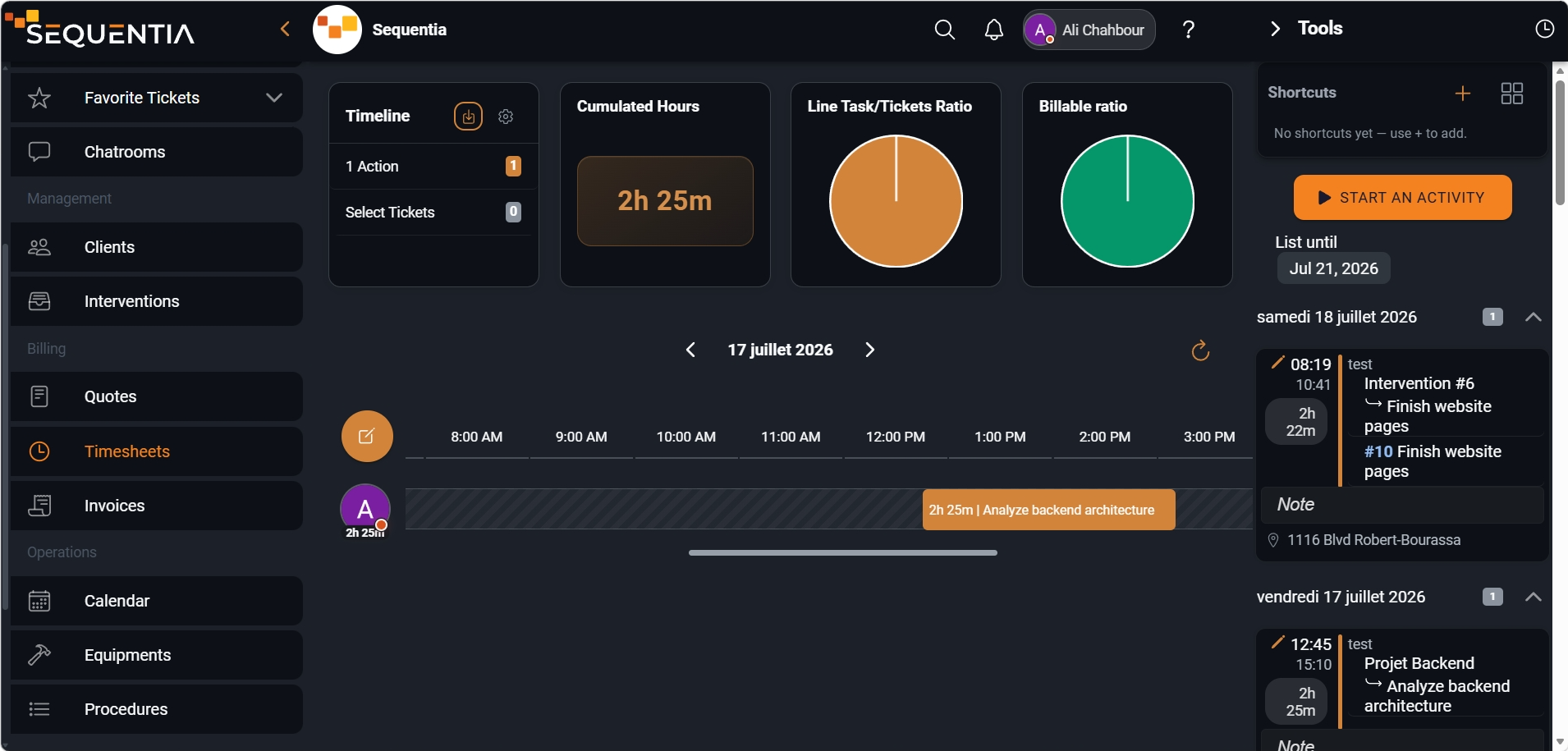
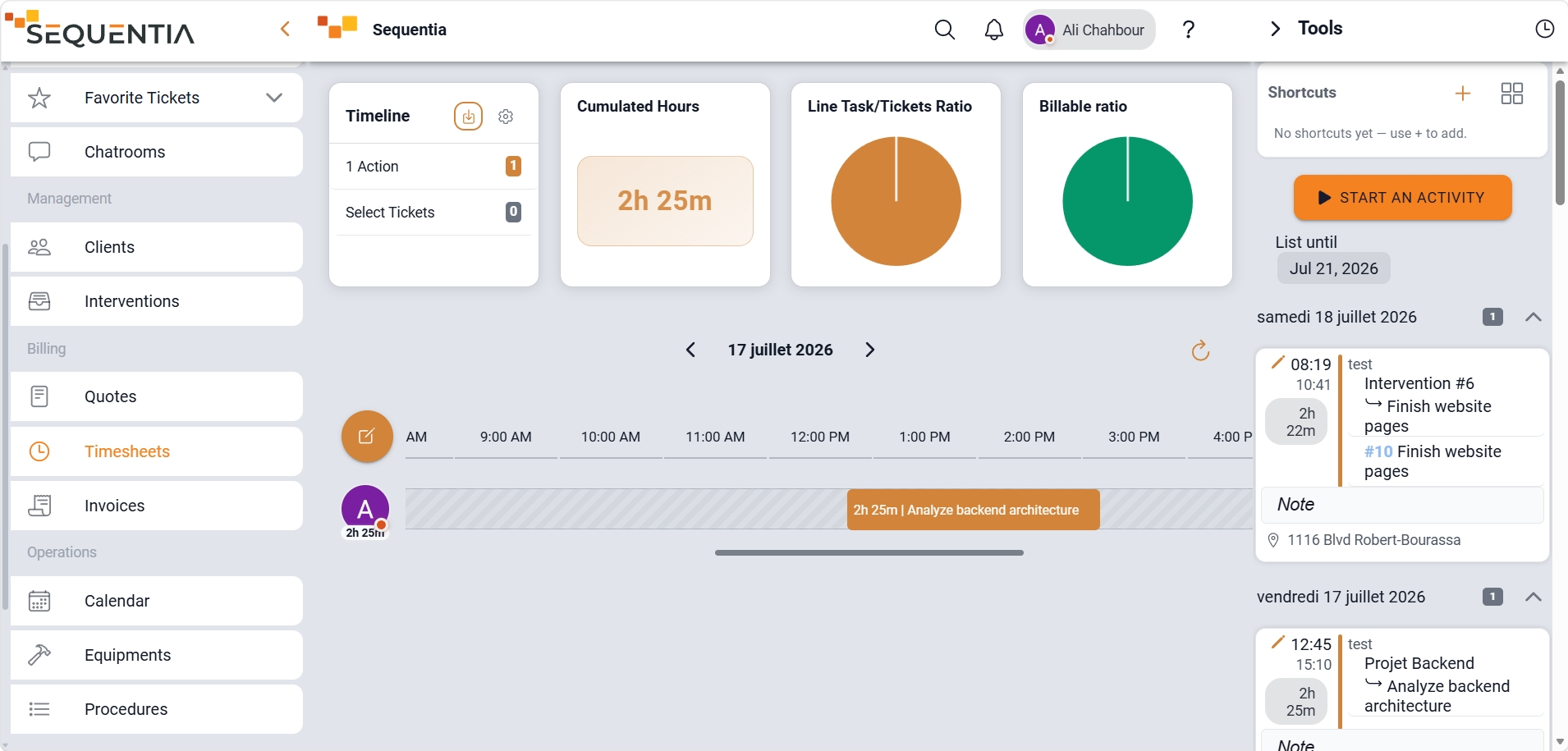
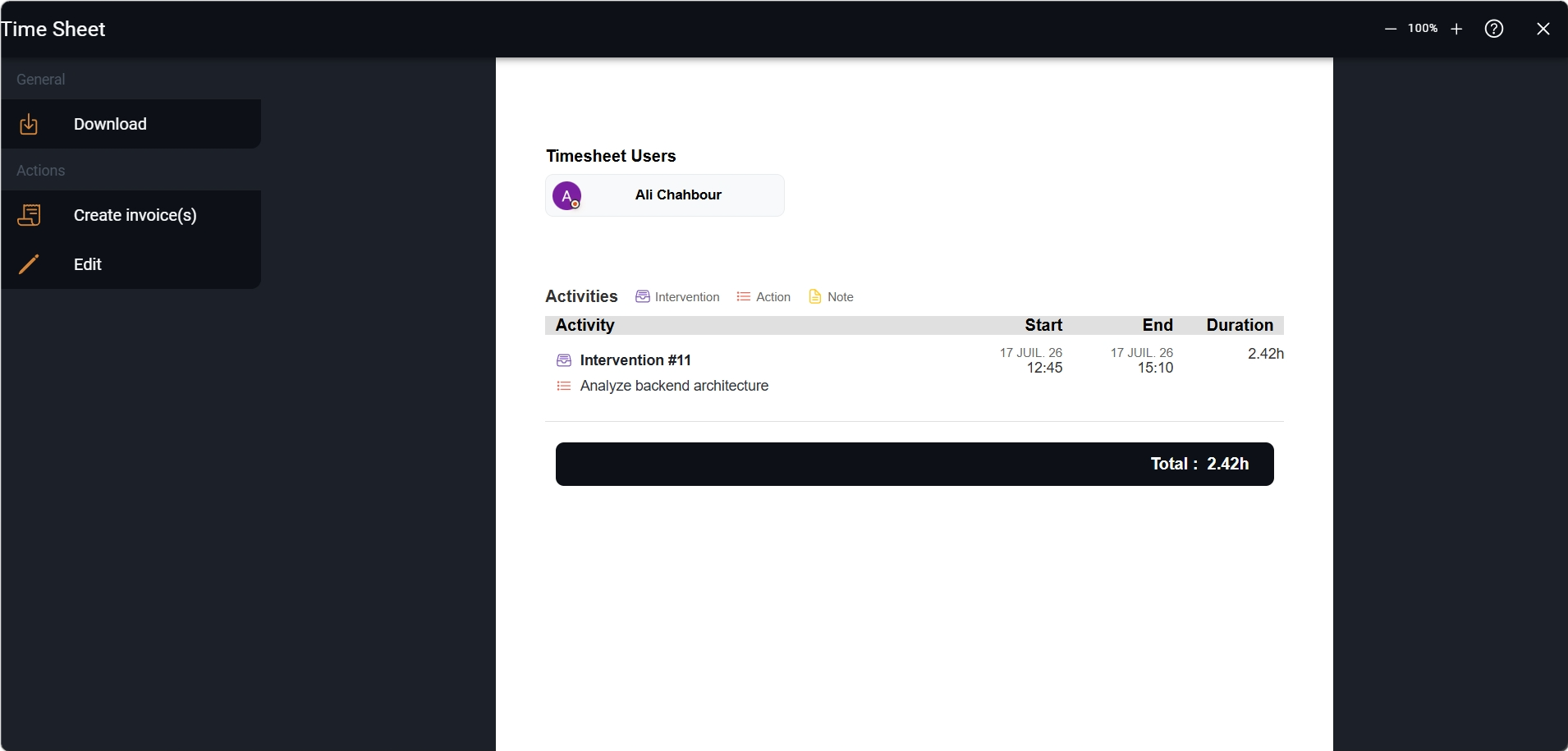
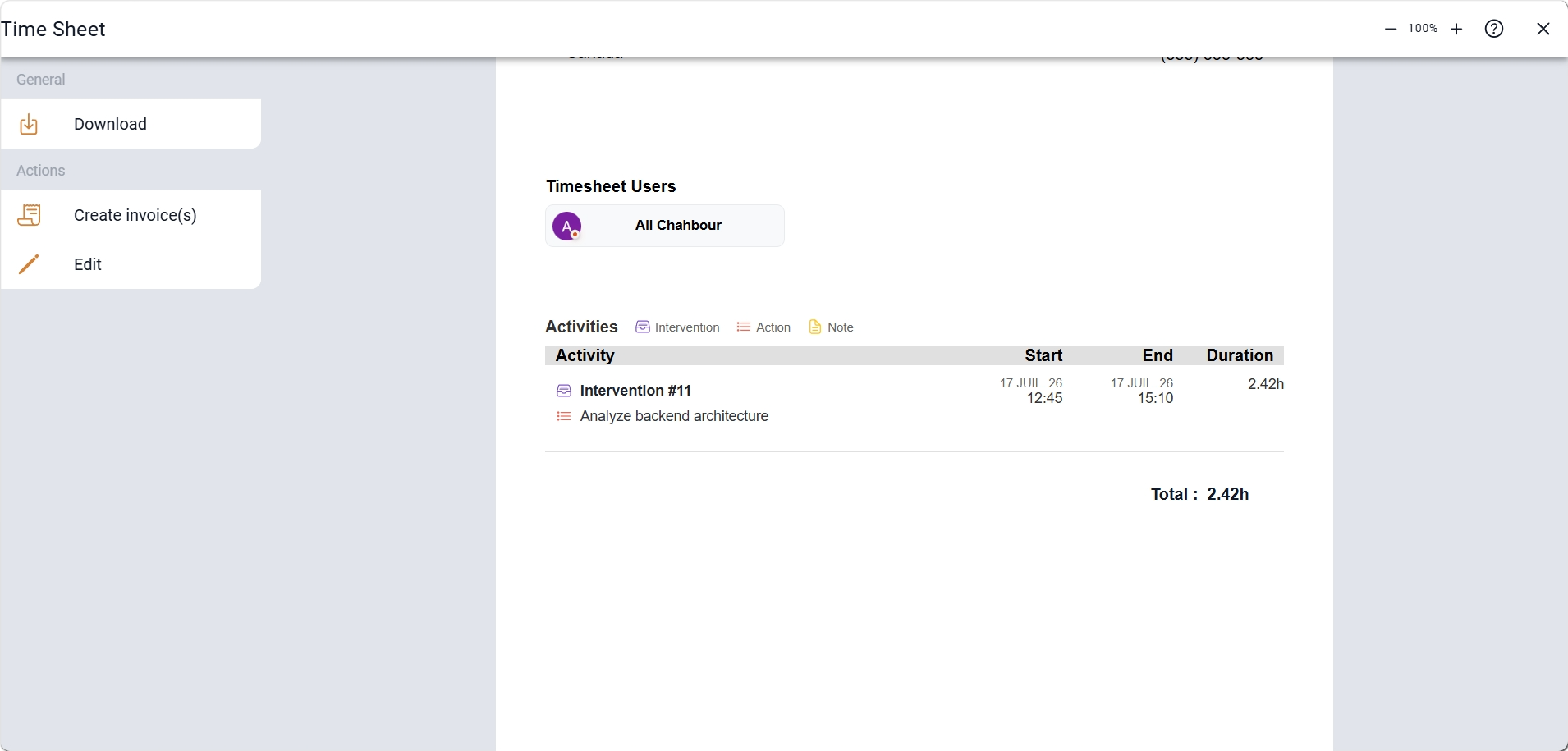
This walkthrough shows how to start a recording from the toolbar or a ticket and find the time again in a timesheet ready for billing.
In Sequentia, time is not a column lost in an external file. It is captured while work happens, stays attached to the ticket or work document involved, and then feeds the timesheet without manual reconstruction.
Capture start, end, breaks, and notes with minute-level precision from web or mobile.
Group entries by person, period, or record to get a clear view before approval.
Tie every hour to a ticket or a task on a work document so context is never lost.
The same module covers field capture, administrative review, and billing or payroll preparation.
Record time on site, attach it to the work document, and prepare an invoice based on actual hours.
Compare time spent to estimates, track profitability, and adjust workload before the job closes.
Consolidate team hours by week or period for payroll or cost control.
Measure effort per request, prioritize costly cases, and document work done for the client.
Most gains come from linking captured time to the operational record: less re-entry, fewer missed hours, and more confidence in the numbers.
Hours recorded in the field stay attached to the right record instead of being copied into another tool.
Leadership, project managers, and back office review the same totals by client, job, or period.
Consolidated entries make internal approval easier before payroll or billing.
Each person sees their own time while managers track overall team effort.
Answers to the most common questions about time tracking in Sequentia.
Yes. Time can be captured while work is happening, including from mobile, so teams do not have to rebuild the day later at a desk.
Yes. A time entry can be attached to a ticket or a task on a work document so operational context stays intact.
Consolidated entries support internal approval, administrative export, and invoice generation based on hours actually recorded.
Yes. Entries can be adjusted or completed before a period is approved, leaving room to fix mistakes without losing history.
We're here for you. Choose who to reach out to - a real person, not a form, not an AI.