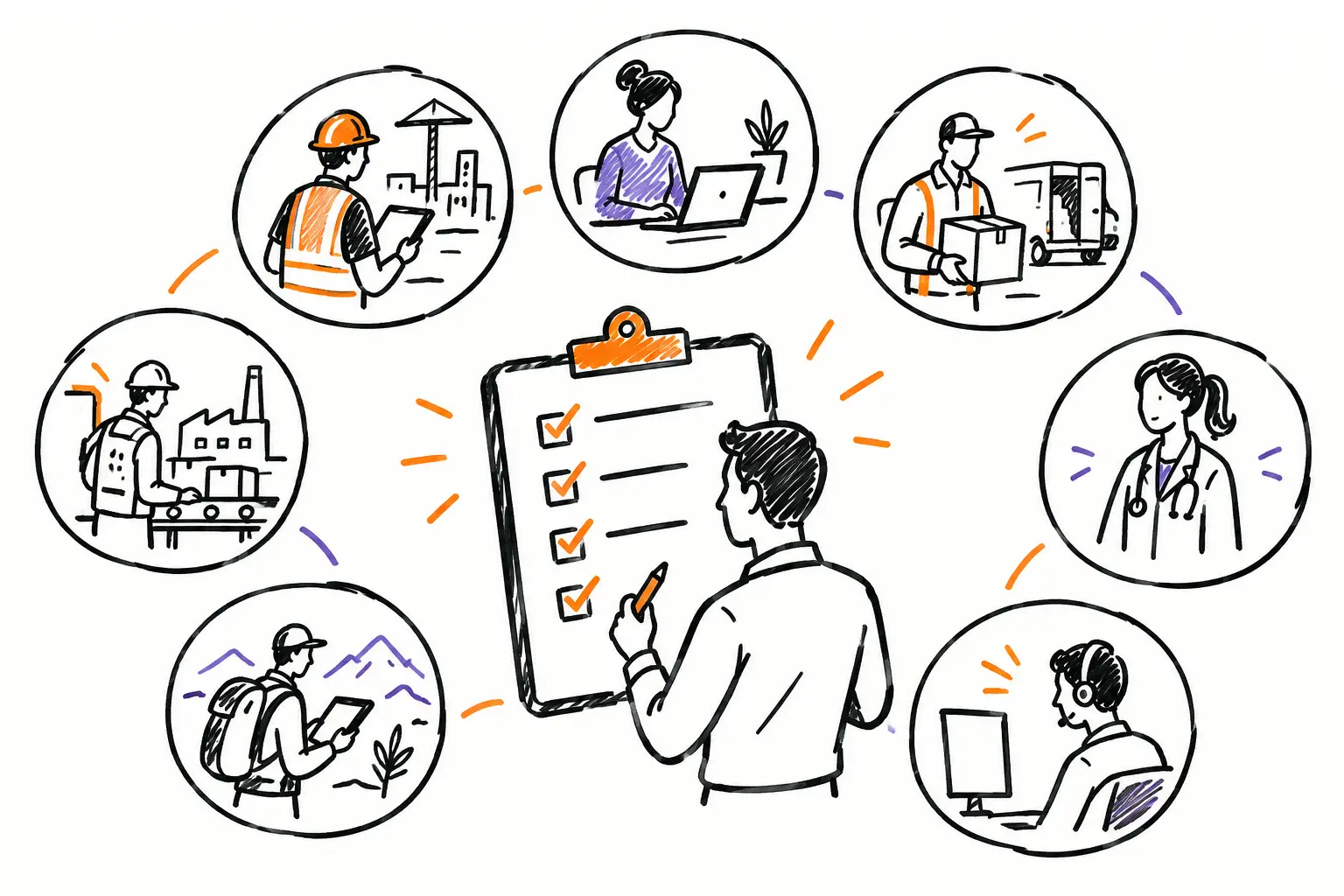
A work order that returns to the office without photos, hours, or customer confirmation rarely causes just a simple delay. It forces the team to call the technician, search for an email, guess which materials were used, and postpone the invoice. Digital operational procedures are designed precisely to avoid these gray areas: they provide every person with the right steps to follow, within the document where the work actually happens.
For an SME in services, construction, maintenance, or property management, the goal is not to turn field teams into administrators. It is to make execution clearer, capture information at the right time, and allow the office to invoice what was truly done, without double entry.
Why paper procedures eventually slow down the team
A procedure printed in a binder might be very well written and still fail in the field. It is not necessarily accessible when an employee arrives at a client's site. It does not remind them of the steps based on the type of intervention. Above all, it does not confirm whether critical information has been captured.
The problem multiplies when work passes between several people. The dispatcher creates the work order, the technician performs the intervention, a project manager validates the costs, and then the administration prepares the invoice. If each step lives in a different tool, the file becomes incomplete by default. Teams compensate with text messages, photos on personal phones, timesheets handed in on Fridays, and questions asked too late.
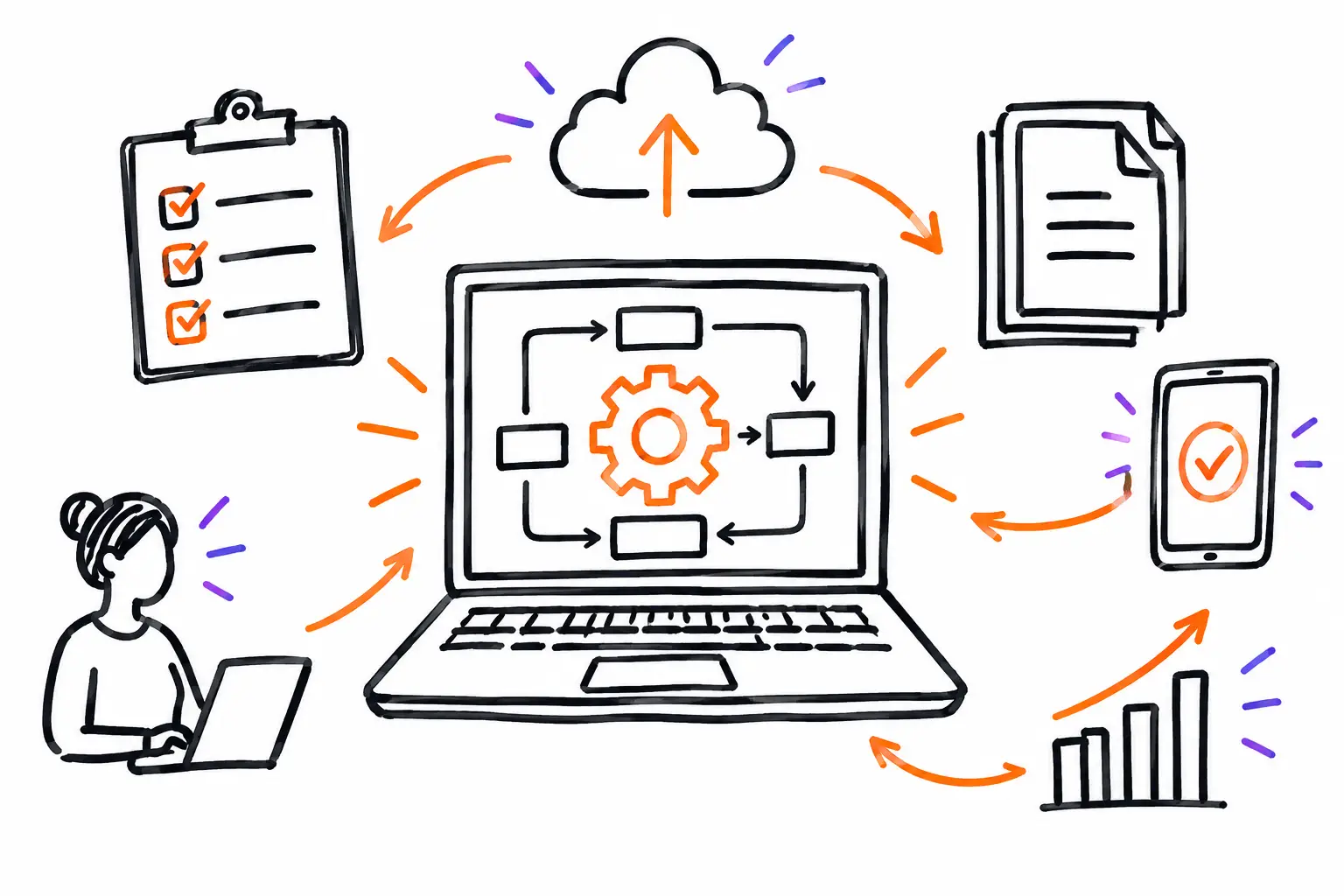
A well-designed digital procedure puts information back into context. The technician opens their mandate or work order, sees the applicable instructions, checks off the completed steps, adds a photo or a meter reading, and then has the client sign if necessary. The office receives a file that can be validated and invoiced, not a story to reconstruct.
A useful procedure follows the working document
The best procedure is not the one with the most steps. It is the one that accompanies the right document, at the right time, for the right trade. An equipment inspection, an urgent service request, and a renovation project do not have the same risks or the same evidence to collect.
Take a technical maintenance company. When a service call is created, the work order can contain the address, the equipment concerned, the client history, and the priority. Depending on the type of intervention, the procedure then displays the items to check: site safety, diagnosis, parts used, before and after photos, recommendations to the client, and closing signature.
The technician does not look for a general procedure in a shared folder. They work directly in their document. Once the mandate is finished, the hours, expenses, and parts entered are already linked to the intervention. The administrative team can review them, apply billing rules, and prepare the invoice based on data from the field.
It is this continuity that makes the difference between digitizing a form and managing an operation. The form alone collects information. The working document links this information to planning, communication, costs, validations, and invoicing.
How to build digital operational procedures that really work
Start with a workflow that costs time, money, or client trust. It could be closing work orders, approving expenses, pre-delivery inspection, or the transition between an accepted quote and an active project. Trying to standardize everything at once often produces procedures that no one adopts.
Start from real work, not the organizational chart
Bring together the people who perform the work and those who receive the file afterward. Ask concrete questions: what is missing most often? At what point do you have to call the field team back? What prevents you from invoicing? What information does the client sometimes dispute?
This discussion usually reveals that some steps must be mandatory, while others should remain flexible. For example, a before and after photo might be essential for specialized cleaning work, but useless for a coordination visit. An effective procedure respects this difference instead of imposing the same list on the entire company.
Define evidence, not just actions
"Check the installation" is too vague an instruction if no one knows how to prove that the check took place. A digital procedure gains value when it specifies the expected trace: a photo, a measurement, a checkbox, a comment, a signature, or an attached document.
However, you must choose with judgment. Asking for ten photos for a twenty-minute intervention can discourage the team and create a file that is difficult to review. Asking for a single targeted photo of a critical element can protect the company and reassure the client. The right level of control depends on the risk, the value of the mandate, and the client's requirements.
Add validations where they prevent rework
A validation must have an operational reason. It can confirm that a manager has approved an extra, that a client has accepted additional work, or that a manager has reviewed the hours before invoicing. When it happens too early or unnecessarily blocks the field team, it becomes an irritant.
The ideal is to move the file forward through clear statuses. An intervention can go from "planned" to "in progress," then to "to be validated," and finally to "ready to invoice." Each status indicates what is expected and who needs to act. The manager no longer has to scroll through all messages to know what is awaiting a decision.
Test with a small team before rolling it out
A procedure is not judged in a meeting. It is judged on a Monday morning, with a schedule change, a difficult client, and an employee who has to finish their intervention between two trips. Test the flow with a few users, observe ignored fields and steps that are confusing, then adjust.
Vocabulary also matters. Do your teams talk about tickets, mandates, service orders, or projects? The software should use the words they already use. When the document resembles real work, adoption becomes more natural and training is shorter.
Digital procedures must also accelerate invoicing
An operational procedure has a direct financial impact. If hours, materials, expenses, and additional work are captured during the intervention, the office does not start from scratch. It validates the information and invoices from the completed file.
The path becomes concrete: a quote is accepted, a working document is created, tasks and procedures guide execution, and then the entered data feeds the invoice. It is not just faster. It is also more faithful to what was delivered to the client.
This logic helps identify gaps. If an intervention often exceeds the planned time, if parts are regularly added, or if signatures are missing at closing, dashboards provide a basis for discussion. You can correct an estimate, review a procedure, or better prepare teams before losing margin.
A platform like Sequentia allows you to configure this journey around the document that is already part of your operations, rather than asking your company to follow a generic model. A work order can therefore carry the tasks, photos, validations, time, inventory, and elements necessary for invoicing in a single file.
Measure adoption without unnecessary monitoring
The goal is not to control every move of the employees. The goal is to know if the process produces complete files and if the company can act faster. A few indicators are often enough: the percentage of work orders closed with all required information, the delay between the end of an intervention and the invoice, unbilled hours, and the number of corrections requested from the field.
If an indicator deteriorates, do not automatically conclude that the team is resisting change. The procedure may be too long, a field may be poorly placed, connection at some sites may be limited, or a frequent exception may not have been anticipated. The best processes evolve with the business.
Start with the file that is costing you the most time this week. Make its steps visible, its evidence easy to capture, and its closing useful for the next person. When the field, the office, and the billing department finally work from the same document, a procedure ceases to be an administrative constraint: it becomes a simple way to deliver complete work.