Board and tickets
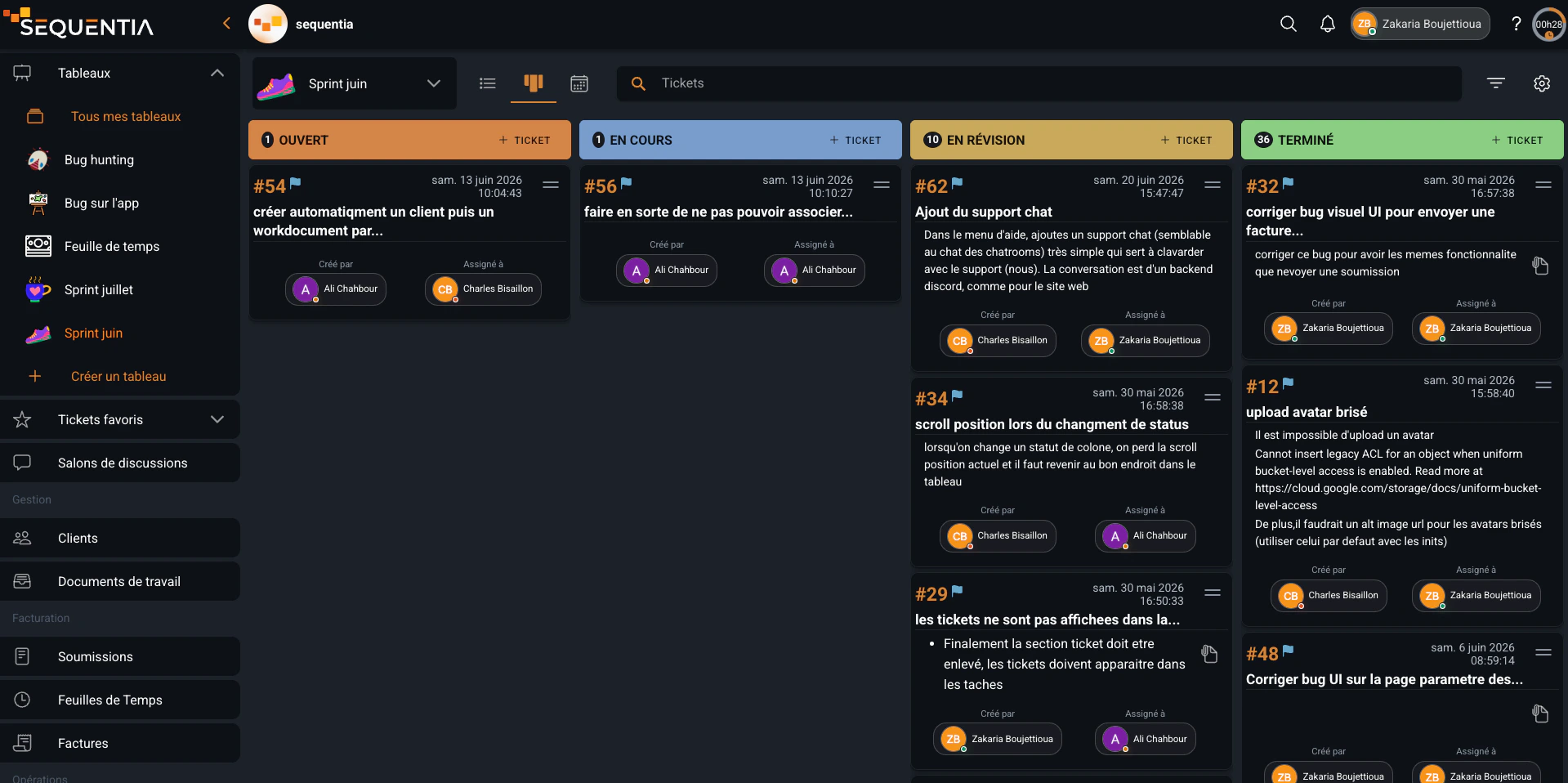
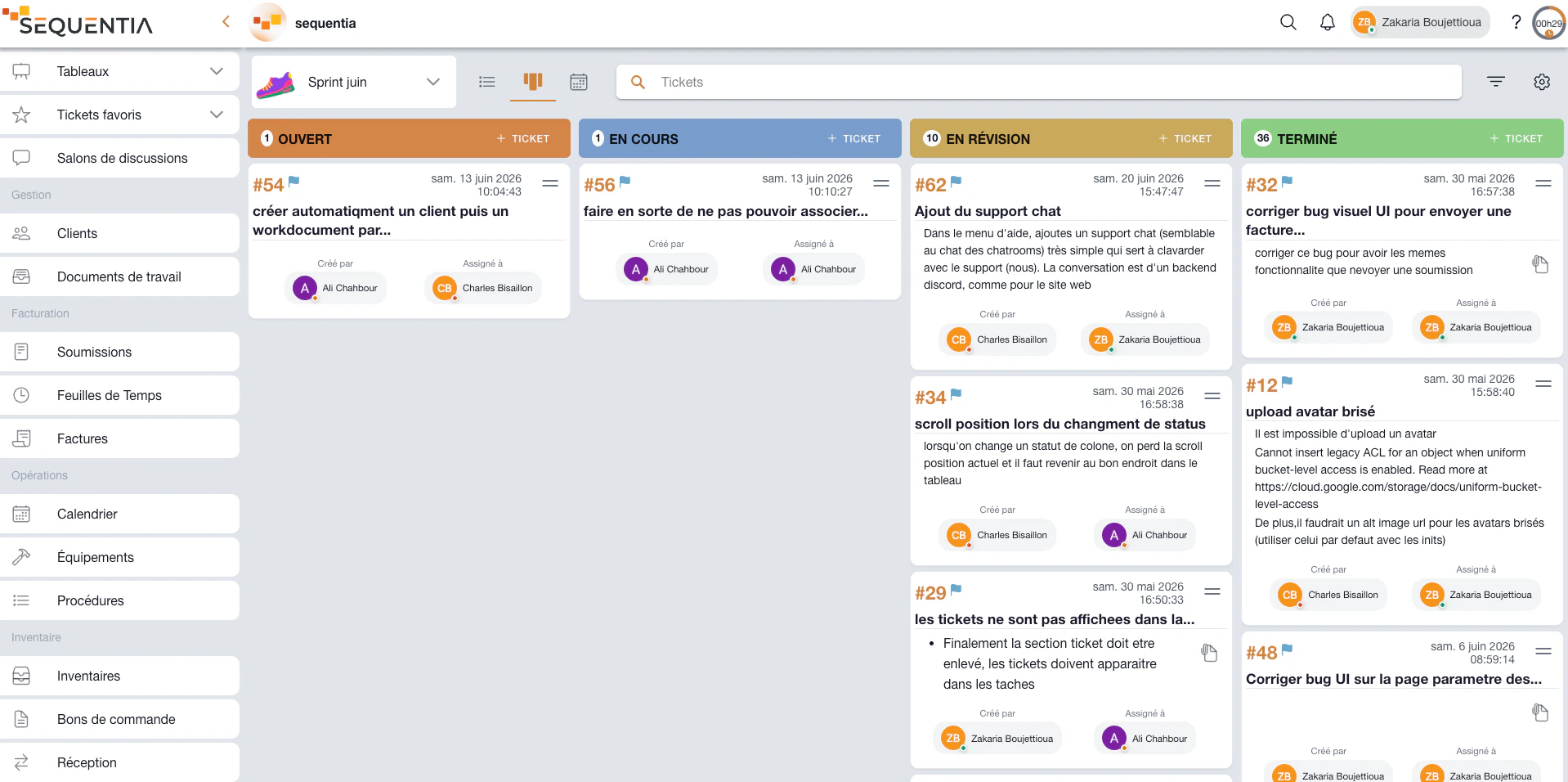
See stages, priorities, and owners, then move each task through review and completion.
Run projects through connected boards, tickets, work documents, clients, deadlines, time, quotes, and invoices in one operational workflow.
The board provides the overview, tickets distribute work, the work document preserves context, and the calendar, time, and billing complete the workflow. Select a step to see how the same project moves through Sequentia.
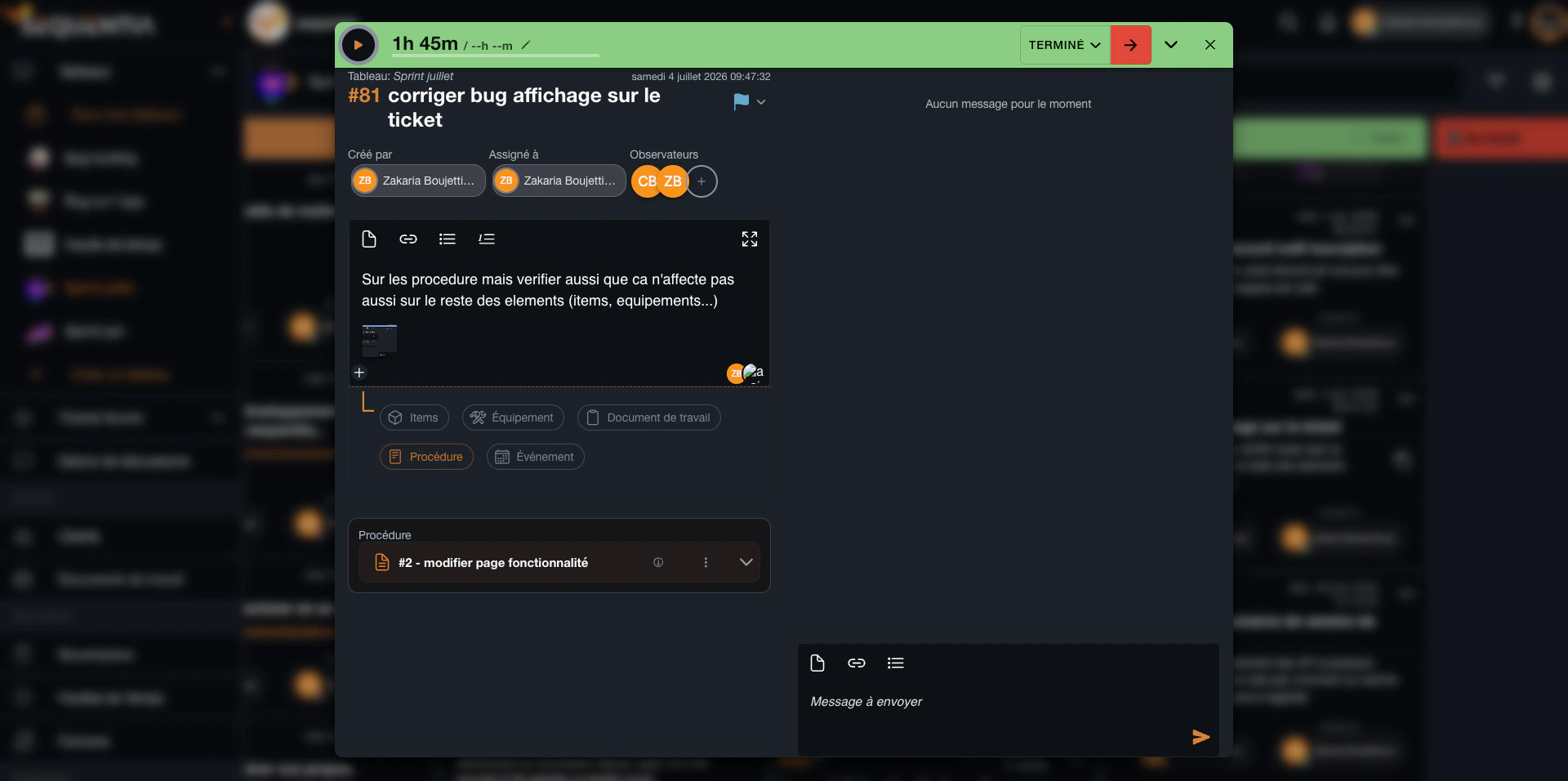
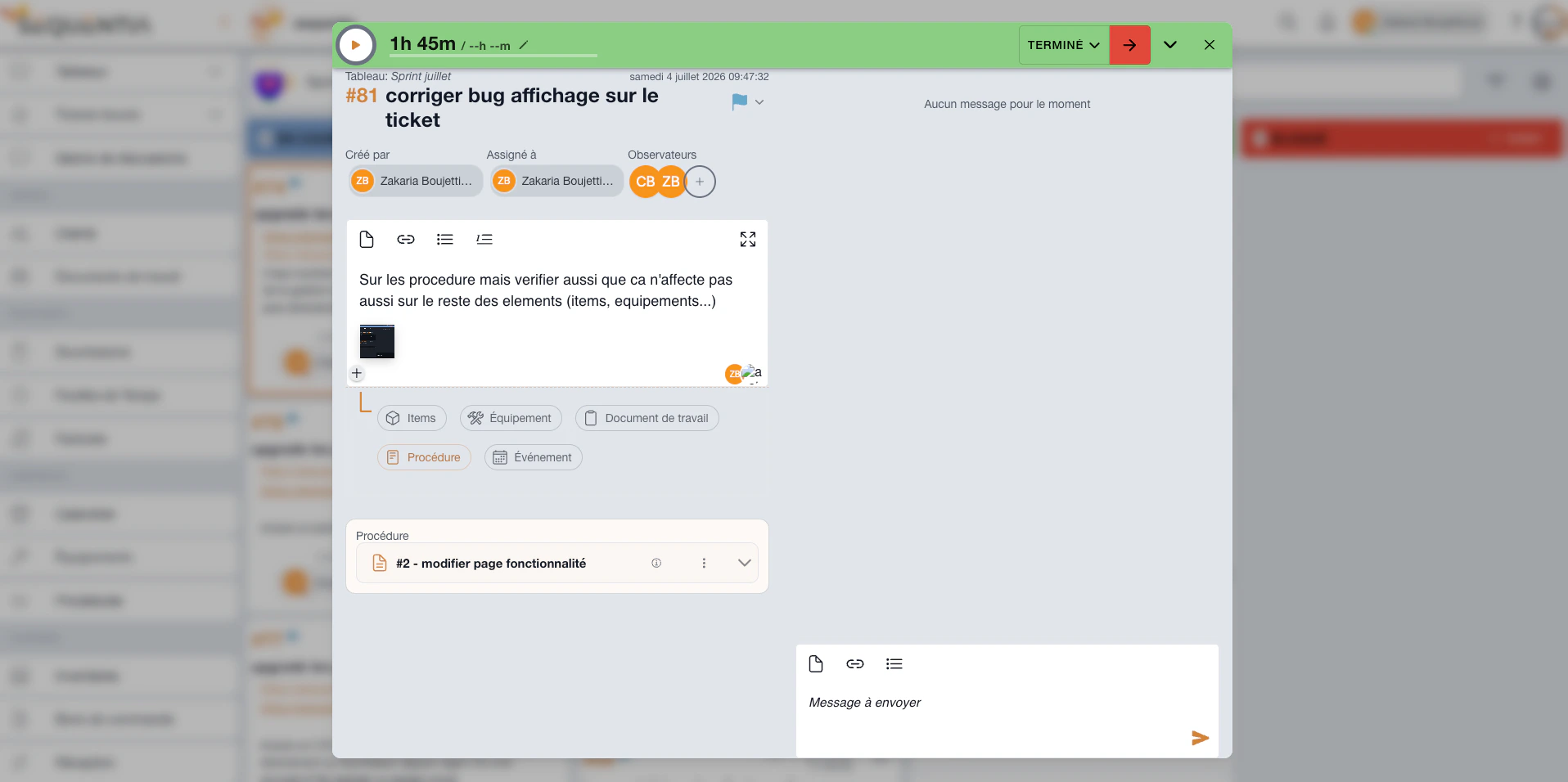
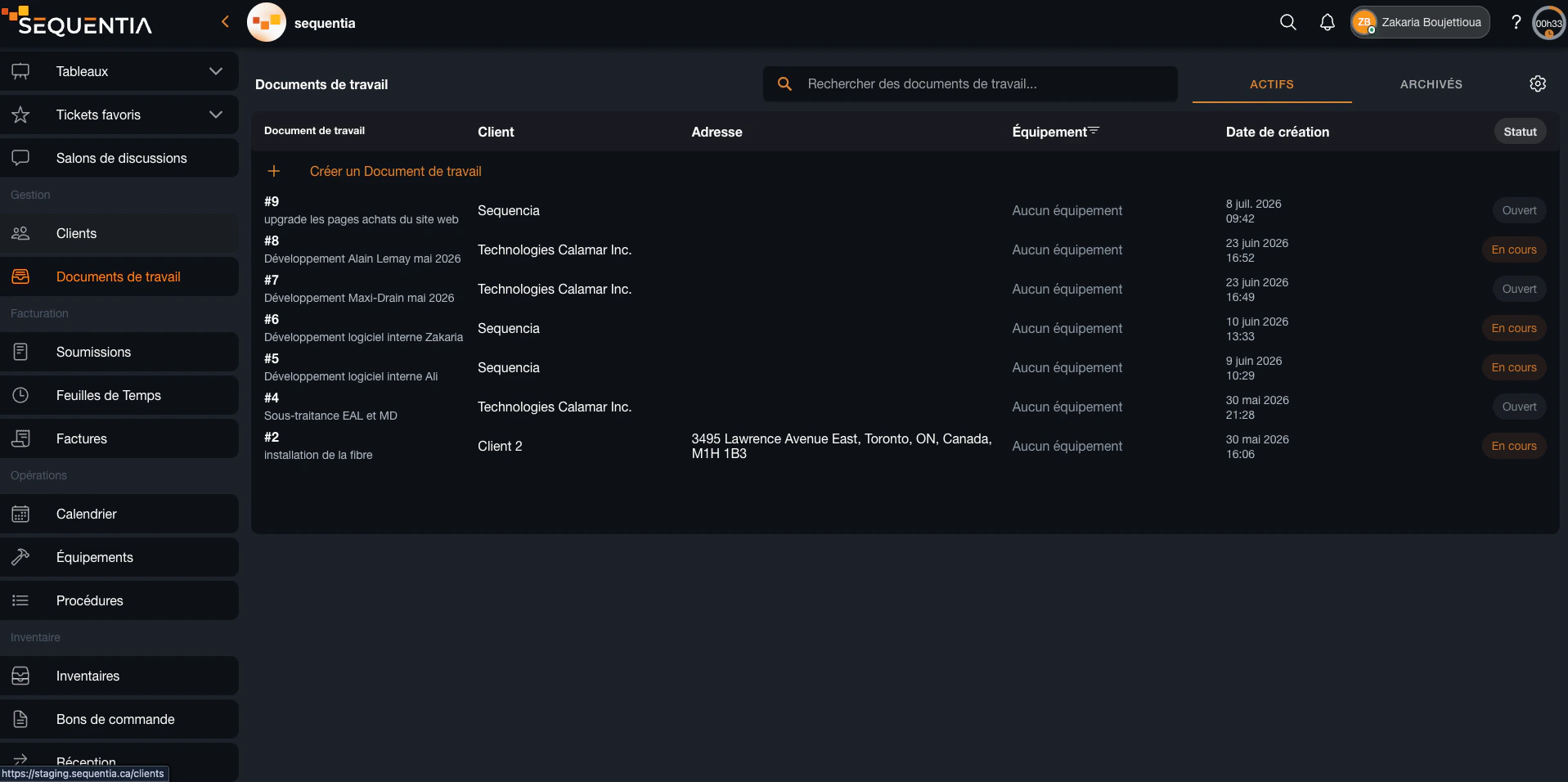
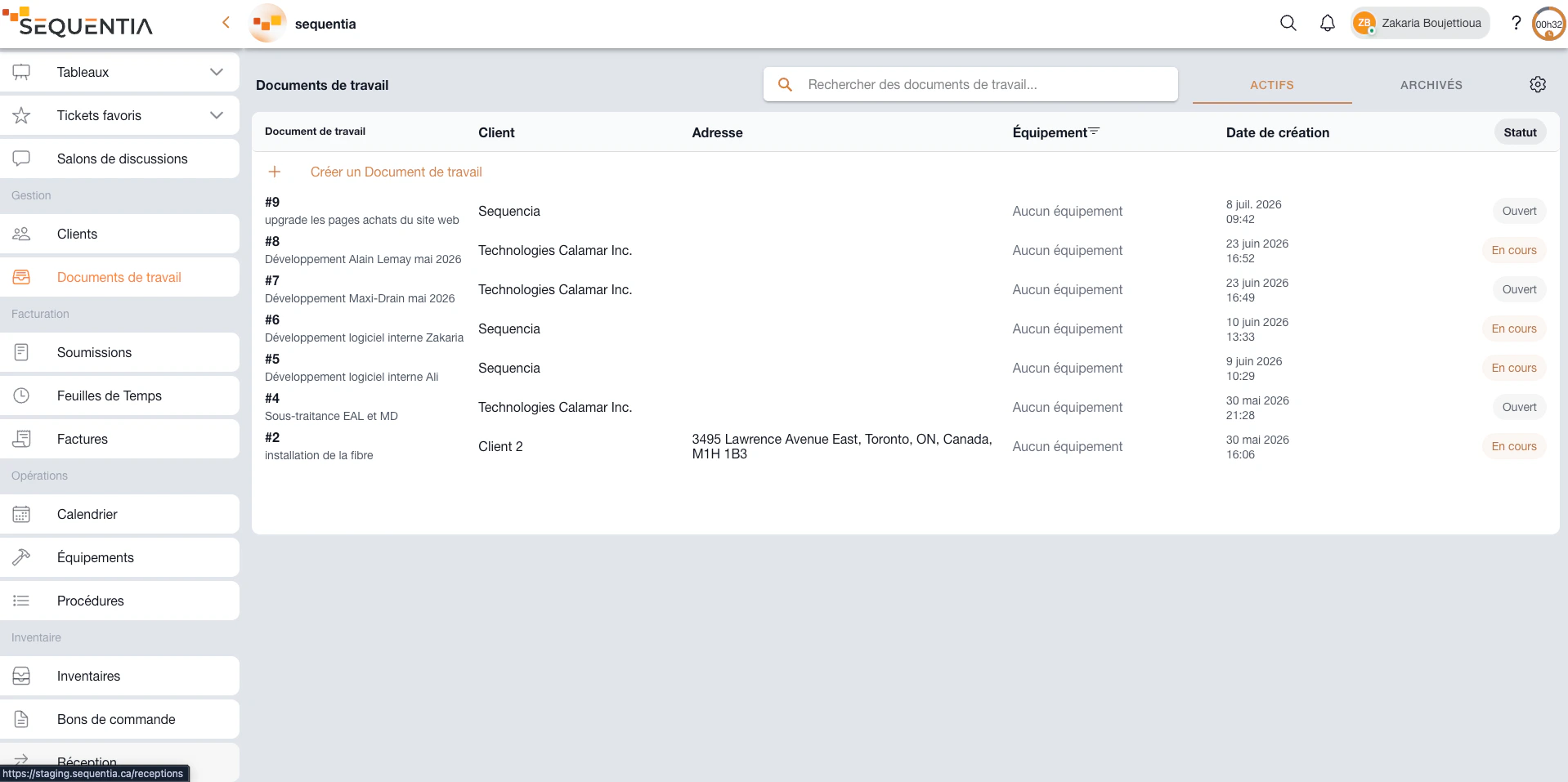
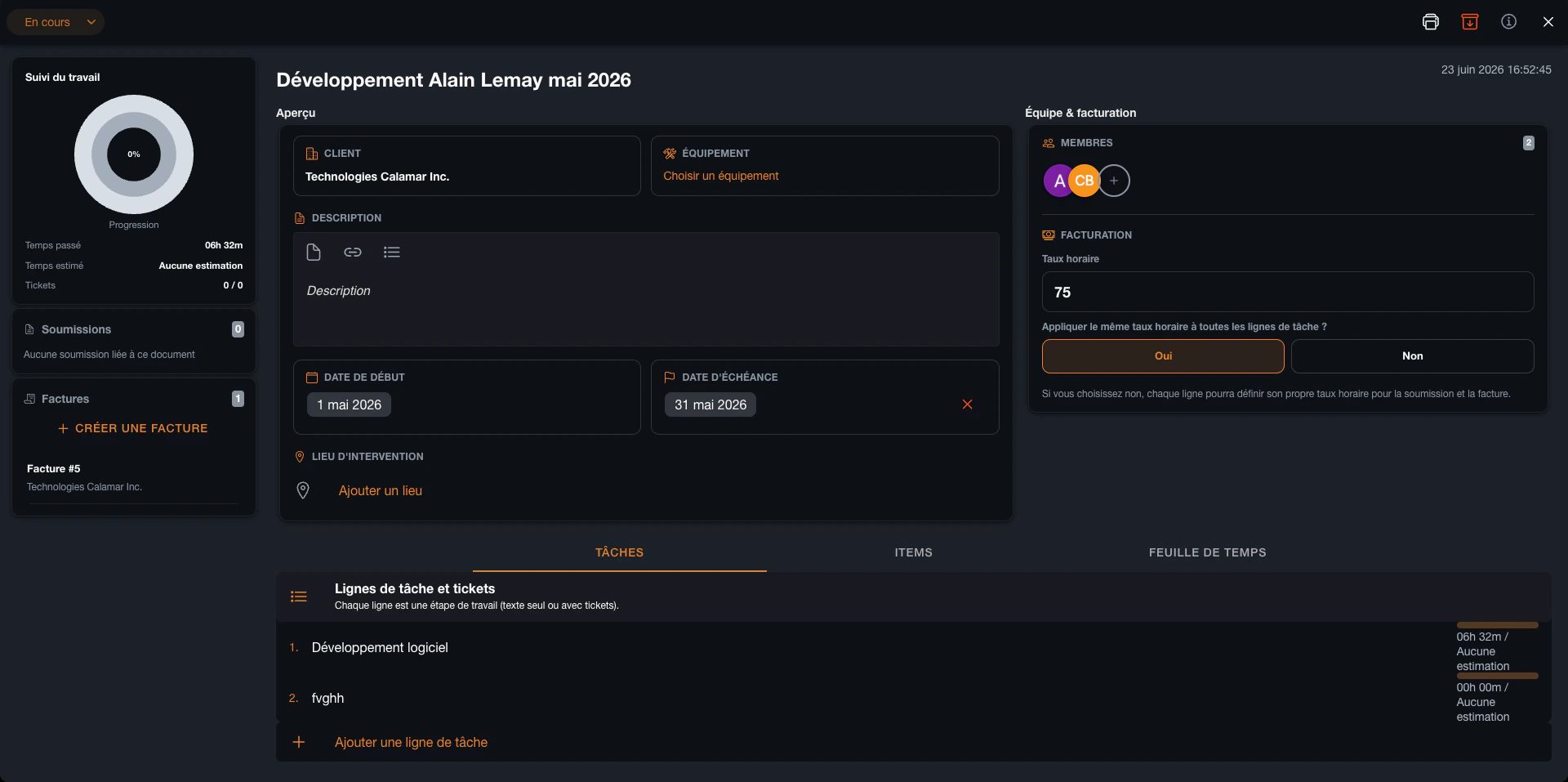
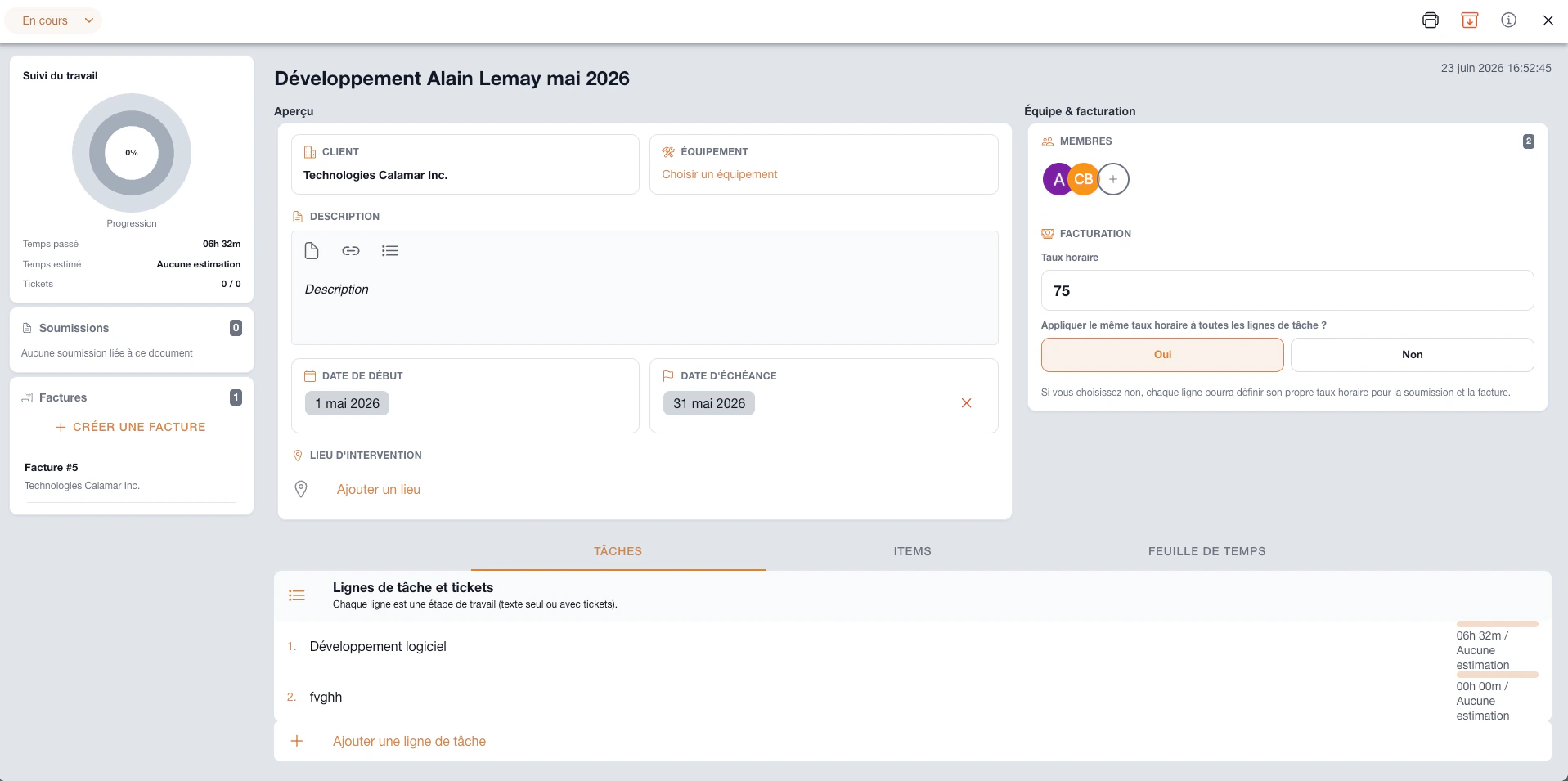
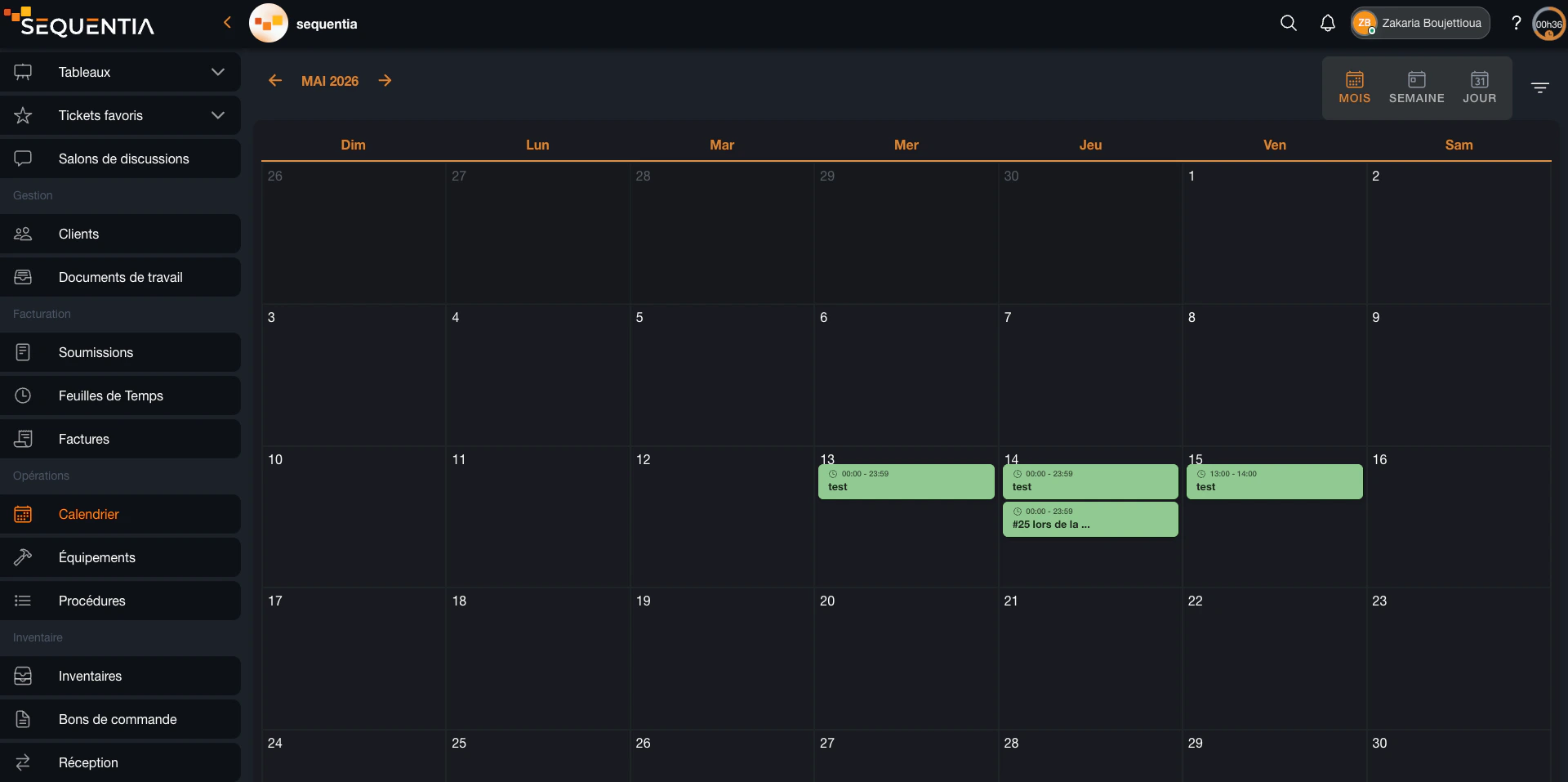
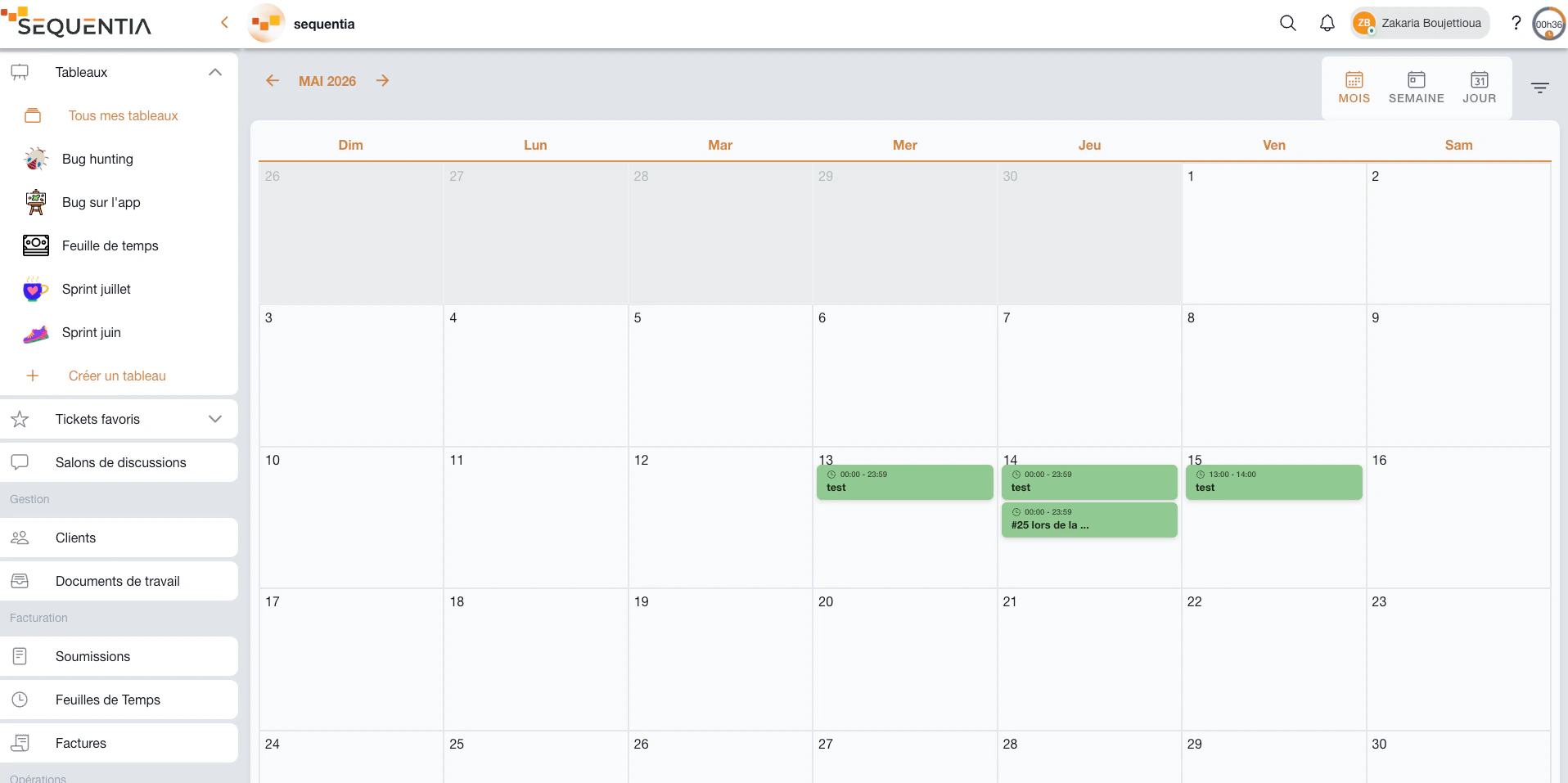
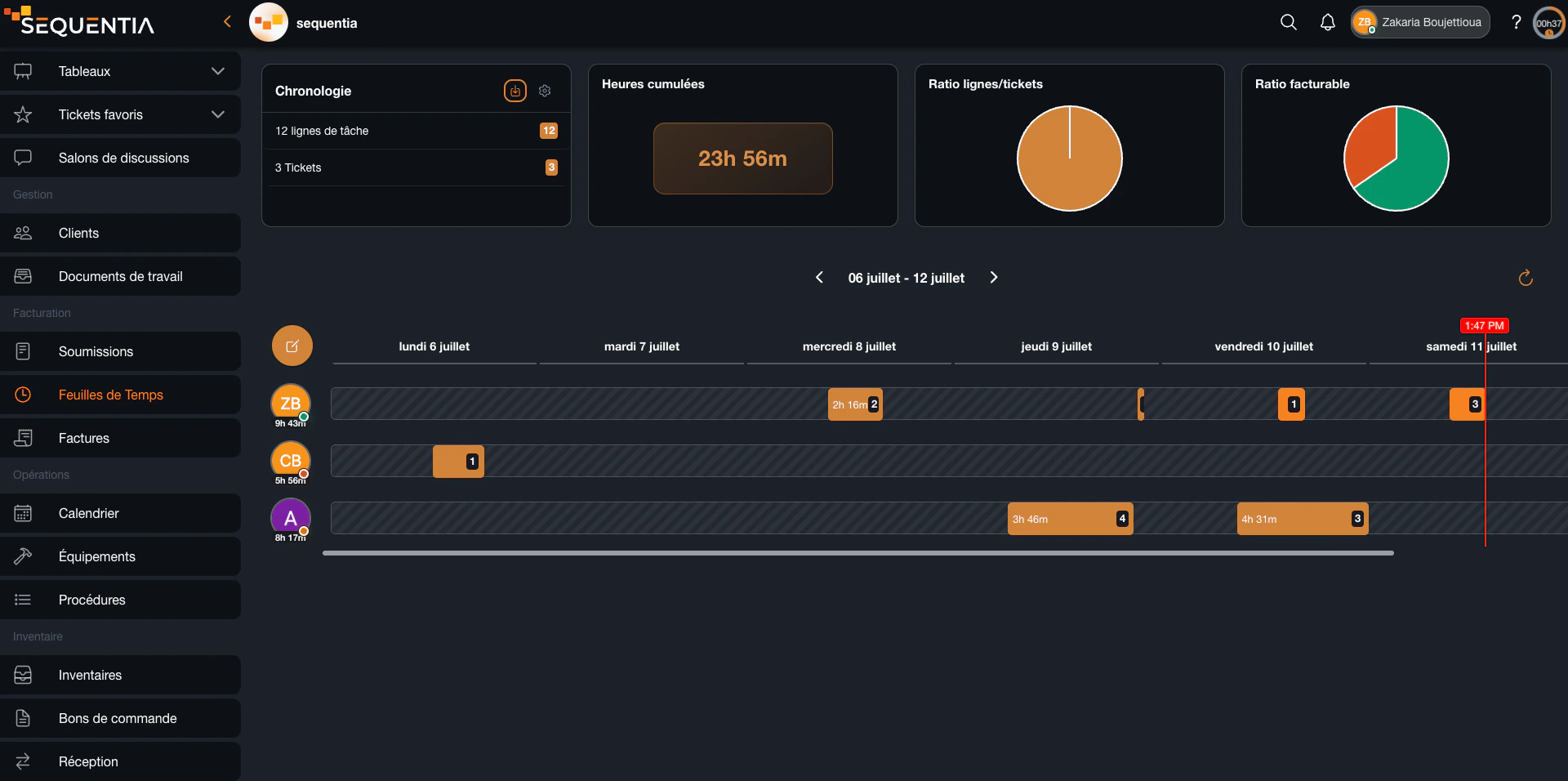
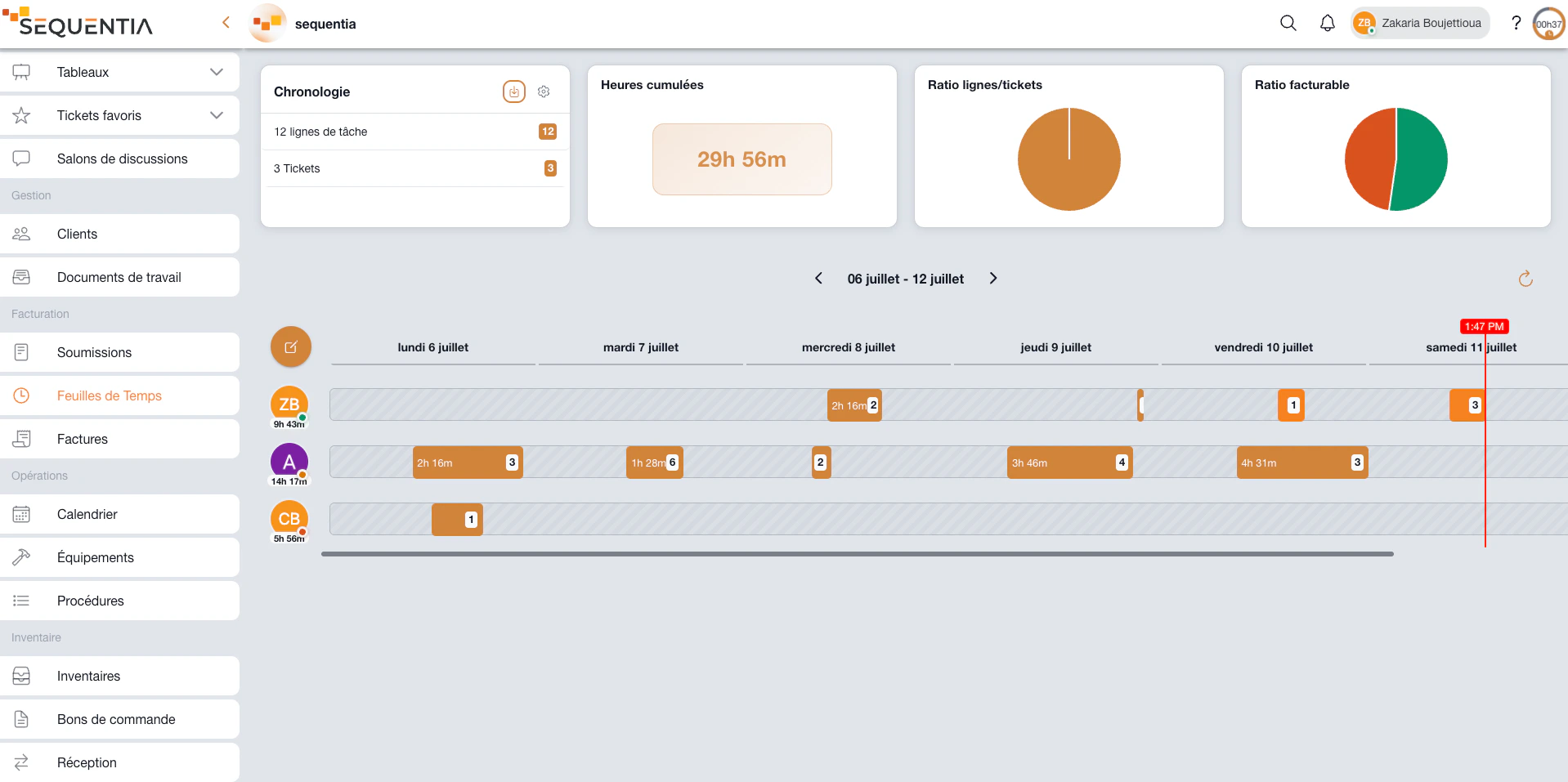
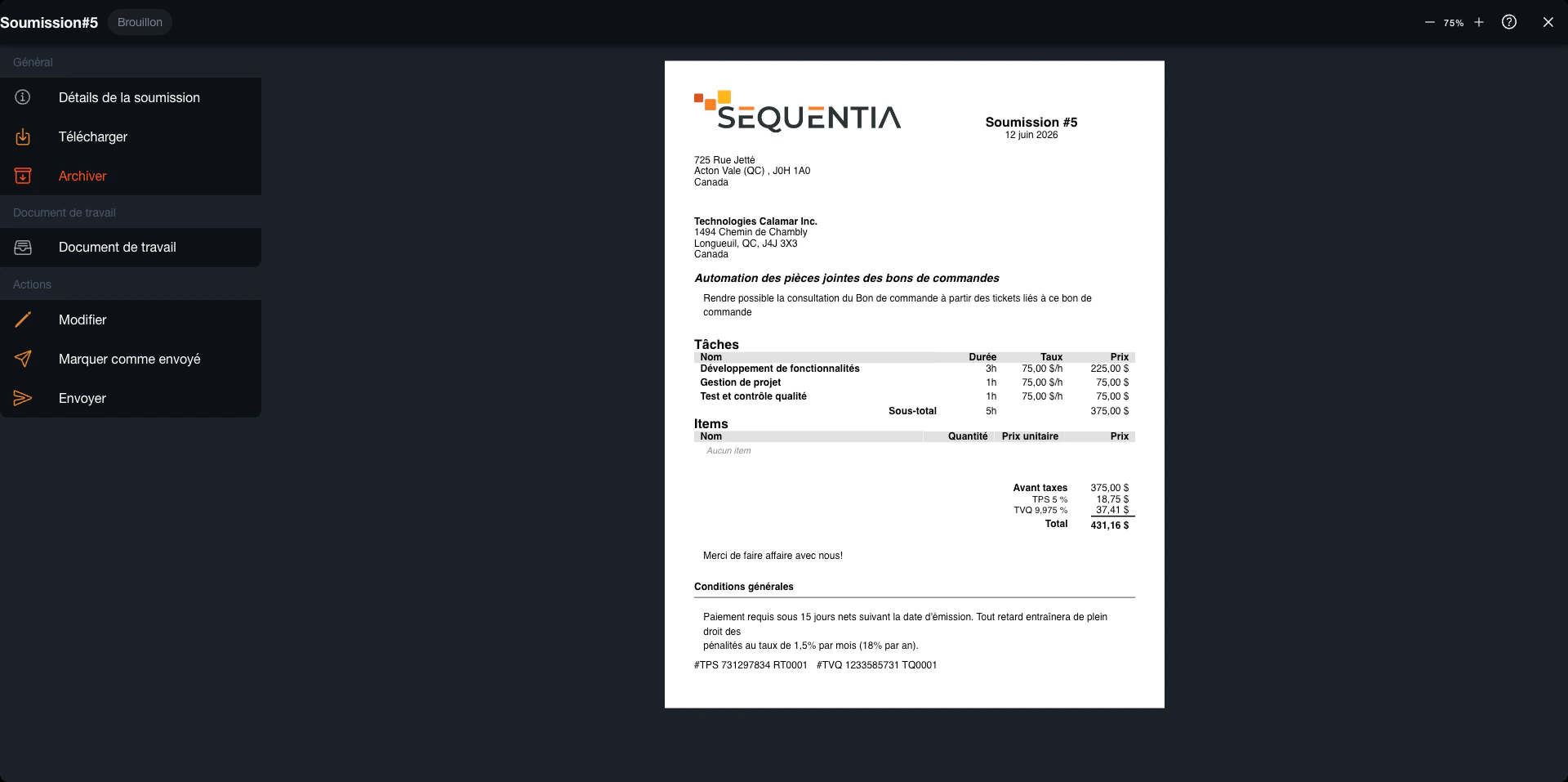
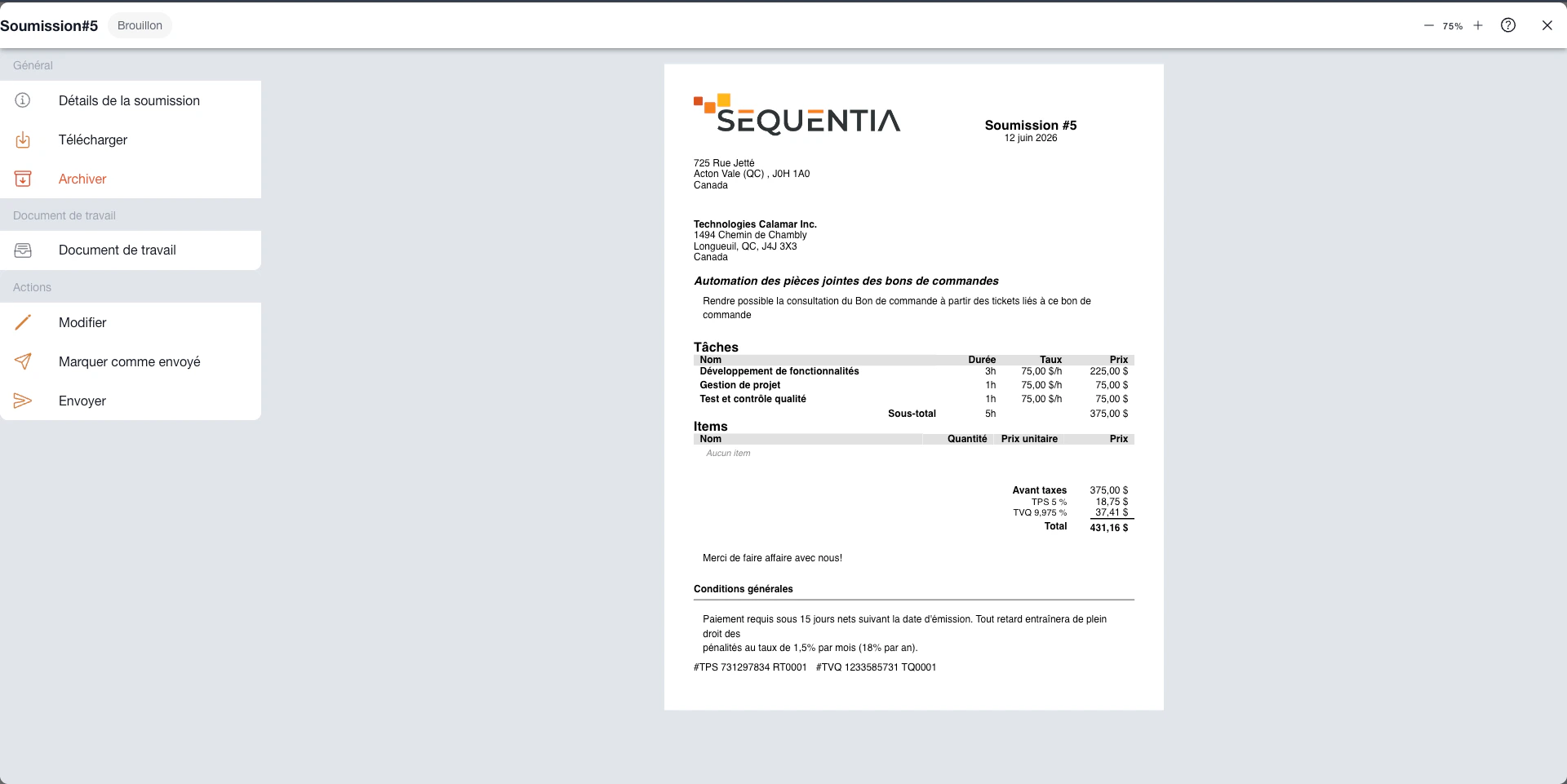
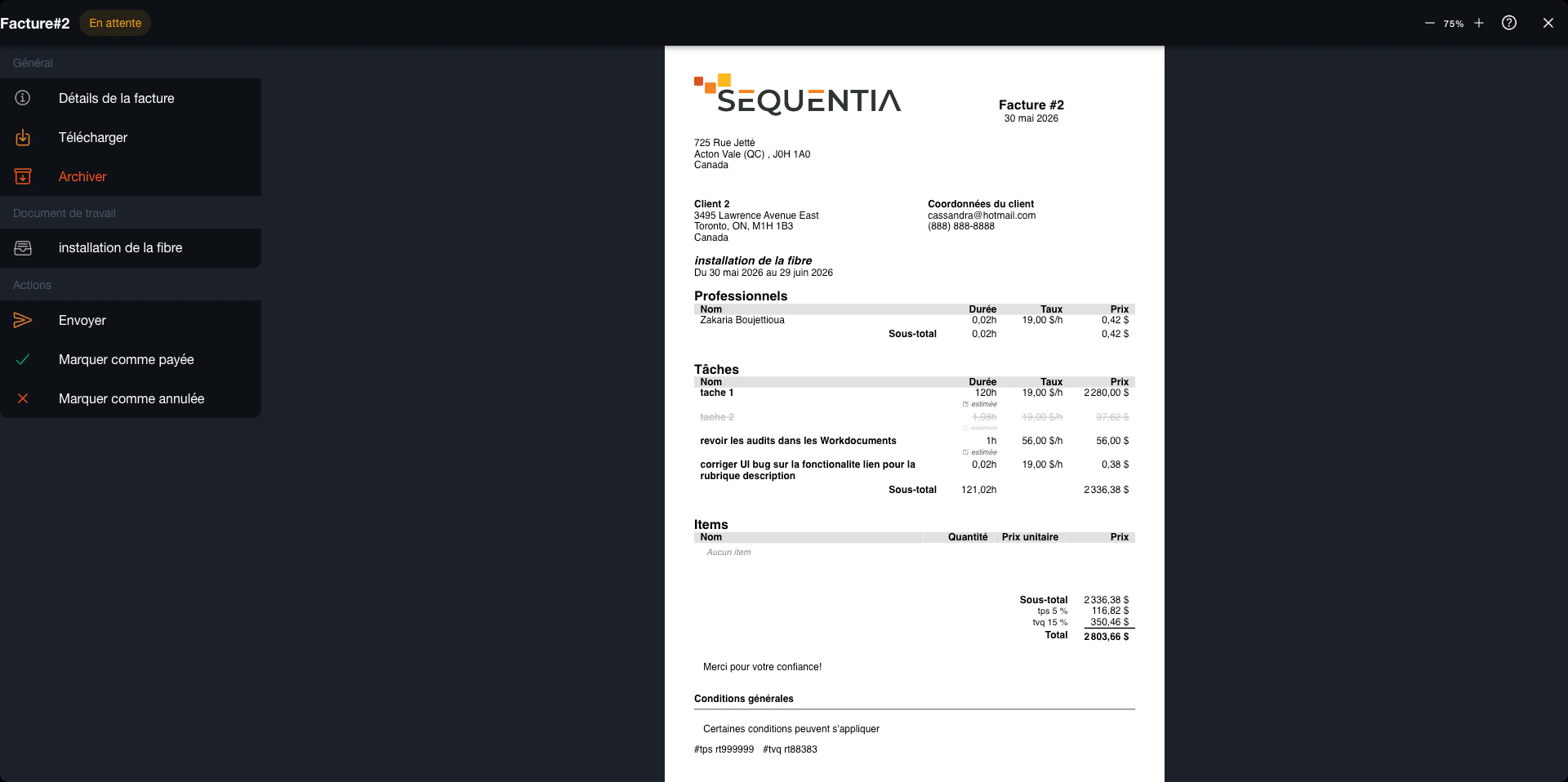
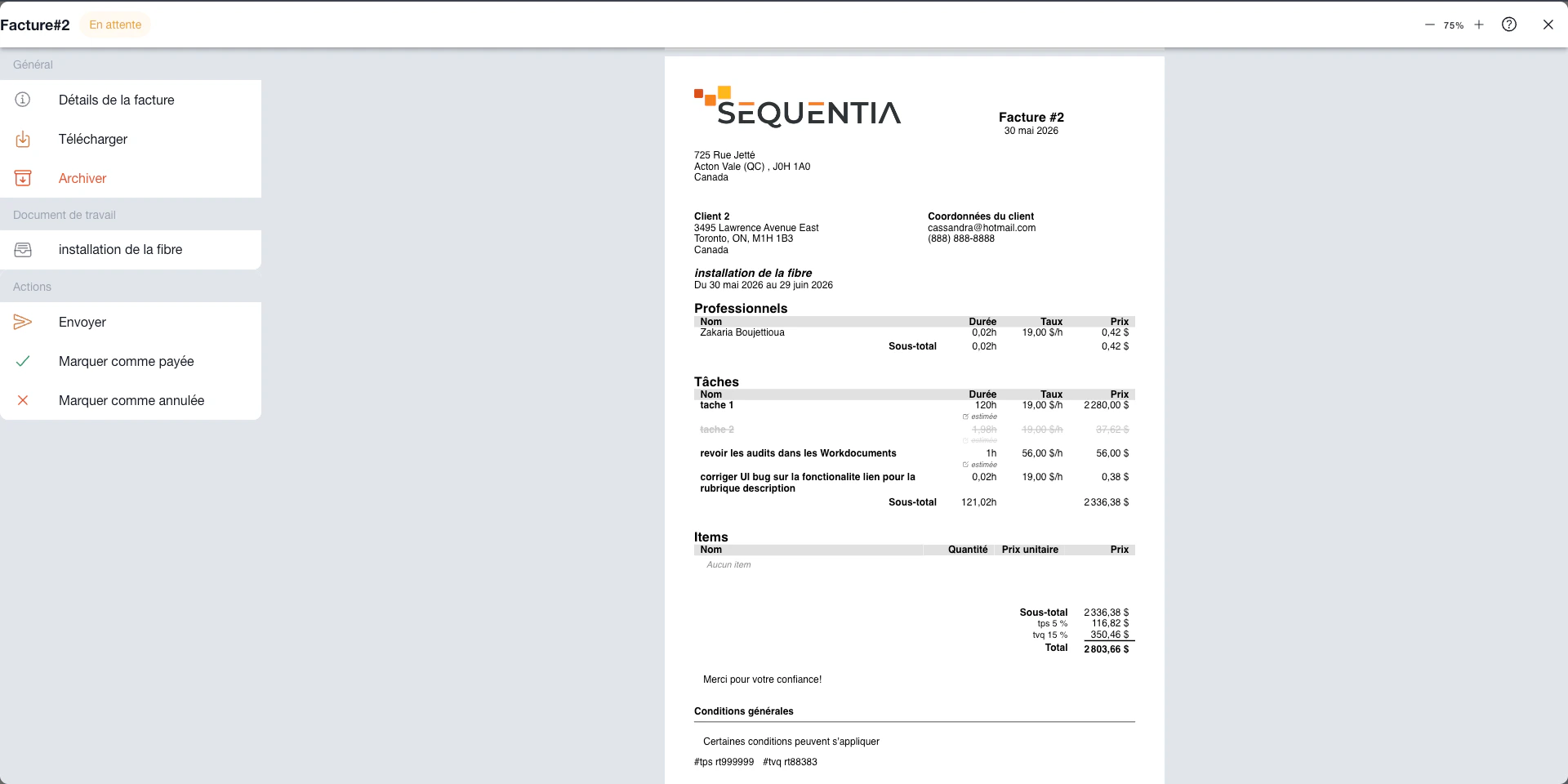
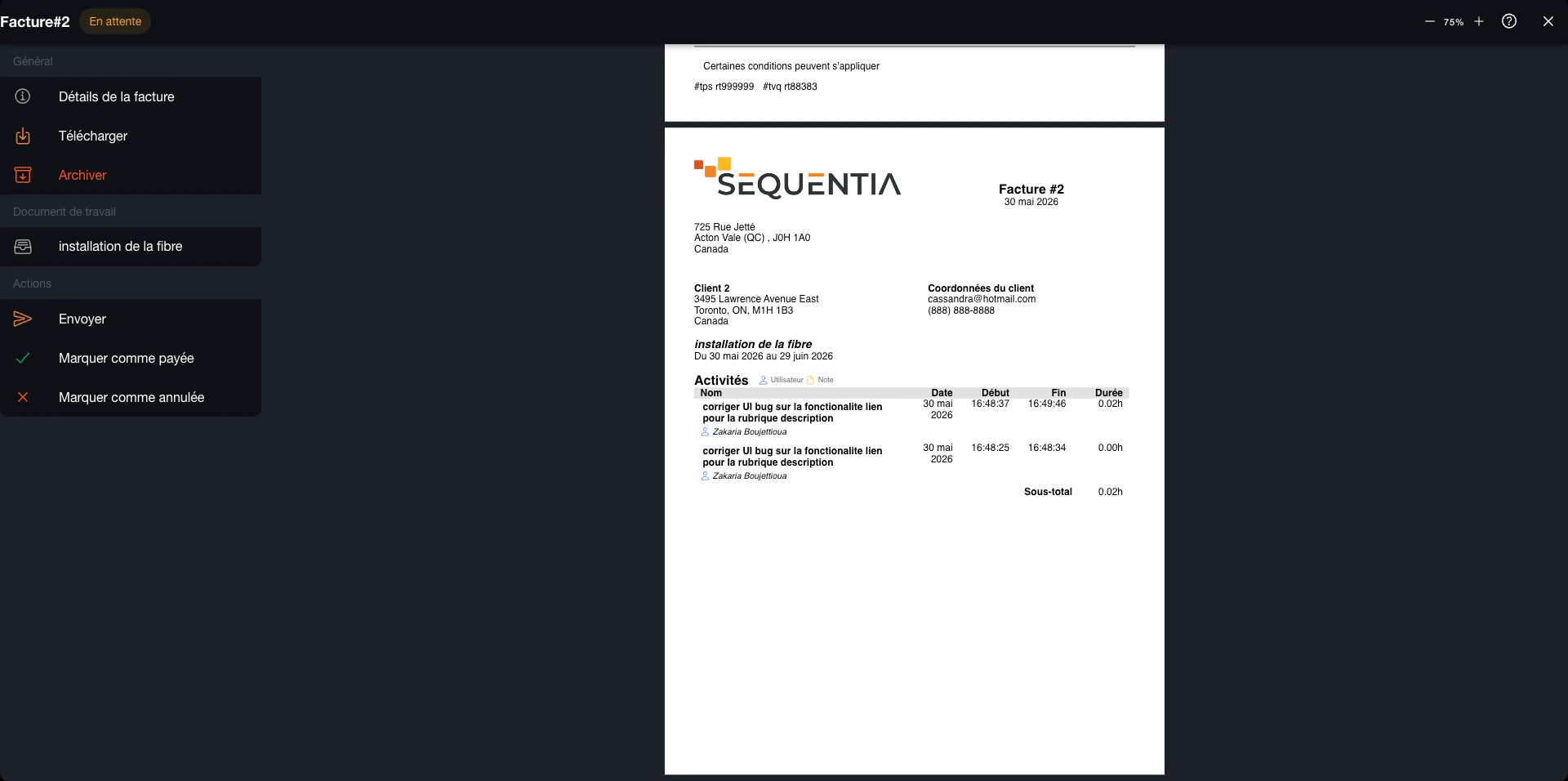
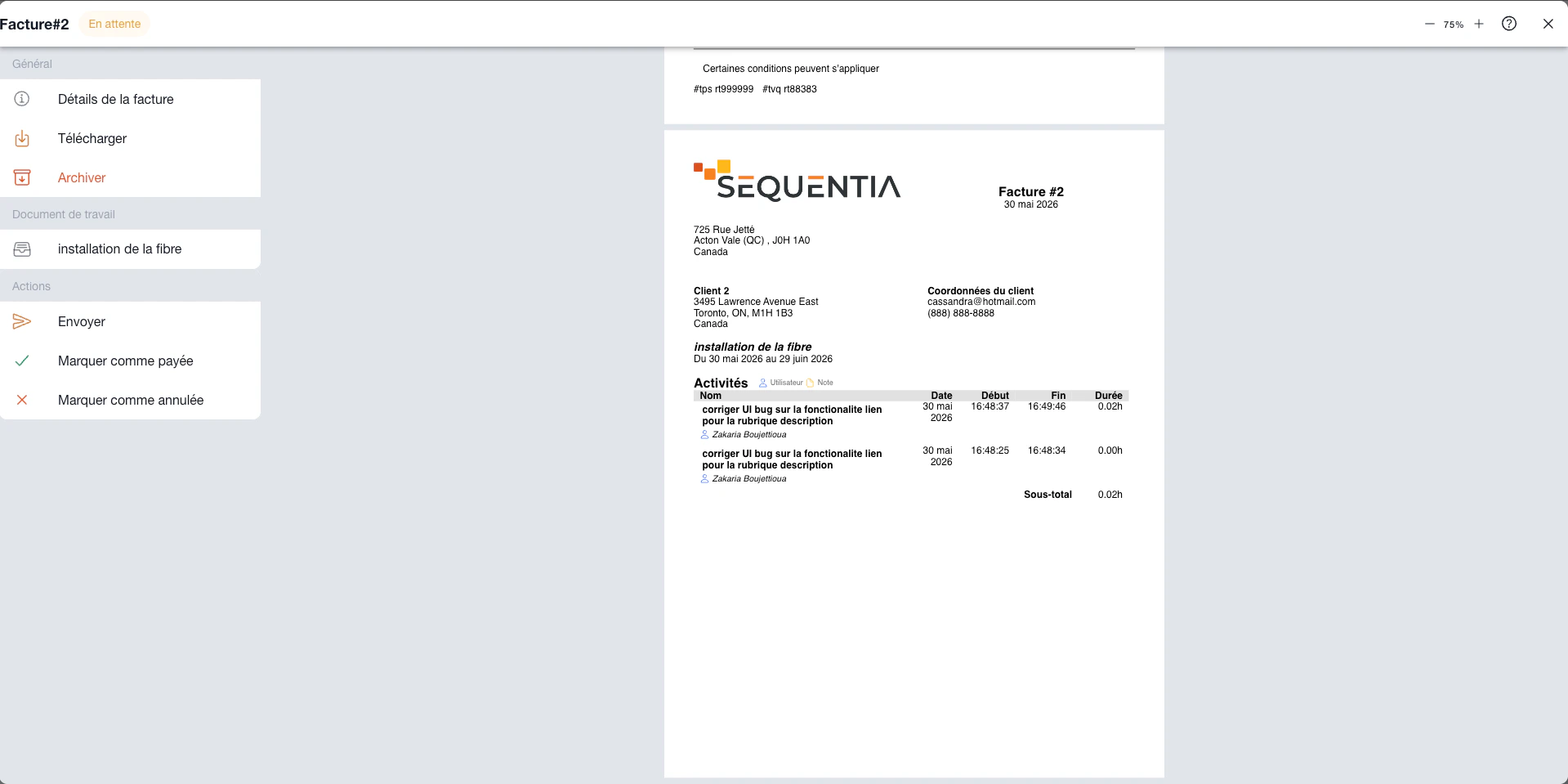
In Sequentia, a project can mean software development, a construction job, a client mandate, an implementation, or internal operations. Management relies on connected objects: a client, board, tickets, work document, events, hours, and financial documents. Each team sees the view relevant to its role without rebuilding context elsewhere.
See stages, priorities, and owners, then move each task through review and completion.
Keep the client, members, dates, work lines, items, proof, and billing in one connected record.
Place deadlines on the calendar and measure workload and recorded hours across the team.
Turn tasks, durations, rates, and items from the record into traceable financial documents.
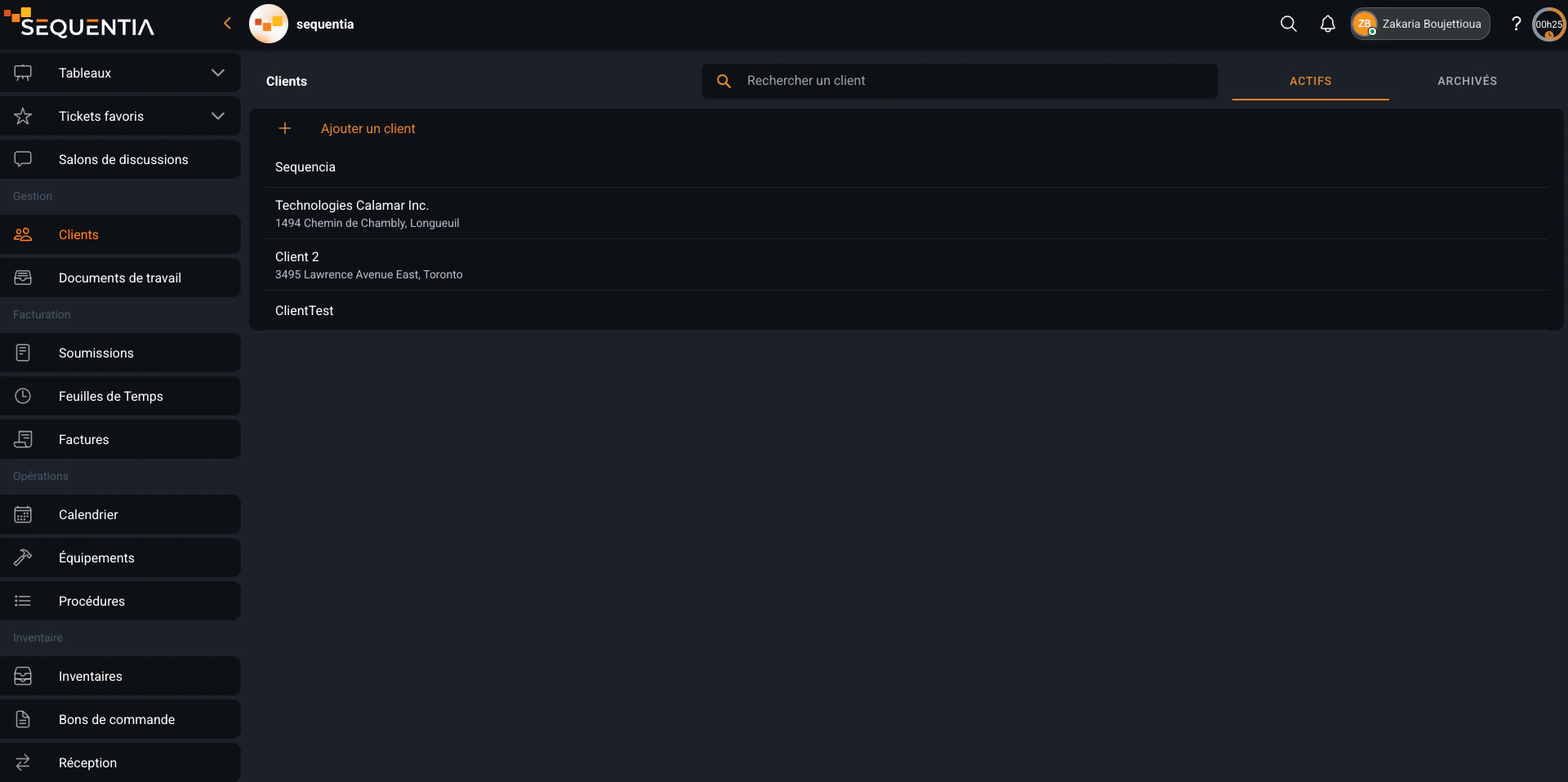
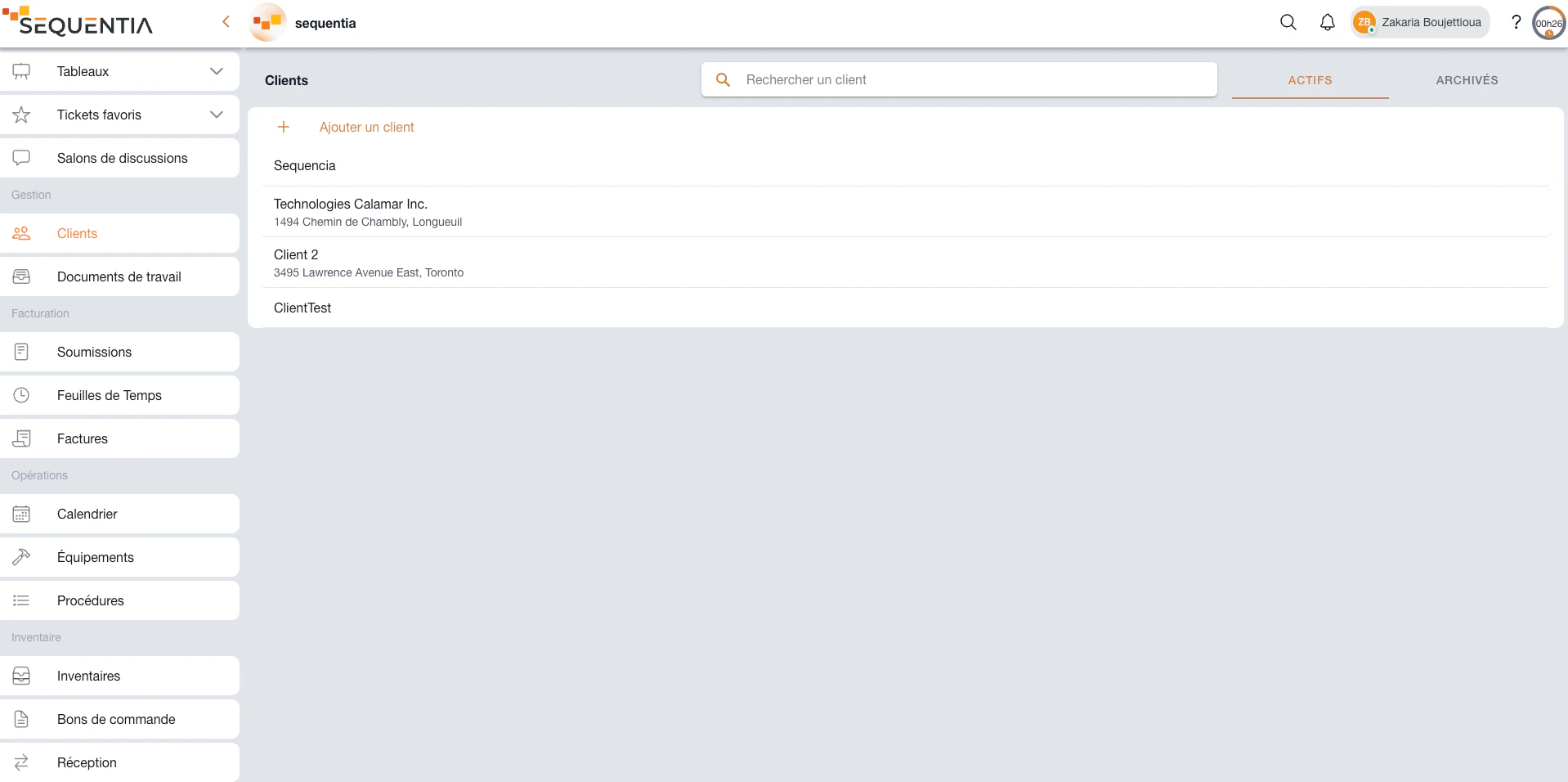
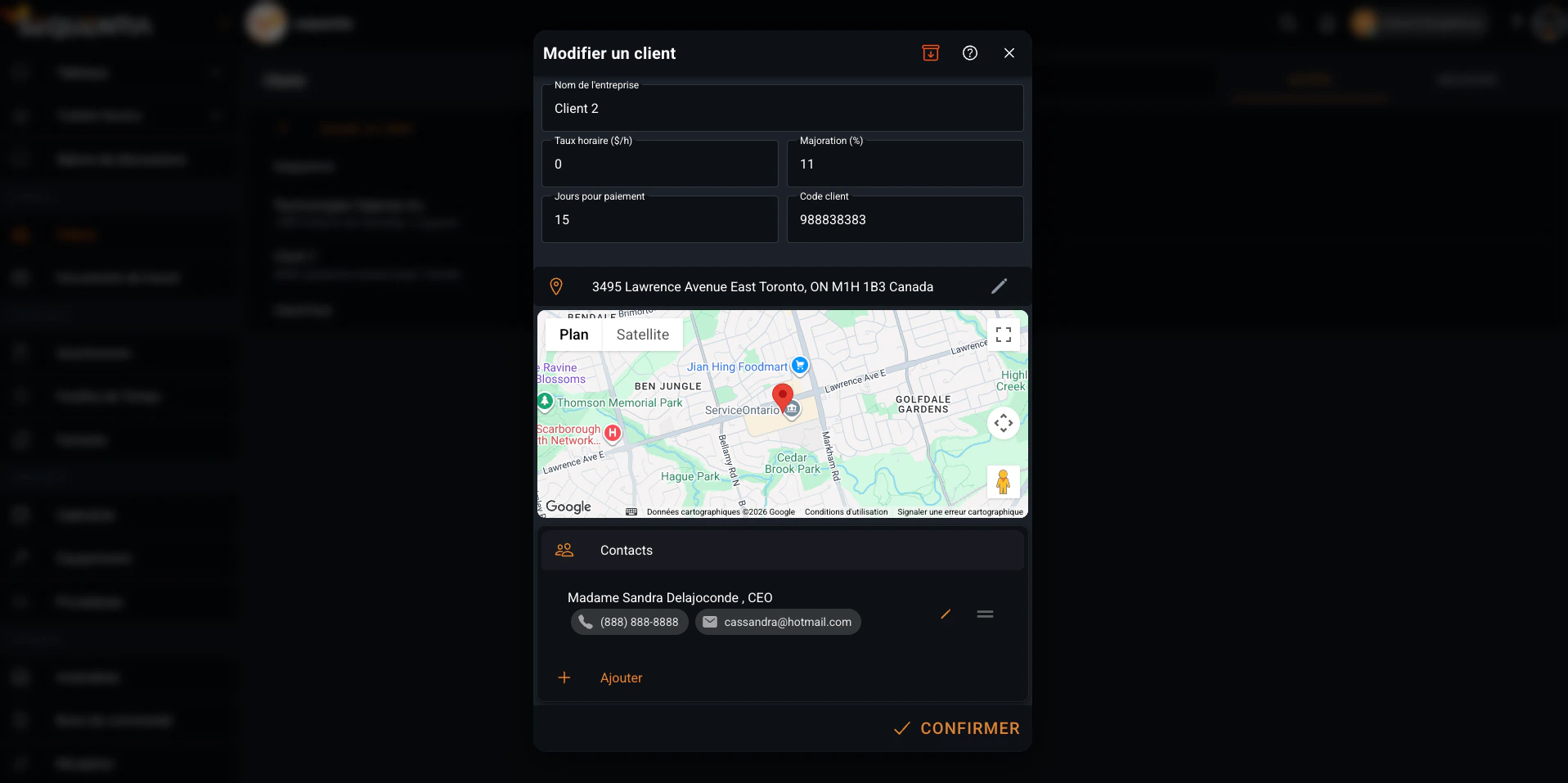
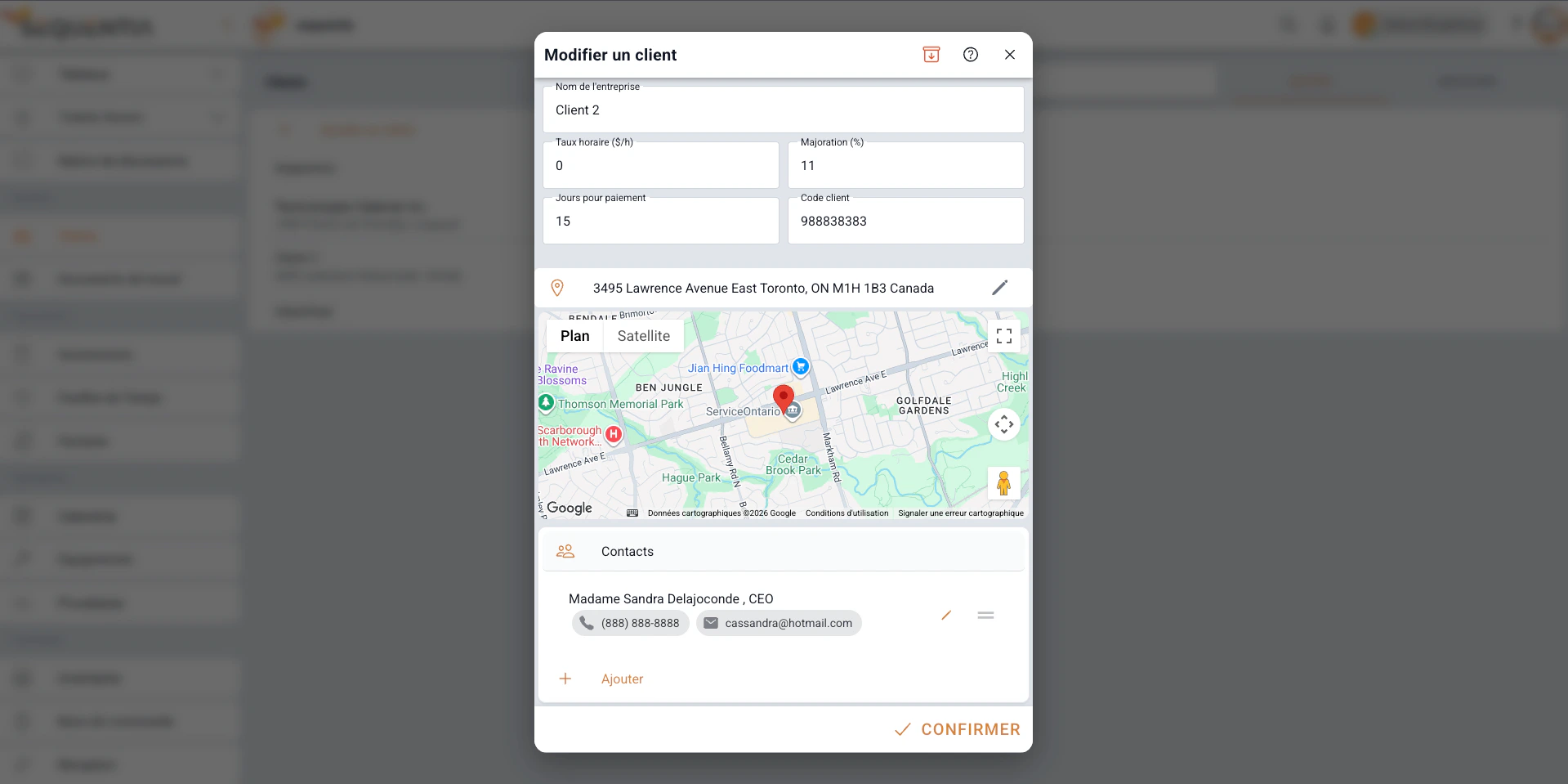
The client record keeps the company identity, contacts, address, hourly rate, payment terms, and client code. Project records, quotes, and invoices can reuse this information without duplicate entry.
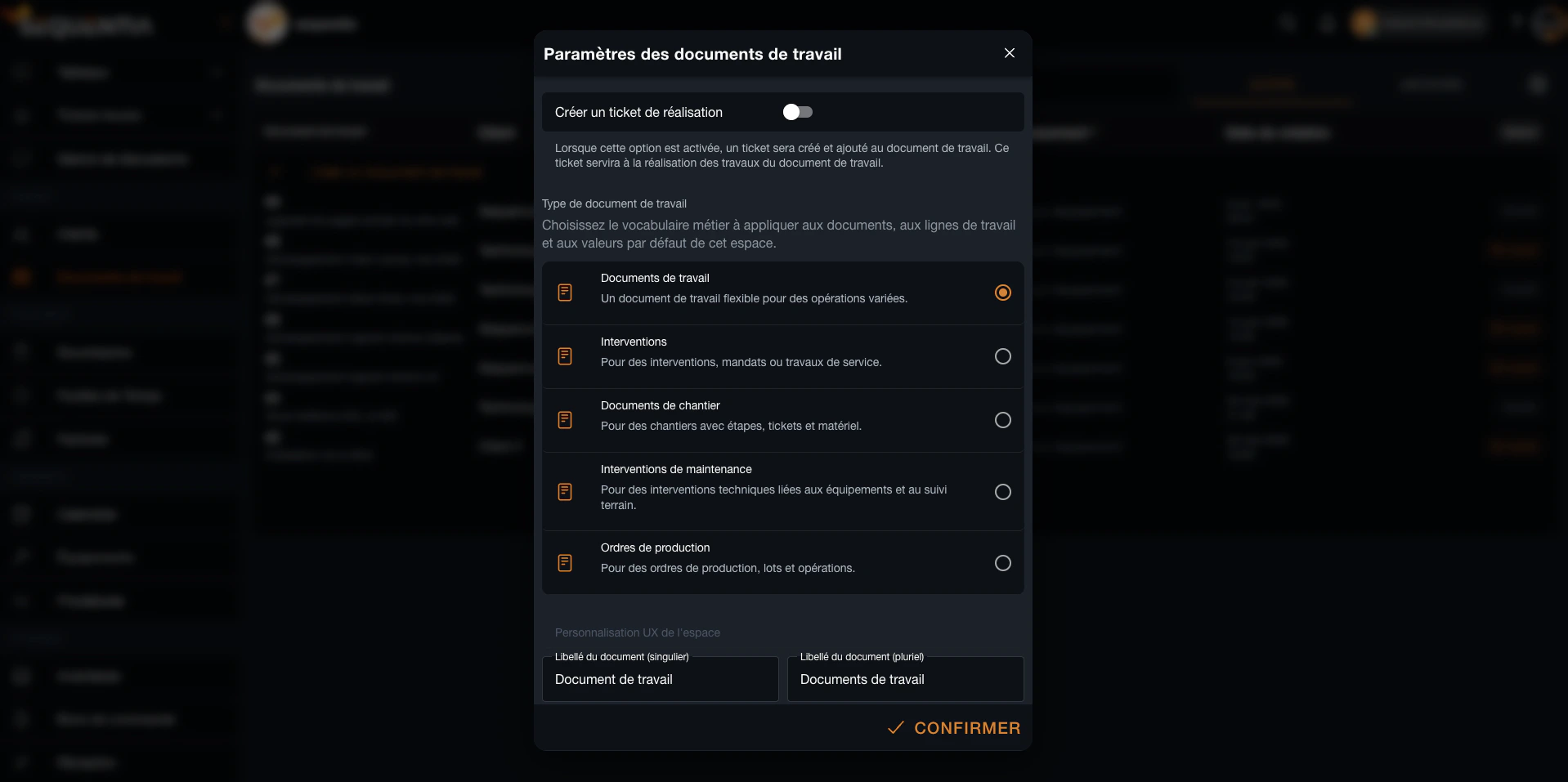
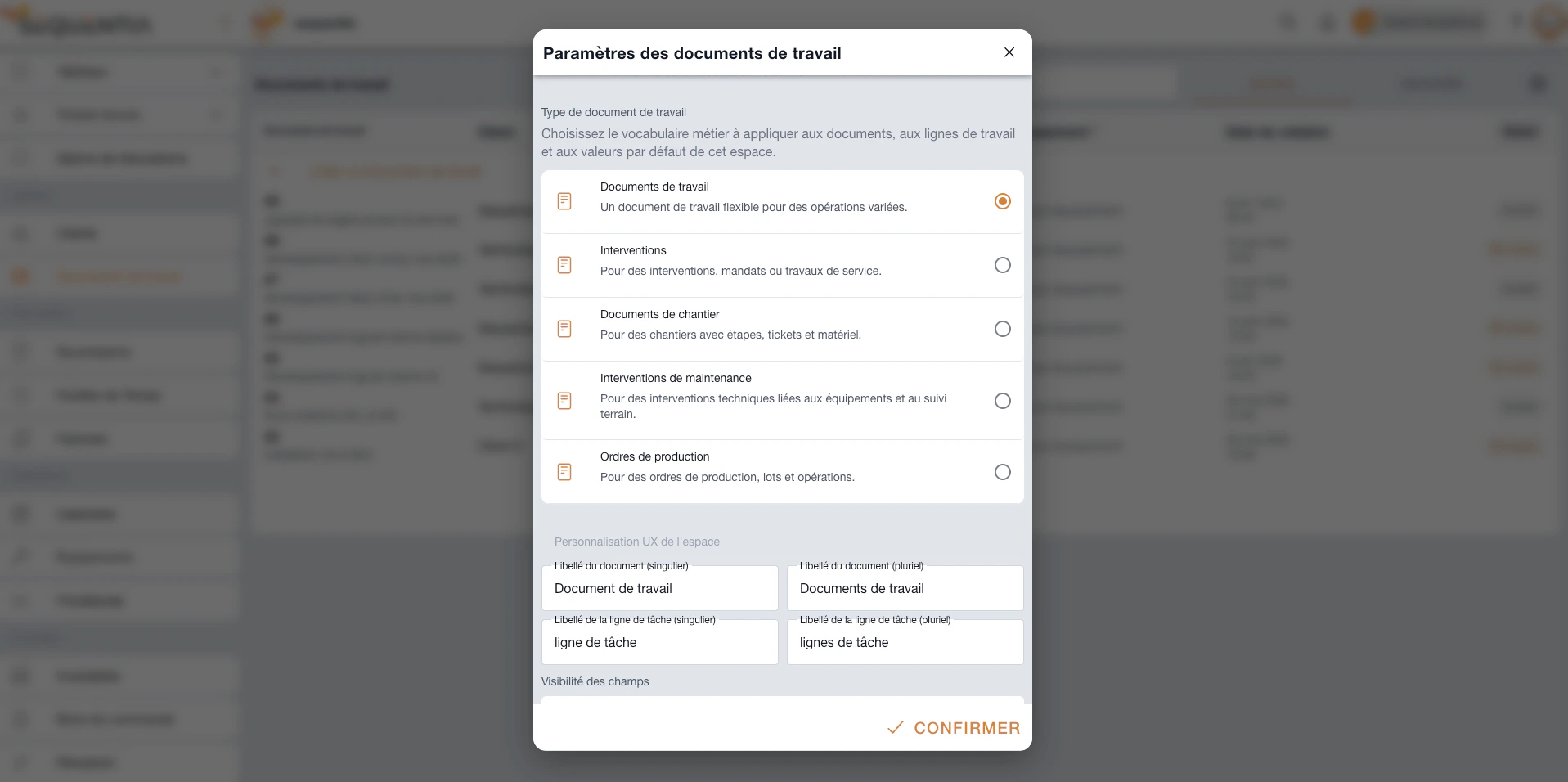
The same record can be presented as a project, job document, intervention, mandate, or production order. Document and work-line labels are customizable: the interface can use project and tasks for a software team, then job and steps for a construction company.
Development, implementation, or internal mandate.
Field service, installation, or repair.
Construction, subcontracting, and site follow-up.
Production, batches, and shop-floor execution.
The project stays readable because every step feeds the next instead of creating another silo.
Create the client, define the record, dates, team, and commercial settings.
Organize stages on a board and place events or deadlines on the calendar.
Assign tickets, complete tasks, and attach procedures, files, and conversations.
Record time, compare workload, and track billable work by team member.
Produce a detailed quote or invoice using the work and rates from the record.
Each role keeps the view it needs while data stays connected from the first conversation to the financial document.
The board and statuses show what is open, in progress, under review, or complete without compiling multiple files.
Creators, assignees, watchers, and record members know who executes, who approves, and who must stay informed.
Events, durations, and timesheets make it possible to follow planning and workload within the project's context.
Quotes and invoices reuse the tasks, activities, rates, and items already documented in Sequentia.
Essential answers for understanding how Sequentia supports project management without an isolated module.
Project is not presented as a separate module. A project is managed by connecting a board, tickets, a work document, a client, events, time, a quote, and an invoice. This avoids duplicating context across separate spaces.
Create or select the client, open a board for project stages, create a work document as the central record, add members and dates, then connect the tickets needed for execution.
No. Types and labels are configurable. The same workflow can represent a software project, construction job, intervention, service mandate, implementation, or production order.
Yes. Events appear in the calendar and timesheets consolidate hours by team member, work line, ticket, and billable status.
The work document centralizes tasks, durations, rates, and items. This data can feed a quote and then a detailed invoice that remains connected to the operational record.
We're here for you. Choose who to reach out to - a real person, not a form, not an AI.