At 4 p.m., the technician finished the job. They took photos, used two parts, added three hours of work, and obtained the client's signature. Yet, back at the office, someone still has to call to find out the result, retrieve the photos from a phone, and wait for the timesheet before preparing the invoice. Operational data already exists, but it remains scattered and arrives too late to be useful.
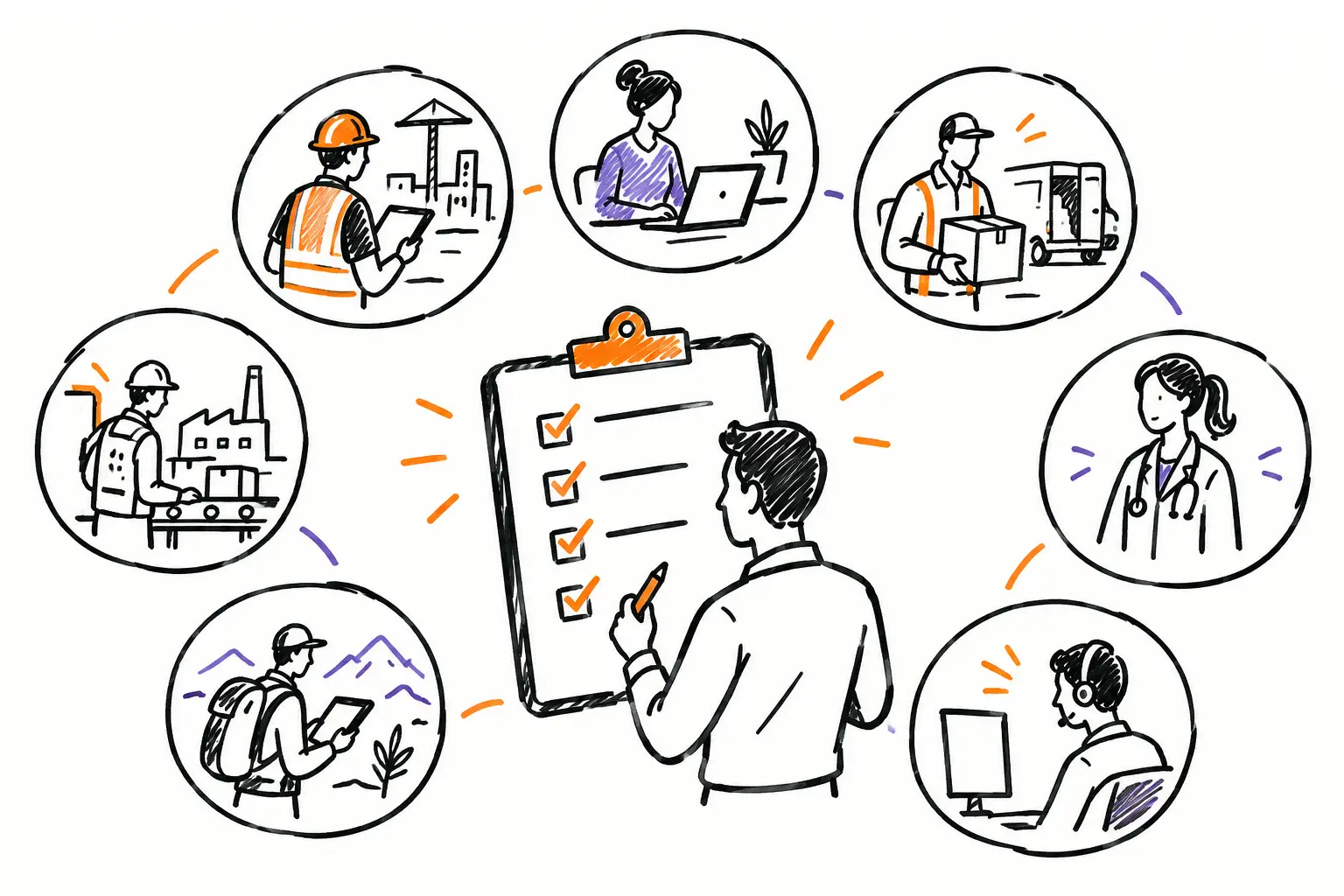
For an SME in services, construction, maintenance, or project management, the problem is not a lack of information. It is the lack of continuity between what happens in the field, what the coordination team sees, and what the administration needs to invoice. When everyone works in their own tool, email, or notebook, the company ends up managing incomplete versions of reality.
Operational data is the actual work
Operational data is not just numbers in a dashboard. It is the information produced during the execution of work: an accepted work order, a completed task, a before-and-after photo, logged time, an expense, a part used, a note to the client, or a compliance validation.
It has value because it answers very concrete questions. Where is this mandate at? Who is on-site? What was actually done? Does the work meet the procedure? Can we invoice now? Without these answers, the manager has to follow up, verify, reconstruct, and correct. They manage exceptions instead of steering operations.
The right starting point is the document your teams already use. Depending on your trade, it could be a work order, a mandate, a service ticket, a project, or a client request. This document must become the living file of the work, not just a PDF that is sent and archived.
From there, every piece of information finds its place. Tasks indicate what remains to be done. Procedures guide execution. Hours and expenses fuel the actual cost. Photos and signatures create proof. Exchanges prevent decisions from getting lost in an email inbox. The file tells the story of what happened, from the first call to the invoice.
Why data gets lost between the field and the office
In many SMEs, the field works fast because they have to respond to the client. The office then works with what it receives: a text message, a photo without context, a timesheet handed in on Friday, or a note that is hard to read. No one intentionally does poor follow-up. The system simply forces everyone to redo a piece of the work.
This disconnect creates hidden costs. A coordinator spends time asking for clarifications. A project manager discovers too late that an extra visit was made. Invoicing waits because an approval is missing. The client questions an invoice because no one can find proof of the work performed.
An Excel spreadsheet may suffice for tracking a few simple files. It becomes fragile when several people need to update the same mandate, when documents must be attached, or when invoicing depends on hours, materials, and validations. A timesheet application solves part of the problem, but it does not necessarily link the time to the right client, the right intervention, and the parts used.
The problem is therefore not finding another tool. You must avoid adding another place where information can get lost.
Creating a data chain that serves action
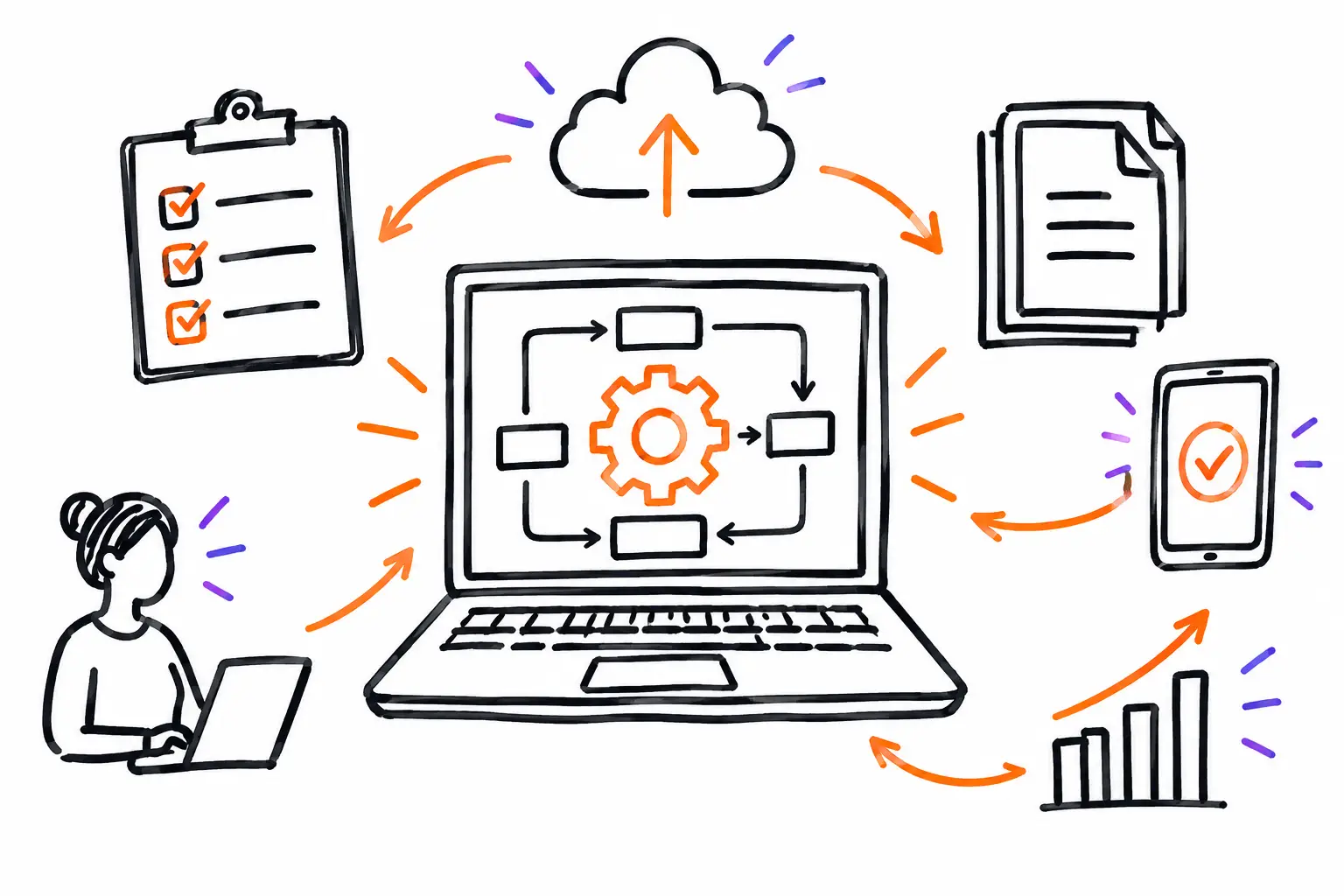
Useful data must be entered once, at the right time, by the person who knows the information. It must then be available to others without re-entry. This principle seems simple, but it changes how you build your processes.
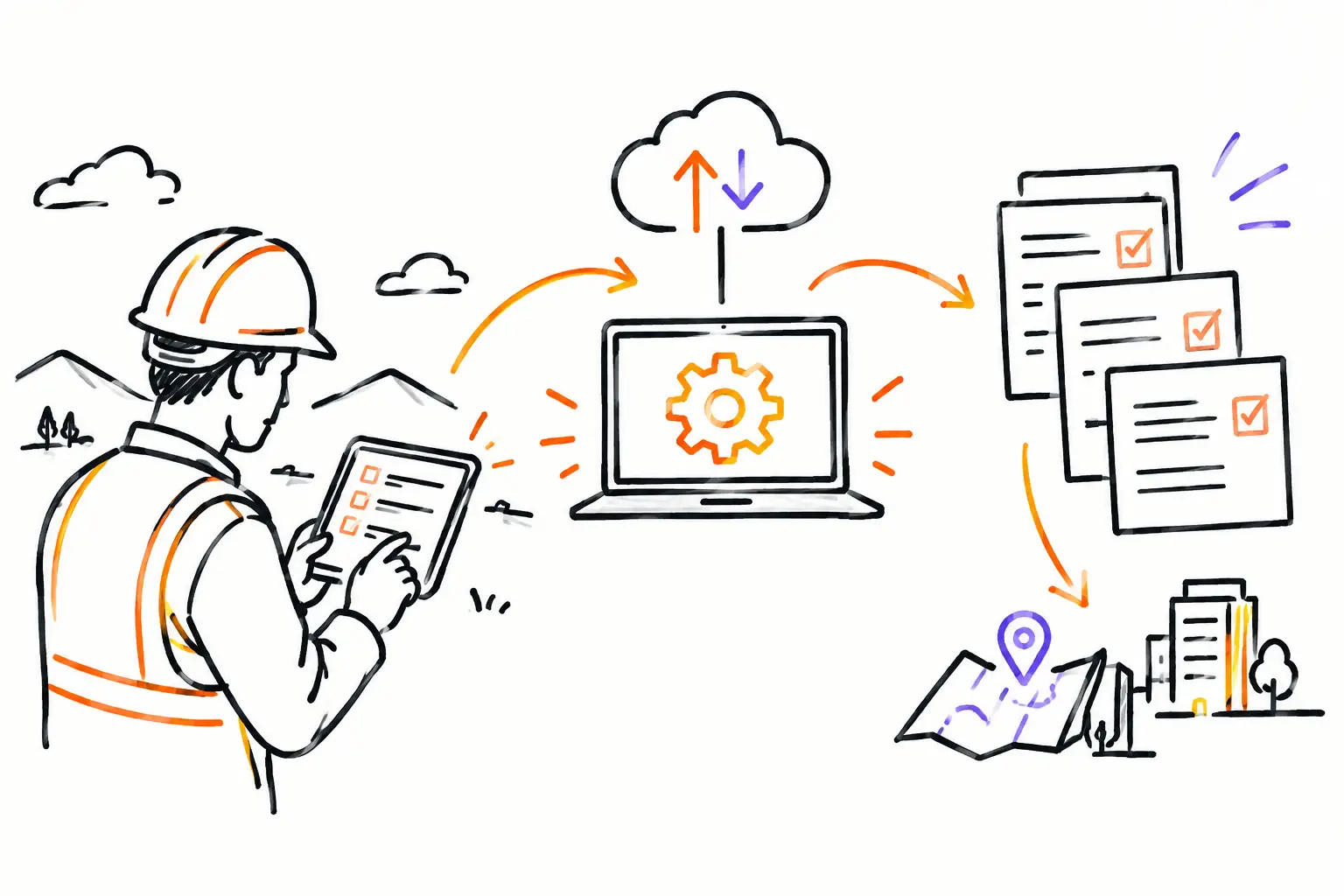
Take an equipment maintenance company. The coordinator creates a work order from a client request and assigns the intervention. On-site, the technician consults the instructions, checks off the required steps, adds the parts used, and has the client sign. As soon as they close the order, the office sees the completed intervention, the actual hours, and the items to be invoiced. The invoice no longer depends on a reminder or a reconstruction done several days later.
This chain works when the work document is structured enough to guide the team, without being so rigid that it slows down the field. Some companies need a safety checklist. Others need to enter serial numbers, track subcontractors, or attach a photo report. Your software should adapt to these differences rather than forcing all trades into the same form.
This is also where configuration is more valuable than a multitude of features. A mandatory field before closing a mandate can avoid dozens of follow-ups. A clear status like "ready to invoice" can prevent a completed file from sleeping in a list. A rule that notifies the manager when an hour budget is exceeded allows for action before the margin disappears.
Measuring what helps you decide
Dashboards have a bad reputation when they show pretty but useless numbers. For an SME, the best indicators are those that trigger a specific decision or action.
Start with the areas where you lose time or money. If invoices go out too late, track the delay between the end of the work and the invoicing. If teams accumulate incomplete interventions, look at the number of blocked documents and the reason for the blockage. If the profitability of a project is always a surprise at the end, compare the planned hours with the hours actually logged during execution.
Data must also be interpreted with context. A higher rate of hours is not automatically a problem: it may reflect a client emergency, a more complex site, or a necessary correction. The goal is not to monitor teams from a distance. It is to give managers a faithful picture of the work so they can allocate resources, adjust quotes, and protect service quality.
To achieve this, define statuses that everyone understands. For example, a file can go from "to be planned" to "assigned," then to "in progress," "to be validated," and "ready to invoice." Avoid vague statuses like "follow-up" or "pending" if no one knows what they require. A good status indicates who needs to act and what is missing to move forward.
Making invoicing the logical next step of the work
Double entry is often accepted as a fatality: the team enters hours in an application, the administration copies them into accounting software, and the manager verifies everything in a separate file. Each transfer adds a delay and an opportunity for error.
A better approach links the work performed to invoicing from the start. Approved hours, materials, expenses, extra work, and signatures remain attached to the same file. Depending on your rules, they can then feed a quote, a progress invoice, or a final invoice.
However, you must choose the right level of control. For a small recurring intervention, a quick invoice after validation may be sufficient. For a project lasting several months, you may need approvals, budgets, holdbacks, or groupings of several work orders. The principle remains the same: do not ask the administration to guess what was accomplished.
A platform like Sequentia allows you to centralize this journey around your business document: quote, work document, time, photos, expenses, validation, and invoice. The point is not to turn your team into software specialists. It is to circulate information without forcing people to rewrite it.
Starting without redoing everything at once
Getting operational data in order does not necessarily require a major transformation project. Start with one type of file that creates many follow-ups or delays invoicing. Define the minimum information to be entered, the necessary statuses, and the person responsible at each step.
Then test the process with a small field team and the relevant administrative staff. Observe the real irritants: a field that takes too long to fill out, an unclear procedure, information requested too early, or a status that does not match the team's language. Adjust before extending the model to all departments.
The right system does not ask you to abandon your work method. It helps you make it visible, traceable, and profitable. When a work order finally contains the entire story of the intervention, the field moves forward, the office follows, and the invoice can go out while the service is still fresh in the client's memory.