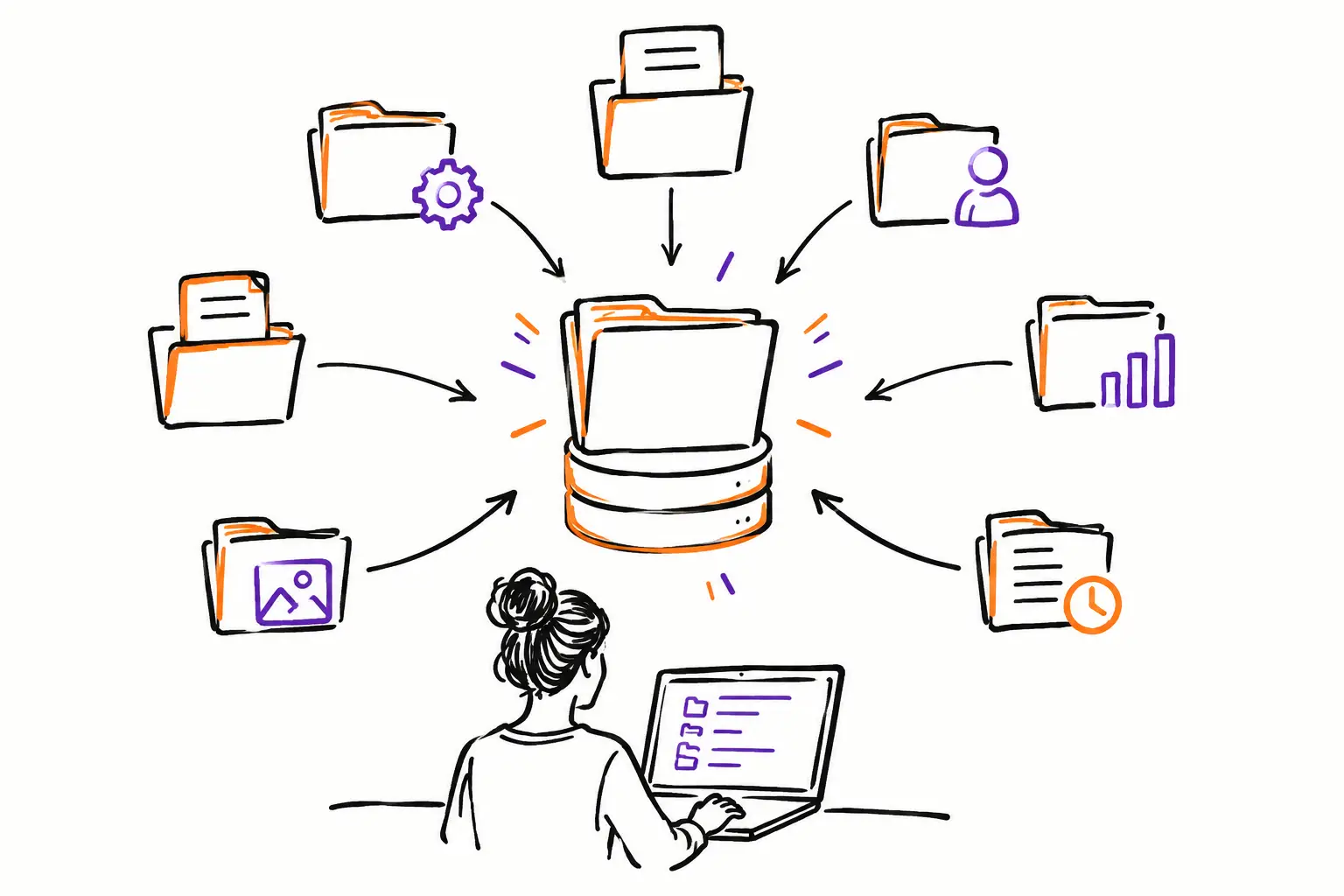
A work order printed in a truck, photos on a technician’s phone, hours in an Excel sheet, and an invoice prepared a week later: this is often where information gets lost. Knowing how to centralize operational files is not just about storing files in the same place. It is about linking every action taken in the field to the client file that needs to be tracked, validated, and invoiced.
For an SME, the real challenge is simple: the team must be able to work according to their own methods, without forcing the office to reconstruct the history of an intervention from texts, calls, and incomplete documents. A well-centralized operational file becomes the common reference point between the field, coordinators, administration, and accounting.
Start with the document that drives the work
Every company has its central document. For one, it’s a work order. For another, it’s a mandate, a service ticket, a project file, or an intervention request. This document should not be treated as a simple administrative form. It must follow the actual work, from the first contact to the invoice.
Before choosing a tool or moving your files, ask a concrete question: what document do your teams open to know what to do today? This is generally the best starting point for centralizing information.
An excavation contractor might start from a work order per site. A property management company might open a ticket for each tenant request. A production agency might work from a project file. The name changes, but the principle remains the same: a single file carries the context, responsibilities, and proof of execution.
What the file should contain
A useful operational file does not try to capture everything for the sake of documentation. It contains what is needed to execute the work correctly, track its progress, and invoice what has been done.
It usually includes client contact information, the location of the intervention, the description of the mandate, planned tasks, assigned personnel, deadlines, and status. Added to this are the elements produced during the work: hours, photos, notes, forms, parts used, expenses, signatures, and related documents.
The nuance is important. Centralizing does not mean creating a massive file that no one wants to fill out. Instead, you must present each role with the information they need. The technician sees the instructions, tasks, and the button to add their hours. The coordinator sees delays, blocked files, and assignments. Administration sees the items to validate before invoicing.
How to centralize operational files without breaking your methods
The classic trap is imposing a generic process on a team that already has an efficient way of working. The result: people bypass the new system, return to texts, and the company ends up with two sources of information instead of one.
A better approach is to map your current method. Take a recent file, from the initial request to payment, and look at where information changes hands. At what point are instructions lost? When do the hours reach the office? Who confirms that the photos are sufficient? What detail is most often missing when it comes time to invoice?
These questions reveal the handoffs that need fixing. You don’t need to automate every step from the start. Begin with the information that causes delays, errors, or unnecessary calls.
For example, a technical services company might decide that every work order must have a manager, an address, a priority, and a task list before being assigned. In the field, the technician then adds their time, photos, and closing note. The file moves to "to be validated," then to "ready to invoice." This status gives the office a clear view of what can be processed, without searching through emails.
Standardize what needs to be
Centralization works when teams enter consistent information. This does not mean that all files must look perfectly identical. It means that essential elements use the same fields, statuses, and rules.
Define simple statuses that match your reality: new, planned, in progress, waiting on client, completed, to be invoiced, and closed. If your team already uses other terms, keep them. The right vocabulary is the one people understand immediately, both in the field and in the office.
Repetitive procedures also benefit from being integrated into the file in the form of checklists or forms. For an inspection, this could be a series of control points. For maintenance, a closing procedure with mandatory photos. For a project, a validation before delivery. The goal is not to monitor the teams. It is to reduce oversights and be able to demonstrate the work done.
Link communications to proof of work
When important information is found only in a text or in someone’s email inbox, it is not truly accessible to the company. It becomes difficult to find as soon as a client calls, an employee is absent, or a question arises several weeks later.
Exchanges concerning an intervention should therefore be recorded in the relevant file. A note on a change requested by the client, a before-and-after photo of the work, an authorization, or a technical question gain value when they are linked to the correct mandate.
This traceability is particularly useful in trades where conditions change quickly. On a construction site, an unforeseen event can change the time required or the materials used. In an emergency service, the client may request an additional intervention. If the team records the information in the right place, the office can track the decision, adjust the file, and invoice with clear proof.
However, a limit must be respected: the operational file is not an internal social network. Communications must serve execution, client tracking, or validation. Short, dated, and useful notes are better than a confusing thread of discussion.
Circulate data from the field to the invoice
The main gain of a centralized file appears after the intervention. If hours, expenses, inventory parts, and additional work are already associated with the correct file, the administration no longer has to re-enter them to produce a revised quote or an invoice.
The path becomes much more direct: quote, work document, execution, validation, invoice. Some companies invoice at a flat rate, others by time and materials, and many combine both. The structure of the file must therefore reflect your billing model rather than forcing you to change your prices or rules.
This is where a platform like Sequentia makes perfect sense: the work order, mandate, or project can become the common thread of the work, then transform the data entered by the team into billing documents and useful indicators. The office no longer chases down timesheets. They verify, complete as needed, and invoice based on actual activity.
Measure problems, not just volume
Once files are centralized, managers have access to more reliable data. But you shouldn't create dashboards just to impress. Indicators must help in making concrete decisions.
For example, track the delay between the end of the work and the invoice, the number of files waiting for validation, unapproved hours, interventions that exceed the estimate, or reasons for site returns. This data shows where the process slows down and where margins might be disappearing.
A dashboard does not replace a manager’s judgment. However, it highlights the files that require their attention before they become a client problem or a forgotten invoice.
Deploy gradually to gain buy-in
The best structure fails if it is too complicated to adopt. Start with one team, one type of intervention, or one step that creates a lot of re-entry. Adjust the fields, statuses, and forms after a few weeks of real work.
Involve the people who open, execute, and close the files. They know exactly what information is missing in the field and what validations slow down the office. Their participation allows for building a tool that respects the trade rather than a theoretical process.
A centralized operational file provides visibility, but its true value is more concrete: everyone knows what to do, the client gets clear follow-up, and the company can invoice for the work it actually delivered. Start with the document that matters most in your daily life, then make it a shared workspace rather than just another file to manage.