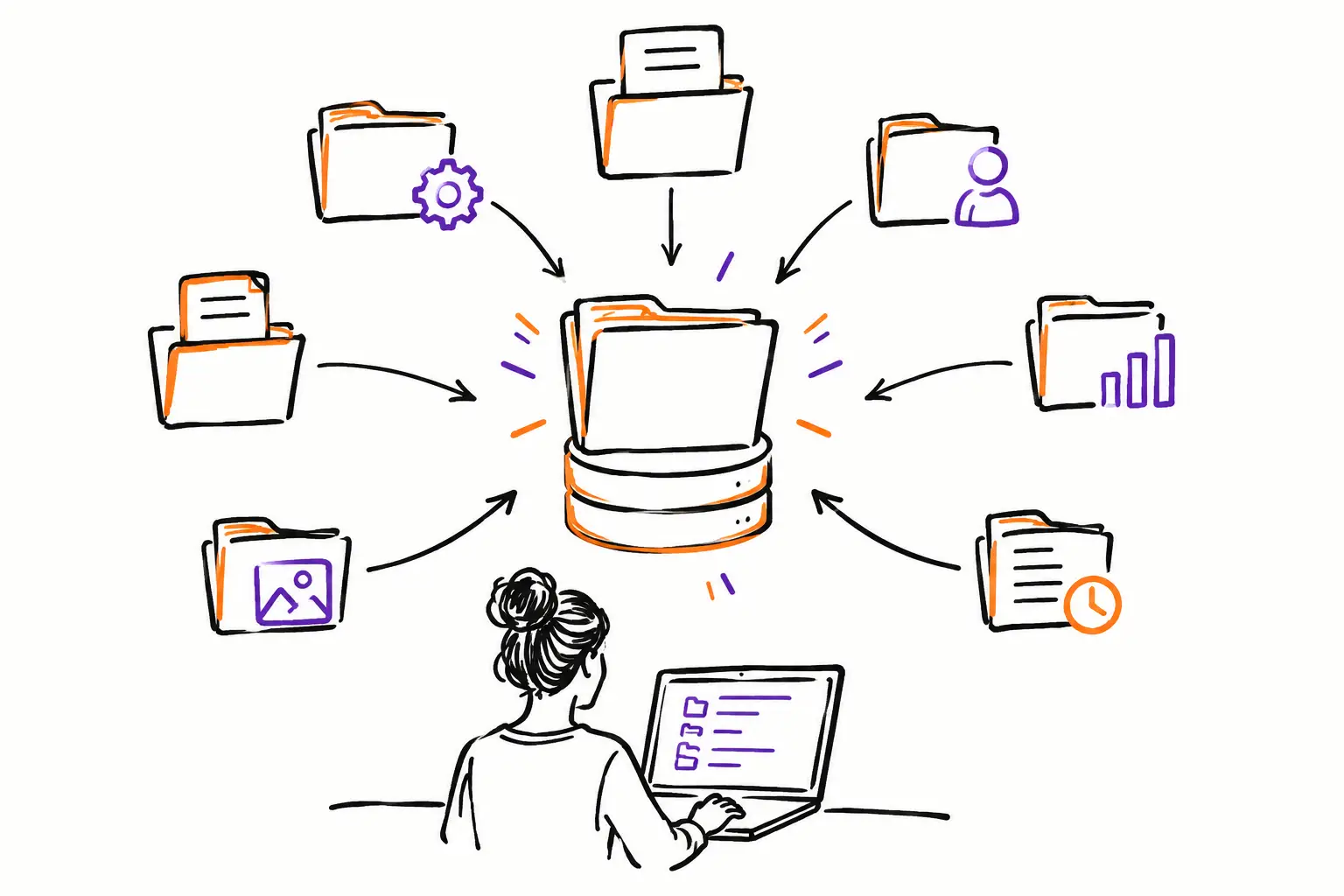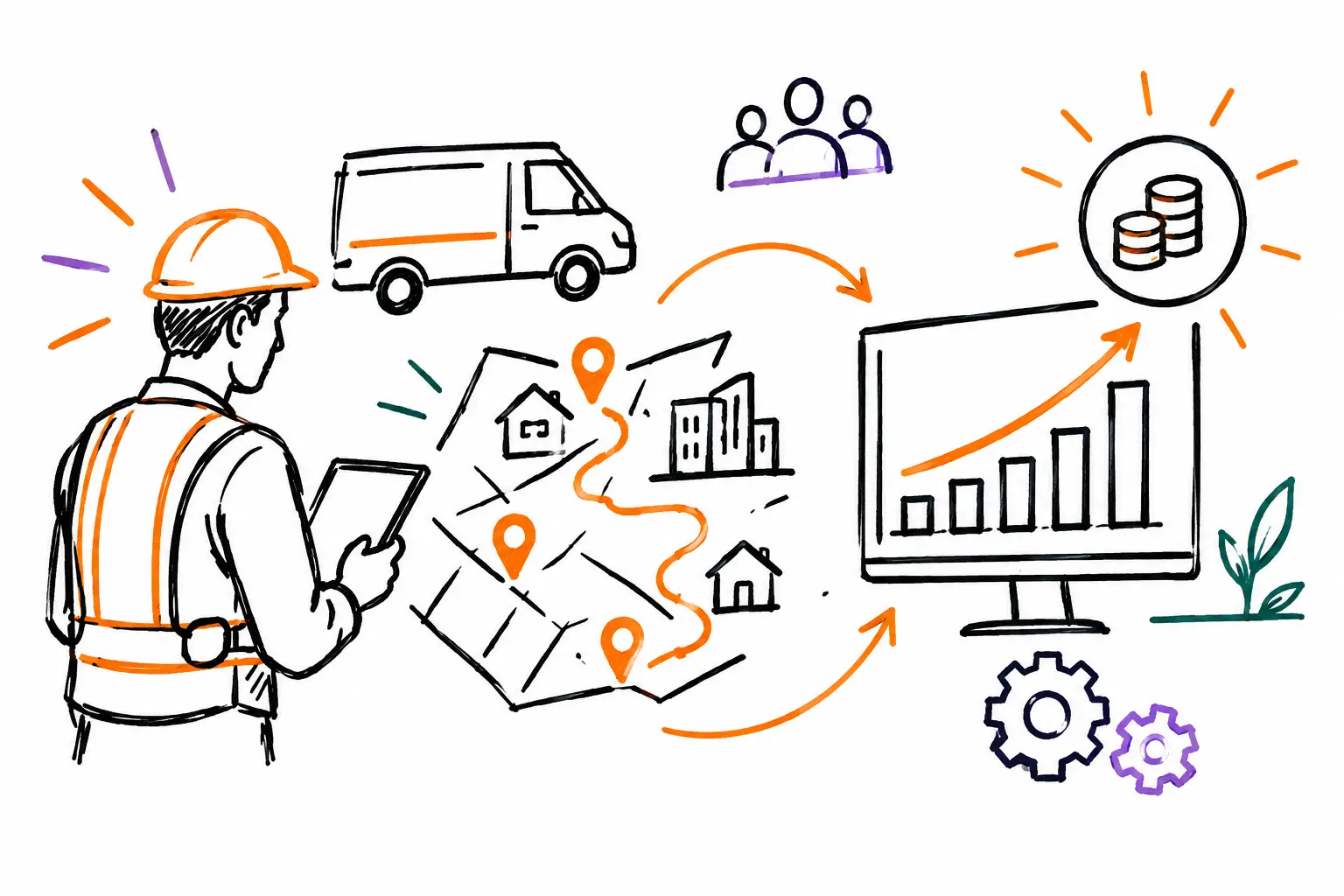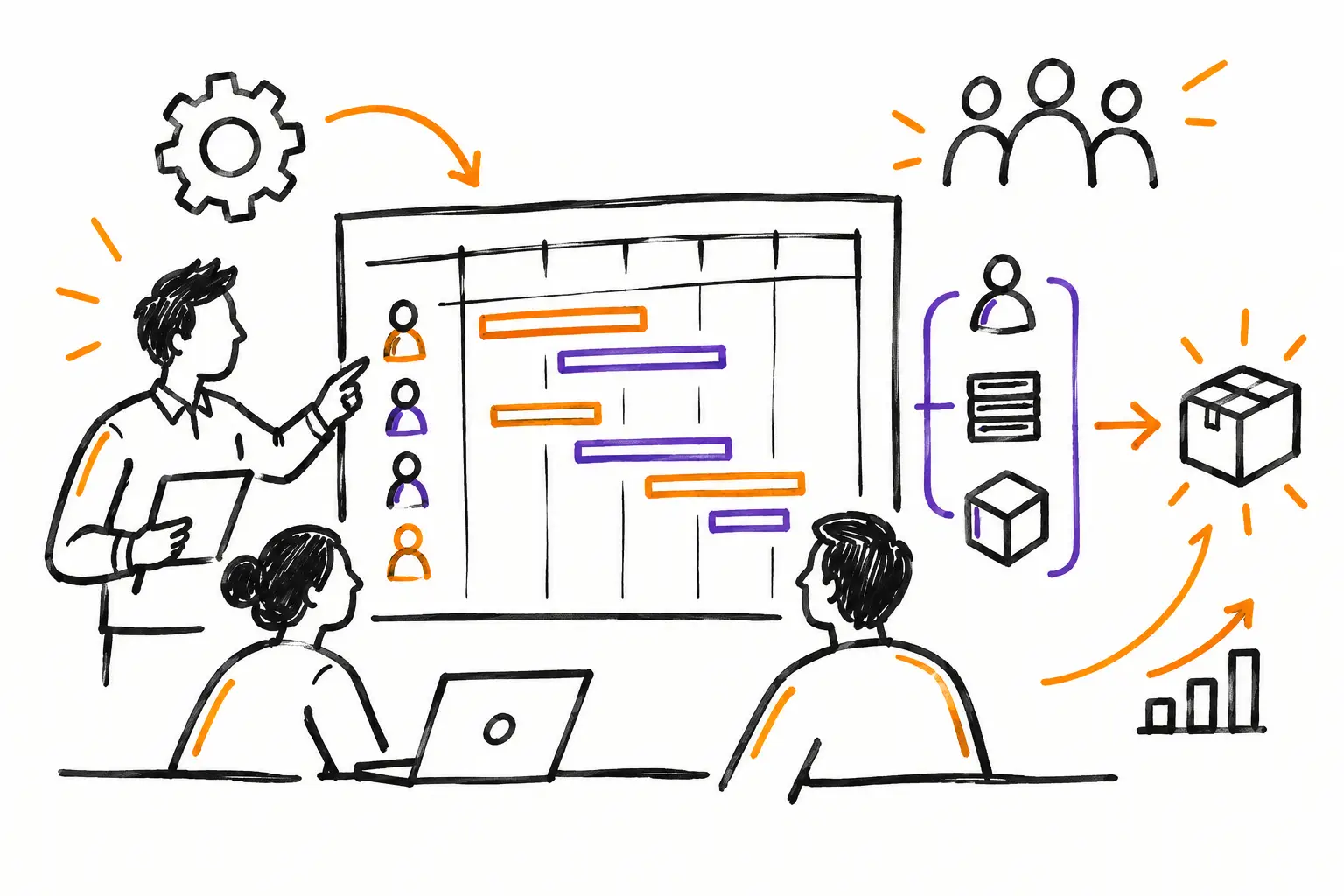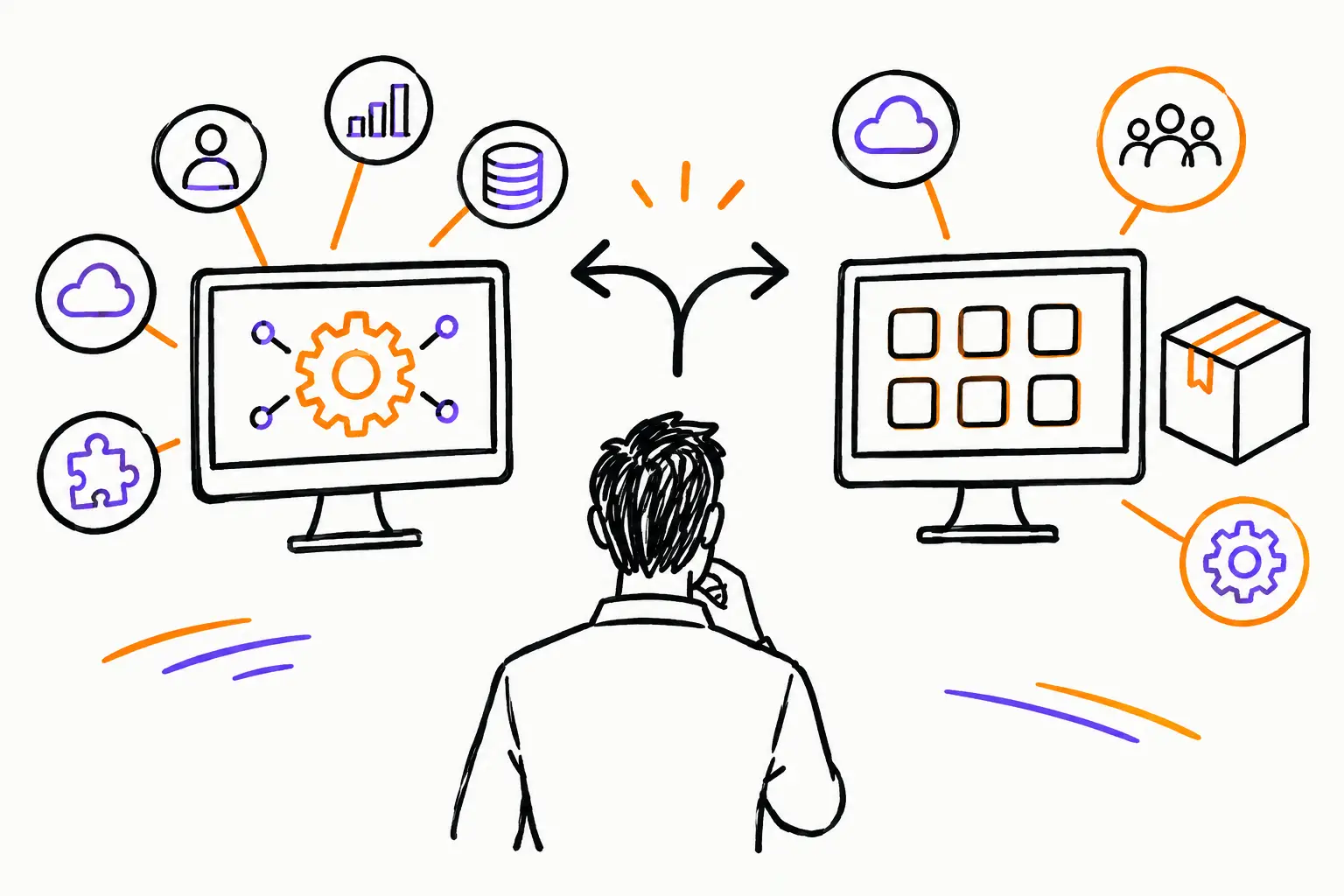
A work order completed in the field, a photo added by a technician, hours approved by a foreman, and then an invoice generated at the office: this is often where the choice between a custom or standard ERP becomes very concrete. If your software forces the team to work around its processes, data gets lost between phone calls, text messages, Excel sheets, and accounting. Conversely, a tool that is too complex or overly customized can slow down your implementation and inflate your costs.
The right choice isn't the one that offers the most features. It's the one that allows your SME to track work actually performed, reduce double entry, and invoice without waiting until the end of the month to piece the information together.
Custom vs. standard ERP: the real difference
A standard ERP is designed to suit a large number of businesses. It offers ready-made modules for customers, projects, purchases, inventory, time tracking, invoicing, or accounting. Its advantage is clear: you can start faster, with an initial cost that is generally better defined. However, you must adopt the screens, statuses, and steps provided by the vendor.
A custom ERP is adapted to your reality. The system can incorporate your central document, whether it's a work order, a mandate, a service ticket, or a project file. It can also reflect your validation steps, field procedures, pricing rules, and management reports.
The line is not always so clear. Many SMEs do not need to have an ERP developed from scratch. Instead, they need a configurable standard platform capable of integrating their fields, documents, approval workflows, and connections with existing tools. This is often the best balance between speed, control, and budget.
Start with the work, not the feature list
The wrong question is: "Which ERP has the most modules?" The right question is: "How does our work flow from the customer to the invoice?"
Take a real-life case. A maintenance company receives a customer request. The coordinator prepares a quote, plans the intervention, and assigns a technician. On-site, the technician consults the instructions, checks off a procedure, adds photos, records their hours, and notes the parts used. The customer approves the work. The office must then be able to verify the file and invoice based on this data, without re-entering hours or searching for photos on a phone.
If your process looks like this, your ERP must first handle the work document well. Financial functions matter, but they don't fix a broken link between the field and the office. A system that perfectly accounts for data entered too late does not give you an accurate view of your operations.
Signs that a standard ERP is enough
A standard ERP can work very well when your operations are relatively simple, stable, and close to common practices in your sector. For example, if you sell products with a predictable order cycle, if your service steps are few, or if your team works mostly in the same location, an off-the-shelf tool can cover the essentials.
It is also relevant when you are ready to adjust certain internal habits. Changing an in-house form that has existed for fifteen years isn't necessarily a loss. Sometimes, a process has grown through the accumulation of exceptions and deserves to be simplified.
Choose this path if you can answer yes to most of these questions: your teams use the same steps from one file to the next, the required fields are standard, your pricing rules are simple, and your reports do not require many specific calculations. In this context, avoid paying to reproduce every detail of your old methods.
Signs that you need more customization
Customization becomes useful when your way of delivering service is part of your value. This is common in construction, technical services, property management, production, or specialized workshops.
You probably need it if a work order must contain information specific to your trade, such as readings, measurements, mandatory photos, signatures, or safety checks. It is also the case if a file passes through several people—project manager, field team, customer, administration—and everyone needs to see the relevant information at the right time.
Alerts and statuses can make a direct difference. A file marked "to be scheduled," "waiting for parts," "ready to invoice," or "to be corrected" gives a concrete view of what is blocking progress. Without these markers, managers spend their day calling teams to find out the status of the work.
Customization is also justified if you need to link systems. Your team may need to keep an accounting tool, a payroll solution, a supplier catalog, or specialized software. The goal is not to replace everything. It is to circulate the necessary information without creating a new layer of manual entry.
Compare the total cost, not just the starting price
A standard ERP often seems cheaper at the start. Sometimes that's true. But its real cost includes process adjustments, training, parallel files, manual exports, and time lost finding misclassified information.
Conversely, a custom project requires more reflection before launch. You must describe the documents, rules, roles, and exceptions. This step has value: it forces the company to decide what should be standardized and what should remain specific to its trade. The risk appears when every preference becomes a development request. Useful customization must solve a measurable problem, not simply reproduce an old habit.
Therefore, measure costs based on concrete situations. How many hours are needed to turn timesheets into an invoice? How many completed jobs remain unbilled due to lack of information? How many unnecessary trips result from incomplete instructions? How many managers must intervene to get a simple answer about the status of a mandate?
A feature that allows you to attach hours, expenses, photos, and validations to the same file can be worth more than a long catalog of rarely used modules.
Avoid the two most costly mistakes
The first mistake is buying a standard ERP thinking it will automatically solve your organizational problems. Software cannot guess who is responsible for approving work, when a part should be ordered, or what information is mandatory before invoicing. These rules must be clear, then supported by the tool.
The second is demanding customization everywhere. Every distinct screen, every exception, and every particular automation increases the effort of deployment and maintenance. You then risk creating a system that is difficult to evolve as the team grows or your services change.
The best approach is to separate what makes you different from what is common. Your field documents, quality controls, and invoicing rules may require precise configuration. User management, basic permissions, or routine tracking can often use the functions already offered by the platform.
A simple method for choosing
Before meeting a vendor, select three to five work paths that often recur in your company. For example: an urgent intervention, a project with multiple visits, a quote converted into work, an expense added in the field, and an invoice corrected by administration.
Then ask to see these paths in the software, step by step. Don't settle for a general demonstration. See how the coordinator assigns the work, how the mobile employee completes the file, how the manager tracks delays, and how the data becomes an invoice. You will quickly see if the system requires workarounds.
Also check what you will be able to modify yourself. Adding a field, changing a status, adapting a form, or creating a dashboard should not always require a costly project. At Sequentia, this logic starts from the work document and what your teams need to record on it to move the file forward to invoicing.
Finally, talk about support before signing. For an SME, having access to a real person who understands the realities of the field is often worth more than a knowledge base filled with generic articles. A good partner will help you simplify the process, not add complexity.
The best ERP doesn't ask you to choose between your work method and rigid software. It helps you keep what makes you efficient, frame what creates errors, and ensure that every hour worked, every part used, and every validation can lead naturally to an invoice.