A technician finishes a service call at 3:30 PM. They add their hours, parts used, and two photos to their work order from their phone. Yet, the invoice is only sent three weeks later, after follow-up calls, missing timesheets, and manual re-entry at the office. Billing automation use cases exist precisely to eliminate this delay between work performed and money billed.
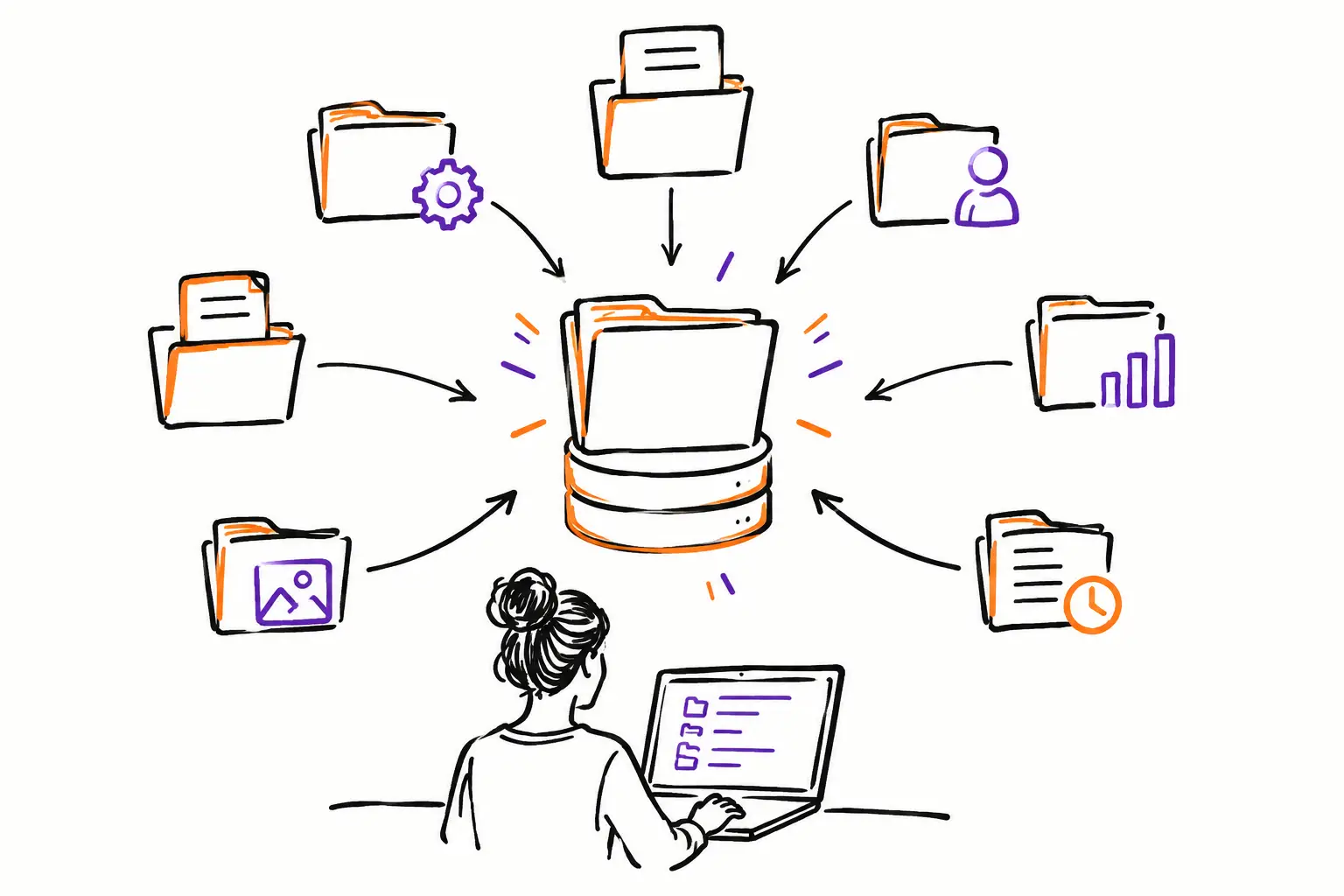
For a service-based SME, automation does not mean sending every invoice without human oversight. It means routing information already captured in the field to the right person, at the right time, with the correct amounts. The work order, mandate, or project then becomes the starting point for billing, rather than a document that needs to be reconstructed at the end of the month.
Why billing still stalls in SMEs
Most delays do not stem from a lack of desire to bill. They stem from handoffs. The field team fills out a paper sheet or sends a text. The project manager must confirm what was done. The administration searches for the agreed-upon rate, billable parts, and the billing address. Then, someone re-enters everything into accounting software.
At each handoff, information can disappear or be misinterpreted. A forgotten hour, an expense not associated with the right client, or a part taken from the truck but never recorded directly reduces the margin. Conversely, an imprecise invoice creates questions, slows down payment, and weakens the client relationship.
Automation is useful when it connects actual execution to the administrative process. It is less useful when it attempts to mask a poorly defined field process. Before choosing an automatic rule, you must know which document truly carries the operational truth in your company.
Four billing automation use cases that save time
1. Converting a completed work order into an invoice for validation
This is the most direct use case for maintenance companies, technical services, workshops, and field teams. The technician opens their work order, follows the required steps, enters their hours, adds materials, and obtains a client signature if necessary. When the status changes to "completed," the system prepares a draft invoice with the billable items.
The office does not start from a blank page. They verify exceptions, apply an adjustment or an agreed price if needed, and then send the invoice. This nuance is important. A company that performs standard service calls can almost entirely automate preparation. A company that manages complex work, extras, or holdbacks will often benefit from keeping a validation step before sending.
The visible result is simple: Tuesday's work can be ready to bill on Tuesday, not at payroll closing or month-end.
2. Billing hours and expenses for a mandate as they occur
In an agency, a professional services firm, or a project-based company, losses often hide in hours entered too late. It is difficult for a person to remember, on Friday, every call, trip, correction, or meeting made on Monday. Expenses follow the same path: receipts in an email inbox, photos on a phone, or notes in a notebook.
A well-configured workflow associates each entry with the mandate from the start. Approved hours, kilometers, purchases, and fees become billable lines according to the contract rules. On a given date, or when a milestone is reached, the manager receives a pre-filled draft invoice.
This approach does not force all teams to bill in the same way. One client can be billed weekly based on actual hours, another by monthly installments with a cap, and a third at a fixed price. Automation must follow the commercial agreement, not the other way around.
3. Triggering an invoice based on project progress
For a light construction, landscaping, production, or installation project, billing only at the end increases pressure on cash flow. Work progresses, materials are purchased, and teams are paid, but billing waits because no one has consolidated the progress.
Here, the trigger can be a milestone: initial deposit accepted, materials ordered, first phase completed, delivery made, or client sign-off. The project contains the documents, validations, photos, and tasks that confirm this milestone. Once the status is validated, a deposit or progress invoice is created according to the planned structure.
The gain does not just come from speed. The client file becomes defensible. If a question arises, the project manager can show what was delivered, on what date, and with which validations. The invoice is no longer an isolated amount in accounting software: it is linked to the work that justifies it.
4. Automatically adding materials used in the field
Parts, products, and equipment consumed are often the weak point of billing. The technician uses a fitting, a filter, or a replacement part, but the information stays in their memory, on a paper slip, or in the vehicle's inventory. When it comes time to bill, only the labor time appears.
A simple rule can change the situation: any item added to the work order reduces the appropriate stock and becomes billable according to the rate associated with the client or the type of intervention. The office can keep an approval step for expensive or unusual items, but they no longer have to chase down basic information.
However, exceptions must be configured. Some materials are included in a maintenance contract, others are covered by a warranty, and some must be re-billed with a specific margin. The goal is not to bill everything that leaves the inventory. The goal is to make every decision clear and traceable.
What to automate, and what to keep under control
The best automation removes manual re-entry and repetitive follow-ups. It can create a draft invoice, copy client details, calculate taxes, pull in approved hours, add eligible expenses, and notify the administration that a document is ready.
Some decisions still deserve a human look: exceeding a quote, an exceptional discount, a contractual holdback, a dispute, or a modification requested by the client. Trying to automate these decisions without a clear rule can produce fast invoices, but contested ones.
Think in terms of levels of control. Routine and priced interventions can go directly to a ready-to-send invoice. Files that exceed a monetary threshold, include extras, or lack a signature can be directed to a validation queue. This logic protects speed without sacrificing rigor.
Implementing your automation around the right document
Start by following a single real path, for example: quote accepted, work order created, intervention performed, hours and parts added, client validation, invoice sent. Ask yourself where someone is re-entering data that is already available. This is often the first action to eliminate.
Next, define the fields essential for billing. Depending on your trade, this could be the billable client, site, hourly rate, items used, purchase order number, signature, or tax type. If these fields are optional in the field, the automation will inherit incomplete information.
You must also clearly name statuses. "In progress," "to be validated," "ready to bill," "billed," and "paid" are not just labels. They indicate who needs to act and prevent two people from processing the same file or forgetting a completed one. A platform like Sequentia allows you to build these steps around your business document, whether it is a work order, a mandate, a ticket, or a project.
Finally, start with one type of repetitive and measurable work. Do not try to redo all your processes in one week. After a few cycles, compare the delay between the end of the work and the sending of the invoice, the number of corrections, and forgotten amounts. You will quickly see where to adjust rules, fields, or validations.
The right indicator: the delay between work and invoice
The number of invoices sent does not tell the whole story. Instead, monitor the average time between a completed work order and a sent invoice. Also look at invoices awaiting validation, unbilled expenses, and completed files without a billing status.
These indicators give the manager a concrete view of the money still waiting in operations. They also allow for intervention before the delay becomes a habit or a liquidity problem.
Good automation does not replace your way of working. It removes unnecessary handoffs between the field, the office, and accounting. When every hour, part, and validation follows the document used to perform the work, billing in one click becomes a logical consequence of work well done.