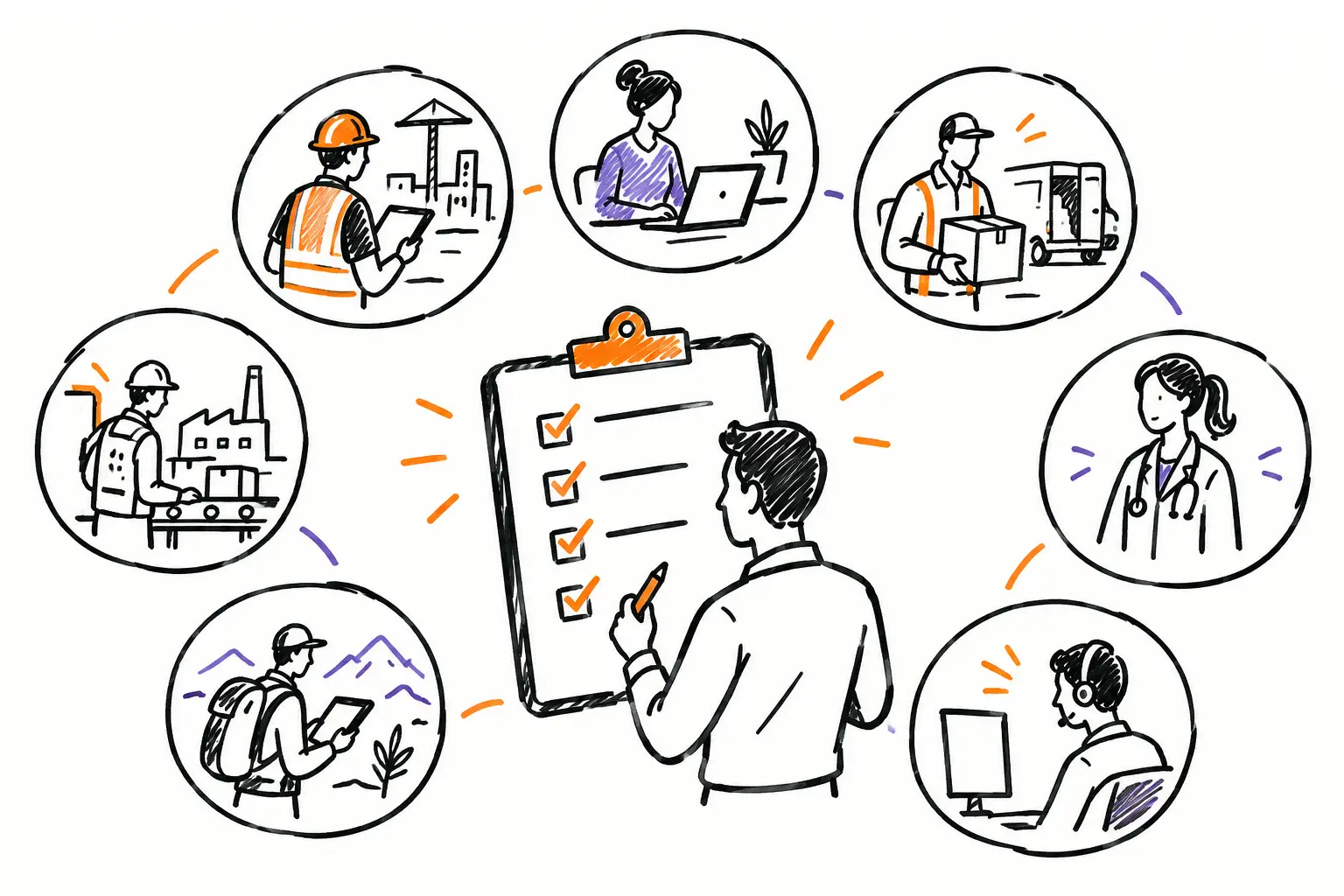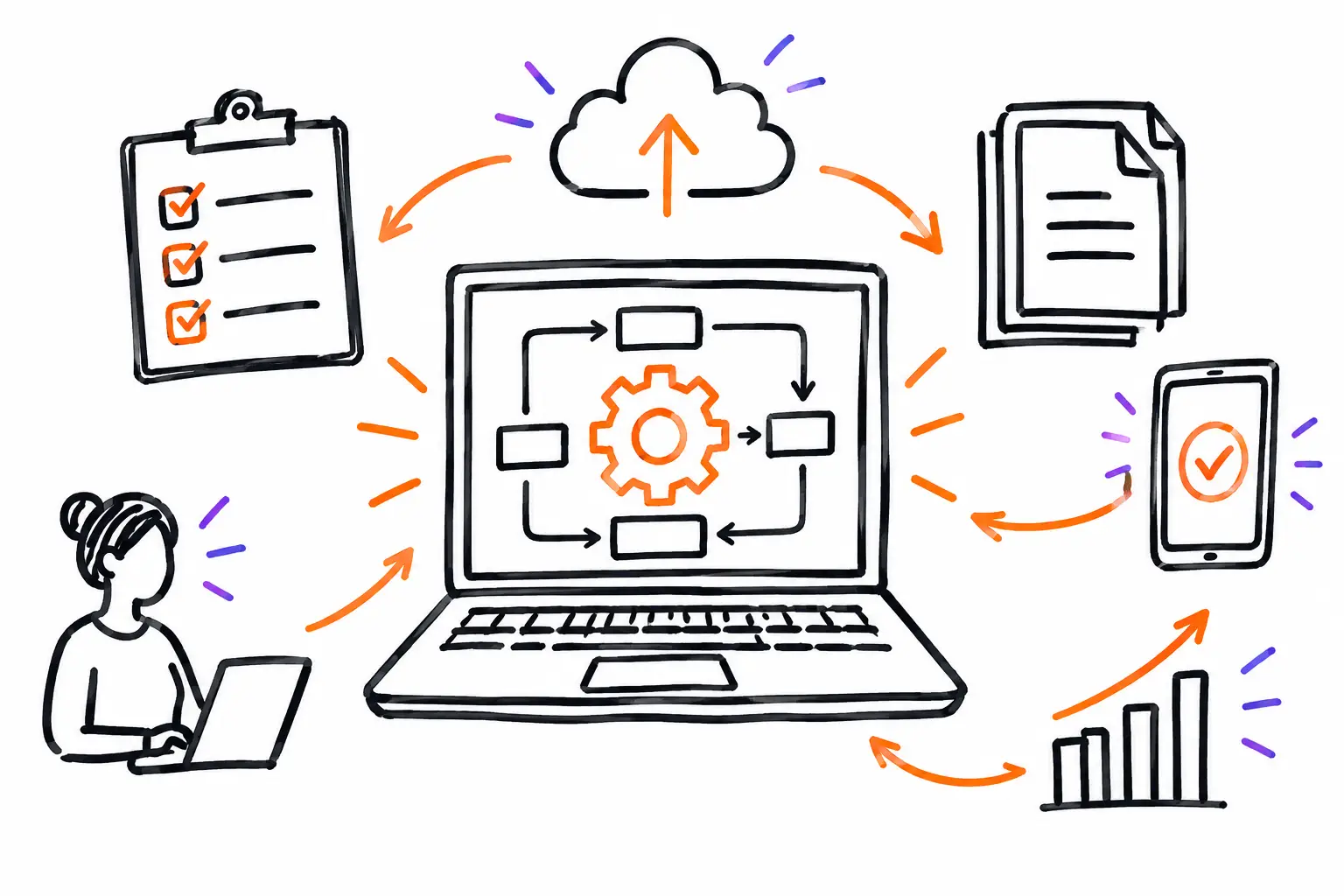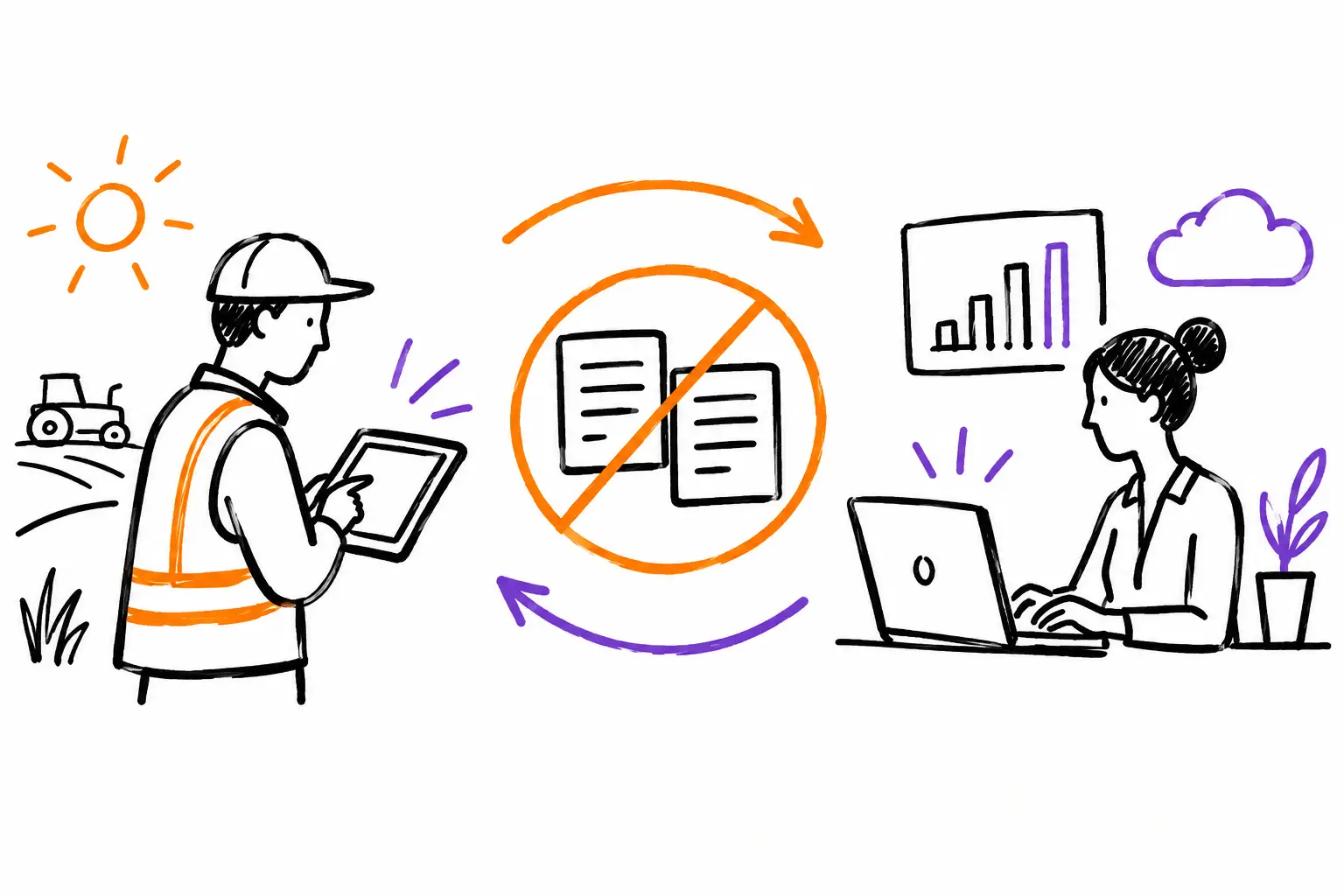
A technician finishes a job, writes down their hours on paper, takes photos with their phone, and texts the office. Two days later, the assistant looks for the details, re-enters the hours into a file, then enters them again to prepare the invoice. This is the true cost of double entry. Avoiding double entry isn't just about saving a few clicks. It's about preventing information loss, delayed invoicing, and the office having to guess what actually happened in the field.
For an SME managing work orders, projects, or client mandates, re-entry often becomes a habit. It seems normal because each team works with its own tools. The field wants to move fast. The office wants clean data. Accounting wants to bill without errors. Yet, when the same information has to travel from paper to text, from a spreadsheet to accounting software, and then to an invoice, delays and discrepancies accumulate.
Why double entry costs more than it seems
The most visible cost is administrative time. Every hour recorded on a sheet, then transferred to another system, requires attention. Over the course of a week, a few minutes per job become several hours of work that don't advance operations or the client relationship.
The riskiest cost is error. A forgotten quantity, a mis-transcribed date, or an expense entered twice can reduce a margin or create an unnecessary discussion with the client. When information arrives late, the problem grows: the manager doesn't see delays in time, the client waits for their invoice, and the team has to search through their memories to complete the file.
There is also a less measurable, but very real cost: trust. If the office is constantly correcting field information, teams feel monitored rather than supported. If technicians know their notes will be re-entered anyway, they have less reason to complete them accurately. The process ends up producing exactly what it promises: incomplete data.
Avoiding double entry starts with the right document
The solution is not to impose a new form at every stage. It consists of choosing a working document that follows the activity from start to finish. Depending on your business, this document can be a work order, a mandate, a service ticket, a project file, or a client request.
This file must contain what each person needs to do their job. Initially, the coordinator places the address, instructions, contacts, relevant equipment, and tasks to be performed in it. In the field, the team adds hours, before-and-after photos, materials used, expenses, and client validations. At the office, this same data is used to verify progress, prepare the invoice, and answer questions.
The difference is major: information is no longer copied from one tool to another. It is added to the file once, by the person who knows it at the moment it is available. The office doesn't have to reconstruct the history of the intervention. It consults it.
This doesn't mean all employees see everything. A good system allows for adapting access and fields to each role. A technician can fill out their report and attach their photos without having access to internal pricing. A project manager can validate costs and deadlines. Administration can transform approved items into an invoice. Your methods are unique, your software should be too.
From the field to the invoice: a concrete path
Take a maintenance company that receives an urgent request for broken equipment. The dispatcher creates a work order from the client's request and assigns the intervention to a technician. The technician receives the details on their phone: location, contact person, problem history, and procedure to follow.
During the intervention, they start their time in the work order. They add a photo of the damaged part, indicate the material used, and write a note on the repair performed. If authorization is required for additional work, the client can validate it directly in the file. There is no need to copy this information into an email at the end of the day.
When the work is finished, the status changes to ready to invoice. The administrative manager sees the hours, materials, expenses, and proof of completion in the same place. They can verify an exception, apply agreed-upon rates, and invoice based on the work actually performed. The invoice is no longer a manual reconstruction. It becomes the logical continuation of the work order.
This model also works for a longer project. An accepted quote can create a project file, then associated tasks and interventions. Teams enter their activity over the days. The manager compares actual hours to the budget, tracks purchases, and sees missing items before the project is closed. In the end, the already validated data feeds the progress or final billing.
Data to be entered only once
To reduce re-entry, start by identifying the information that currently passes from hand to hand. In most service SMEs, the same elements recur: client contact details, work location, mandate description, hours, materials, photos, signatures, expenses, and progress status.
Not all this data requires the same level of control. Client contact details can come from your existing client file. Hours must be entered by the team performing them. Rates and taxes can be calculated according to rules established by the office. Mandatory fields, choice lists, and guided procedures help keep information uniform without forcing employees to write long reports.
However, avoid digitizing every detail by reflex. An overly loaded form loses the desired benefit. Ask yourself if each field serves to advance the work, protect a margin, satisfy a client requirement, or invoice. If the answer is no, it probably doesn't belong in the field document.
Automation does not replace a good method
Connecting tools can eliminate a lot of entry, but integration does not fix a vague process. If teams don't know when to close a work order, who approves expenses, or at what point an intervention is billable, the problem will simply move to a more complex system.
Start by defining a few simple and useful statuses: to be planned, in progress, waiting for client, to be validated, ready to invoice, and invoiced. These statuses create a common language between the field and the office. They also allow for sending the right notifications, without flooding the team with messages that don't concern them.
Automation then has a precise role. It can create a document from a quote, notify a manager when a budget is exceeded, request an approval, or transmit required information to accounting. It must remove unnecessary relays, not hide important decisions.
Driving change in the field
A solution that avoids double entry must be simpler than the old way of doing things. Otherwise, teams will keep paper, texts, and personal notes in parallel. The best implementation therefore starts with a concrete workflow: a frequent intervention, a standard work order, and the people who use it every day.
Test the document with a few field employees and one person from the office. Observe what blocks: a poorly named field, a procedure that arrives too late, a useless status, or missing information at the time of invoicing. Adjust before deploying to the entire team. Customization must serve the actual work, not add an administrative layer.
Also explain the benefit for each role. To the technician, we don't promise an abstract dashboard: we save them from filling out their report twice and answering calls in the evening to find information. To the administration, we give complete files and faster invoices. To the manager, we give a reliable view of activity, delays, and margins.
Sequentia helps SMEs build this link between the field document and office operations, without forcing all trades into the same mold. The goal remains simple: to circulate information with the work, rather than after the work.
The right starting point is often a single very concrete irritant: hours that arrive too late, photos that can't be found, or invoices waiting for approval. Solve this point with a clear document and a unique path. When the team sees that an entry made in the field is really used to finish, track, and invoice the work, the habit of re-entering begins to disappear.