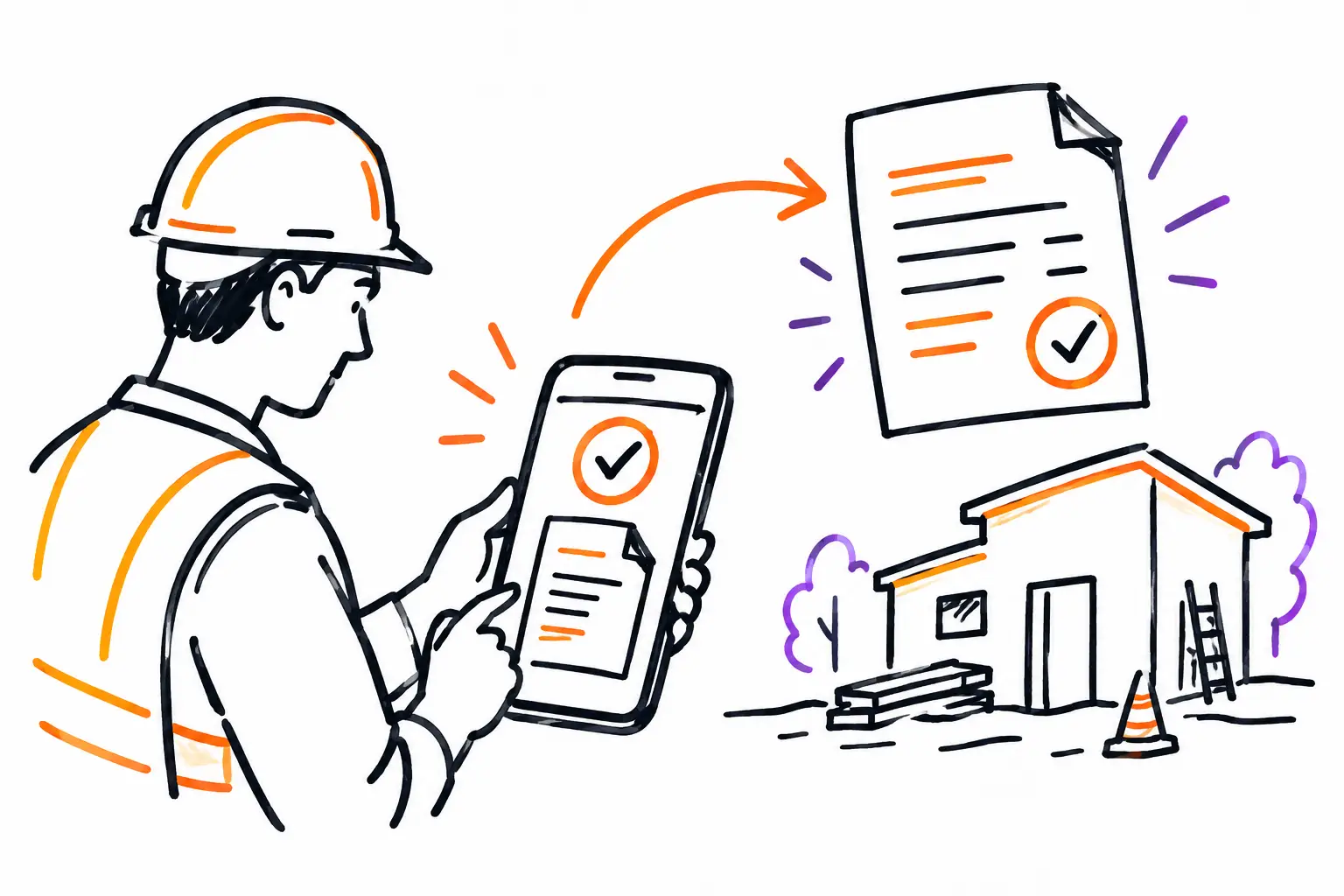
A technician finishes a service call at 3:40 PM. They have the hours, parts used, before-and-after photos, and the client's signature on their phone. Yet, the invoice sometimes goes out three days later, after a call to the technician, an incomplete timesheet, and manual re-entry at the office. Mobile invoicing is designed specifically to close this gap between work performed and work billed.
For an SME in services, construction, maintenance, or property management, this isn't just about producing an invoice on a smaller screen. It's a way to circulate the right information from the field to the office while it is still complete, verifiable, and linked to the correct client.
Mobile invoicing starts before the invoice
An accurate invoice isn't created at the end of the month. It is prepared as soon as the work order, mandate, or project is opened. If the field team doesn't know what to enter, or if data is scattered across texts, paper sheets, and separate apps, the office will have to piece the file back together. That is where things get forgotten.
The right workflow starts with a central document. The accepted quote becomes a work order. On this document, the team sees the planned tasks, procedures to follow, the address, client instructions, and expected materials. During the intervention, they add actual hours, expenses, parts consumed, photos, and useful comments.
In the end, this same file contains everything needed to invoice. There is no second version of the work to be created in a spreadsheet or accounting software. The office validates exceptions, applies agreed-upon rates, and transforms billable items into an invoice.
This logic works just as well for an excavation contractor who needs to bill machinery hours as it does for a maintenance company billing for a visit, products, and an unforeseen repair. The document changes depending on the trade. The principle remains the same: capture the activity where it happens, then convert it into revenue without double entry.
What the team must capture in the field
Mobility doesn't mean documenting everything for the sake of it. It must capture information that protects margins, accelerates approval, and answers client questions.
Hours are obviously central, but their context matters too. A time entry linked to a work order, a task, and an employee makes it possible to distinguish between billable time, travel, waiting, or rework. Without this context, an hour entered is just a number to be interpreted later.
Materials and expenses require the same rigor. A technician adding a part from their phone must be able to associate it with the client file, indicate the quantity, and, according to your rules, select an inventory item or an expense. This prevents you from forgetting to bill a part or realizing, too late, that it was never removed from inventory.
Photos, notes, and signatures also have concrete value. They confirm the state of the premises, prove the work performed, and facilitate discussion when the client has a question. They don't replace good communication, but they reduce gray areas. For work with variable scope, on-site approval before adding an extra can prevent a refusal at the time of invoicing.
A simple scenario: from work order to invoice
Let's take a technical services company. A client reports a breakdown. The coordinator creates a work order with the equipment involved, priority, and access information. They assign the intervention to a technician who receives the file on their mobile device.
On-site, the technician starts their time, consults procedures, and adds a photo of the equipment. They notice a component needs replacing. After validation according to company policy, they add the part and note the cause of the problem. The client signs off on the completed work.
Back at the office, the manager doesn't have to hunt for details in a conversation. They open the completed work order, verify the hours, the part, the signature, and applicable taxes. The billable items are already attached to the file. The invoice can be created and sent while the intervention is still fresh in the client's mind.
The gain isn't just a few saved minutes. The invoice goes out faster, questions are easier to handle, and the manager also sees what was actually done. When this scenario repeats across dozens of files per week, the billing cycle becomes an operational indicator, not an administrative chore suffered at the end of the month.
Controls that prevent billing too quickly
Billing as soon as work is finished doesn't mean billing without control. Some companies have fixed-price contracts, different rates depending on the client, holdbacks, multiple approvals, or extra work requiring authorization. The right system must respect these rules rather than forcing every file into a generic flow.
Define clear statuses. For example, a work order can move from planned to in progress, then to completed, to be validated, and finally invoiced. The field can complete the information, while the office retains final authorization to issue the invoice. This separation is useful when the person performing the work shouldn't modify prices or sales terms.
Mandatory fields also have their place, but they must be chosen carefully. Requiring a signature, arrival time, and photos for an emergency intervention may be relevant. Imposing twenty fields to fill out for a routine visit encourages sloppy entries. Your methods are unique; your work document should be too.
You must also plan for exceptions. A mobile connection might be weak on a job site. A client might ask to group several interventions on a single invoice. A part might be installed under warranty and not be billable. The solution isn't to abandon mobile invoicing, but to provide rules and validations that reflect your team's reality.
Measuring what blocks your revenue
Once field data and invoices are linked, you can see where money is getting stuck. How many days pass between the end of a work order and the sending of the invoice? Which files are waiting for a signature, a price, an approval, or a timesheet? Which types of interventions generate the most unbilled extras?
These questions don't necessarily require complicated reports. A dashboard showing completed unbilled work, expenses without a file, and late time entries already provides a concrete lever for the administrative lead or operations manager.
Comparing planned versus actual is just as useful. If a quote planned for four hours and two parts, but the work required eight and five, you can review the price, the method, or the training. Without data linked to the work document, this signal is often lost in accounting, too far from the field to correct the next intervention.
Implementing mobile invoicing without disrupting the team
Start with a frequent and fairly simple type of work: service calls, preventive maintenance, or small installations. Map the actual journey, from the client request to the invoice. You will likely find manual relays, such as sending a photo by text or waiting for a timesheet on Friday.
Next, configure the document around what needs to be seen and entered. An effective work order first presents information useful to the technician, then the actions to take and the closing fields. Elements intended for the office, such as margins or certain price validations, can remain for the next step.
Train the team with real scenarios, not just a demonstration of buttons. Show how to declare a missing part, how to get an extra approved, and what to do if the client cannot sign. Adoption increases when employees see that the tool saves them from follow-up calls and complaints related to lost information.
A platform like Sequentia allows you to keep this business document at the center of the work, then track hours, expenses, and validations through to invoicing. The goal isn't to change how you serve your clients to satisfy software. It's to make your method more visible, more complete, and faster to monetize.
The next time a work order is finished, ask a simple question: what is preventing this intervention from being billed right now? The answer often reveals a missing field, a poorly placed validation, or a relay that no longer needs to exist.


