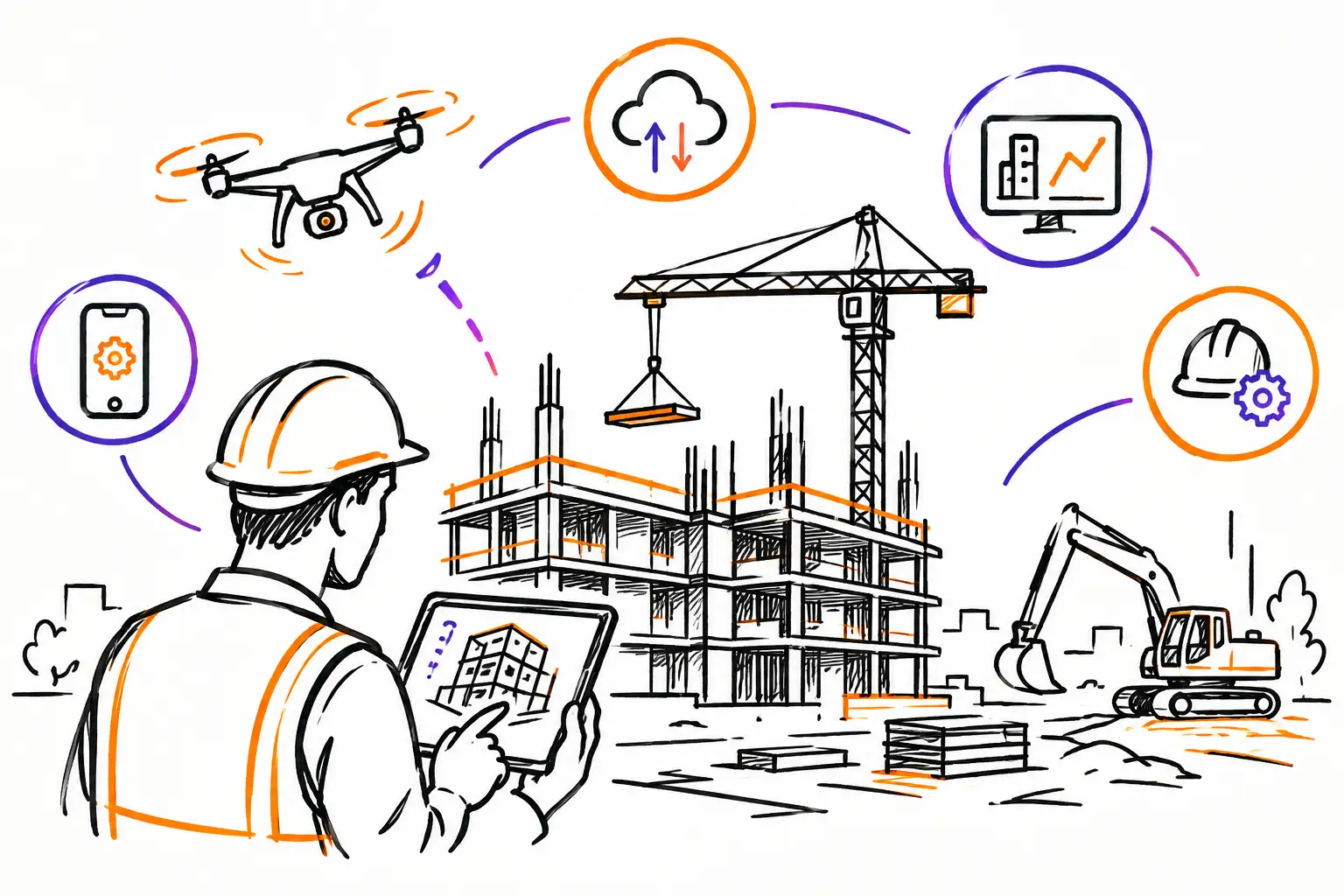
At 4:30 PM, a foreman finishes his day with photos on his phone, hours on a crumpled sheet of paper, and a change requested verbally by the client. Back at the office, the file will need to be reconstructed before it can be invoiced. This is precisely where job site digitalization trends are changing the game: they aren't about adding another app, but about ensuring the right information flows from the field to the invoice.
For an SME in construction, maintenance, excavation, or technical services, the real challenge isn't digitizing every action. It's maintaining control over the actual work: what was requested, what was done, what changed, what was approved, and what can be billed. The tools that earn their place on job sites are those that reduce incomplete handoffs without forcing teams to work against their habits.
The job site digitalization trends that really matter
Job site technology is no longer reserved for large companies with an IT department. Mobile solutions, configurable forms, and accounting connections have become accessible to smaller teams. But buying software solves nothing if the work document remains poorly defined or if data arrives at the office too late.
The most useful trends are based on a simple principle: a work order, mandate, or project must become the common file for everyone involved. The field records execution. The project manager sees deviations. The administration finds the items to be billed. The client receives a clear record of the work delivered.
1. The work order becomes the center of the job site
For a long time, information lived in many places: an email for the client request, an Excel file for progress, texts for changes, and photos scattered across phones. This approach might work for a few interventions, but it becomes costly as projects multiply.
The trend is toward a single file, updated as work progresses. An accepted quote can become a work document containing tasks, planned labor, materials, safety instructions, before-work photos, and relevant documents. Each addition remains linked to the same intervention rather than creating a new chain of communications.
The benefit is concrete. If a client disputes an hour, an extra, or a repair, the team doesn't search through five tools. They open the file, see the technician's comment, the photo taken on-site, the validation, and the recorded time. Traceability ceases to be an administrative promise: it becomes an operational reflex.
2. Mobile entry replaces the end-of-week report
A report filled out on Friday for work done on Monday has already lost some of its value. Hours are approximate, details are missing, and last-minute changes get mixed up. Useful mobility means capturing information the moment it is known, from a phone or tablet.
This doesn't mean asking teams to fill out ten screens. In the field, the interface must be short and adapted to the trade. An employee should be able to start a task, enter their time, attach a few photos, select the material used, and report a blockage in a few taps. For an inspection, it might be a checklist with mandatory answers. For excavation, it might be tracking equipment, quantities, and site conditions.
The right level of detail depends on the type of job site. An emergency intervention requires speed. A fixed-price project with several subcontractors requires more validations. Copying the same form for all work is often the mistake that leads to abandoning the tool after a few weeks.
3. Photos, signatures, and validations become proof of work
The job site photo is no longer just an archive. Linked to the right file, dated, and accompanied by a comment, it confirms the initial state, demonstrates an unforeseen condition, or shows the delivered result. The client's signature plays the same role when it confirms the end of an intervention or the acceptance of an extra.
This practice protects both the client relationship and the margin. A change requested orally can be documented before it is executed. The manager receives a notification, approves or refuses the addition, and the team proceeds with a clear instruction. This avoids the familiar scene: the work was done, but no one knows if the client agreed to pay for it.
However, you must avoid turning every step into a heavy procedure. The signature is essential at certain times, not necessarily after every task. Validations must follow the company's real risks: extra work, safety, compliance, reception, or budget overruns.
4. Hours, expenses, and materials fuel the invoice
A large part of slow invoicing comes from re-entry. The field hands in their timesheets, the office verifies delivery slips, then someone recreates the information in the accounting software. In the meantime, forgotten hours or unassigned materials directly reduce profitability.
The most efficient companies link operational entry to invoicing. When an employee enters two hours on a work order, adds travel, and logs a part used, this data should already be ready for administrative review. The office retains control but no longer has to guess what happened on the job site.
The path becomes visible: quote, work document, execution, approval, invoice. For recurring work, this flow also facilitates renewals and contractual follow-ups. For more complex projects, it allows comparing actual costs to planned hours and materials before the gap becomes too large.
5. Dashboards track actual activity, not just sales
Revenue is not enough to manage a job site. A manager needs to see pending work, unbilled interventions, blocked tasks, hours exceeding the budget, and documents awaiting approval. These indicators are useful because they allow for action before the end of the month.
A dashboard doesn't need to be spectacular to be good. For an SME, a few well-chosen questions are better than a page of charts: Which work orders have been open for too long? Which teams have incomplete timesheets? Which projects generate the most extras? Which invoices are still waiting for supporting documents?
The quality of indicators depends on the quality of the data entered. That is why standardizing statuses, work types, and procedures matters as much as the dashboard itself. If each team calls the same problem by a different name, the reports cannot provide a reliable picture.
6. Automation helps, but it doesn't replace field judgment
Automatic notifications, approval reminders, and recurring task creation save time. A manager can be notified when a work order exceeds its scheduled date. An invoice can be prepared when all validations are completed. A periodic inspection can generate its next mandate without anyone having to think about it.
Artificial intelligence is also starting to appear in document searching, photo classification, or report writing. Its utility is real when the base data is well-organized. It can help find information or spot an anomaly, but it doesn't know, on its own, if a scope change is acceptable for your client or profitable for your company.
The best scenario remains a system that automates repetitive follow-ups and leaves important decisions to the people who know the job site. An alert should lead to a clear action, not become more noise to ignore.
Succeeding in digitalization without slowing down teams
Digitalization rarely fails because employees refuse all technology. It fails when they are given a tool that adds work without solving a visible problem. Start with a costly and measurable irritant: reports submitted too late, undocumented extras, missing hours, or blocked invoices.
Then choose a business document that already exists in your company, such as a work order or an inspection sheet. Configure it with the fields that are truly useful, test it with a small team, and adjust it after a few weeks in the field. Teams will more easily adopt a method that saves them from follow-up calls and corrections at the end of the day.
The connection with accounting also deserves special attention. It must reduce double entry without removing the office's validations for pricing, taxes, and invoicing. An integration that is too fast can move errors instead of eliminating them. You must define who validates what, at what time, and what information becomes billable.
At Sequentia, this logic starts from the company's work document rather than an imposed generic flow. This is often the difference between software that stays in a digital drawer and a tool that the field actually uses.
A good digitalization project therefore does not start with the question "what application should we buy?". It starts with another, much more useful question: at what point do we currently lose the information that should allow us to better deliver, better track, and better invoice?


