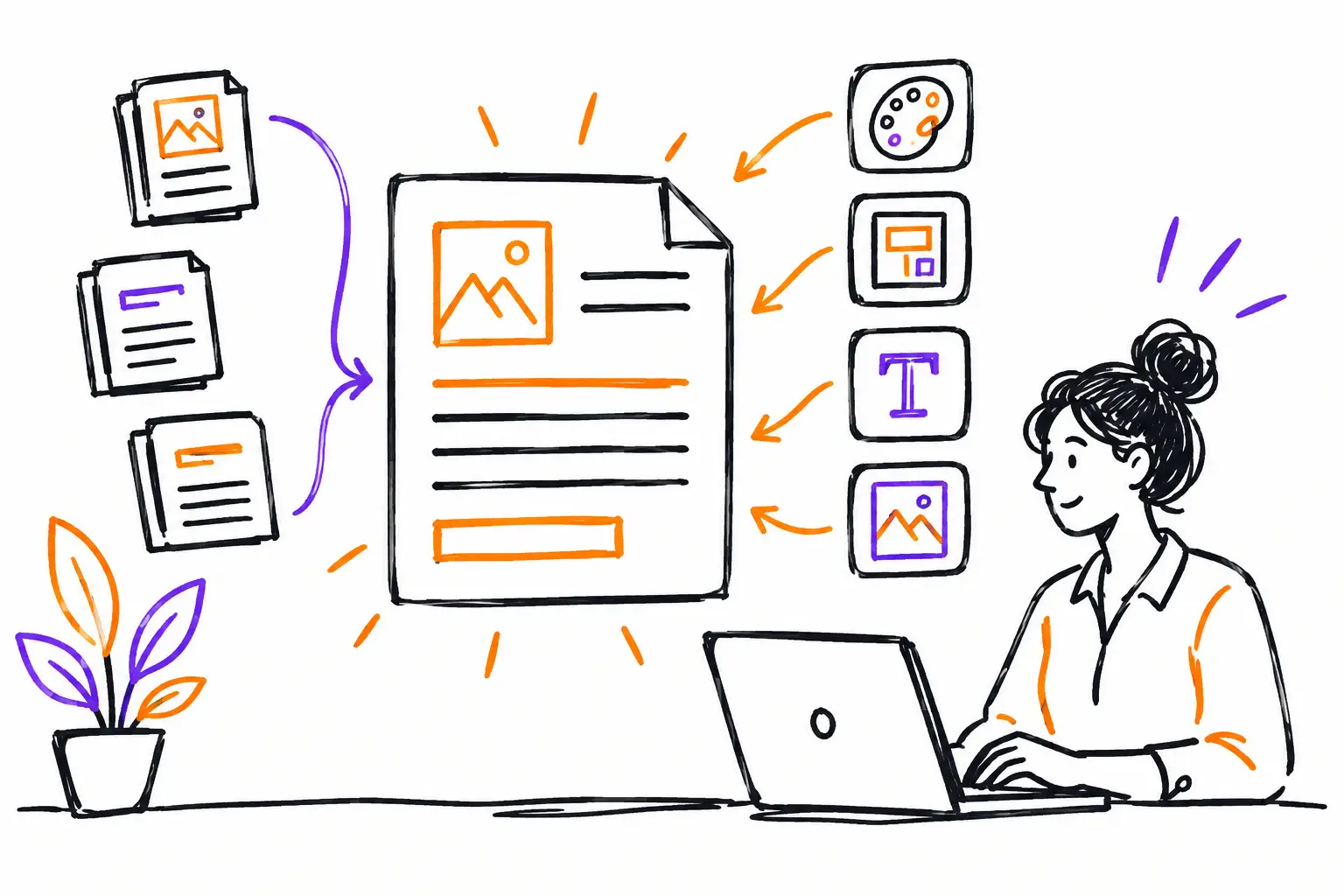
A work order isn't just for sending a technician to a client. It must also define what needs to be done, show what has been completed, store photos and validations, and enable billing without having to redo the work in the office. This is why customizing your business documents is often more useful than adding another piece of software to your team's stack.
In an SME, the central document might be called a work order, mandate, service ticket, maintenance file, or project sheet. Whatever its name, if it doesn't reflect how you actually deliver service, your teams will find workarounds. They will call, text, take notes on paper, or fill out a spreadsheet later. Information then arrives incomplete, and the invoice waits.
Why a generic document creates losses
A standard template usually asks for the same fields from everyone, in the same order, for every situation. This might be enough for a simple intervention. But an excavation company sometimes needs to track machinery hours, delivered materials, and site conditions. A maintenance team must document recurring inspections, anomalies, and client signatures. A specialized workshop needs to keep track of parts used, serial numbers, and quality control steps.
When these elements live in different places, no one has the full picture. The dispatcher doesn't know if the work is ready. The manager doesn't know which interventions are over budget. The administrator has to ask for timesheets, search for photos, and interpret hastily written notes. This isn't a lack of effort from the team. It's a problem of a document that is poorly adapted to the business.
A well-configured business document instead becomes the meeting point between the field and the office. It gathers instructions, tasks, client communications, costs, and proof of execution in the same file. The visible result is simple: fewer incomplete handoffs and less re-entry.
Customize business documents based on real work
The right question isn't "what fields does the software offer?" The right question is "what does a person need to know to complete, verify, and bill this work?" Start by following a real file, from the client's request to payment. Look at where information is entered, where it is repeated, and at what point someone has to guess.
Take a technical services company. A request comes in with the site address, the equipment involved, and a description of the problem. After evaluation, it becomes a quote. Once accepted, it creates a work order with planned tasks, safety instructions, and estimated parts. The technician adds their time, before-and-after photos, the parts actually used, and the client's signature. The office can then produce the invoice from this data.
This workflow—quote, work document, invoice—should not force the team to copy the same information three times. Customization is precisely for keeping useful data as the file moves through stages.
Keep only the fields that move the file forward
A form that is too long slows down the field. A form that is too short leaves the office without proof or details. The balance depends on the type of intervention and the person filling out the document.
For each field, check its concrete utility. Does it help prepare the work, make a decision, respond to the client, calculate a cost, or bill? If the answer is no, it can probably disappear. If the information is only necessary in certain cases, display it based on the type of work rather than imposing it on all teams.
For example, a preventive inspection might require a checklist and meter readings. An emergency call might prioritize arrival time, diagnosis, and work authorization. Both can use the same client file without having the same work document.
Provide a clear structure for field teams
Customization isn't just about adding fields. It also allows you to organize work in a logical order. On mobile, a technician should see the information they need on-site first: contact, address, site access, instructions, and tasks to do. They don't need to scroll through billing details before they've even started the intervention.
Adapted statuses also avoid gray areas. "To be planned," "assigned," "en route," "in progress," "waiting for parts," "to be validated," and "ready to invoice" are not just labels. They indicate who needs to act next. A file waiting for parts doesn't require the same follow-up as a completed file waiting for a client signature.
However, avoid creating a dozen statuses to cover every exception. If teams hesitate between "completed," "partially completed," and "completed to be confirmed," visibility disappears. Keep the statuses that trigger a clear action. Nuances can live in a note, a task, or a specific field.
Transform field evidence into usable data
Photos, signatures, time logs, and comments shouldn't remain forgotten attachments. They should help close the file. A photo taken in the field can confirm the initial state or the repair performed. A signature confirms acceptance. The time entered allows you to measure profitability and feed the invoice.
In a well-thought-out document, every piece of data has a role. Approved hours can be transferred to billing. Expenses and parts can be compared to the estimate. Unchecked tasks prevent a file from moving to the next stage too quickly. The manager then sees the actual activity without asking for a separate report at the end of the week.
This is also where standardization becomes useful without making work rigid. A procedure can require a photo of an electrical panel or a serial number, while still leaving the technician the necessary space to explain an unusual situation.
Vary the document according to the type of mandate
An SME rarely has only one type of work. It might handle contract maintenance, emergency service calls, installations, and fixed-price projects. Forcing all these mandates into the same template creates noise.
It is often better to define a few document types, each with its own sections, tasks, rules, and mandatory fields. A maintenance work order can automatically generate the tasks planned by the contract. A project mandate can track phases, subcontractors, and budgets. An emergency ticket can highlight the priority level and client authorization.
Caution is advised: too many templates become difficult to maintain. If two documents differ by only one field, a display condition might suffice. Create a new template only when the workflow, validations, or billing actually change.
Measure what is blocking before changing everything
The best configuration is built with the people who do the work. Gather a dispatcher, a field worker, and someone from the office around a few recent files. Ask where they lost time, what information was missing, and what they had to enter twice.
Then, run a trial on one type of intervention with a small team. Measure simple signals: the delay between the end of the work and the invoice, the number of files returned for missing information, unbilled hours, and internal calls to get details. These indicators quickly show if the document is truly helping or if it's adding a step.
A platform like Sequentia allows you to configure this central document according to your business, then connect tasks, photos, time, expenses, and billing to the same file. The goal is not to force your operations into an imposed model. It is to give your teams a tool that follows their work as it happens.
Start with the document that causes the most delays or questions in the office. When this file becomes clear for the field and complete for billing, your teams will feel it quickly: less searching, fewer back-and-forth exchanges, and more time to serve clients.


