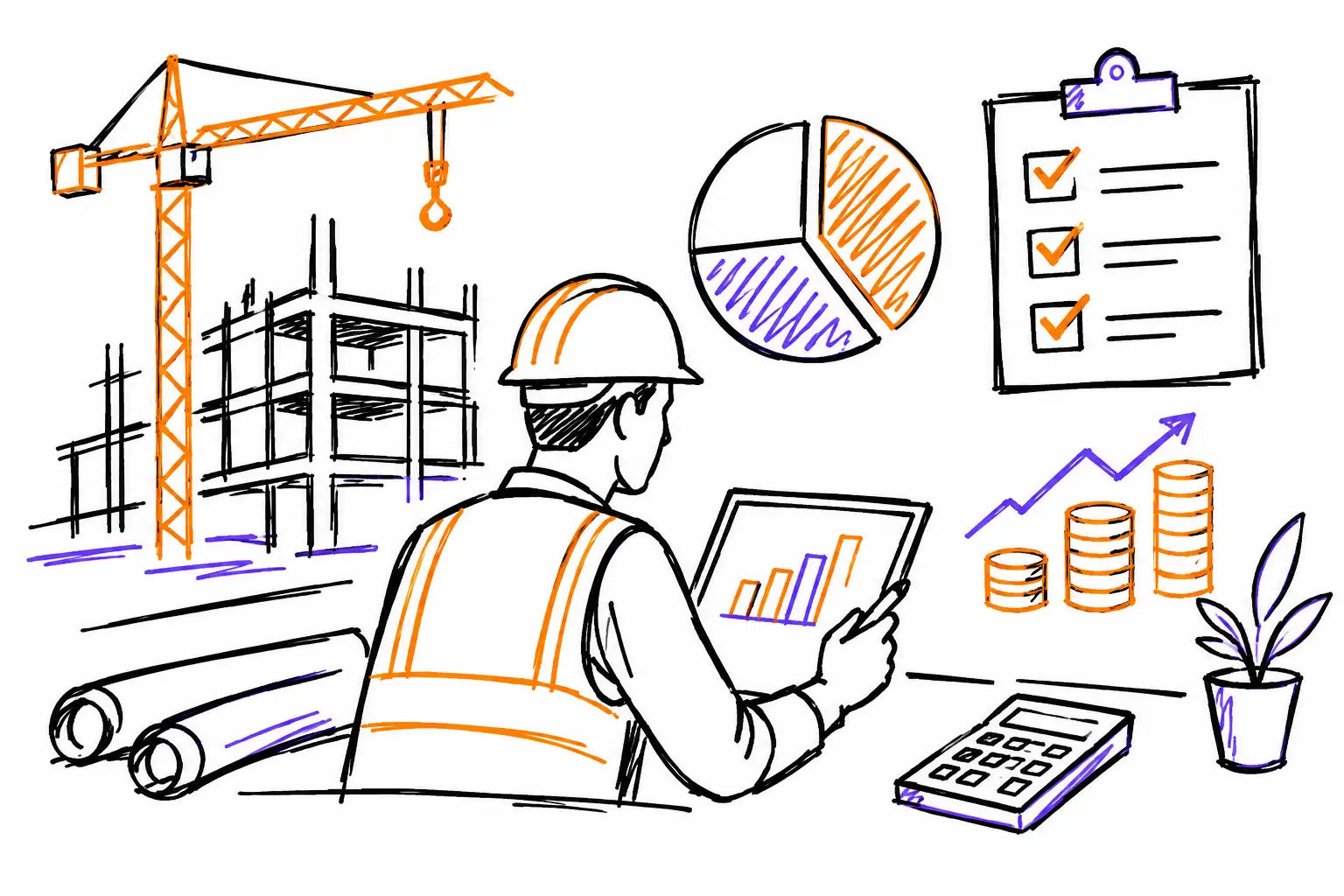
The job site seems to be moving along, the team is busy, and suppliers are delivering. Yet, when it comes time to bill, one question often arises: was this project actually profitable? A good job cost tracking guide isn't about producing another report. It's about spotting discrepancies while there is still time to correct course.
For an SME in construction, excavation, maintenance, or technical services, the problem rarely stems from one single major oversight. Instead, the margin disappears through a series of small gaps: an unrecorded hour, a part taken from the truck without being linked to the right file, forgotten equipment rental, or a change requested verbally by the client. When this information stays in text messages, paper sheets, or individual memories, the office discovers the true cost too late.
Why job cost tracking often arrives too late
A job site produces data all day long: employee attendance, machinery usage, purchases, subcontracting, photos, additional work, and client communications. But in many companies, this data doesn't follow the same path as the work itself. The field team notes it at the end of the week, the administration re-enters it into a spreadsheet, and then accounting reconciles it with supplier invoices.
This delay creates two problems. First, the project manager doesn't know if the budget is holding up until the work is finished. Second, billing is delayed because everything that was done must be reconstructed. The result is frustrating for everyone: the field team feels like they are just filling out forms, the office is chasing information, and the manager cannot distinguish a profitable project from one that is draining resources.
The right approach is to link every cost to the document that truly represents the work: the quote, work order, mandate, or project. That is where the information must live, not in an isolated file that will be forgotten by the next shift change.
Job cost tracking guide: data to capture
Tracking doesn't need to be complicated to be reliable. It primarily needs to capture the costs that truly influence your margin, at the moment they occur. For most SMEs, four categories are sufficient: labor, materials, equipment, and external costs.
Labor: the easiest cost to underestimate
Hours worked are not just useful for preparing payroll. They indicate whether the initial estimate was realistic. A team may have finished on time, while still having spent too much time on a poorly evaluated phase, unforeseen travel, or rework.
Every employee should therefore enter their hours directly into the relevant work order or project, with a simple activity to select: preparation, excavation, installation, travel, correction, or client visit. The goal is not to monitor every minute. It is to know where the time went and to compare the actuals to the budget.
To obtain a useful cost, associate a loaded hourly rate with each role or employee. This rate can include salary, payroll taxes, and a portion of employment-related expenses. The exact rate depends on your accounting method, but always use the same logic when comparing projects.
Materials and inventory: linking the exit to the right file
A material purchased for a job but not assigned to that job becomes invisible in its true cost. The same problem exists with inventory: a valve, a cable, or a specialized part can leave the warehouse or truck without leaving a billable trace.
At the time of purchase or removal, the team must be able to choose the correct work document. They add the quantity, cost, supplier if needed, and a photo of the receipt when the expense is incurred in the field. The office then doesn't have to guess which client the material was used for.
You must also decide how to handle materials purchased in bulk. If the cost can be attributed precisely, do it. If the material is used for several interventions, a simple allocation rule is preferable to artificial precision. The essential thing is that the rule is known and applied consistently from one project to another.
Equipment, subcontractors, and costs that slip through the cracks
The excavator, the boom lift, the truck, rentals, debris transport, and subcontractors can tip the profitability of a project. These costs are sometimes tracked by someone other than the project manager, which increases the risk of oversight.
Create categories that are easy to use in the field and in the office. For example, the operator can declare the use of a machine in their daily report, while the administration adds the rental invoice to the same project. For subcontractors, attach the purchase order, the execution report, and the invoice to the file. You get a clear trail, useful for controlling costs as well as answering client questions.
Comparing budget to actuals before the final day
Cost tracking becomes useful when it leads to a decision. For each project, display at a minimum the sold or estimated amount, the budget by cost type, the actual costs incurred, the amounts to be billed, and the projected or actual margin.
Take a mandate sold for $24,000. The quote provides for $8,000 in labor, $6,000 in materials, and $3,000 in equipment. After a few days, the actual hours already exceed the labor budget by 20%, even though the project is only half finished. This signal doesn't automatically mean the project is losing money. However, it forces you to ask the right questions: was there a change in scope? Did the team encounter an unforeseen condition? Is it an estimation or organizational problem?
Depending on the answer, you can adjust team assignments, request authorization for additional work, or protect the estimate for future projects. Without up-to-date data, these decisions become guesses.
A dashboard can highlight exceptions: projects where hours exceed the budget, expenses without an associated document, unbilled purchases, or completed work that hasn't been billed. This view is more useful than a general month-end report because it indicates where to act now.
Tracking scope changes through to the invoice
A client who asks "while you're here" isn't always asking for a small adjustment. They might be asking for several hours, materials, and new responsibilities. If this change isn't recorded on the spot, it risks becoming a cost absorbed by your company.
The field team should be able to add a note, photos, and a validation request directly to the work document. The project manager then confirms if the work is included, if an addendum needs to be created, or if it will be billed on a time-and-materials basis. This step protects the client relationship as much as the margin: the client sees what has changed before receiving an unexpected invoice.
When the change is approved, the hours, materials, and expenses related to it must remain identifiable. This way, you avoid mixing the cost of the initial mandate with that of an additional request. At billing, the executed items are already ready to be pulled, without double entry or searching through emails.
Implementing tracking that teams will actually use
A process that is perfect on paper fails if it adds too many steps for the field team. Start with a clear work document and a few simple actions: starting or ending a task, entering time, adding an expense, recording a material, and flagging a change. Mandatory fields should be rare and useful.
Discipline is also built in the office. Designate who checks expenses without a project, who validates hours, who compares the budget to actuals, and who triggers billing. A short review twice a week is often more effective than a large monthly reconciliation.
In Sequentia, this workflow can follow your own business document: the quote becomes a project or work order, the field adds the actual data, and then the office transforms the completed work into an invoice. Your methods are unique; your tracking must be able to respect them.
The best indicator is not the amount of data entered. It is your ability to answer quickly, for an ongoing project: what has been done, what it cost, what remains to be done, and what still needs to be billed. When this answer is accessible to the team and the office, you no longer suffer the margin at the end of the project: you have the means to protect it while the work is underway.


