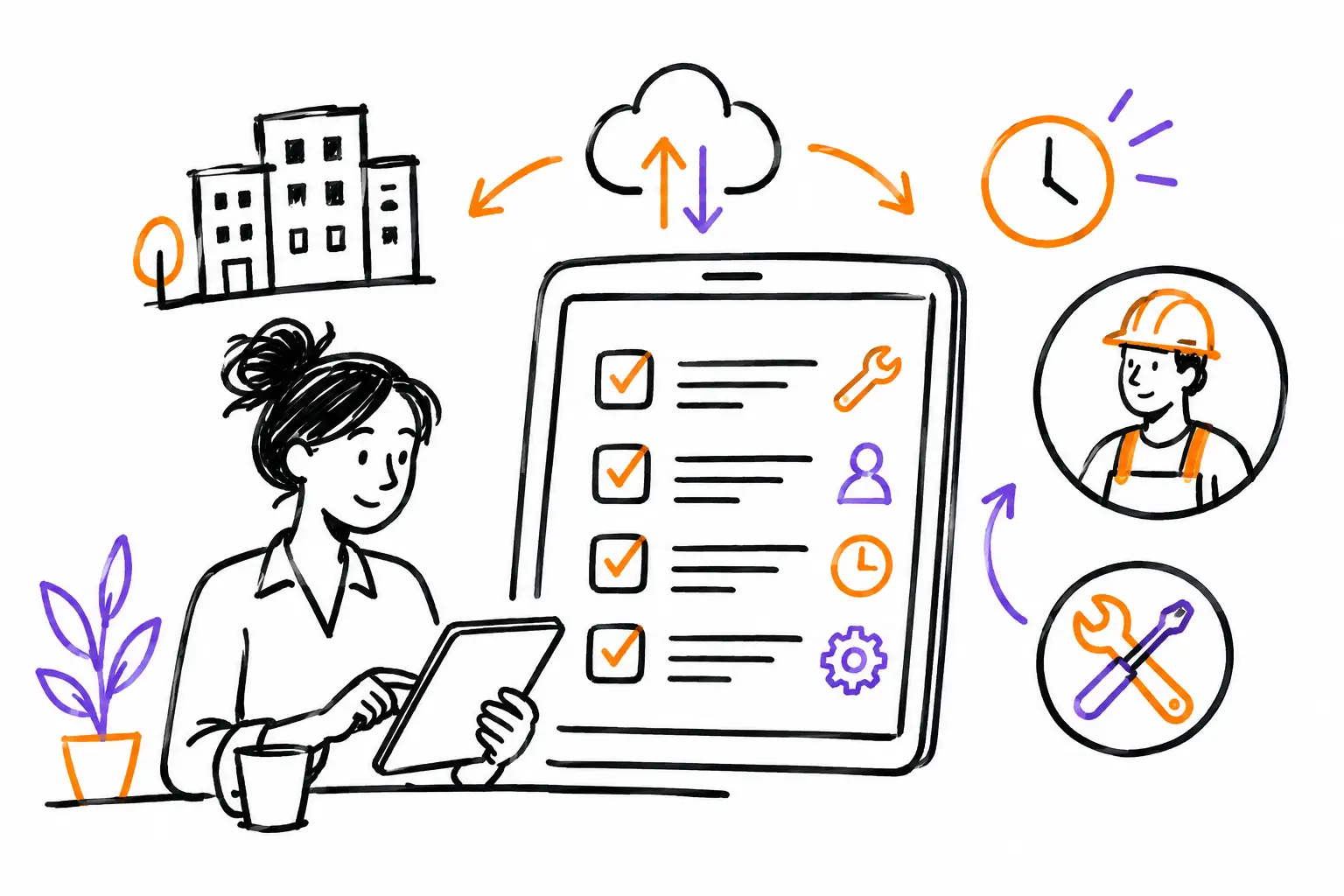
A poorly tracked task doesn't truly disappear. It turns into a call to the office, a lost text message, a photo never sent, hours logged too late, and often, an incomplete invoice. Evaluating task management software must therefore start with the work actually being done at your company, not a long list of features or a price sheet.
For an SME in services, construction, maintenance, or property management, the right tool connects a client request to field execution, and then to billing. It gives the manager a clear view of what is in progress and provides the team with the information needed to do the job well. Here is how to evaluate software without choosing a system that forces your teams to work differently.
1. Start with your working document
A "task" does not mean the same thing for every business. For one, it is a work order with an address, a breakdown, and a client signature. For another, it is a project file containing multiple visits, purchases, subcontractors, and validation steps. A tool that treats all these cases the same way risks creating workarounds from the very first week.
Before any demonstration, take a real, recently completed task. Note what it contains: client, site, equipment, description, tasks, photos, time, materials, expenses, communications, approvals, and attached documents. Then, follow its journey from the initial request to the invoice.
The software must be able to represent this file without forcing your teams to split information across five screens or three applications. This is the first test: your business document must remain recognizable, even if it becomes digital.
2. Check what the field team can do, on-site
Task management software is rarely used only at the office. The technician or project manager must be able to consult the right information before arriving, then document the work without turning their phone into an administrative workstation.
Ask to see a concrete scenario on mobile. An employee receives a task, opens the address and instructions, checks the client's history, checks off completed tasks, adds photos, logs their time, and has the client sign. Afterward, the office must see the information without waiting for the end of the day or re-entering paper sheets.
Beware of the false comfort of a very clean demonstration. Ask precise questions: can photos be attached to the correct task? Do procedures change based on the type of intervention? Can mandatory fields be adapted? What happens if the team has poor network coverage? The best answer depends on your field reality, but usage must remain fast. If every intervention requires ten minutes of data entry, the data will arrive incomplete.
3. Test the flow of information between roles
A task often passes between several people: dispatcher, foreman, technician, coordinator, administrative lead, and client. Each handoff can lead to lost details that cost time or money.
In your task software evaluation, check statuses and notifications. The office must know if the task is scheduled, en route, in progress, blocked, ready to invoice, or closed. The team must know what is prioritized and who changed what. The manager must be able to spot overdue tasks, missing approvals, and unbilled work.
A good status isn't just for decorating a dashboard. It triggers a clear action. For example, when a technician finishes their intervention, the task can move to "to be validated." After validation, it becomes "ready to invoice." This workflow reduces manual follow-ups and prevents completed work from being forgotten in an email.
4. Ensure procedures adapt to your services
Efficient SMEs do not all work according to the same model. A preventive maintenance company needs recurring inspection lists. A specialized contractor often needs to document changes requested on the job site. A production agency tracks deliverables, hours, and client validations instead.
Evaluate configuration capacity before requesting custom development. Can you create different types of tasks? Adapt forms, steps, and fields? Add a safety checklist to an intervention without imposing it on an administrative task? Produce a clean document for the client from information already entered?
Configuration has a healthy limit: it must allow you to reflect your methods without making you the full-time administrator of the system. If a simple change requires a service ticket every time, ask yourself if the tool will keep up with your growth. Conversely, a completely rigid software will require you to abandon useful controls just to fit into its mold.
5. Track the link between work done and money billed
This is where many evaluations become too technical. A well-documented task has direct value: it allows you to bill for what was actually executed. Hours, materials, expenses, travel, and extras should not live in separate files.
Ask to follow the complete journey: quote, task, time and expenses, validation, invoice. See what is transferred automatically and what requires human verification. One-click billing is only useful if the data behind the invoice is reliable.
Also, look for flexibility. Some companies bill at a flat rate, others by time and materials, and many do both depending on the client or the type of task. Your software must support these cases without losing track of costs. It won't replace your judgment on profitability, but it must give you the data to intervene before the end of the month.
6. Ask for indicators that answer useful questions
A dashboard filled with charts does not guarantee better management. Indicators must help make a decision: which tasks are late? How many hours were logged this week? Which clients require the most follow-ups? Which team has files ready to invoice? Which tasks are exceeding the budget?
During the demonstration, ask the provider to pull a report based on an example similar to yours. Check filters by client, team, period, service type, or status. Also, ask if you can find the source of a figure. A total without access to the tasks that comprise it forces managers to check elsewhere.
For many SMEs, the fastest gains come from simple and reliable data: open tasks, unapproved time, completed but unbilled work, and intervention times. Start with these metrics before trying to analyze everything.
7. Evaluate integrations and the end of double entry
Task management software doesn't always work alone. Your company may already use accounting software, a payroll platform, a calendar, an inventory system, or a CRM solution. The question isn't to replace everything. You need to know where each piece of data should be entered only once.
Make a list of essential exchanges. For example, do clients and products come from accounting? Do hours need to be exported to payroll? Do invoices need to be created in another system? Do documents need to be deposited in a specific place?
Ask what is included, what requires configuration, and what requires custom integration. A partial connection may be enough if it eliminates your main manual re-entry. Conversely, a vague promise of integration can become a costly project. Have the synchronized data, frequency of exchanges, and the person responsible in case of problems clearly defined.
8. Measure the real cost of deployment, not just the subscription
The monthly price matters, but it is not the total cost. Calculate the time to prepare task templates, migrate useful data, training, launch support, and adjustments after the first few weeks. A cheaper tool can cost more if it requires a lot of manual work or if it is abandoned by the field team.
Implement in stages. Start with one type of task, one team, or one sector. Set a few measurable results: reduce follow-up calls, get hours on the same day, stop losing photos, shorten the delay between the end of work and the invoice. This approach leaves room for adjustments without putting the entire company under pressure.
Human service is also part of the evaluation. When your team gets stuck on a form or a workflow needs to be adjusted, do you have access to a person who understands SME operations? At Sequentia, this proximity matters as much as the software: your methods are unique, and your tool must be able to respect them.
Make your choice based on a real task
Before signing, ask for a trial or a demonstration built around a task that resembles yours. Involve someone from the field, someone from the office, and the person responsible for billing. Each will see a different risk, and that is exactly what prevents a decision made only on a pretty interface.
The right software doesn't promise to automate everything by magic. It makes work visible, keeps proof of what was done, and gives your team fewer things to search for, copy, and guess. That is often where tasks finally become simpler to deliver and faster to bill.