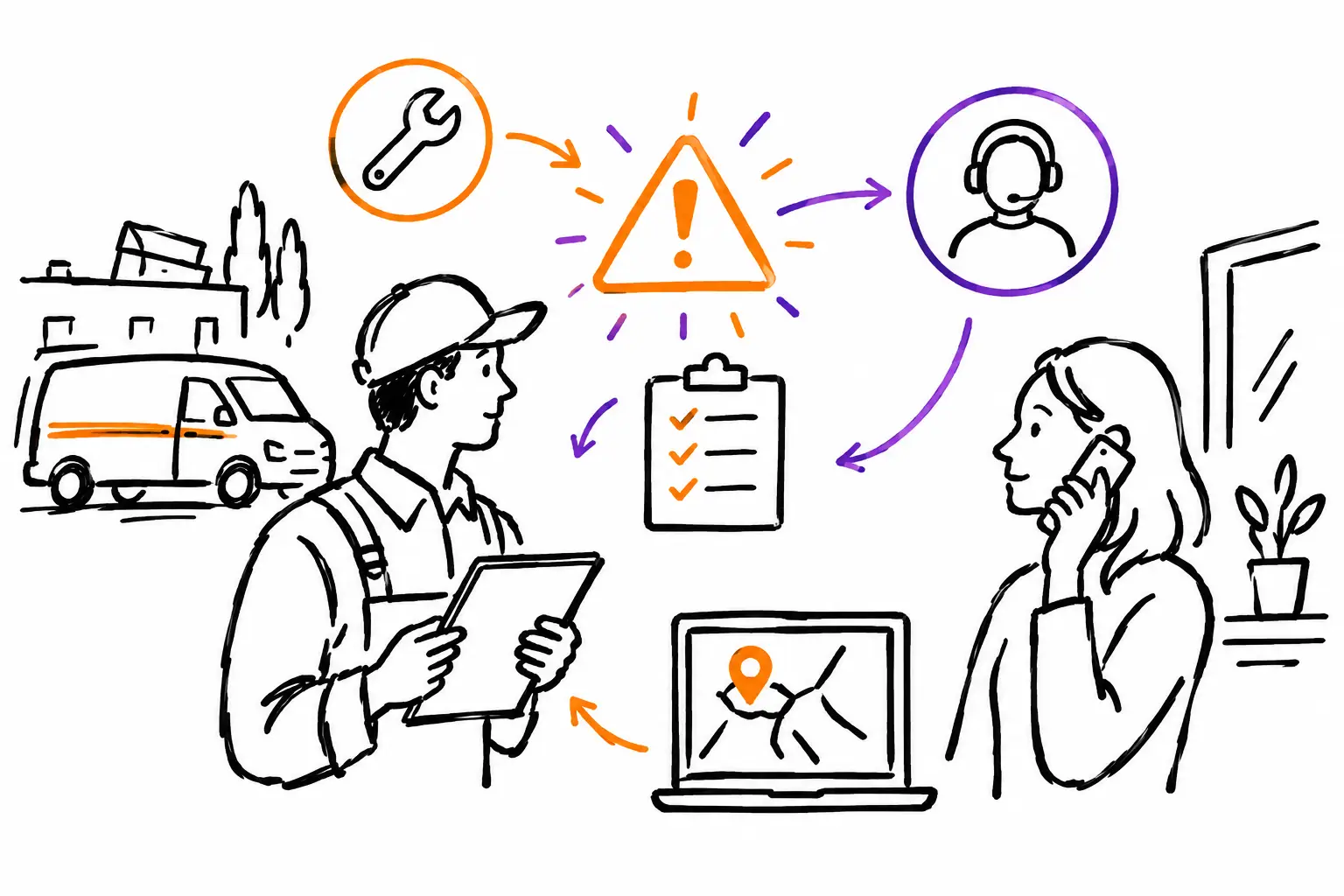
A client calls because a service visit didn't solve the problem. A technician discovers an unexpected breakage on-site. A part is missing just as the work is about to be completed. In an SME, these discrepancies are not exceptional: they are part of the job. A good customer incident management guide isn't about adding administrative burden. It's about maintaining control when plans change, without losing information, the client, or your margins.
The risk isn't just the incident itself. It's the incomplete handoff between the field, the office, the client, and the billing department. A photo stays on an employee's phone. A promise made to the client never reaches the coordinator. Overtime hours are never billed. In the end, the company has worked more, but doesn't clearly know why or at what cost.
Start by defining what an incident is
A customer incident is not always a complaint. It is any event that prevents a work order, mandate, or project from following its planned course. This could be non-compliance, a delay caused by a supplier, impossible site access, an additional request, defective equipment, or a result contested by the client.
This definition must be broad enough to reflect your reality, but clear enough so that teams know when to open a follow-up. If every small adjustment becomes an incident, the system will be ignored. If only serious cases are reported, you will miss the signals that reveal recurring weaknesses.
In a maintenance company, for example, a missing part that requires a second visit deserves a follow-up. In a construction company, a change requested on-site should be treated as a change order, even if the client mentions it casually. The word used matters little. What counts is creating a trail linked to the relevant work document.
The right reflex: link the incident to the actual work
An incident isolated in an email inbox or a text conversation quickly becomes impossible to find. It must be linked to the work order, ticket, mandate, or project where the problem occurred. That is where the client, address, planned tasks, assigned personnel, and history are already located.
The incident file should answer, without interpretation, a few simple questions: what happened, when, where, what is the impact, who is responsible for the next action, and what communication has been provided to the client? Add photos, signatures, measures taken, and relevant documents in the same place.
This method avoids the classic "I thought someone else was handling it." It also gives the office a real view of the field. A manager doesn't have to call three people to understand why a service call is pending: the status, notes, and attachments are associated with the work performed.
Capture the facts before looking for a culprit
In the first few minutes, the goal is to document the facts, not to reach conclusions too quickly. A technician can indicate they found a leak behind a wall, attach two photos, specify that access requires authorization, and put the work order on hold. The coordinator can then take over with complete information.
A vague note like "problem at client site" doesn't help with decision-making. A useful note instead indicates: "Leak observed at 10:15 AM in the mechanical room. Work stopped to prevent damage. Client notified. Estimate required to open the wall." This difference reduces clarification calls and protects the company if the file is contested later.
Sort quickly based on client and operational impact
Not all incidents require the same response. A 30-minute delay for a non-urgent visit is not managed the same way as a breakdown that stops a client's production. Priority must take into account the impact on safety, the promised service level, the value of the mandate, and the risk of losing the client's trust.
A simple status system helps a lot: new, under analysis, waiting for client, waiting for parts, scheduled, resolved, or closed. The essential thing is that each status triggers a clear action. "Waiting for parts" does not mean the file disappears. It must have an owner, a follow-up date, and a planned next communication.
You must also distinguish between technical resolution and client resolution. You may have repaired the equipment, but the file remains open until the client has received the explanation, proof of work, and, if necessary, the agreed-upon commercial adjustment. Closing too early gives a false impression of performance.
Keep the client informed without promising the impossible
Silence almost always amplifies an incident. A client often accepts that the unexpected happens. They are much less accepting of having to follow up to find out what is going on. Quick communication should confirm that the problem is being handled, explain what is known, and announce the next update.
Avoid promises that the team cannot control. Saying "the part arrives tomorrow" when the supplier has confirmed nothing creates a second problem. Prefer: "We are waiting for confirmation from the supplier before 3 PM. We will contact you today with a service date." It is precise, human, and verifiable.
Communications must also remain in the client file. When the project manager is absent, a colleague must be able to see what was announced, what the client accepted, and the date of the next follow-up. This continuity is especially important when multiple teams work on the same site.
Make the incident a planable and billable job
An incident often creates extra work: diagnostics, travel, procurement, rework, equipment rental, or coordination time. Yet, these costs are frequently absorbed because no one added them to the work document.
As soon as the situation is understood, turn the required actions into assigned tasks. If you need to return to the site, create a new service call. If you need to provide a price, forward the information to a quote or change order. If it is a warranty correction, identify it as such. You will then be able to distinguish what is billable from what must be assumed by the company.
The principle is simple: hours, expenses, and parts must be entered where the work is performed. When data remains linked to the work order, the office can bill what was authorized in one click, without re-entry or hunting for timesheets. If the incident is attributable to your company, the same information allows you to measure the real cost of the rework instead of letting it get lost in overhead.
A platform like Sequentia allows you to keep the incident, tasks, photos, communications, and billing data around the same business document. Your methods remain your own: the important thing is that the process is clear for both the field and the administration.
Measure trends, not just emergencies
An incident log becomes useful when it helps prevent future ones. After a few weeks, look for repetitions: the same type of missing part, the same missing information at the start, the same access delays, the same forgotten procedure step. A single complaint may be an isolated case. Ten similar incidents are a process problem.
A few indicators are enough to start: time to first response, resolution time, number of additional visits, unbilled value, and most frequent causes. Don't chase dashboards for the pleasure of producing numbers. Choose data that leads to a concrete decision.
For example, if incidents mostly come from poorly qualified mandates, improve the call intake form or the list of questions before scheduling. If rework is frequent after certain interventions, add a validation step with a photo or signature. If unbilled hours are rising, require that a client-requested change be approved before being executed, unless it is a real emergency.
Implement a method that teams will actually use
The best procedure is one that can be followed at 4:30 PM, in a truck, with a client waiting for an answer. It must therefore be short, mobile, and adapted to your vocabulary. A technician must be able to report the incident, attach a photo, choose a status, and indicate the next action in a few minutes.
Start with one type of incident that is expensive or often creates friction: site returns, out-of-scope requests, or material delays. Test the workflow with one team for a month. Look at what is missing, what is too long, and what is being bypassed. Then adjust the fields, statuses, and notifications to your way of working.
Managing customer incidents is not about eliminating all unexpected events. It is about ensuring that every unexpected event leaves a useful trail, triggers the right action, and allows your team to serve the client without losing control of their time, costs, and promises.


