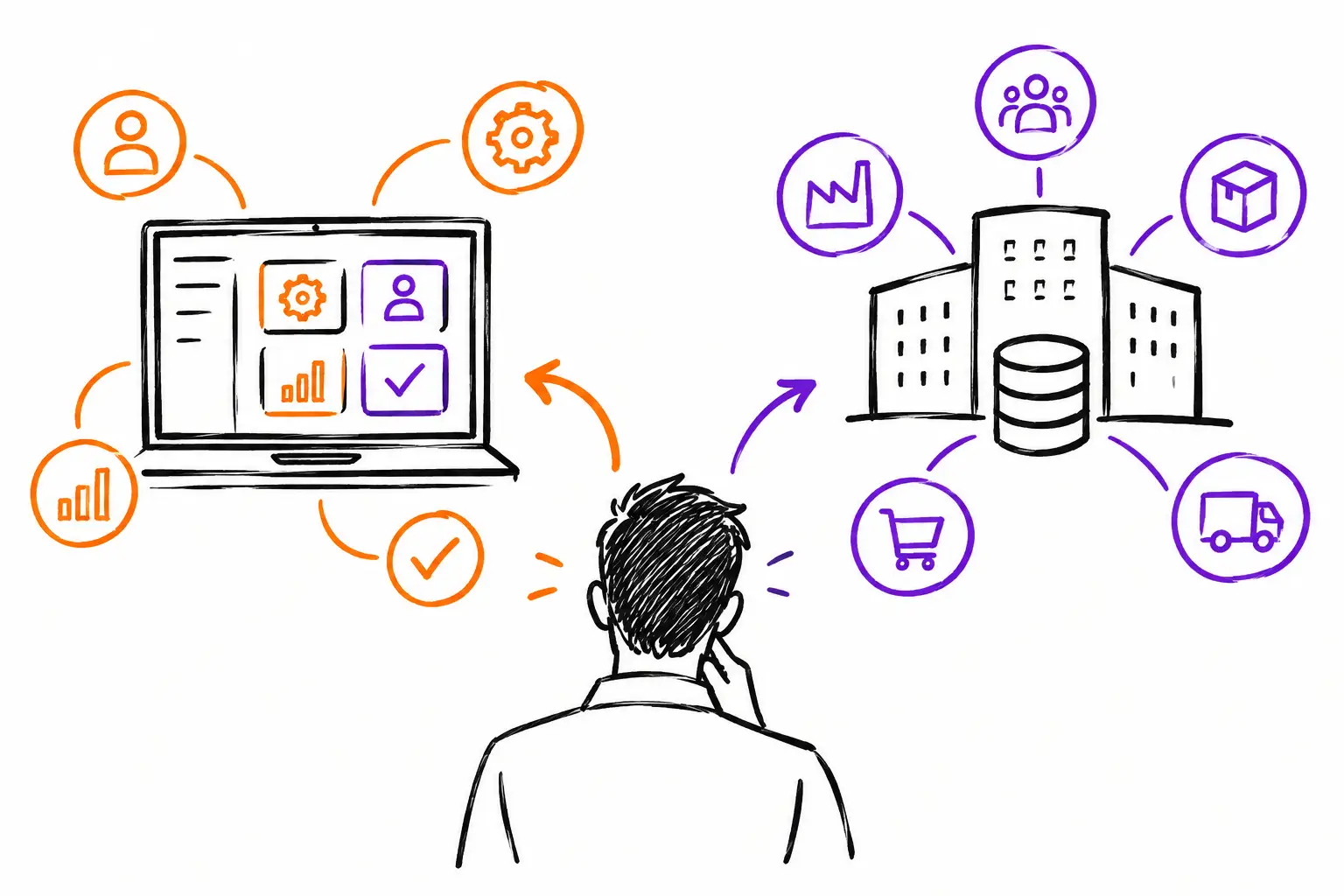
A work order is created in the morning, completed in the field with photos and hours, and then must be used to invoice the client in the evening. It is in this very concrete process that the choice between a business application or ERP takes on its full meaning. The question is not which tool has the most features on a spec sheet. It is whether your teams can do their work, track it, and invoice it without re-entering information into three different systems.
For an SME in services, construction, maintenance, or project management, a useful software must follow the reality of the work. A technician does not operate within a large process diagram. They receive a mandate, consult instructions, document what they do, obtain validation, and move on to the next client. The office, meanwhile, needs to see progress, verify costs, and transform the executed work into an invoice.
Business application or ERP: two different logics
An ERP generally groups several management functions into a single environment: accounting, purchasing, inventory, human resources, production, sales, and finance. It is a broad approach, designed to structure the company around common processes and centralized data.
A business application starts instead from the actual work to be accomplished. Its starting point can be a work order, a service ticket, a mandate, an intervention file, or a project. Around this document, it gathers tasks, procedures, photos, time, exchanges, expenses, parts used, and client validations.
The difference is major when the activity takes place outside the office. In a traditional ERP, the work order can become just one piece of information among others, sometimes managed in a separate module or a complementary tool. In a business application, this document becomes the center of the operation. It carries the necessary context so that each person knows what to do, where the file stands, and what remains to be invoiced.
This does not mean that an ERP is a bad choice. A company with complex financial needs, multiple legal entities, demanding production planning, or a strong purchasing structure may need one. But if the main problem is the incomplete flow of information between the field, project managers, and administration, starting with an ERP may shift the problem instead of solving it.
Start with the document that drives your business
To choose, look at the document that actually triggers work in your company. Is it an accepted quote? A service call? A purchase order? A preventive maintenance request? A production mandate?
Take an equipment maintenance company. The coordinator receives a client request and creates a work order. They add the address, the equipment involved, safety instructions, and the task list. The technician sees the file on their phone, logs their arrival, adds before-and-after photos, notes a part used, and gets the client to sign. As soon as the intervention is finished, the office can validate the billable items.
In this scenario, the challenge is not just recording a transaction. You must preserve the entire thread of the intervention. If hours remain in a timesheet, photos in the phone, parts in an inventory file, and the signature in an email, billing still depends on manual checks. Delays accumulate, and so do oversights.
A well-configured business application allows you to keep this information in one place. The file becomes the common reference. The field team does not have to reproduce their work to satisfy the administration, and the administration does not have to guess what happened at the client's site.
The double-entry test
Ask your teams a simple question: after finishing an intervention, how many times do you have to re-enter the same information?
If the technician writes their hours on paper, a coordinator enters them into a spreadsheet, and an assistant re-enters them into billing software, you have three opportunities to waste time or create an error. The same applies to materials, costs, project statuses, and client communications.
A good system does not eliminate human validation. Instead, it prevents that validation from becoming transcription. An hour entered in the right file should be able to feed project tracking, payroll, or the invoice according to your rules. An expense associated with an intervention should be visible before the invoice goes out. It is this continuity that changes the speed of execution.
When an ERP becomes relevant
An ERP is often relevant when the company needs to harmonize very varied processes on a large scale. For example, a manufacturer that plans production, manages multiple warehouses, controls bills of materials, and must produce consolidated financial information will find an adapted structure in an ERP.
It can also be a good choice when the number one priority is accounting, financial control, or centralized management of multiple divisions. However, you must verify the system's real capacity to support the teams executing the work. A solution can be very strong for closing monthly books while remaining cumbersome for a foreman, a project manager, or a technician on the road.
The risk is not just difficult adoption. It is forcing your methods into generic steps that do not correspond to your service. Your teams then bypass the software with texts, notebooks, calls, and personal files. Officially, everything is centralized. In reality, important information continues to circulate outside the system.
When the business application provides more value
The business application is particularly useful when your advantage relies on how you deliver work: your inspection procedures, acceptance forms, quality control steps, calculation rules, or quote templates.
An excavation company, for example, may want to track equipment hours, material deliveries, site photos, expenses, and approvals by project. A production agency may need to centralize mandates, deliverable versions, time spent, and client validations. These realities do not have the same vocabulary or statuses, but they have a common need: every work document must carry the information that allows you to move forward and invoice correctly.
Customization, however, has a limit. Configuring useful fields, statuses, and procedures is a good thing. Recreating every historical exception of the company in the software is not necessarily so. A good project starts by distinguishing what actually makes up your work method from what is simply a complicated habit.
The best choice may be both
Opposing business applications and ERPs is not always necessary. Many SMEs benefit from using an operational application for the field and projects, then connecting it to their accounting software or ERP. Each tool then keeps its role.
The business application manages execution: quotes, planning, work orders, tasks, time, expenses, photos, signatures, and status. The financial system then receives validated data for billing, accounts receivable, and accounting. This approach avoids asking a financial tool to become a mobile field application, or a service application to entirely replace financial governance.
At Sequentia, this logic starts from the SME's work document. The same file can evolve from the quote to the mandate, then to the intervention and the invoice, without asking teams to reconstruct information at each step. Integrations serve to preserve tools that are already important to the company, not to impose a change for the sake of changing.
Three decisions to make before choosing
Before comparing demos, first clarify the expected result. Do you want to reduce the delay between the intervention and the invoice? Better track project profitability? Avoid incomplete work orders? Each objective leads to different criteria.
Next, involve the people who use the system daily. The owner sees the need for control. The administrative manager sees the missing data. The technician sees unnecessary clicks. A solution that works for all three will have a better chance of being adopted.
Finally, ask to see your own scenario, not just a general demonstration. Have them create a quote, assign work, add time and photos on mobile, get a signature, correct an expense, and generate an invoice. If this process seems complicated in a demo, it will not become simpler on a Monday morning with a busy team.
The right software does not ask you to work like every other company. It helps you make your work visible, complete, and billable, at the moment it happens.


